Software Artifact Signing in 2026: A Practical Guide to Trusted Releases
A container image is easy to copy. It is also easy to run the wrong copy. Artifact signing and build provenance give a small team a way to test that a release came from its expected build route. Here is how to start, test, and maintain that check without a large security program.
How to trust the file you deploy
Two container files can share the same friendly name. That does not mean they hold the same code. A digest acts like a mark tied to the exact file. A signature helps check who approved that file. A build record shows where it came from. Together, these checks help a team block an unknown release before it reaches users.
Why provenance matters
What to check
A file can pass a scan yet still come from the wrong build. A signed release helps a team check who made an artifact and whether it changed. Provenance adds the build system, source and process that produced it. These checks matter when a container moves from a developer laptop to a registry, test cluster and live service.
How to apply it
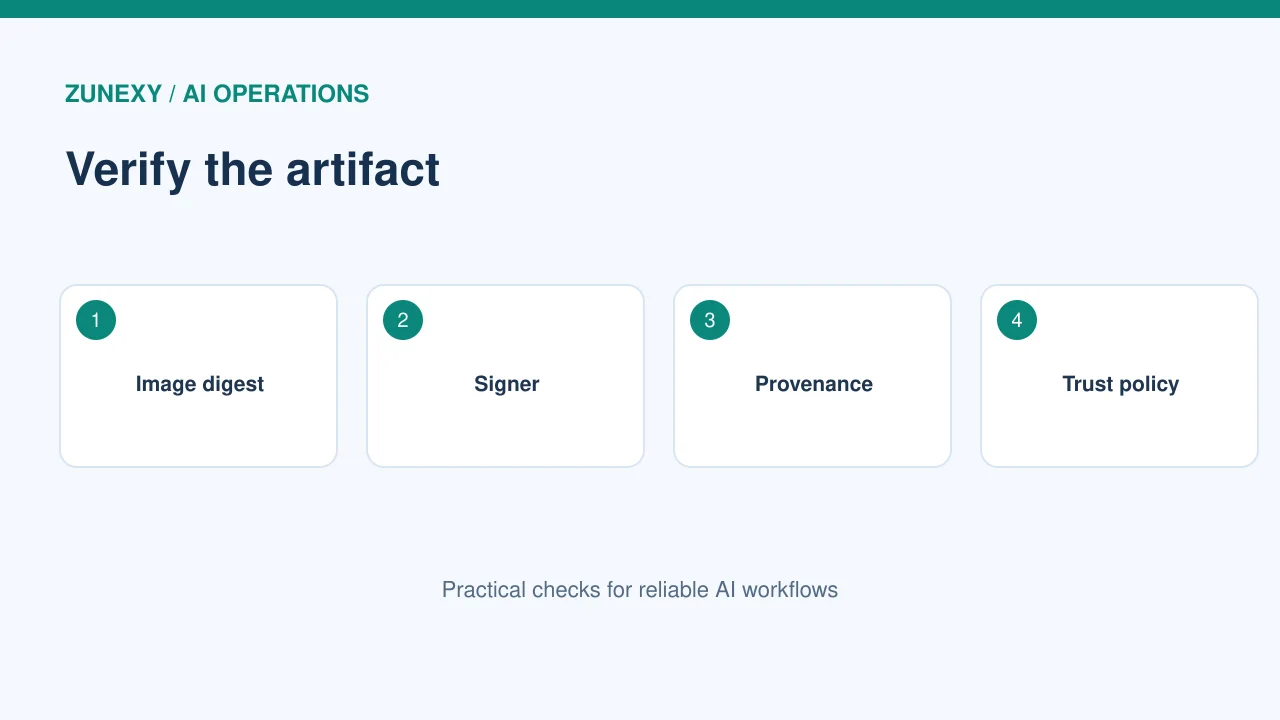
Think of a small team that downloads an image by tag. The tag can point to a new image later. If the team checks only the tag name, it may run content it did not review. A digest plus verified signature ties approval to the exact bytes. Provenance helps the reviewer see whether the image came from the expected workflow.
Start with one release route
What to check
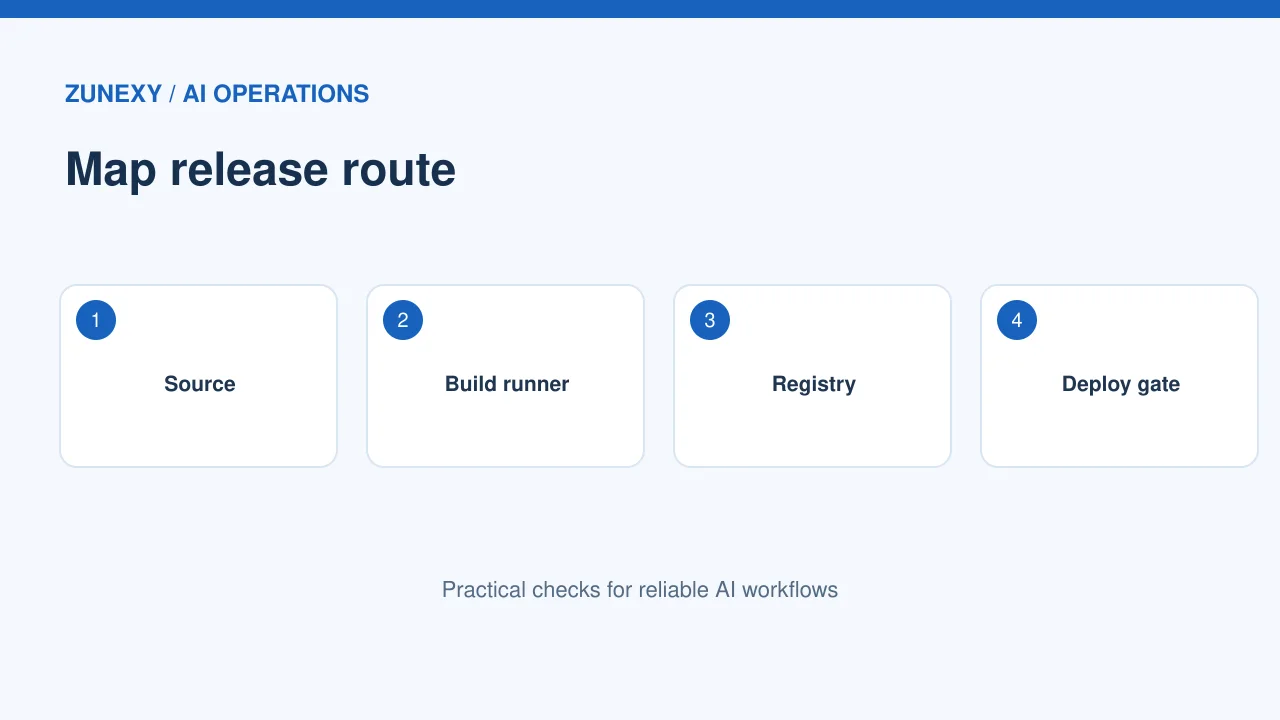
Choose one service that ships as a container. Draw its route from source change to build runner, registry, staging and production. Name the people and systems that can alter it. Write down the exact registry path and who can push to it. This map often reveals more risk than a long tool list.
How to apply it
Keep the pilot small. Use a test release with no customer secrets. Record its image digest after build. Pull it in staging by that digest. Compare what the deploy tool says with what the registry says. If those values differ, pause the rollout. Teams can learn the process without changing every deployment at once.
Understand signatures and attestations
What to check
A signature states that a trusted identity signed a particular artifact. An attestation states a claim about it, such as its build steps. They answer different questions. A valid signature does not prove the code is safe. It helps prove that the artifact belongs to an identity under a chosen trust rule.
How to apply it
The [Sigstore](https://docs.sigstore.dev/quickstart/quickstart-cosign/) project documents Cosign workflows for signing and checking artifacts. A team can use keyless signing backed by short-lived identity or another approved key process. Choose a method that fits the current build platform. Avoid placing a long-lived signing key in a shared script.
Choose a trustworthy build identity
What to check
Do not let every job sign a production image. Limit signing to an approved workflow, repository and branch. Protect the release environment with review rules. Keep build runners up to date and separate untrusted pull requests from jobs with release access.
How to apply it
A practical trial has two jobs. The first makes and signs an image after review. The second verifies the image before deployment. Change the image digest in a test manifest and confirm the second job blocks it. Then run a known signed image. Both tests are needed; an unchecked gate can look successful in logs while doing nothing.
Add build provenance
What to check
Provenance records where an artifact came from and how it was built. The [SLSA](https://slsa.dev/spec/v1.0/levels) framework describes stronger build assurance as systems add trusted controls. Use its terms to frame goals. But do not claim a level without checking the full requirements.
How to apply it
Ask the build platform whether it can produce provenance without a custom script. Store the record with the release artifact, and make the verifier check the expected source and builder. If the team compiles on a private laptop but claims a protected CI builder, the record will mislead reviewers. Accuracy beats a polished badge.
Write a policy for the deploy gate
What to check
Define what must match: artifact digest, signer identity, source repository and approved workflow. Decide whether an old signature is acceptable for a rollback. Plan how to handle registry outages. A policy should be written in plain words before it becomes code.
How to apply it
For example, a web service may accept only images signed by its release workflow in its main repository. A test namespace may allow unsigned builds from a sandbox registry. But production must not. Put the distinction in code and document it so on-call staff do not have to guess during an incident.
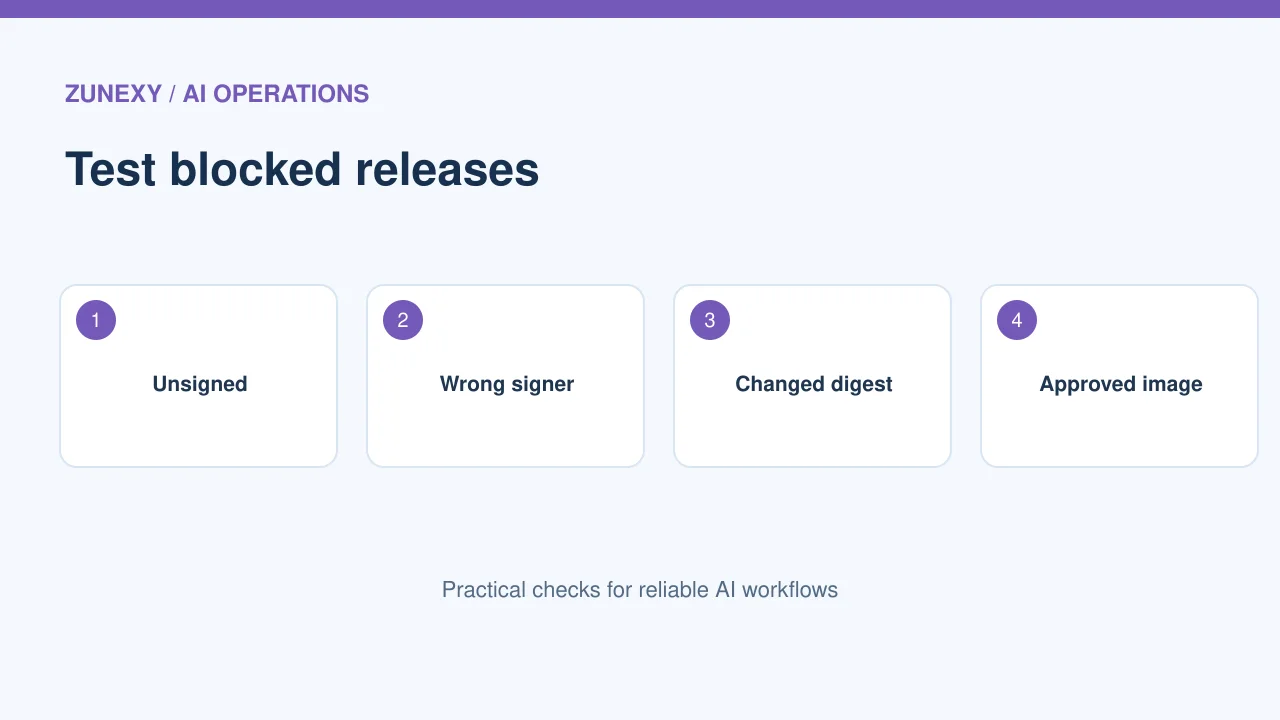
Test failure paths on purpose
What to check
A release gate is only useful if it fails safely. Run a staged test with an unsigned image, a signed image from the wrong project, and an image whose digest changed. The first three should be rejected. Then run the expected image and make sure it passes.
How to apply it
Look at the logs after each test. An error should tell the operator what failed without leaking credentials. Save a brief test record for later audits. If the gate has a bypass mode, log its use and require an owner to approve it. Do not treat a silent bypass as a normal fallback.
Keep third-party images in scope
What to check
Many teams sign their own images and forget images from outside suppliers. Pin base images to digests, check the publisher’s guidance and run vulnerability review. If the publisher provides an official signature, verify it against its published identity. If not, note that assurance gap.
How to apply it
One approach is to copy approved external images into a private registry after review. Record the source digest and approval date. That creates a stable deployment reference, though it does not make outside code trustworthy on its own. Plan a refresh cycle for security updates.
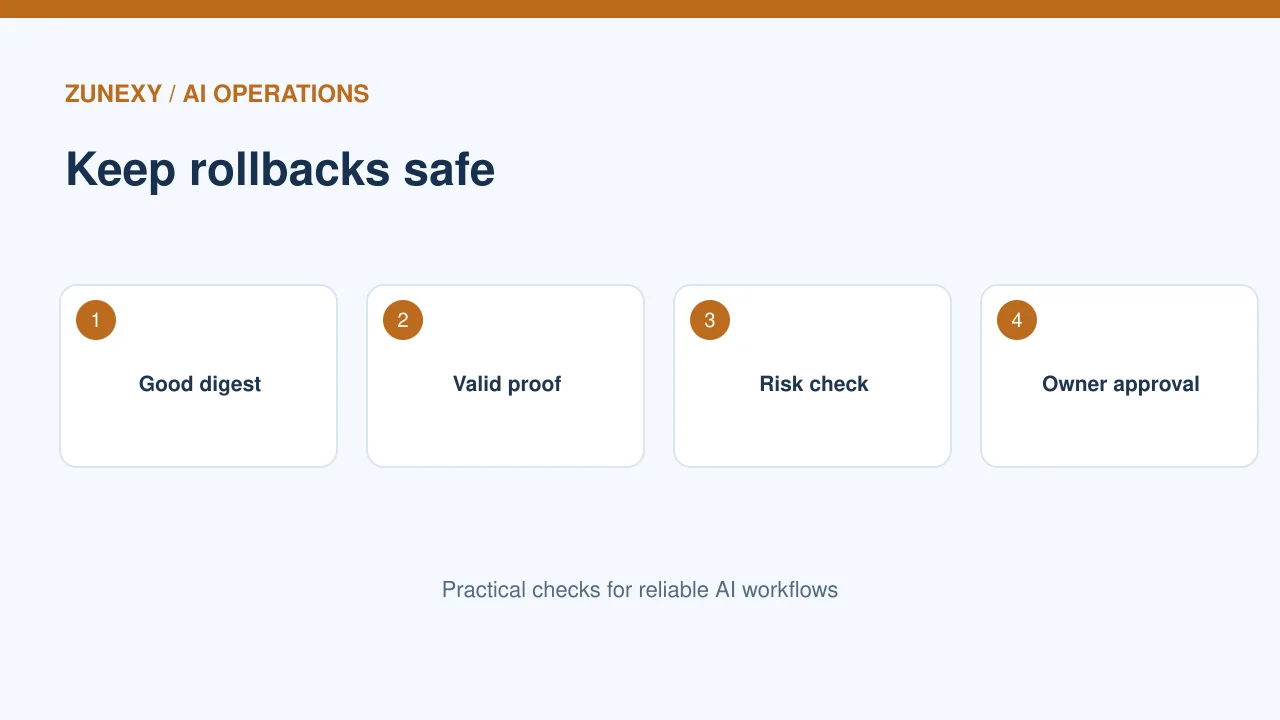
Make rollback safe
What to check
A rollback often happens when people are tired and speed matters. Keep the last known-good digest and its verification evidence. Test the rollback path in staging. Avoid emergency scripts that skip every trust check to get an older container running.
How to apply it
If an old image has a known flaw, a valid signature will not fix it. Check both provenance and security status. Assign who can approve a temporary exception and when it expires. The release system should make safe recovery easier than using an untracked manual command.
Measure useful outcomes
What to check
Track how many production deployments pass verification, how many are blocked and why, and how often staff need an exception. Note the time a release takes from build to deploy. These measures reveal whether the process protects the team or simply adds friction.
How to apply it
Review false alarms with engineers. A policy that blocks every rebuild after a harmless workflow rename may be too brittle. Update trusted identities through change review, not an open wildcard. The goal is a reliable chain of evidence from source to running service.
A weekly operating routine
What to check
Give one person ownership of the policy. Each week, sample a production deployment and confirm its running digest against the release record. Review failed verifications and open exceptions. Each month, test one planned failure case. Keep changes in the same review system as code.
How to apply it
This process is useful even for a small team. A signed artifact, a clear source identity and a tested gate reduce uncertainty when a release goes wrong. Start with one service, prove the gate, and extend the pattern only when maintainers can support it.
Release checklist
- Pin the exact image digest.
- Verify the signer against a specific identity.
- Check provenance for the expected builder and source.
- Reject altered, unsigned and wrong-project images in staging.
- Test a verified rollback.
- Record exceptions with owners and end dates.
The outcome to aim for is simple: a deploy can show what it is running, where the artifact came from and which policy allowed it. No signature removes the need for code review, patching and runtime monitoring.