Enterprise AI Staff Training in 2026: A Practical Adoption Plan for Global Teams
AI adoption works when people understand the task, data limits, and review steps. This guide shows how to teach staff through real examples, support different regions, and check whether the new workflow helps.
Begin With Real Staff Needs
Ask where work feels hard
An AI training plan should begin with people who do the work. Ask customer support, operations, finance, and sales what they repeat each week. Watch one common task. A worker may spend time finding the right policy page or turning call notes into a ticket. These are clear places to test help. Do not start by telling everyone to use one tool for everything. Different roles need different examples.
Choose one task per team
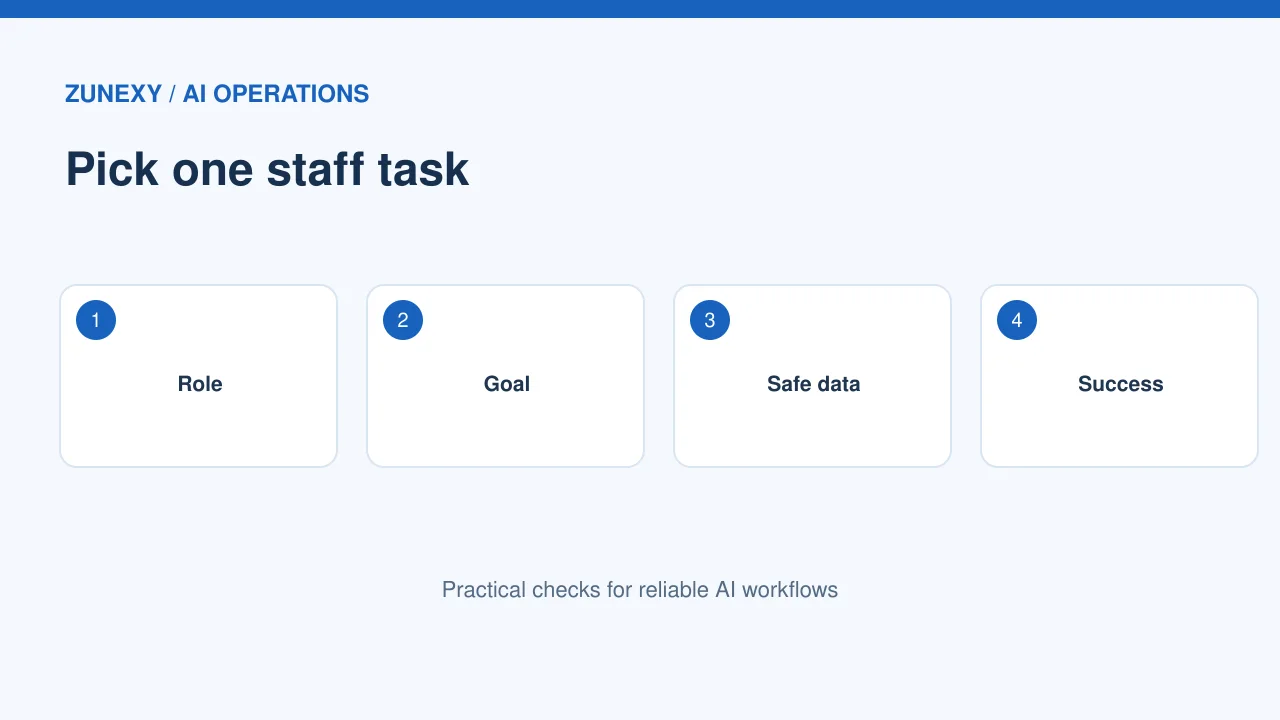
A support agent might draft a reply that a person checks. A buyer might compare two supplier documents. A manager might use AI to outline a meeting plan. Keep each pilot narrow and easy to review. Write what a good result looks like before training. If the task involves private data, confirm the approved tool and access rules. Staff should not be asked to paste customer records into an unapproved service.
Create a Simple Use Policy
Name safe and unsafe inputs
Explain what staff may share with the AI system. Public product text may be fine, while passwords, medical records, or private contracts may be restricted. Use examples from the actual job. Include where data is stored, who can access results, and how long records stay. A policy full of abstract terms will not help a busy worker. Have privacy and security owners approve the rules.
Make human review clear
State which outputs need a person before use. A draft email may need a quick fact check. A billing decision may need formal approval. A safety or legal claim may require expert review. Teach workers to find missing sources, invented facts, and wrong numbers. The NIST AI RMF core includes workforce training and clear risk roles as governance considerations. Adapt that idea to the firm’s daily tasks.
Train With Work Samples
Show a full task in fifteen minutes
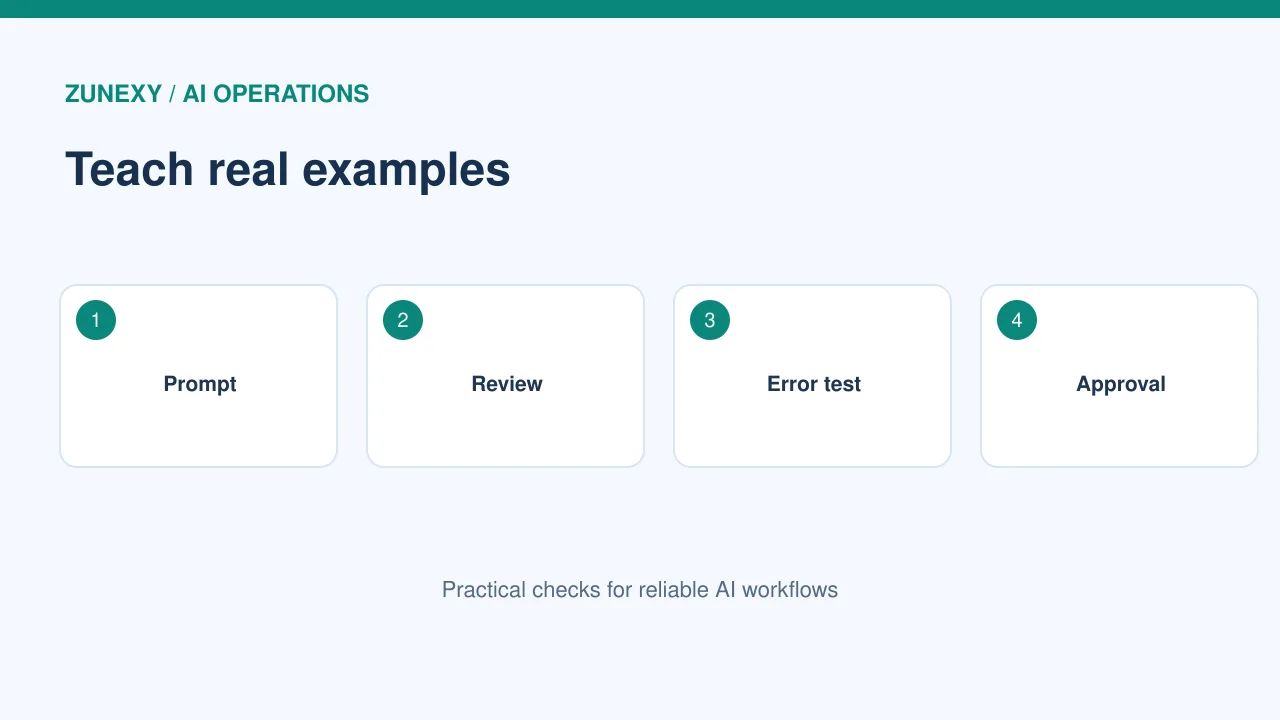
Use a harmless sample ticket or document. Show the goal, approved input, prompt, output, review, and final action. Let the worker repeat the process. Do not teach a long list of magic phrases. A clear request with context and an expected format is usually a better starting point. Teach people to ask one follow-up question when a result is missing a key fact. Keep source links visible when they matter.
Include bad examples
Show a reply with a wrong price, an invented policy, or an incorrect date. Ask the group to spot the issue. Then show how to verify it against the official source. A tool can write with confidence and still be wrong. This exercise builds a useful habit. Make it safe to say I am not sure. A worker should never feel pushed to send an AI answer without checking it.
Support Different Languages
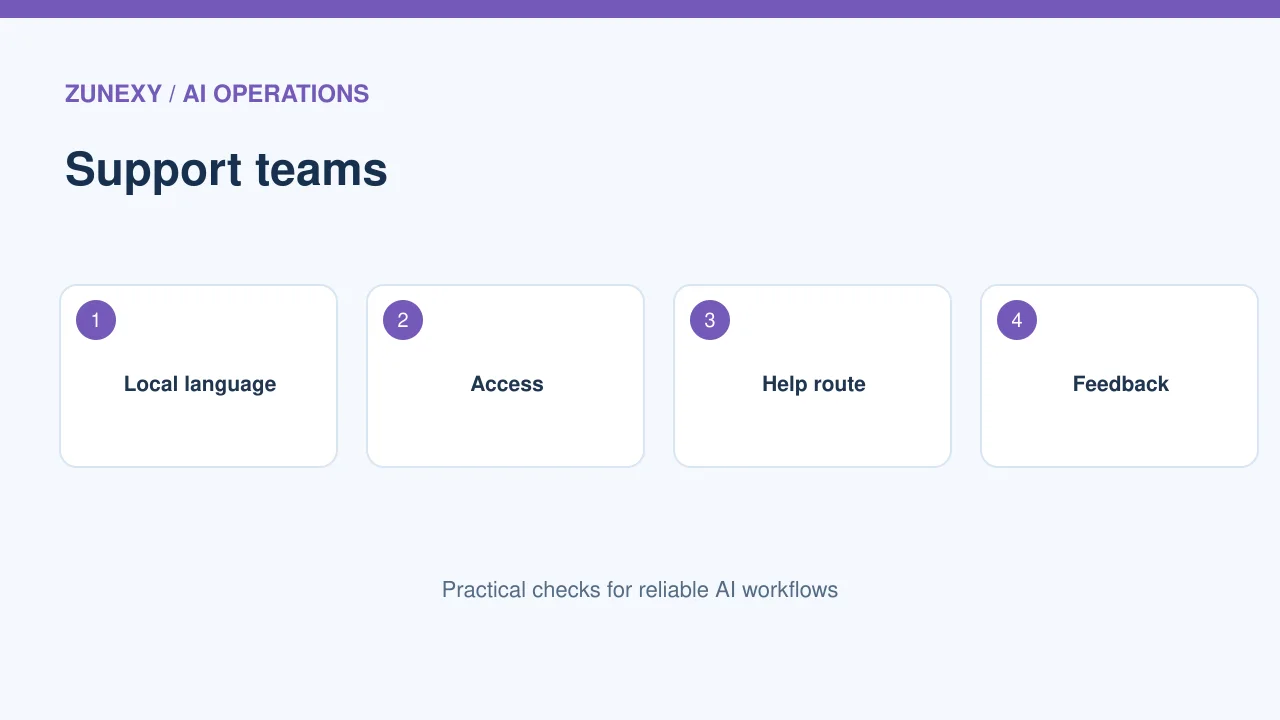
Let regional teams check wording
A global organization may train staff in more than one language. Translate the guide, but have local reviewers check key terms and examples. A phrase about refunds or account access can carry a different meaning across regions. Do not assume a machine translation is enough for legal notices or sensitive support. Use simple screenshots and task steps that work with local product versions. Let users report unclear wording.
Plan access for every learner
Some staff use screen readers, captions, or mobile devices. Keep slides readable, include text steps, and offer keyboard-friendly exercises. Avoid training that requires one browser or a fast home connection without an alternative. Give workers a practice environment with dummy data. If a tool cannot meet a team’s access needs, record the gap and choose another route. Good adoption must include more than the fastest users.
Build a Help Route
Give staff someone to ask
People will hit odd model answers, login blocks, and missing features. Name a tool owner or a small support group. Provide a short form with the task, error, and impact; tell staff not to attach sensitive data by default. Answer common questions in a living guide. Add an escalation path when the issue affects a customer or safety. A useful help route reduces shadow use of random unapproved tools.
Create small peer sessions
One person may find a better way to check spreadsheet formulas. Another may learn how to review a meeting summary. Invite staff to share short demonstrations, but require examples that use dummy or approved data. Keep the sessions focused on outcomes and mistakes, not hype. Record the useful method in the team guide. Peer learning often shows what formal training missed.
Measure Adoption That Matters
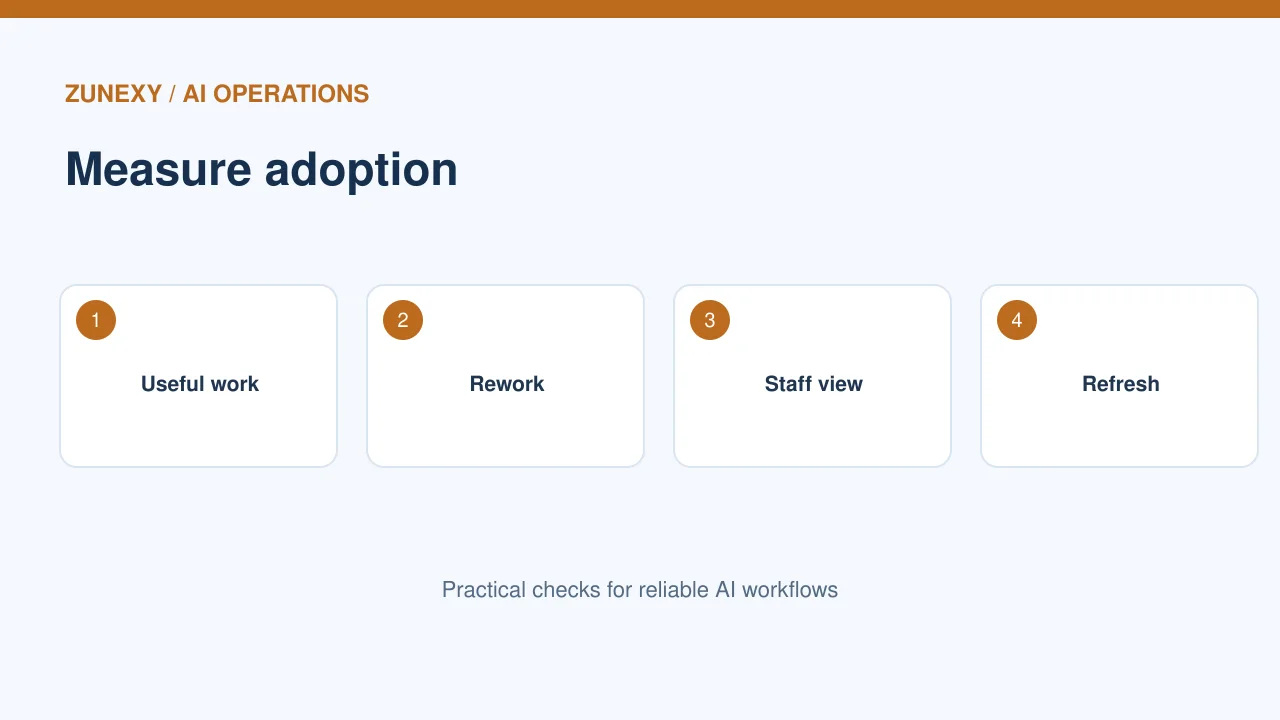
Count reviewed useful work
Tool logins alone do not show value. Track how often a task is completed well, how much rework it needs, and whether workers feel able to check answers. For support, measure a sample of approved replies and later corrections. For operations, compare time and error rate for a fixed task set. Ask people whether the workflow makes their job easier. Avoid ranking workers by prompt count.
Respect early feedback
If staff say an AI step adds work, investigate. They may have to copy results across systems or fix errors every time. Look at the full task, not just model speed. A five-second draft that needs ten minutes of review is not automatically a gain. Keep a manual route while the pilot improves. Publish small changes so people can see that feedback led to action.
Set Ownership and Review Dates
Assign responsibility by task
Every approved use case needs a business owner and a technical contact. The business owner decides whether the result serves the customer. The technical contact handles access and performance. A privacy or security reviewer may be needed for sensitive use. Keep the list with tool names, use purpose, and next check date. When a tool changes its features or terms, review the effect before a large rollout.
Retire poor pilots
Some AI ideas will fail a fair test. Close them without blaming the team. Revoke unused access, archive approved records, and note why the pilot stopped. This prevents a weak tool from running forever because someone bought a license. Keep the useful lessons. A failed pilot may show that the source data needs cleaning or the process needs a simpler form first.
Expand in Practical Waves
Move from a small pilot to a team
Start with a handful of willing workers. Fix training and access issues. Then invite another group with different needs. Check that support can handle the new users. Keep a clear list of tasks the tool is approved to do. Do not add a new region and a new high-risk use case in the same week if avoidable. Small waves make cause and effect easier to see.
Refresh lessons after changes
Models, tools, and work policies evolve. Review the training every few months and after a major system update. Replace old screenshots, confirm the source links, and rerun the bad-answer exercise. Ask new hires which steps were unclear. The guide should remain a useful working document, not a course people forget after one afternoon.
Final Takeaway
Teach one approved task at a time, practice checking wrong outputs, and give each team a clear help path. Use the NIST AI Risk Management Framework to inform governance, then adapt the details to local work. Good adoption is measured by useful results and safe habits.