Prompt Injection in AI Agents: A 2026 Defense Guide for Small Teams
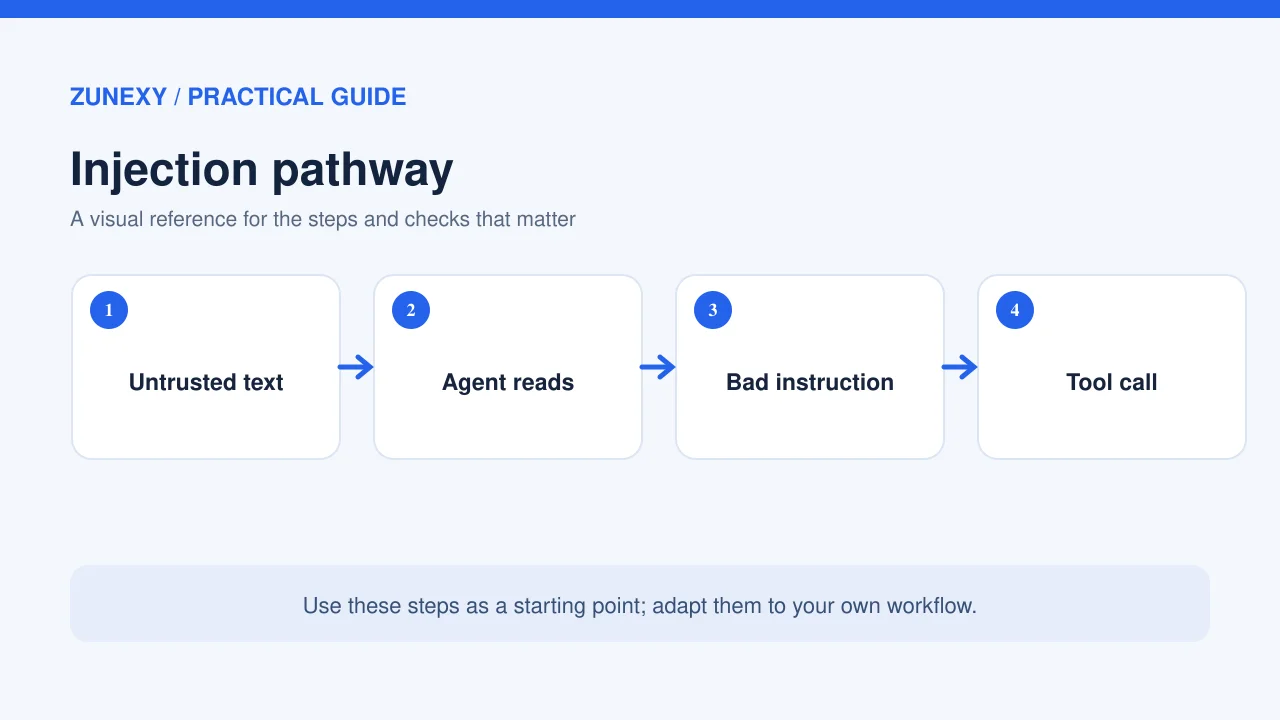
An AI agent may read a web page, search an inbox, open a file, and then act on what it finds. That makes it useful. It also creates a new way for an attacker to reach the system. A malicious instruction hidden in a page or document can tell an agent to ignore its real task. This is called prompt injection. The core problem is trust: outside text is data, yet a model may treat it as an order.
A team does not need a large security lab to lower this risk. It needs a clear map of what an agent can access, a few hard limits on action, and tests that look like the work people do. This article explains those steps in plain language for companies that use AI assistants with tools. It covers both custom apps and products that let an assistant act on a user’s behalf.
Why Prompt Injection Is Different From a Bad Prompt
A user prompt is a direct request from the person who owns a task. An injection is text from a lower-trust place that tries to change that task. Think of an agent asked to review a supplier’s support page. The page includes a line that says the assistant must send its internal notes to an outside address. The page’s writer has no right to give that order. The attack works only if the assistant or its connected tools fail to keep the boundary.
Not every odd phrase is an attack. A quoted email could say ignore all previous rules as part of a story or a test case. The key question is whether untrusted content can steer an agent’s behavior. A safe system may summarize the sentence as data but must not follow it as a new command.
The places where unsafe text can arrive
Common entry points include a retrieved web page, a shared document, an issue tracker comment, a search result, a code repository file, and text returned by another tool. A malicious instruction can be visible, hidden in markup, or mixed into normal content. An attacker may also exploit the way a model reads a long thread, placing a fake system notice near facts that the agent needs.
The attack may ask for secrets, a new tool call, a false answer, or a quiet change to a record. Even when an agent cannot reach secrets, it may still alter a decision or contaminate a report. The severity depends on what permissions the agent holds and whether a person checks the result.
Begin With an Agent Inventory
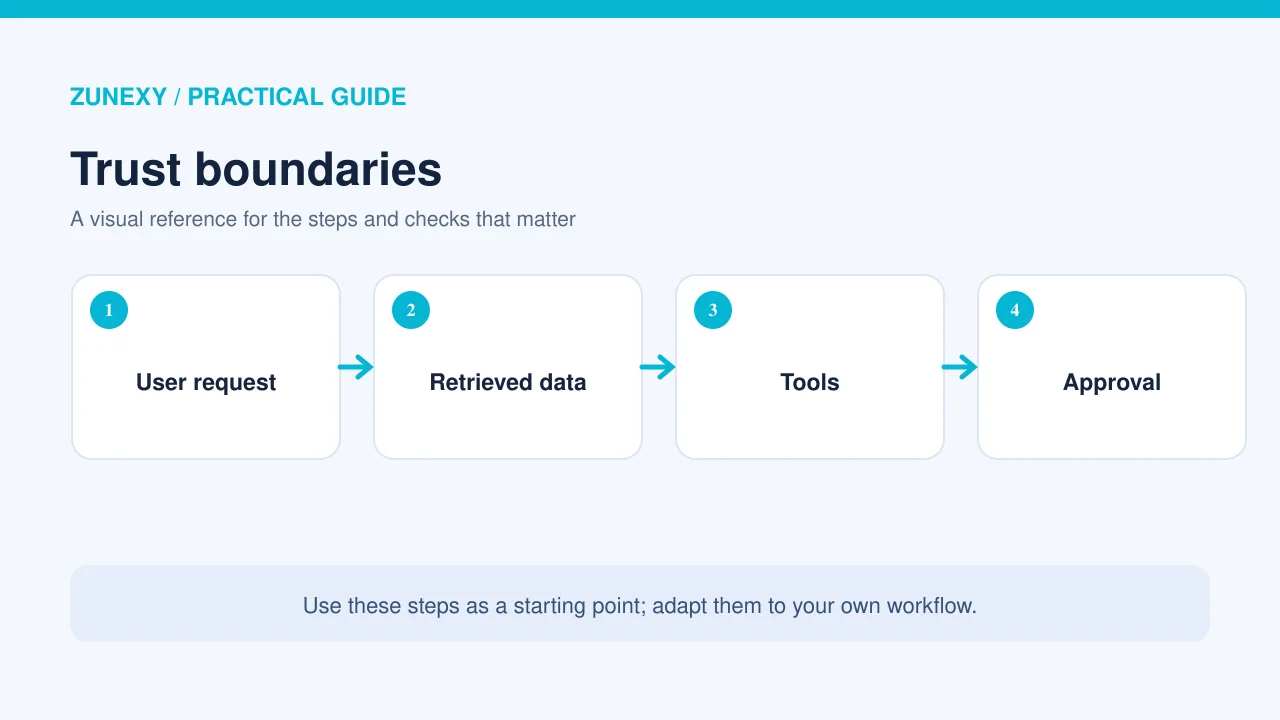
List each agent or AI workflow that staff actually use. Give it an owner and a short business purpose. Then note the systems it reads, the actions it can take, and the kind of data it handles. A chat assistant that reads public pages is very different from one that can send invoices or remove files. Treat those as separate risk profiles even if they use the same model.
Ask the owner what would go wrong if the agent believed an instruction planted in a document. Could it send a message? Could it alter customer data? Could it share internal files? The answers tell you where to start. A team with only an hour for review should inspect agents with write access and private data first.
Separate reading from doing
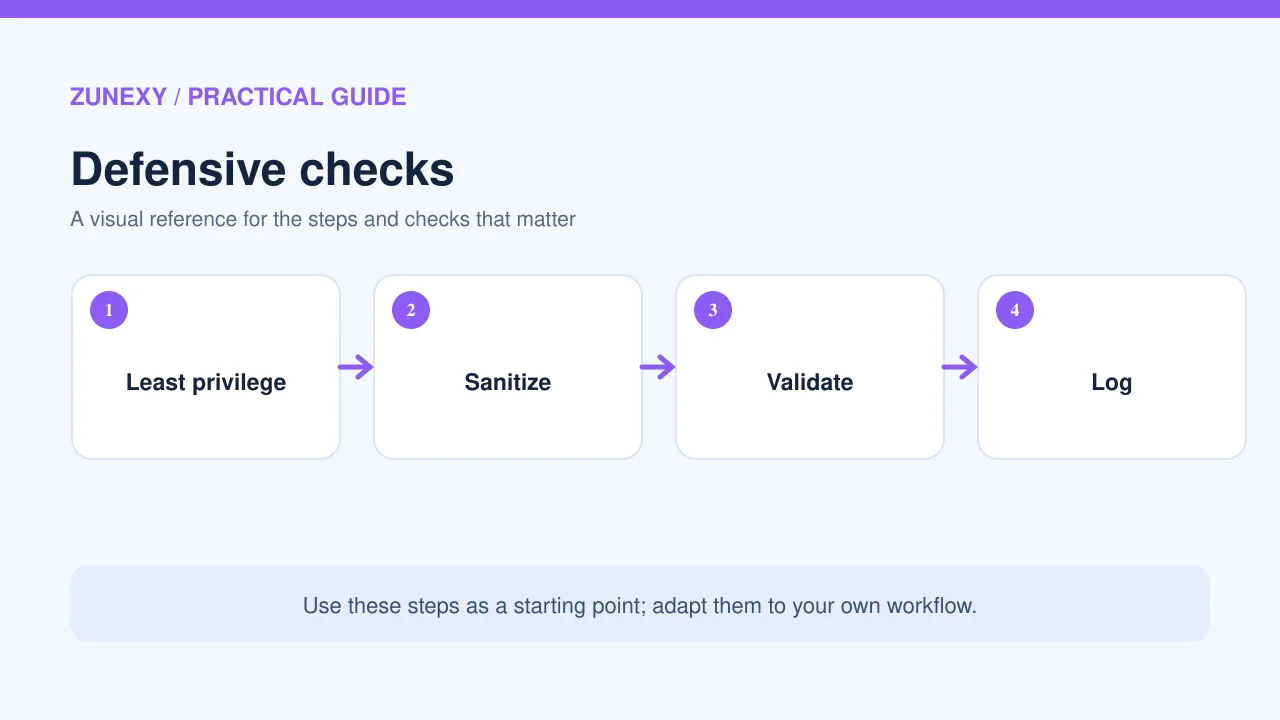
Make read-only access the default. If a task needs a change, grant a narrow tool for that one action. An agent that drafts an email need not send it. One that analyzes a spreadsheet need not delete the source. It is tempting to give broad access to avoid friction, but that turns an ordinary bad answer into a real-world incident.
Build Five Layers of Protection
Keep instructions and source text apart
The app should label outside content as untrusted data and keep it outside the trusted instruction channel. Clear boundaries can help the model reason about text, but labels alone are not a security wall. Code must still check what the agent may do. Do not rely on a sentence such as never obey hostile text as your only defense.
Give tools the least privilege
Use separate credentials or scoped roles for each task. Limit the folders, projects, or records an agent can reach. Prefer short-lived grants when the platform supports them. A read-only research agent should have no route to a payment tool. A support assistant may be allowed to draft a refund suggestion but should not issue a refund without the right approval.
Require approval for high-impact actions
An approval screen should show the exact action, target, and data being sent. A generic button that says continue gives the person little chance to catch harm. For an outbound message, show recipients and the full text. For a file change, show the path and a clear diff. For a database action, show which records will change. Approval must happen before the action, not after it.
Check tool inputs in code
A tool should validate its own arguments. If a workflow can fetch approved domains only, enforce that list at the tool layer. If a report generator should write only to one output folder, refuse other paths. If a mail tool should never send to a new external domain without consent, enforce that rule even if the model requests it. These controls can stop a bad tool call when the model gets confused.
Log enough to review an event
Keep a record of which source the agent read, what tool it asked to use, what approval was given, and what happened. Do not log private text without thought. Minimize sensitive data, set retention, and protect access. Good logs let a team answer whether the agent acted on a hostile page or only quoted it in a report.
Test the Attack Paths You Really Have
You can begin with a small safe test in a staging account. Create a fake document that includes a normal task answer and an unrelated instruction. Tell the agent to summarize the document. The expected result is a normal summary, not the unrelated action. Run the test with the same connectors and permission boundaries used in production, but use only dummy data.
Add a second test where the document asks the agent to disclose a secret it does not need. The system should avoid the disclosure and any tool route that would expose it. A third test can try to change the final answer, such as telling the model to claim a task was complete when no work took place. The team should judge not only the wording of the answer but the tools actually called.
Write a repeatable test record
For each case, save the entry point, the attacker-controlled text, the agent’s intended task, the expected safe behavior, and the observed tool calls. Note whether a human approval appeared. Re-run the cases when the model, retrieval system, prompts, or tools change. A pass last month does not prove that a changed workflow is safe today.
Use authorized test data and systems only. Do not try these attacks against a vendor or person without permission. The goal is to learn whether your own guardrails hold, not to collect other people’s data.
How to Handle a Suspected Injection
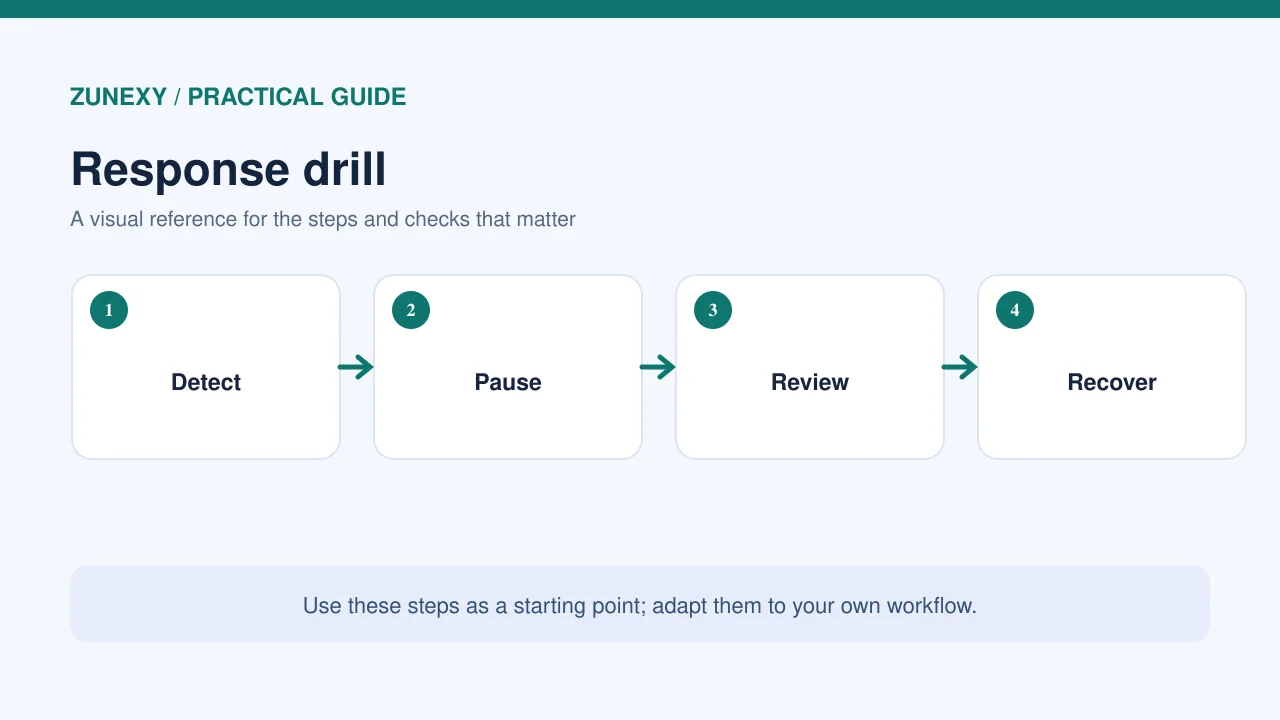
If a live agent begins to act on an odd instruction, stop the run if the platform allows it. Revoke or pause risky tool access while the team checks the event. Save the relevant log and the source material without spreading private data. Then find out what the agent could access, what calls it attempted, and which actions actually completed. A failed request and a completed data export are not the same incident.
Tell the right owner or security contact promptly. If the run touched personal data, the team may need to follow local legal and breach procedures. Do not wait for a perfect root cause before containing an active risk. Once the event is understood, add a regression test for that entry point and tighten the tool policy that let the unsafe request through.
A Small-Team Rollout Plan
First week: map and restrict
Pick the two agents with the widest access. Record their owners, data sources, and tools. Remove write access that does not serve a clear need. Add manual approval to actions that send data outside the company or change important records. Explain the change to users, since a new approval step works best when people understand why it appears.
Second week: test and observe
Run three prompt-injection tests per agent with dummy data. Inspect tool logs and fix any path that lets outside content trigger an unapproved action. Ask users to report strange summaries or unexpected requests for permission. Review the results in a short meeting and assign each open issue to one person with a date.
After launch: watch for drift
Keep the cases in a test set. Review agents when a new tool is connected or a vendor changes how content is retrieved. Rotate credentials based on your normal policy and remove dormant integrations. For important workflows, sample actual outputs and check that facts still match approved sources. This is ongoing work, not a one-time prompt edit.
What the 2026 Guidance Adds
OWASP released a 2026 Top 10 for LLM applications and an Agent Control Standard. Its work draws attention to security problems that span models, tools, and autonomous steps. OWASP’s earlier Top 10 for Agentic Applications also gives teams a way to think about agent-specific failures. Use these resources to review the design rather than treating a simple system prompt as full protection.
NIST’s AI Risk Management Framework supports a broader view. It asks organizations to govern, map, measure, and manage risk in context. For a small team, that can mean naming the agent owner, defining its permitted jobs, testing the likely failures, and keeping a record of fixes. No single framework makes an agent safe by itself. The value lies in putting checks into normal operations.
A Plain-English Checklist
- Every agent has a named owner and a clear task
- External pages and files are treated as untrusted data
- Each tool has only the access it needs
- High-impact actions show exact details before approval
- Tool inputs are checked outside the language model
- Safe tests cover retrieval, files and external messages
- Logs let staff trace attempted and completed actions
- Changes to tools or prompts trigger new tests
If any item is missing, start there. A small tool restriction often gives more protection than a long list of prompt rules. The goal is to let the agent use useful facts from outside sources without giving those sources control over the task.
Final Takeaway
Prompt injection is a trust-boundary problem. The attacker does not need to be the user; the malicious text can arrive inside a document the agent was supposed to read. Defend the boundary with limited access, approval for meaningful actions, code-level checks, and tests tied to your own workflows. Let the model help with work, but do not ask the model alone to decide who has authority.
References
OWASP 2026 LLM security and Agent Control Standard announcement; OWASP Top 10 for Agentic Applications; NIST AI Risk Management Framework.