Software Bill of Materials in 2026: A Simple SBOM Guide for Small Teams
A web app may use hundreds of software parts that its own team did not write. When one part has a serious flaw, teams need to know where it is used. A software bill of materials, or SBOM, helps answer that question. It is a list of software components and the ties between them. Think of it as a map of what went into a release.
An SBOM does not make an app safe on its own. It helps teams find what may be at risk and act sooner. This guide shows how a small team can begin without buying a large tool suite. It covers open source packages, software bought from vendors, and the steps after a new flaw is reported.
Why SBOMs matter now
In 2026, CISA and international partners released updated minimum elements for a software bill of materials. The guidance adds clearer data needs, including component hashes, license details, and details about the tool and context used to make a list. The NSA’s release explains the joint update. These details help people know which part and which build an entry describes.
Such guidance is useful across borders, but legal duties differ by sector and region. A small software firm may use it as a good practice even when no law asks for an SBOM. Teams that sell to large buyers may also be asked to share one during a security review.
Do not treat the list as proof that a product has no flaws. It is one source of evidence. You still need tests, access controls, updates, and a way to respond to new risks.
Start with the software you ship
Choose one app and one release
Pick an app that your team maintains and knows well. Choose a released version, not a moving development branch. Note the version, date, build job, and the person who owns it. This creates a stable base for your first list.
Suppose a small firm sells an invoice portal. It has a front end, an API, and a database service. Start with the API release because it has a clear package file and build process. After the first SBOM works, add the front end and any container base images. A narrow pilot is easier to verify.
Keep a record of what the first SBOM covers. If it lists only direct code packages, do not call it a full map of the whole system. State what is missing so a buyer does not draw the wrong conclusion.
Learn the fields that make a list useful
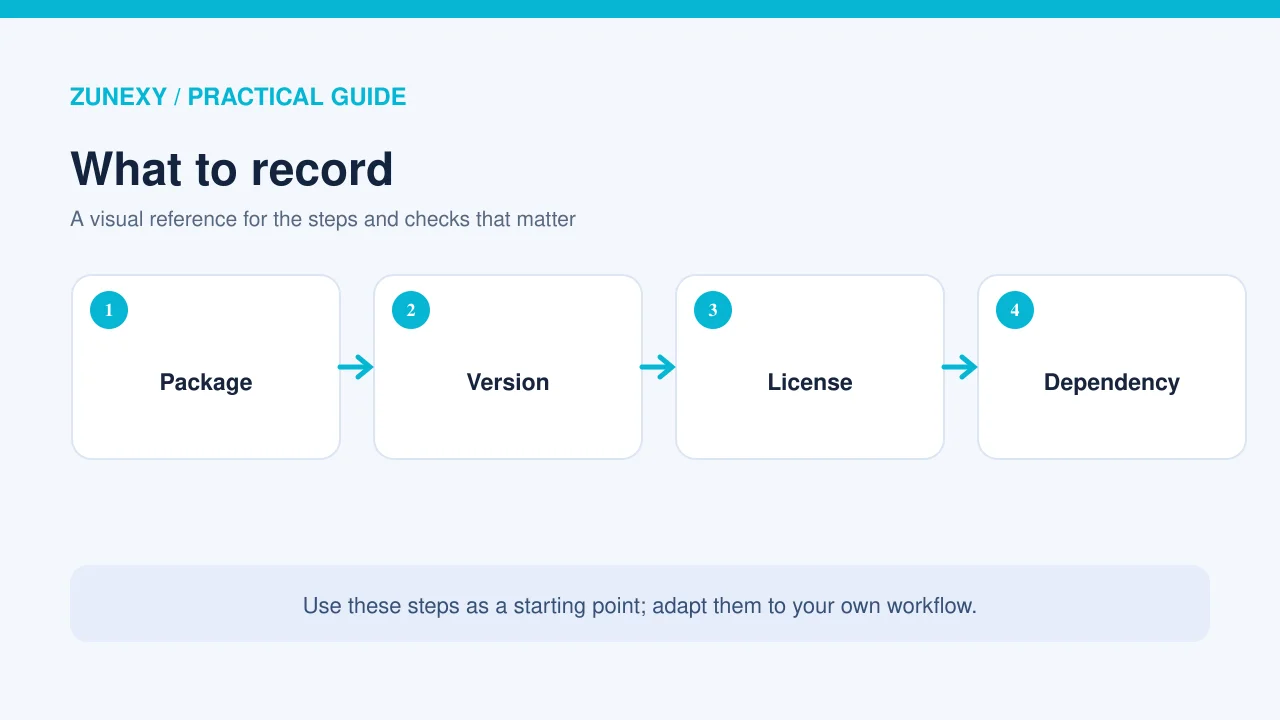
A plain text list of names is better than nothing, but it can be hard to act on. A useful SBOM has a component name, version, supplier where known, a unique way to identify the part, and links between parts. Build details and hashes help people match the record to the software they have.
For example, “logging library” is too vague. The same name may refer to many versions. A version and package identifier help a team find whether a new report affects its release. Keep the data in a format that tools can read rather than copying it into a slide.
Pick an open format
CycloneDX, an OWASP project, is one common format for bills of materials. SPDX is another widely used format. You do not need to use both at first. Check what your build tools support and what your customers can read.
Make sure any tool that creates the file is maintained and trusted. Read the tool’s output and test it on a known sample. A green “success” message does not mean the tool found every part of the app.
Generate the SBOM during the build
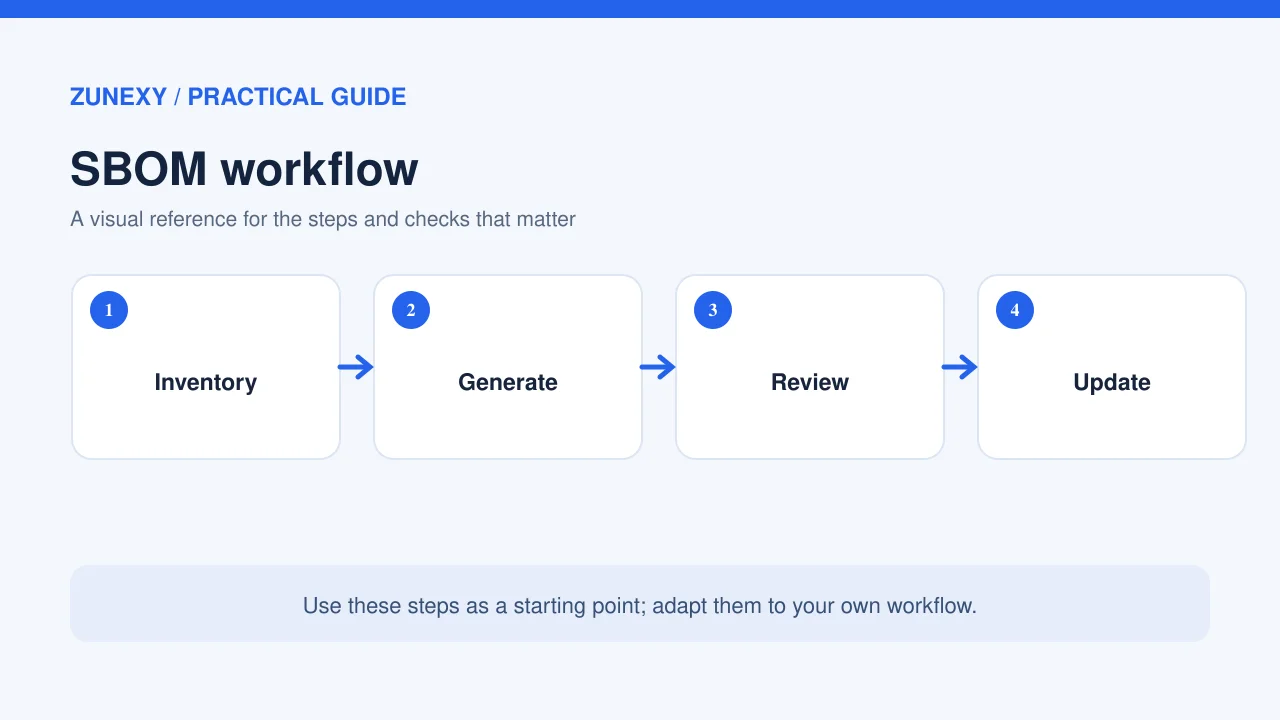
A list made by hand grows old as soon as a package changes. Add SBOM generation to the normal build process so each release gets its own record. Tie the record to the build ID or version. Keep it with the release data in a secure place.
At first, generate a list and compare it with your package files. Are the top packages present? Are versions right? Does the list include indirect packages that your app depends on? If it does not, learn whether the tool needs another setting or more access.
When a service uses a container, review the base image as well as the app code. The image can bring in operating system packages that do not appear in the app’s own dependency file. Keep image and app records linked to the same release.
Check the list before you trust it
Choose a few packages at random and check their names and versions against the actual build. Look for blank fields, duplicate entries, and parts marked with an unknown source. Record what you cannot confirm. A useful list is honest about its limits.
Do not send all SBOM data to a public site without a reason. A list may reveal internal design. Decide who may see it, how it will be shared, and whether a customer receives the full list or a scoped version. Security staff and legal staff may need to review the sharing rule.
Use the SBOM when a flaw is announced
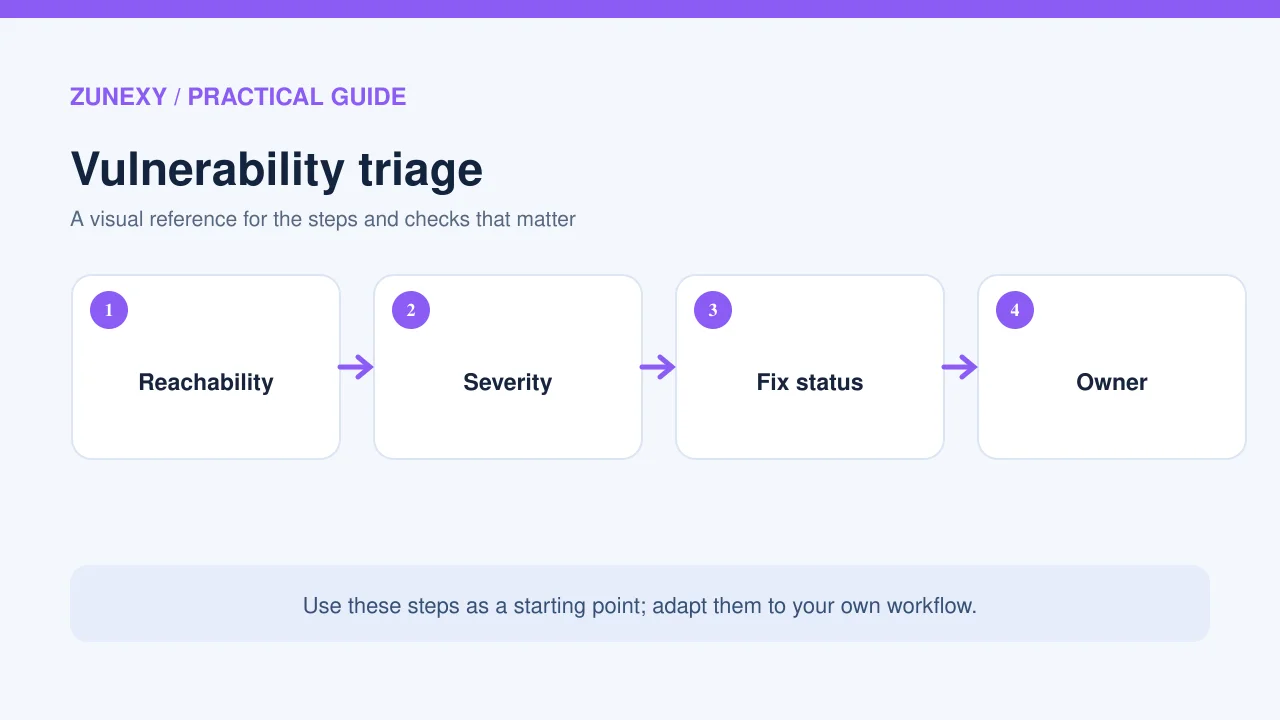
Imagine a security alert says a certain library version has a flaw. First, search your SBOM records for that component and version. Then confirm whether your built app has the affected code. A match in the list is a reason to check, not final proof that an attacker can reach it.
Ask the product owner whether the app uses the risky feature. Check vendor notices and the details from the package maintainer. If it is affected, plan an update or another safe fix. Test the change and ship it through the normal release path. Track the action until it is complete.
If the package does not appear, do not stop there. Your SBOM may miss a bundled library or a service provided by a vendor. Ask the owner to check the running system too. A missing entry is not a guarantee of safety.
Make one response ticket per issue
A ticket should name the affected service, version, risk, owner, decision, and due date. If you decide not to fix at once, record the reason and a review date. That is more helpful than a long list of alerts that no one owns.
Ask suppliers for useful evidence
When you buy software, ask whether the provider offers an SBOM and how often it changes. Ask how they report urgent flaws, whether they support older releases, and what they do when a risky component is found. You may not get every detail, but the answers show how the supplier manages risk.
Do not treat a missing SBOM as the only signal of vendor quality. A small vendor may have strong practices but limited reporting. A large vendor may supply a polished file that is months old. Check both the evidence and the response process.
Keep SBOM work small enough to last
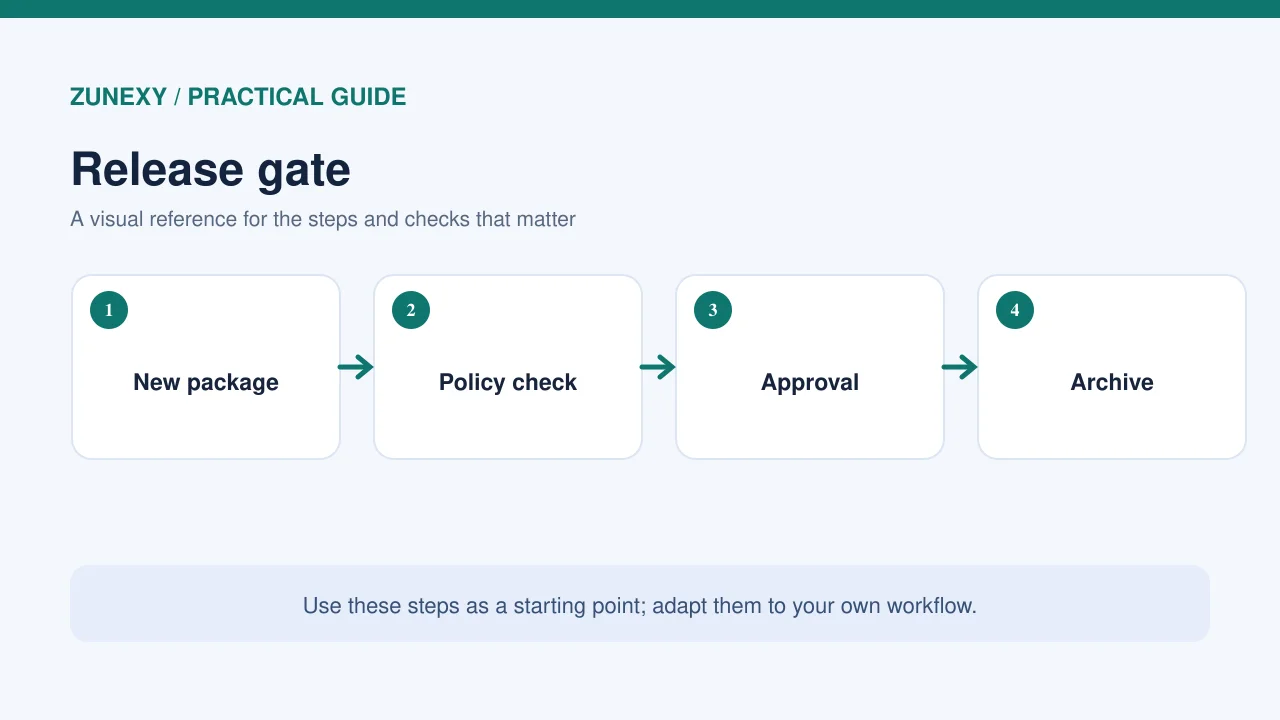
Pick a person to own generation and another to review security alerts. In a small team, one person may handle both, but a second reviewer should check major releases. Add a short check to the release checklist. If the list fails to generate, decide whether the release can go on and document the exception.
Avoid creating a separate manual report that staff must rebuild each week. The most reliable record is linked to the software build. Make it easy for support staff to find the right version when a customer asks.
A first-month rollout plan
- Week 1: Choose an app, release, owner, and format.
- Week 2: Create an SBOM in the build and check sample entries.
- Week 3: Test a mock security alert and make a response ticket.
- Week 4: Fix gaps, set a sharing rule, and add a release check.
Keep a short note of what did not work. Maybe a package has no clear version. Maybe your container scan finds items the first tool missed. These are reasons to improve the process, not to give up.
Common mistakes to avoid
Making one list and never updating it
A list belongs to a version. When the app changes, the list must change too. Link it to your build so no one has to remember a manual step.
Assuming every listed flaw is exploitable
A scanner may flag a package your app never calls. Review the path that could expose it, then decide how fast to act. Do not ignore a serious report just because the first alert lacks context.
Sharing a file without a contact
Give buyers a clear route to ask questions or report gaps. The file alone cannot explain every choice or missing field.
Final takeaway
An SBOM is most useful when it helps someone answer a real question fast: do we use this affected part, and who will fix it? Start with one release, use a common format, check the data, and make the list part of each build. Over time, that habit gives a small team more control over its software supply chain.