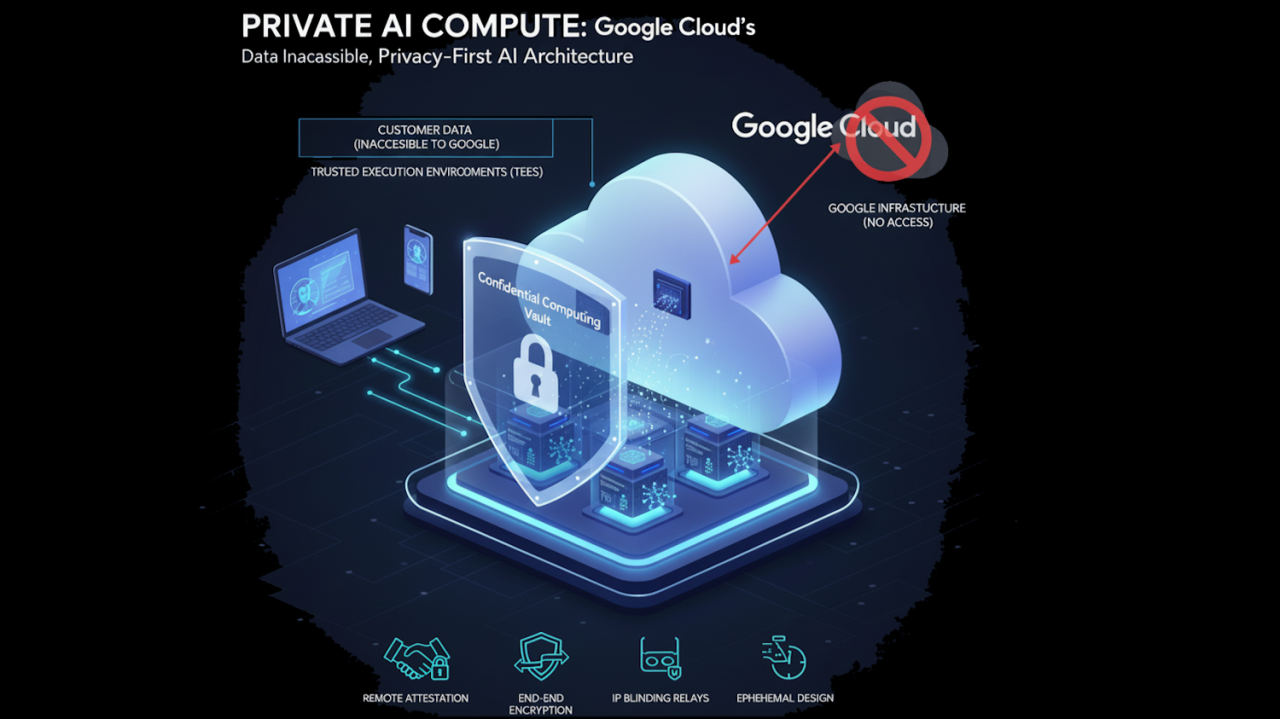
Cloud Disaster Recovery for AI Applications: A Practical 2026 Plan
An AI app can seem healthy until a database fails, a cloud region loses access, or a model endpoint stops responding. Then users see errors, work stalls, and teams find out whether their backups can restore a real service. A cloud disaster recovery plan should answer a plain question: how will people keep working when a key part fails?
The answer is not always a second data center. Small teams can start with a clear list of critical functions, a tested restore path, and honest expectations for downtime. An app that summarizes public news has different needs from one that helps a clinic schedule care. This guide shows how to choose a recovery target and test it without buying more infrastructure than the service needs.
Map the Service Before Buying Resilience
Draw the path of one user request. For a document-search app, the path may run from a web form to an API, then a search index, a model service, a database, and a response store. Mark where the request would stop if one part were unavailable. Often the most fragile piece is a private database or a secret that only one server holds, not the model.
Ask the person who operates each part what is backed up and who can restore it. A diagram that names the exact database, bucket, region, key store, and network rule is more useful than a generic cloud chart. Keep this map with the runbook so the person on call does not have to guess during an outage.
Separate core work from optional features
Some features can fail without taking down the service. A recommendation widget may be optional. Login, billing, and access to saved work may be essential. Design the app so optional AI features can show a calm message or switch to a simple manual path. Do not turn off safety checks or access rules to make a degraded mode work.
Choose RTO and RPO in Plain Language
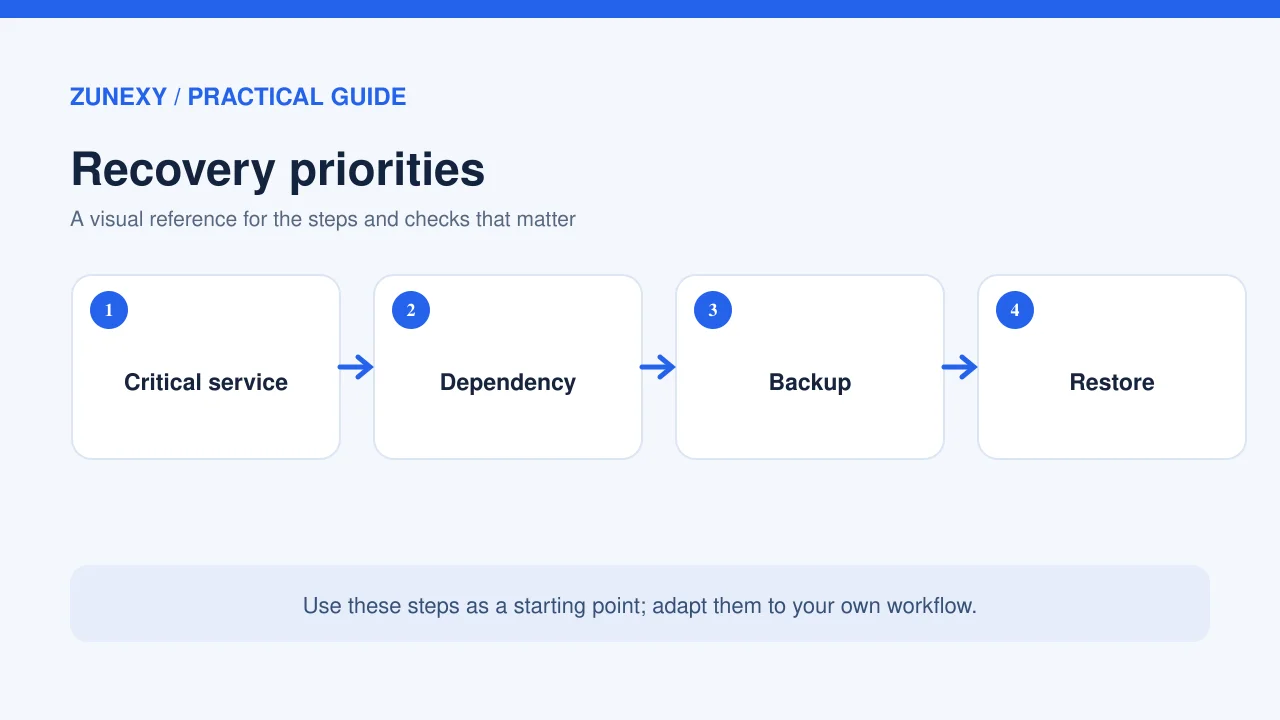
Recovery time objective, or RTO, is the amount of time a service can be unavailable before the disruption becomes unacceptable. Recovery point objective, or RPO, is how much recent data the business can afford to lose. The two values solve different problems. A fast restart from a week-old backup may meet a time target but fail the data target.
Consider a small content tool. Staff may accept four hours without new AI summaries, but losing customer edits from yesterday could be painful. It might need a modest RTO and a much shorter RPO for edits. Another app may have no local user data and can simply restart a stateless service. Write the targets for each data set and function rather than copying one figure across the whole app.
The Google Cloud disaster recovery guidance uses RTO and RPO to shape architecture choices. Its practical lesson applies beyond one provider: business needs should drive the design. More replication can reduce loss or downtime, but it adds cost and can copy corrupt data as quickly as good data.
Know What You Can Rebuild
Application code and settings
Store application code in version control and keep a repeatable way to deploy it. Record infrastructure settings in a reviewed configuration file where possible. A recovery plan based on someone remembering which buttons to click is hard to trust. Test a clean deployment in an isolated environment. Keep production secrets out of the code and use an approved secret store.
Databases and customer files
Set a backup schedule that matches the data RPO. Protect backups with separate access, encryption, and a retention policy. A backup in the same account and region may not help when that account is unavailable. Consider a second region or separate recovery boundary for data that matters most, but test the access path before relying on it.
Do not confuse snapshot creation with successful recovery. Restore a backup into a test environment and check row counts, file hashes where useful, and sample user records. A database may start but still have broken links to files or an old schema. Write down the checks that show the service is usable.
AI models, prompts, and search indexes
An AI service may rely on a model identifier, a custom prompt, an embedding model, and a vector index. Keep the exact versions needed for a working restore. If the search index can be rebuilt from source files, document how long that takes and which source is authoritative. If it cannot be rebuilt easily, back it up too.
A fallback model may not respond in the same way as the primary model. Test the main tasks and safety rules before using it with real customers. A model switch is not a harmless routing change. It can affect output length, structured data, language quality, and refusal behavior.
Pick a Recovery Pattern That Fits
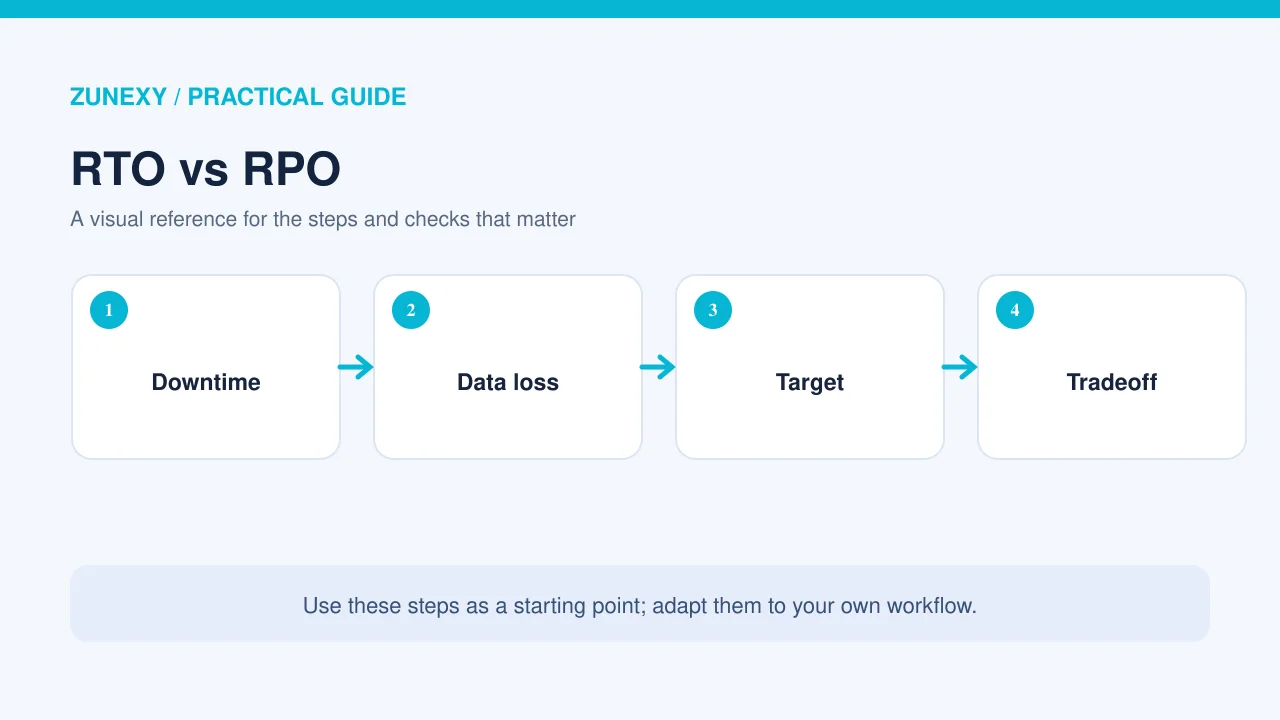
The least costly pattern often starts with backups and a tested rebuild. It suits a service that can wait a few hours. A warm standby keeps some core systems ready in another place and can reduce recovery time. An active-active system handles work in more than one region at once, but it needs careful data design, traffic controls, and ongoing tests. There is no universal best pattern.
For an early-stage app, a simple restore plan may be enough. For a tool that runs vital customer work, a standby region may be justified. Ask what downtime costs in staff time, lost work, service commitments, and trust. Compare that with the cost of a second environment. Do not buy active-active architecture because a diagram looks impressive.
Build a Runbook That Someone Else Can Use
Write the first five actions in order. Who confirms the incident? Who decides to start recovery? Who tells users? Who restores data? Who checks that the service is safe to reopen? Include the names of roles and the channels used if the usual chat system is down. Keep a copy of the runbook outside the main cloud account.
The runbook should include the location of backups, deployment scripts, contact details for providers, and a way to verify access. Do not paste secret values into the document. Describe how an approved responder can retrieve them. Add a step for freezing risky writes if data is inconsistent.
Communicate without overpromising
Tell users what is affected, what still works, and when you will update them next. Do not guess a restore time before the team has tested the path. If you switch to a manual service, explain its limits. An honest status note helps people plan their own work while engineers recover the system.
Test the Plan in a Safe Environment
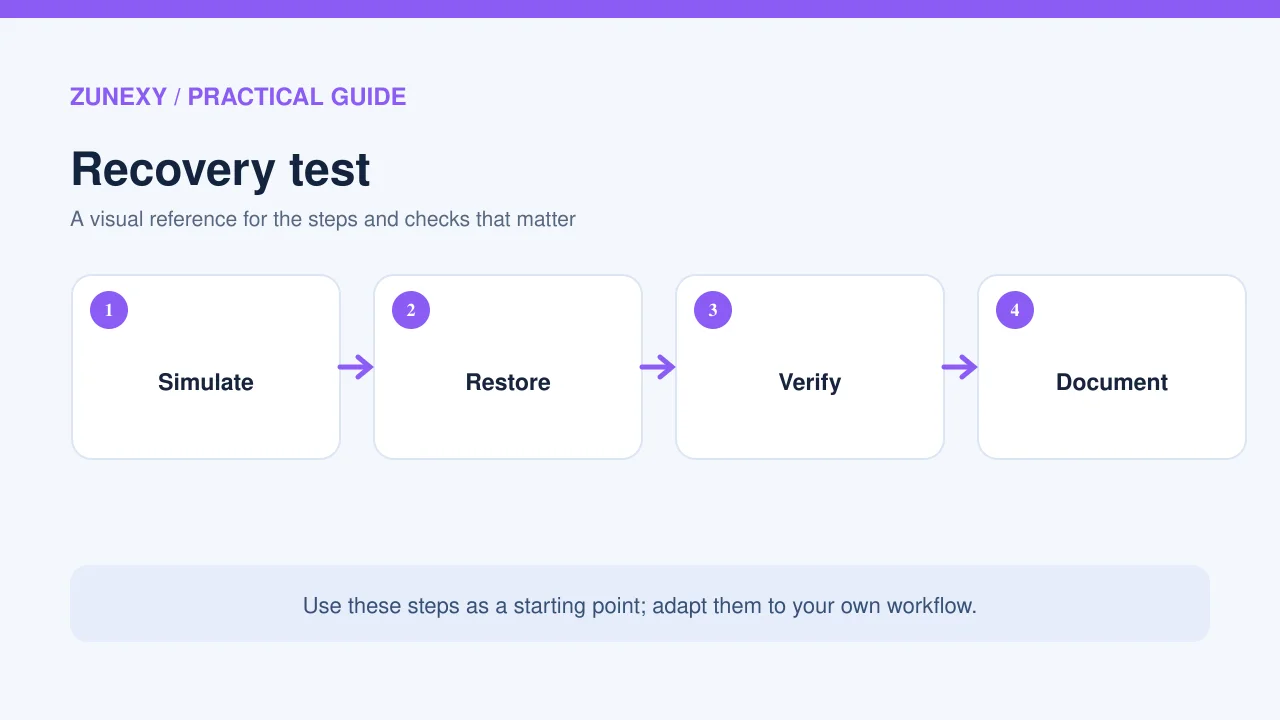
Start with a tabletop exercise: pretend one region or database is lost and walk through the runbook. Note every missing permission, unknown owner, or unclear step. Then perform a real restore into a staging account. Time the work from first alert to a verified user transaction. Compare the result with the RTO, not merely with the time the server started.
The Google Cloud reliability guidance recommends judging recovery tests by data integrity, RTO, and RPO. Use those three checks in your report. If a restore meets the time target but loses unacceptable data, it failed. If all data returns but the service takes too long, it also failed against the stated goal.
Try realistic failure cases
One test can assume the database is lost but the app servers are healthy. Another can remove access to the model provider. A third can simulate bad data being copied to a backup. Each teaches something different. Keep exercises controlled, use test data, and schedule them so they do not harm live customers.
A Small-Team Recovery Checklist
- List critical user journeys and their dependencies
- Set RTO and RPO per service and data set
- Keep code, settings, prompts and model versions reproducible
- Protect backups and test real restores
- Document an outage owner and a communication route
- Test model fallback behavior before enabling it
- Record actual restore times and data checks
- Review the plan after major system changes
This list is a start, not a guarantee. A complex service may need outside review, more tests, and contract checks. Still, teams that can restore a representative workload on demand are in a better place than teams with an untested backup icon on a dashboard.
Where Cloud-Native Operations Fit
The Cloud Native Computing Foundation reports that 82% of container users in its 2025 survey ran Kubernetes in production. That figure describes surveyed container users, not every company. It helps explain why many teams now depend on clusters, service settings, and observability tools. If your app uses Kubernetes, back up cluster configuration and the data behind workloads; pods alone are not a recovery strategy.
Watch user-facing health, not only server uptime. An app can return an HTTP success code while its AI search produces empty results because the index did not restore. Use a small set of end-to-end checks: sign in, find a document, produce a response, and save an edit. These prove that people can use the recovered system.
Review Costs Without Losing the Goal
Recovery has a running cost and a testing cost. Count backup storage, data transfer, standby capacity, staff time, and provider fees. Compare plans at the same RTO and RPO. A cheaper plan that cannot meet the service target is not a bargain. A costly plan that protects an optional feature more than core records may also be poor value.
Review the plan every few months and after a major release. A new third-party tool, region, or data store can change the recovery path. Ask a new teammate to follow the runbook in a test. If they cannot, improve the steps before the next incident.
Final Takeaway
Cloud disaster recovery for AI applications is a business decision backed by a technical test. Map the service, choose realistic RTO and RPO values, protect the data that matters, and prove you can restore a useful user journey. A plain, tested plan can be more valuable than a costly design no one has practiced.
Sources
Google Cloud disaster recovery architecture, Google Cloud recovery testing guidance, and the CNCF Annual Survey.