
AI Spend Budgeting in 2026: A Practical FinOps Plan for Teams
AI costs often start small. A team tests one model, then adds a chat tool, a search feature, and a data pipeline. Each one has a bill. Soon, the finance team sees a total but cannot tell which work brought value. The fix is not a larger spreadsheet. It is a clear way to link each cost to a task, owner, and result.
This guide shows how to set an AI budget that people can use. It covers shared cloud costs, model API fees, paid AI apps, and the time spent by staff. It also shows how to review the budget without slowing useful work. The steps suit teams in any country because they use rates and units, not one local price list.
Why AI budgets need their own rules
Classic cloud cost plans often track servers, storage, and networks. AI adds a new type of bill. One user action can trigger several model calls. A document search may call an embedding model, read a vector store, and then call a text model. A staff member may use a paid AI app outside that system. The full cost of one result can cross several vendors.
In its State of FinOps 2026 report, the FinOps Foundation says that managing AI spend is now a major part of technology cost work. A related Linux Foundation release reports that 98% of 1,192 survey respondents manage AI spend. That is a sample of FinOps practitioners, not a claim about all firms.
The key lesson is simple: track what the business gets for the money. A low bill can still be wasteful if no one uses the output. A high bill may be fair if it saves staff time or raises service quality.
Step 1: Make a full list of AI costs
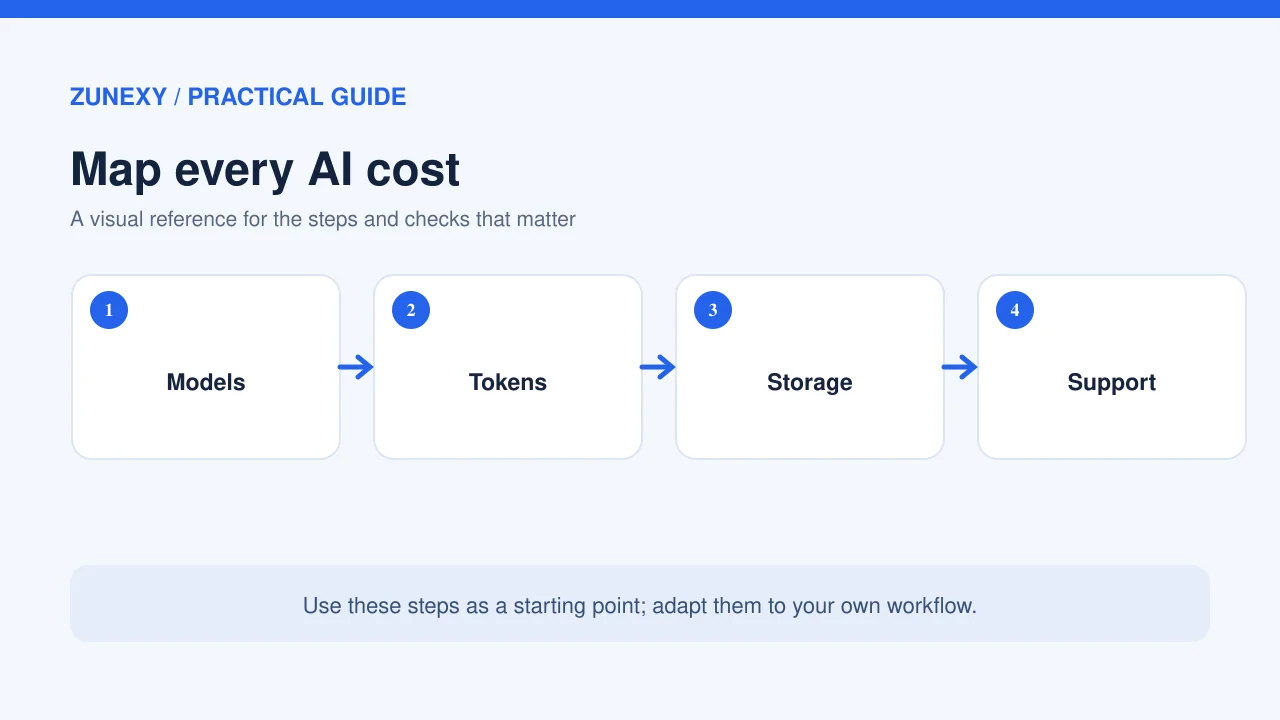
Look beyond model API invoices
Start with bills from the past three months. Ask the cloud lead, IT team, department heads, and finance staff to check the list. Include model usage, software seats, data storage, search tools, and human review. Do not mix taxes and exchange-rate shifts with raw usage. Keep those as separate lines so you can see the true change in demand.
Each entry needs a vendor, cost owner, service, billing unit, and purpose. One shared app may serve sales and support. Split its cost by actual use when you can. If you cannot, mark the split as an estimate. An honest estimate is better than a precise-looking guess.
- Usage fees: input and output tokens, images, speech, and other model calls.
- Platform fees: compute, storage, data transfer, monitoring, and search.
- Subscriptions: paid AI assistants and other licensed tools.
- People and checks: review, testing, support, and security work.
A small team can make this list in a shared sheet. A larger team may use cloud billing exports and finance tools. The method matters more than the brand of software.
Step 2: Pick one useful unit for each service
A budget is hard to judge if it only says “AI platform: 8,000.” Choose a unit that ties spend to work. For a support bot, use cost per resolved request. For document review, use cost per approved document. For an internal writing tool, use cost per active user and track whether staff save time.
Take a support bot as an example. It costs 600 units of local currency in a month and handles 2,000 chats. Only 900 chats are resolved without staff help. Cost per chat is 0.30, but cost per resolved chat is about 0.67. The second number gives a clearer view of value. It does not mean that human support is free. Staff time belongs in the full measure too.
Use the same unit each month. Do not change a target just to make a chart look good. When the service changes, mark the date and explain why the numbers are no longer a fair match.
Pair cost with quality
Cheaper output is not always useful output. Record an error rate, review time, or user score next to the unit cost. A model change that cuts fees but doubles human review may raise total cost. Test both numbers before you switch.
Step 3: Set limits at three levels
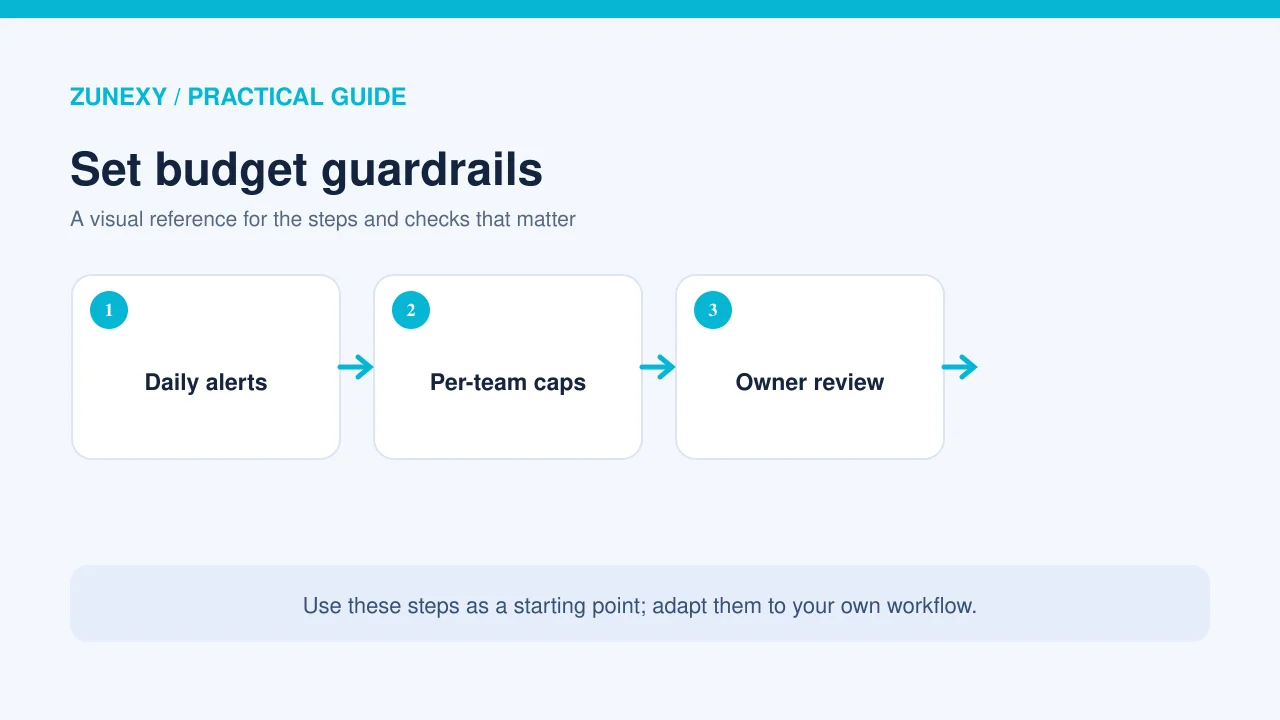
Give the whole team a monthly AI budget. Then set a limit for each product or workflow. At the lowest level, set a fair cap for one user, job, or API key. These limits help you spot a bad loop before it runs for a full weekend.
Use alerts before a hard stop. For instance, a team can send a warning at 70% and 90% of the monthly plan. A critical service may need a higher limit with a named person who can approve it. A test project may pause as soon as it reaches its cap. The right rule depends on the harm caused by a pause.
Do not copy one team’s limit to every tool. A daily report and a live support service have very different needs. Record the reason for each cap, who owns it, and what happens when it is reached.
Step 4: Forecast demand with real activity
Start with a count of likely tasks, not a guess at future token use. If you plan 5,000 support chats next month, estimate how many will call the model, how long each request may be, and how many times a request may retry. Add a range for busy days.
Write down three cases. The low case uses current demand. The middle case reflects expected growth. The high case includes a rise in traffic or a new feature. A range gives decision-makers more value than one neat number.
Allow for new types of use
Some people may use an AI feature more once they trust it. A long document task may also use more data than a short chat. Keep those cases apart. Look at actual request logs every week and update your forecast from those logs. Never rely on a model’s posted rate alone; the number of calls matters as much as the rate.
Step 5: Keep data safe while you track spend
Cost tags should not contain private customer data. Use a project code, team code, or service name instead of a customer name or full prompt. Give staff access only to the reports they need. Keep raw logs for a set time based on your policy and local legal duties.
The NIST AI Risk Management Framework offers a way to think through AI risks. Its generative AI profile adds risks that apply to these systems. A cost review should sit beside risk and quality checks, not replace them.
For a global team, ask legal and privacy staff which data can cross borders. If the answer is not clear, keep sensitive content out of the cost export. You can still count requests and fees without saving what users typed.
Step 6: Hold a short weekly cost review
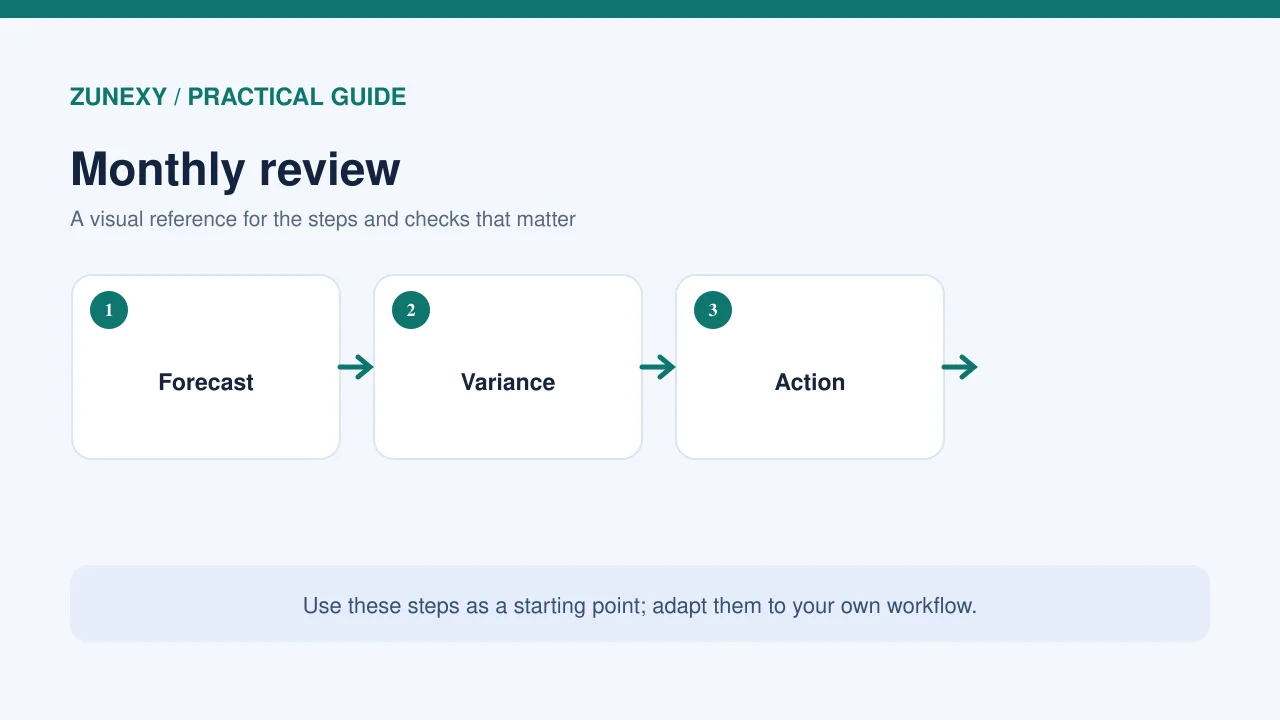
A review should lead to a decision. Give a product owner, engineering lead, and finance partner 20 minutes each week. Look at actual spend, the cost per useful result, and the three largest changes. Ask which change came from growth, price, waste, or a new product.
Suppose costs rose 25% while useful work rose 40%. That may be good news. If costs rose 25% and useful work stayed flat, check retries, longer prompts, idle services, and paid seats that no one uses. The same rise in spend can call for very different action.
Write one next step beside each finding. “Review AI costs” is too broad. “Test a shorter prompt for the order-summary tool by Friday” gives someone a job they can finish.
Step 7: Run safe tests before you cut costs
Pick a narrow use case and hold the input set still. Try a lower-cost model, a shorter context, or fewer repeated calls. Use an agreed quality check on the output. Record both the fee and the staff time needed to fix errors.
For example, test 100 support questions that staff already answered well. Ask reviewers to rate accuracy and tone without knowing which model produced each reply. A cheaper model is worth trying only if it meets your minimum service level. Do not use live customer data in a test unless your policy allows it.
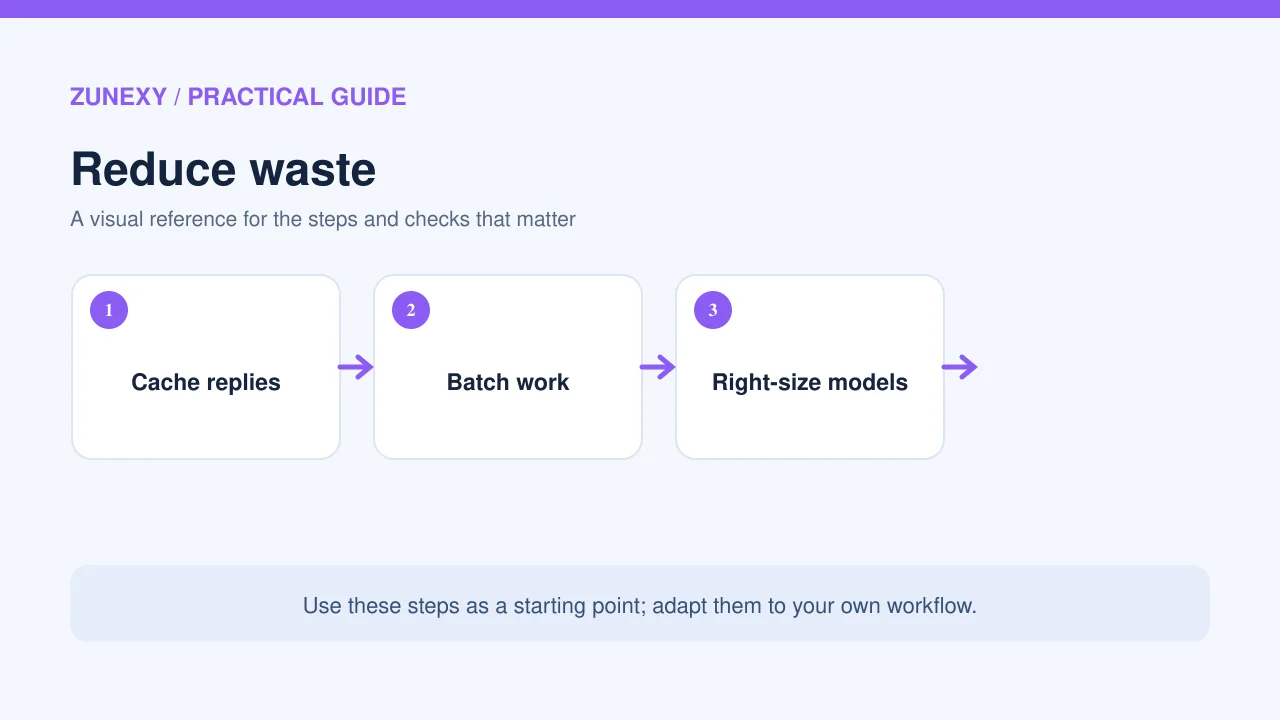
Another useful test is caching. A help page that answers the same basic question many times may not need a fresh model call each time. But a question about a changing price or account status must use fresh data. Define what can be reused and for how long.
Step 8: Make ownership visible
Every AI service needs one person who owns its cost and one person who owns its quality. These can be the same person in a small firm. The owner should know where to find usage, how to pause test work, and who can approve a larger cap.
Keep a simple change log. Note when a team changes models, adds a data source, or opens a feature to more users. That log explains odd spikes faster than a long meeting. It also helps staff learn which steps worked.
A sample one-month AI budget
Imagine a team with a total plan of 2,500 units in its own currency. It sets 1,100 for live model calls, 500 for storage and search, 450 for software seats, 250 for tests, and 200 as a buffer. These are example numbers, not current market prices. Teams should replace them with their own bills.
At mid-month, model calls have used 700 units, while tests have used only 40. The team should not move the spare test money at once. First, check whether the model trend will last and whether planned tests still need funds. Then record any transfer and its owner. This keeps the budget useful when plans change.
Common mistakes and their fixes
Looking only at the total bill
A total cannot show which team caused a jump. Add owners and service labels. If a charge cannot be linked to a service, put it in an “unassigned” group and review that group each week.
Using token price as the only measure
A model with a low rate can take more calls to finish a task. Measure cost per good result. Include staff checks when those checks are part of the work.
Turning off useful work to hit a cap
Hard stops have a place, but they can harm users. Set alerts and an approval path for key services. Reserve hard caps for test tools or work where a pause is safe.
Ignoring unused subscriptions
Paid seats can stay active long after a project ends. Check seats against use, then reclaim those that are not needed. Tell people before changing access so they can save work.
What to do in the next 30 days
In week one, list every AI bill and name the owners. In week two, pick a useful unit for each service and set a first budget. In week three, add alerts and test one cost change. In week four, compare spend with outcomes and adjust the next plan. Keep the first version simple enough that a new staff member can read it in a few minutes.
A good AI budget is a way to make choices with clear facts. It helps teams keep the tools that work, fix waste, and protect service quality. Start with one workflow. Once the numbers make sense, expand the same method to the rest of your AI services.