API Security Checklist for AI Integrations in 2026: Protect Data and Tool Actions
An AI assistant often reaches business data through an API. It may read a customer record, look up an invoice, or create a support ticket. The connection feels simple when it works. But an API that trusts the assistant too much can expose records or let the wrong action happen. This guide helps small teams review the connection between an AI app and the tools it uses.
The central rule is easy to remember: treat a model’s request like any other untrusted request. The API must decide who is allowed to read or change each record. A smart model is not an access-control system. It can misunderstand a user’s intent, quote a false instruction from a document, or build an incorrect tool call.
Start With the Data Flow
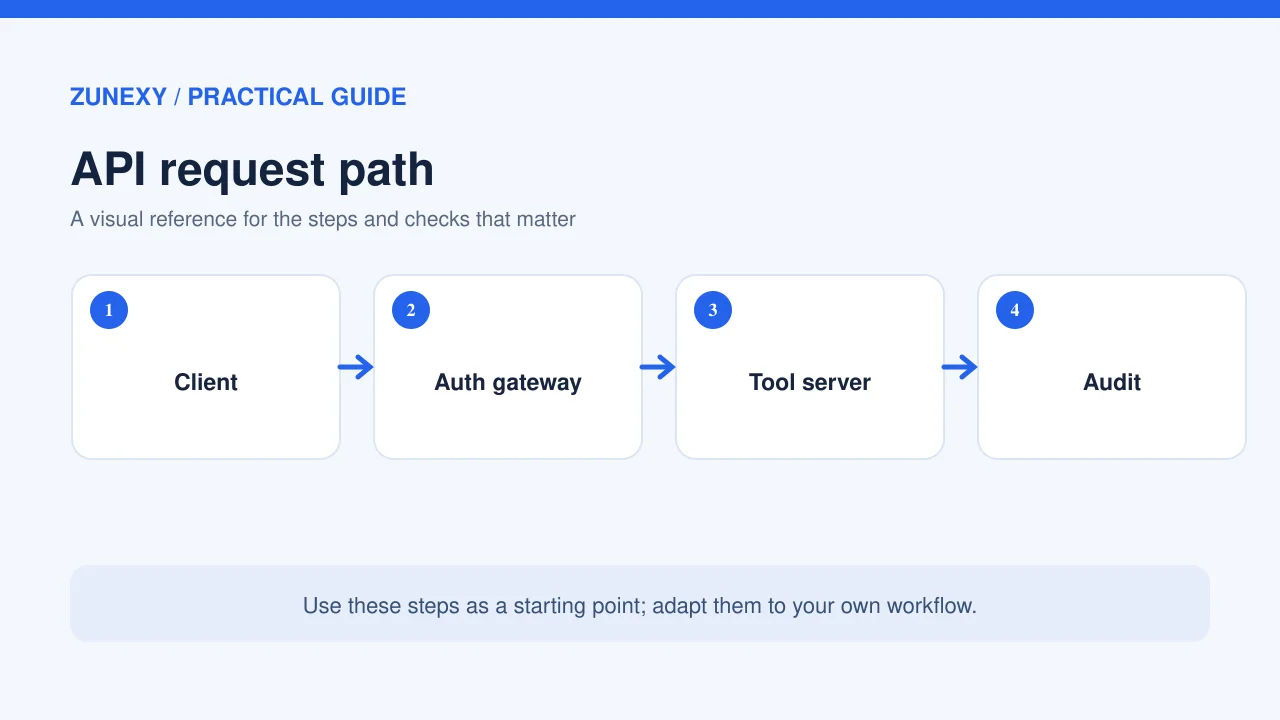
Draw one request from the user to the final tool. For a support assistant, this may be user login, chat message, model, order lookup API, and reply. Write down which service knows the user’s identity and where the model gets authority to act. If the tool receives only a shared admin key, it may have no way to tell one user’s order from another’s.
Make the tool check identity and permission at the point of use. Even if the chat app already checked login, the data API should still enforce who can see the record. That second check protects the system when an agent makes a mistake or an app is changed later.
Use one test record per role
Create dummy accounts for a normal customer, a support worker, and an admin. Give each role a record it may use and one it must not access. Then run the same API call with each identity. A customer should not be able to retrieve a different customer’s record by guessing an ID, even if the AI asks for it with a polite sentence.
Check Object-Level Authorization
The OWASP API Security Top 10 lists broken object-level authorization as a major risk. The phrase sounds technical, but the failure is common: a server accepts an object ID and returns the object without proving that the caller owns it or is allowed to see it.
Imagine an agent asked for order 2406. If the user owns order 2407, the agent may still send 2406 due to a typo or a hostile prompt. The API should reject the request. Do not ask the model to remember the rule. Put the rule in the service that reads the order.
Protect fields as well as records
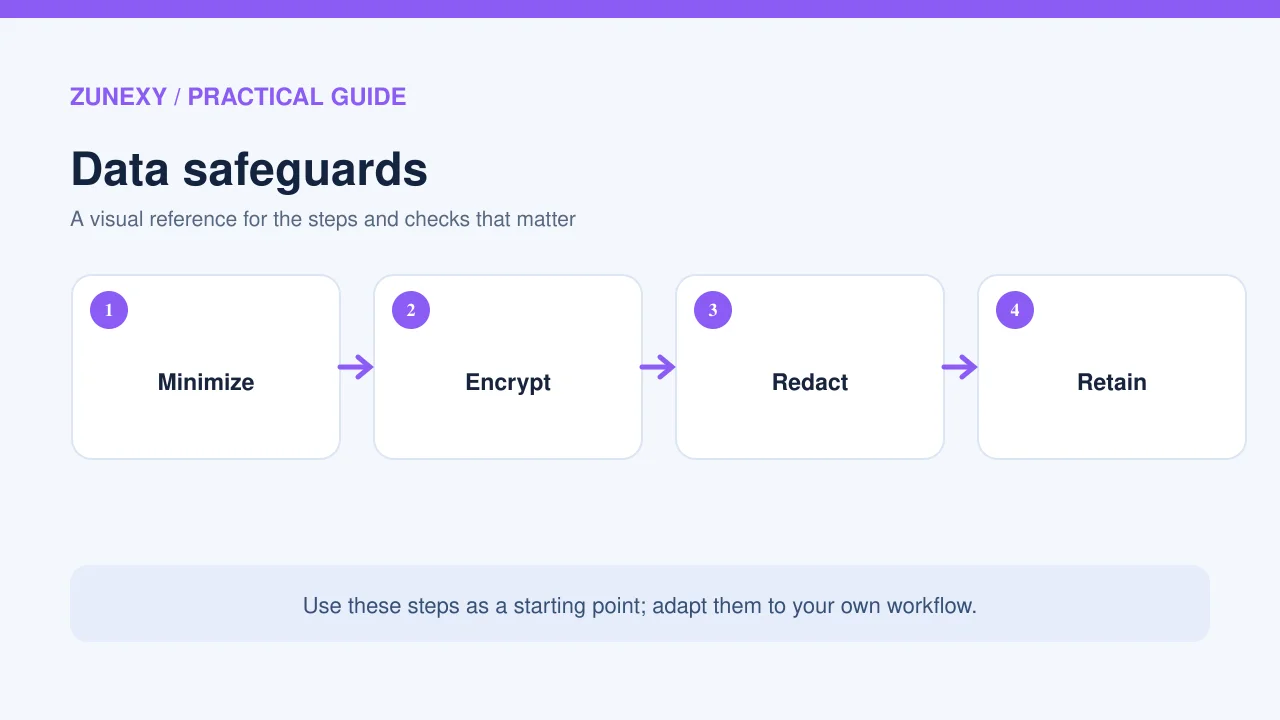
A person may be allowed to see an order status but not the payment token, private address, or internal fraud note. Return only the fields needed for the task. A full database record sent to the model can create a privacy risk even when the final answer hides those fields. Build narrow endpoints or explicit field filters that the server enforces.
Limit What the Assistant Can Do
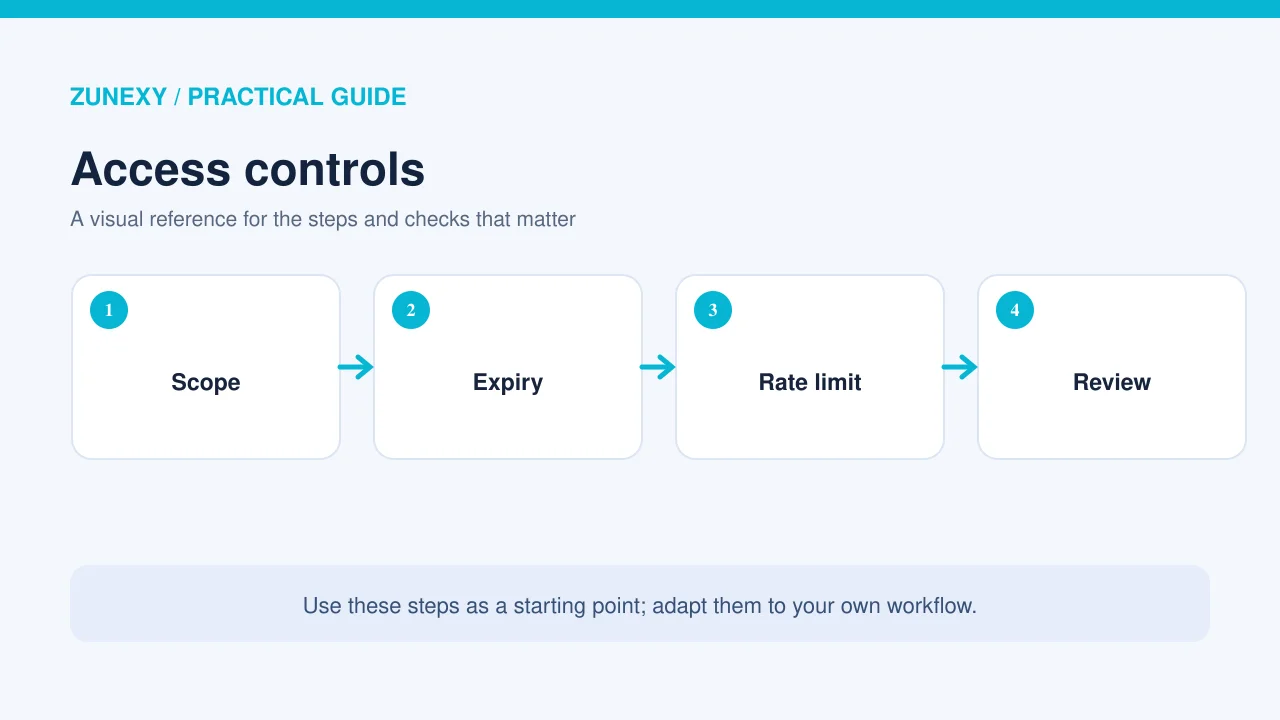
Split read actions from write actions. A tool that checks inventory does not need permission to update prices. If an agent drafts a refund request, the final refund should go through a separate approved process. The permissions should match the user’s role and the exact operation, not the assistant’s general purpose.
Use scoped, short-lived tokens where practical. Store secrets in a secret manager rather than prompts or source code. Rotate them through a controlled process. Avoid giving one connector a master credential for every system. If a connector is compromised, its scope should limit the damage.
Keep human approval meaningful
Before a sensitive write, show the person the exact record, action, and amount or content. The user should see what will happen, not just a vague confirmation. For an email, show recipients and body. For a payment, show amount and account. The API must still recheck permission after approval because a user-facing prompt cannot replace server rules.
Validate Every Tool Argument
A model can produce the wrong data shape. It may send a string where an ID is needed, a negative quantity, or a free-text URL that leads to an unsafe destination. Validate types, sizes, allowed values, and business rules in code. Reject unexpected fields rather than quietly accepting them. Error messages should help the app recover without exposing private system details.
For example, a meeting assistant that creates tasks might accept a title of limited length, a project ID from an approved set, and a due date in a valid format. It should not accept arbitrary script text in a field later rendered as HTML. Use output encoding and safe query methods as you would for any web app.
Rate limits protect more than cost
Add limits for calls per user, per tool, and per high-value workflow. An agent stuck in a loop may send many valid requests in seconds. Set a budget and stop condition so one bad run cannot flood an API or create hundreds of records. Treat repeated failures as a signal to pause and review, not as a reason to retry forever.
Control Outbound Connections
Some agents can fetch a URL found in a document. That opens a path to internal services or unexpected external hosts if the fetch tool has broad network access. Use an allowlist when the task has known destinations. Block access to local metadata and private network ranges where relevant. Validate redirects too, not just the first URL.
A link in an email is data from an outside writer. It does not become a trusted instruction because a model decided to visit it. Keep the fetch service separate from sensitive network resources and avoid sending bearer tokens to unapproved domains.
Make Errors Safe and Useful
When the order API times out, the assistant should say it could not confirm the status. It should not invent a likely shipment date. When an access check fails, the assistant can ask the user to sign in with the right account or contact support. Do not reveal whether a private record exists merely because someone guessed its ID.
Use clear, stable error codes for the application. The model can turn those codes into friendly text, but the underlying service should preserve the difference between not found, no permission, and temporary failure. Logging that distinction helps the team fix bugs without disclosing extra facts to the user.
Test With Realistic Misuse Cases
Use an isolated test environment with dummy customers and orders. Try requests that change an object ID, ask for a field outside the user’s role, repeat a write call, or include a malicious instruction in retrieved text. Check the API’s actual response and audit log, not just the assistant’s chat answer. A refusal in chat is not proof that no sensitive tool call happened.
Include a test in which the same action is sent twice. A payment, booking, or ticket creation endpoint may need an idempotency key so a retry does not duplicate the operation. Test how the service handles a network timeout after a write that may have succeeded. The safe response is often to check the action status before trying again.
Create a short evidence log
Record the case, caller role, request, expected result, actual status code, and any data returned. Keep private values masked in logs. Assign an owner to each failed case and rerun it after the fix. A simple repeatable check can be more useful than a large report that no one revisits.
A Weekly Review Process
Choose the highest-risk integrations first: payments, personal records, account changes, and outbound messages. Review recent tool additions, token scope, error trends, and unusual call volume. Ask whether staff still use each integration. Remove unused credentials and disable abandoned endpoints. A service with fewer powerful paths is easier to defend.
When an AI vendor or model changes, rerun the misuse tests. Model quality may improve, but the integration’s permission policy must remain stable. A new model should not gain new rights by default. Keep a record of approved tool versions and the date each one was tested.
A Practical API Security Checklist
- Verify user identity and permission on each data request
- Check access to both records and fields
- Separate read tools from write tools
- Require approval for high-impact changes
- Use scoped tokens and safe secret storage
- Validate inputs and cap tool call volume
- Restrict outbound destinations
- Test retries, access failures and hostile content
- Log actions without leaking sensitive data
- Recheck controls when tools or models change
The list does not replace a security review for a high-risk system. It gives a small team a concrete place to start. The best defense lives in the API and its surrounding controls, where the same rule applies no matter how the model phrases a request.
What OWASP Guidance Means Here
The OWASP API Security Project maintains a risk list and guides that remain useful for AI integrations. Its categories include object and property authorization, resource use, and sensitive business flows. AI adds a new caller that may make mistakes at speed, but the old access rules still matter. Apply them at the endpoint and test them with the agent attached.
Do not treat a certification badge or a vendor’s broad security claim as proof that a specific integration is safe. Inspect the exact permissions, tool calls, and records the workflow uses. If a tool has no safe way to enforce user-level access, reduce its scope or avoid connecting it to sensitive data.
Final Takeaway
AI can make an API easier to use, but it cannot replace security rules. Keep each endpoint responsible for identity, access, input checks, and safe writes. Give the assistant narrow tools and test the paths that could harm users. That approach protects the business even when the model makes an ordinary mistake.
Reference
OWASP API Security Top 10 risk list and OWASP Developer Guide to API risks.