CI/CD Secrets Security in 2026: Replace Long-Lived Keys with OIDC
Build pipelines need access to cloud services and package registries. Yet long-lived secrets can turn a simple workflow mistake into a serious breach. This guide shows how to map the risk, use short-lived identity where supported, and keep releases under control.
A release job without a stored cloud key
A small team ships an app after code review. Its build job needs to send one file to cloud storage. Instead of storing a key that works for months, the job can ask for a short-lived sign-in proof when it runs. The cloud checks which project and job asked for access. If the job is not approved, the request fails. This reduces the risk of a forgotten key.
Why build secrets deserve attention
A software build can read source code, fetch packages, run tests, and deploy a release. Those steps often need access to a registry or cloud account. If a workflow stores a long-lived cloud key, anyone who obtains that key may be able to use it outside the intended build. A stolen secret can stay valid long after the job ends.
Example workflow
The goal is to give each job only the access it needs, for only as long as it needs it. This is not the same as making every workflow private. A private repository can still run unsafe actions or expose a key in a log. Start by mapping credentials and permissions.
Find every path to production
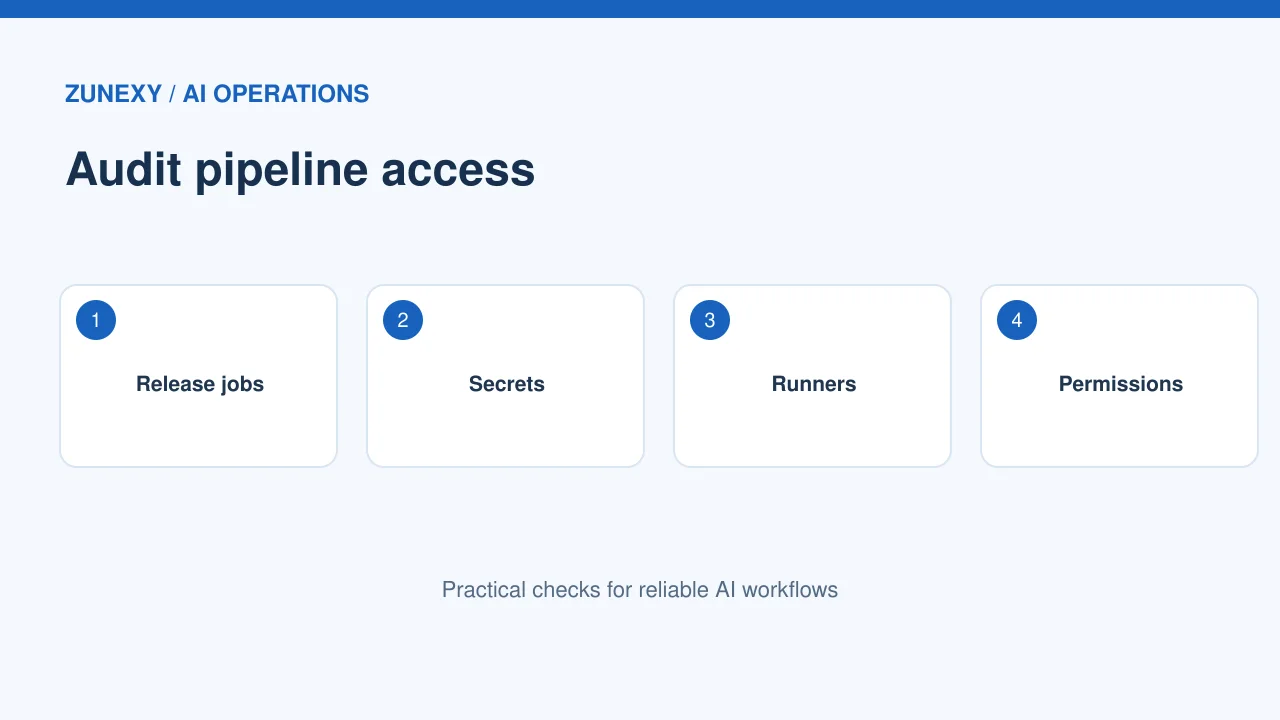
List the workflows that can publish packages, update servers, change infrastructure, or create releases. Note their triggers, runners, permissions, secrets, and approvers. Check pull requests from forks, reusable workflows, scheduled jobs, and manual dispatch steps.
Practical check
A small team may have a release workflow that looks safe but calls a shared action maintained by another group. That dependency can run code with the job’s privileges. Review outside actions and pin trusted versions where your platform supports it. Do not treat an action name as proof of its contents.
Replace static keys with identity federation
Where supported, use an identity token from the build platform to request a short-lived cloud credential. GitHub’s OpenID Connect guidance explains how a job can use an OIDC token to exchange for a cloud access token. This reduces the need to store a long-lived cloud key in repository settings.
Example workflow
OIDC is not an automatic trust grant. The cloud side must check claims such as repository, branch, environment, or workflow identity. Give the role only the required actions. A token with broad rights can still cause harm while it is valid.
Write a narrow trust rule
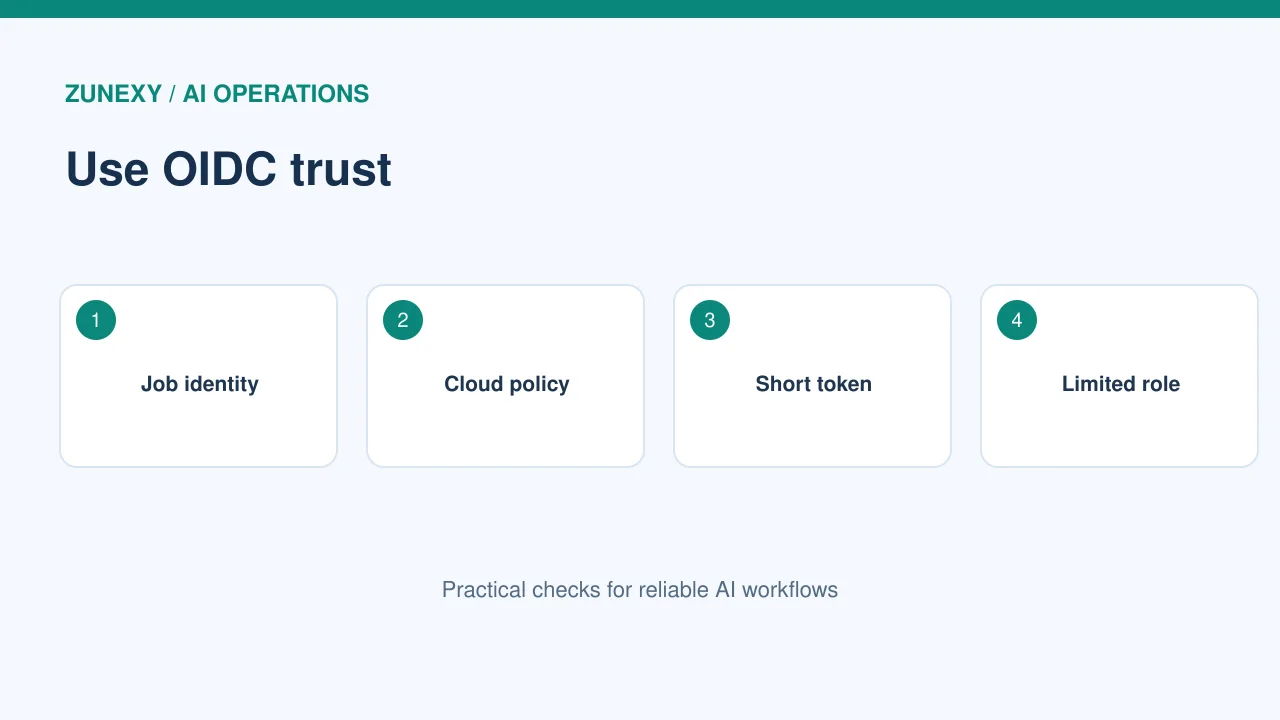
The trust policy should name the exact jobs allowed to request credentials. A rule that trusts every branch or repository in an organization may be too broad for production. If an environment has approvals, connect those controls to the identity rule.
Practical check
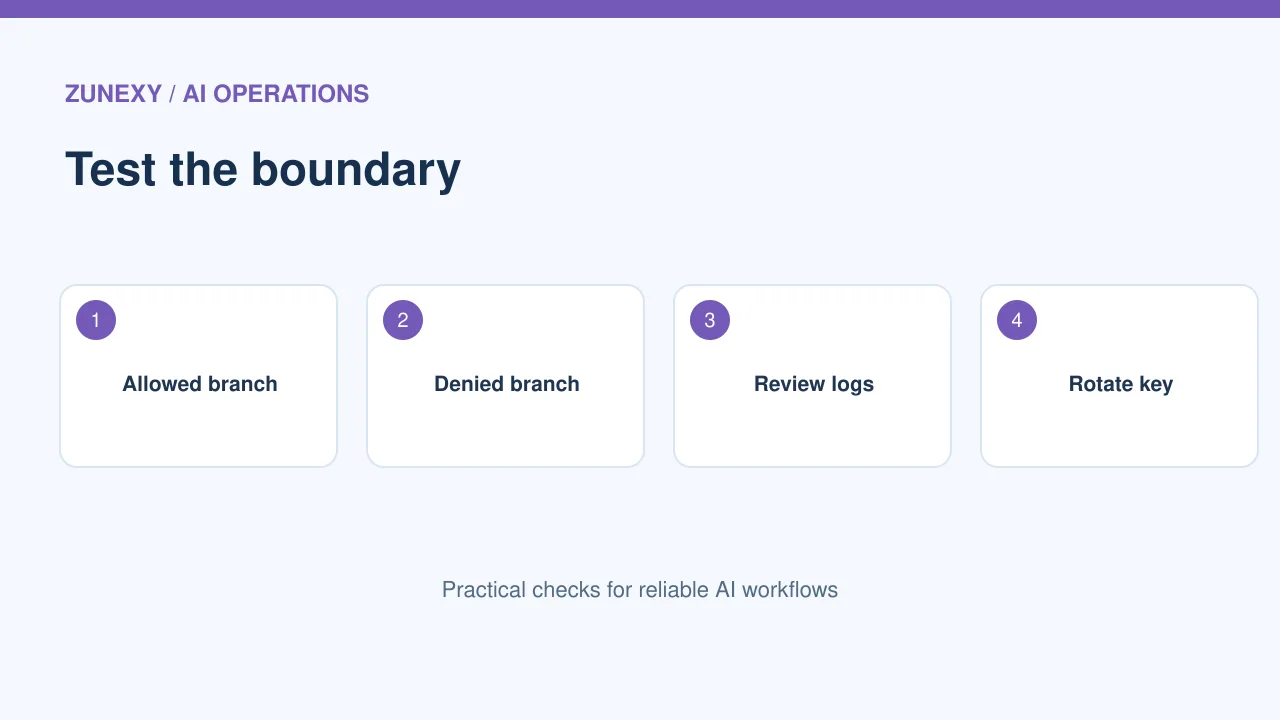
Test from an approved branch and an unapproved one. The first should receive a token with limited rights. The second should fail. Log the reason for rejection without exposing the token. A denied request is useful evidence that the boundary works.
Understand workflow permissions
A build job can have permissions for source content, packages, issues, pull requests, or identity tokens. Ask what the job truly needs. Read-only permissions are often enough for tests. A release job may need write access to one package or deployment target.
Example workflow
The GitHub documentation notes that id-token: write allows a workflow to request an OIDC token; it does not by itself grant permission to change cloud resources. That distinction matters. The cloud role and trust policy decide the access that follows.
Separate testing from deployment
Do not give every test runner production credentials. Run untrusted code in a limited environment. Keep deployment behind a protected environment or approved release step. Use different roles for staging and production, even if the same source repository builds both.
Practical check
Consider a pull request that adds a new test command. If that test can read production secrets, a malicious change could print them or send them away. The safer path is to test without those secrets and release only after the code and workflow changes pass review.
Protect logs and artifacts
Build logs may include URLs, environment variables, command output, and error details. Mask known secrets but do not rely only on masking. Some values can be transformed or split before they appear. Set retention limits for logs and artifacts based on their value and sensitivity.
Example workflow
Check what the build uploads. A debug archive that includes configuration files or temporary credentials can become a second route to a secret. Review the artifact list and remove files the next step does not require.
Review third-party actions
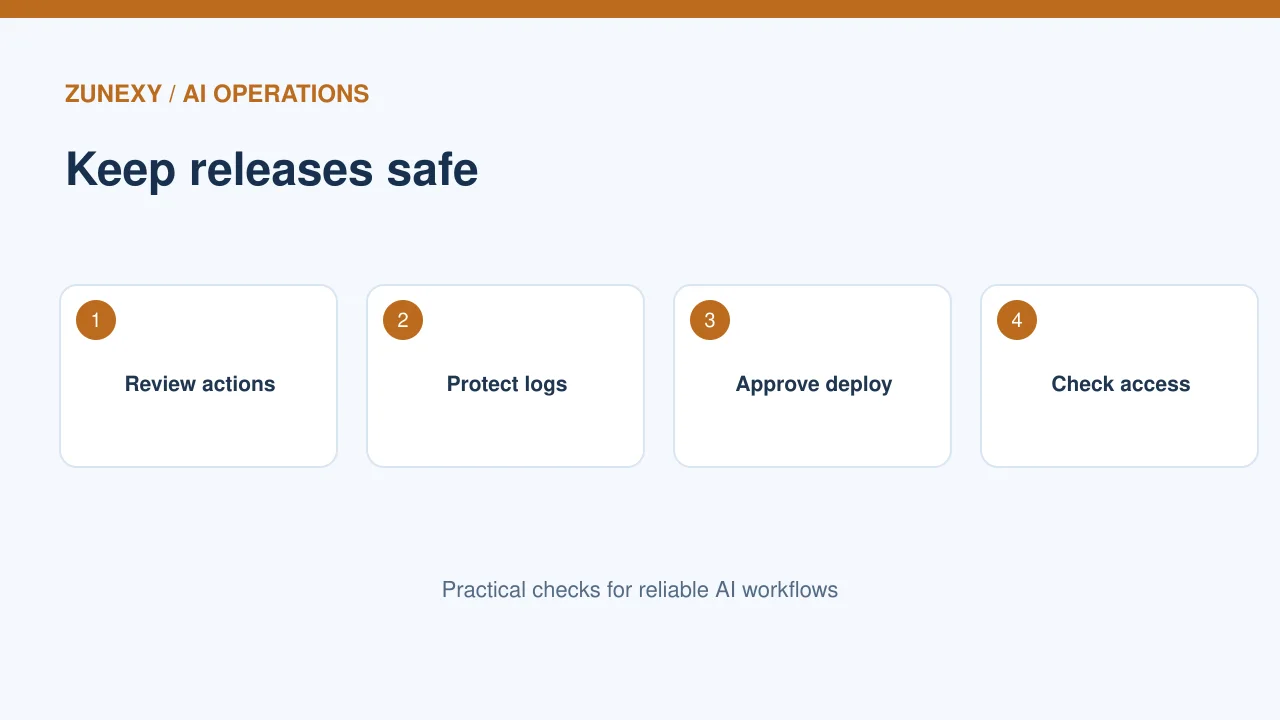
Actions and packages used during a build are software dependencies. They can change, be compromised, or request new privileges. Keep an inventory of them and update on a controlled schedule. Check maintenance status, source ownership, and whether the action runs scripts you understand.
Practical check
A workflow that pulls an action by a moving tag can run different code later. Pinning to a trusted commit can reduce that change risk. But you still need a plan to apply security fixes. Use reviews and automated alerts to balance stability with maintenance.
Rotate old credentials after migration
Moving a workflow to OIDC does not make its old cloud key harmless. Find where the old key was used and revoke it after you confirm the new path works. Check for copies in other repositories, local scripts, shared files, or secret stores.
Example workflow
Plan a short cutover. Run a staging release with the new role, verify its limited rights, then disable the old credential. Watch for failed jobs that reveal a forgotten dependency. Do not leave the old key active indefinitely as a fallback.
Respond if a key may have leaked
If a secret appears in logs, a pull request, or an outside service, treat it as exposed. Revoke or rotate it, review its use, and check changes made through that identity. Delete visible copies where practical. But remember that removal does not undo access that already happened.
Practical check
The right response depends on the key’s scope. A read-only package token is different from a cloud admin key. Keep an incident note with times, affected systems, actions taken, and follow-up controls. Use the event to improve the workflow rather than hide the failure.
A safe first-week plan
On day one, list all release workflows and their secrets. Next, choose one low-risk cloud integration that supports OIDC. Write a narrow trust policy, test both accepted and rejected jobs, and measure the permissions granted. Then rotate the old key after a working cutover.
Example workflow
Use the official GitHub OIDC reference to check token claims and workflow settings. The wider lesson applies beyond one platform: short-lived identity, narrow permissions, reviewed code, and good logs form a stronger build pipeline.
CI/CD security checklist
- Inventory production release jobs and their credentials.
- Restrict job permissions and cloud trust claims.
- Use short-lived tokens where supported.
- Protect build environments and review outside actions.
- Rotate old keys and test denied access.
How to prove that the change helped
After the migration, check four facts. There should be fewer stored cloud keys. A normal release should still work. A job from an unapproved branch should fail to obtain production credentials. A stolen token should stop working after its short lifetime. Keep the test dates and the owner in the same release record. This evidence is more useful than a checkbox that simply says OIDC enabled. Repeat the test when you change your repository layout, deployment environment, or cloud role.
The point to remember
Secure automation is not just about hiding a secret. It is about controlling which job can act, what it can change, and how long its access lasts. Test those limits before a release depends on them.