Process Mining Before AI Automation in 2026: Find the Real Bottleneck
Many teams automate a task before they know what slows the whole job. Process mining can show handoffs, loops, and long waits using real event data. Here is a practical way to study one workflow before adding AI.
Choose a Workflow Worth Studying
Start with a visible delay
Do not begin by asking which AI tool to buy. Ask where staff wait, repeat work, or correct errors. An order team may retype customer addresses, while a finance team may wait days for invoice approval. Pick one flow with a clear start and end. Write the goal in plain words: reduce late orders without losing checks. Keep the first study small enough that a team can see the whole path.
Define the case
A process is easier to study when each case has a unique ID. An order ID, ticket ID, or invoice ID can link events from different systems. Decide when a case starts and when it is complete. An order might begin at payment approval and end at dispatch. Do not quietly change this rule mid-study. A clear case definition makes timing and rework counts useful.
Collect the Events You Need
Find timestamps and steps
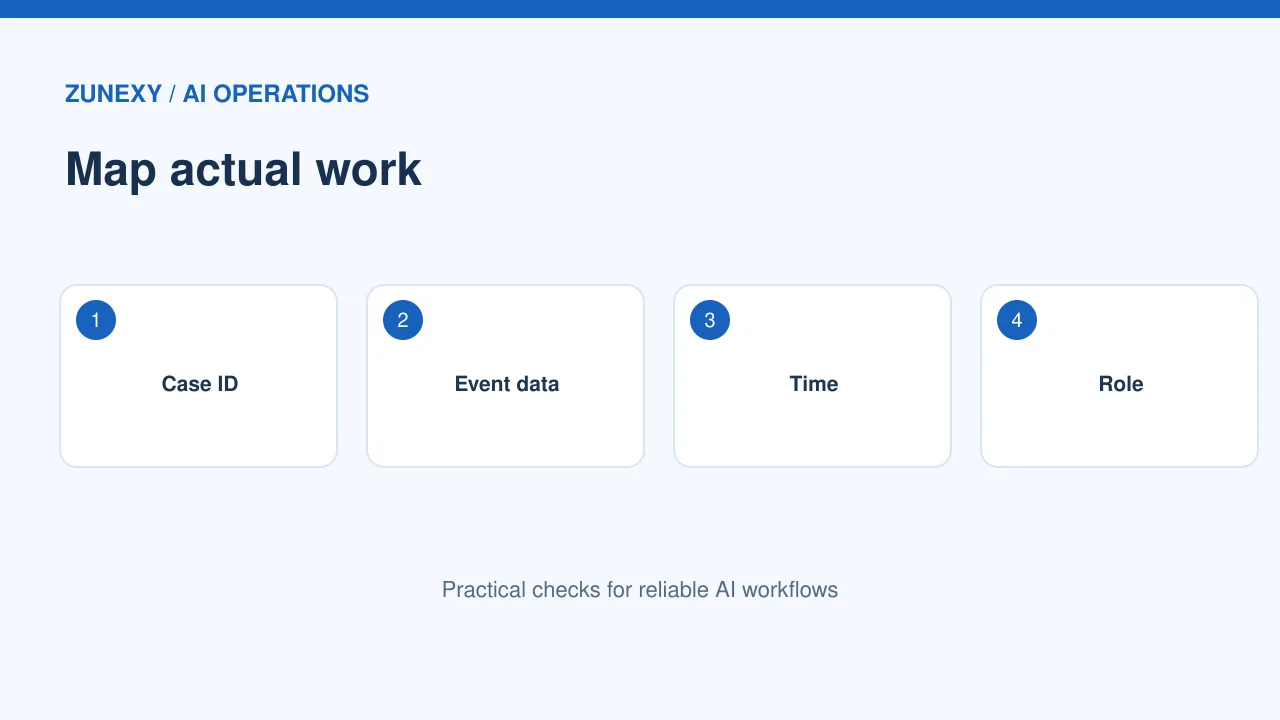
Most teams already have some event data in a CRM, ticket app, or finance system. Look for case ID, step name, timestamp, and outcome. Add the staff role if permitted, but avoid collecting names when a role will do. Ask the data owner what fields can be shared. The Microsoft process mining overview describes how event data can reveal the path that work takes.
Check for missing events
A workflow may include phone calls, spreadsheets, and informal approvals that the main system never records. Interview two or three people who do the work. Compare their story with the data. If an approval happens in a chat, the event log may show a long pause with no explanation. Note the gap rather than inventing a step. A small observation session may give better context than a large chart.
Draw the Real Path
See common routes and detours
A process map should show where work actually moves, including rework loops. One team may send a request back for missing details three times. Another may skip a review when the item is low risk. Count how many cases take each route. Do not label a rare path as a problem before checking why it exists. Some detours protect customers or meet legal rules.
Measure waiting time fairly
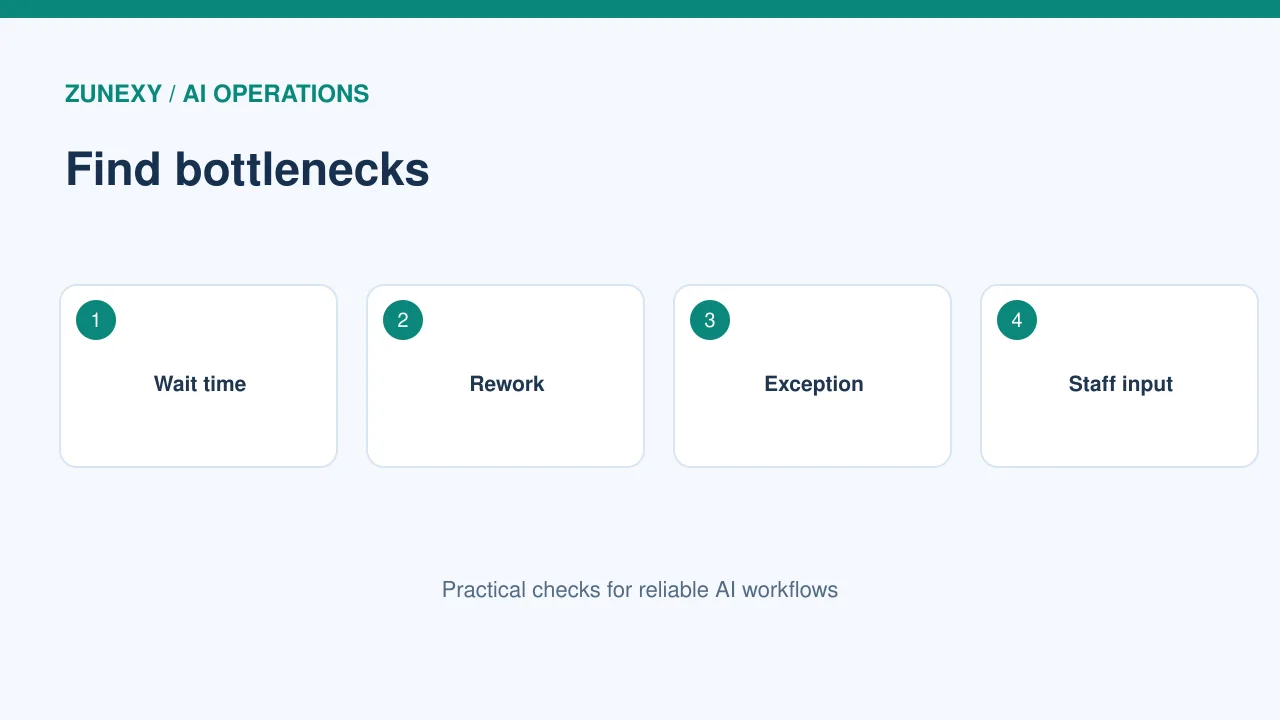
Separate active work time from time spent waiting. A task that takes five minutes to check may wait for two days in a queue. AI may help draft the check but not solve the queue. Look at the median and the slowest cases, not just the average. If a few difficult cases drive the delay, design a separate route for them. The right fix may be a clearer form or a named approver.
Identify a Good AI Candidate
Use rules when rules are enough
A fixed routing rule is often more reliable than a model. If a form has no customer ID, send it back with a clear message. Use AI for work that needs to read messy text, group similar requests, or suggest a draft. Keep payment, policy, and high-impact decisions under an approved control. Ask whether the AI step saves a real handoff. A faster draft that still waits two days for approval may not improve the flow.
Compare a human baseline
Before a pilot, measure how long staff spend on the chosen step, how often they correct it, and how customers feel about the result. Use a recent sample across busy and quiet days. Then test the same kinds of cases with the new workflow. Do not compare an easy AI week with a hard manual month. Keep the quality checks identical. A valid comparison builds trust with staff.
Build a Small Pilot
Keep a clear exit
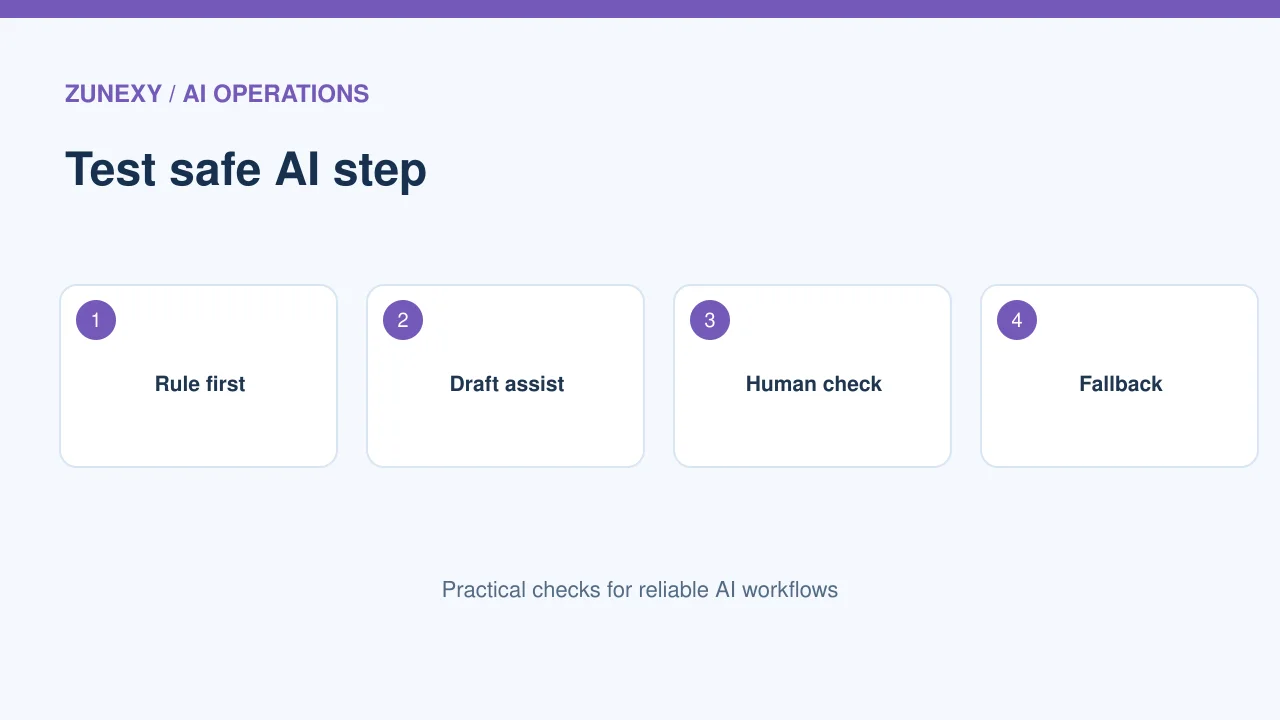
Choose one request type and a small group of users. Let the AI suggest a next action but require a person to approve it. Log whether the suggestion was used, edited, or rejected. Set a timeout and a manual fallback if the tool fails. Do not block customers while waiting for a model. The pilot should last long enough to show normal workload variation, not just a polished demo.
Test the exception path
Give the pilot malformed requests, old attachments, mixed languages, and missing fields. Watch where they go. A useful system does not need to guess every answer. It can say the case needs review and send it to the right person with the original facts. Count these handoffs. If they flood a queue, the automation may create more work than it saves.
Check How Work Changes
Talk to staff before rollout
The people closest to a process often know why a strange step exists. Ask them to review the process map. A manual pause may catch fraud, allow a legal check, or help a customer. Do not remove it because the chart calls it slow. Explain which parts may change and what remains in human control. Let workers report errors without fear of blame. Their feedback is part of testing.
Make a new service guide
If a task moves from a person to a tool, update the handoff steps. Who watches failures? Who approves a risky result? Who owns a wrong message to a customer? Put these answers in a short guide. Train both the operator and the fallback team. The process should still work when the AI service is down. Test that path in a controlled session.
Measure Value After Change
Use three outcome groups
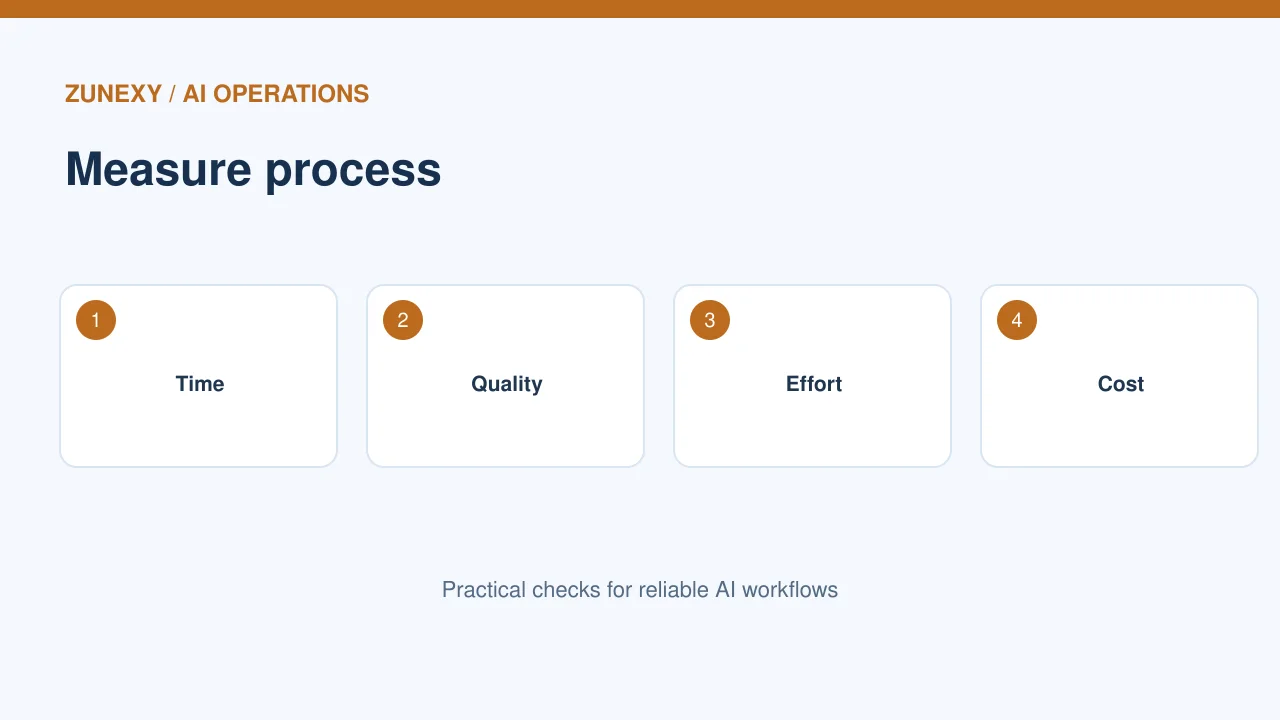
Track speed, quality, and effort. Speed may be time from request to completion. Quality may be the share of cases needing rework. Effort may be staff minutes per case. Add user satisfaction where it can be measured fairly. An AI system that saves typing but doubles errors is not a win. Keep the original baseline for comparison and record changes in request volume.
Watch costs and hidden work
Include model charges, integration upkeep, human review, and troubleshooting. A cheap API call may still require expensive manual checks. Review monthly costs against completed useful cases, not total AI outputs. If the flow is still slow, go back to the process map. Perhaps the real bottleneck moved to a new step. Treat improvement as a cycle rather than a one-time launch.
Scale Only When the Process Holds
Check the data owner
Before expanding to another region or team, confirm that source data can be used there. Local privacy rules, language needs, and approval duties may differ. Keep the same case definition where possible, but do not force every country into an unsafe process. Run a short local pilot. Compare error types and handoff rates. Let regional staff approve the new flow.
Review changes every quarter
New products and policies alter how work moves. Refresh the process map with recent events. Check whether AI suggestions still help and whether exceptions are growing. A good automation may need fewer steps after a form redesign. Keep a record of each change and the outcome. The goal is a better service, not more automation for its own sake.
Final Takeaway
Study a real work path, ask staff why delays happen, then test one safe automation. Use Microsoft’s process and task mining guide as a technical starting point. A clean process can improve service even before any AI is added.