AI Customer Support Handoffs in 2026: When Bots Should Call a Human
An AI assistant can solve simple questions, but some cases need a person. This guide shows how to set escalation rules, pass useful context, protect data, and measure the full customer experience for global teams.
Define the Moment to Escalate
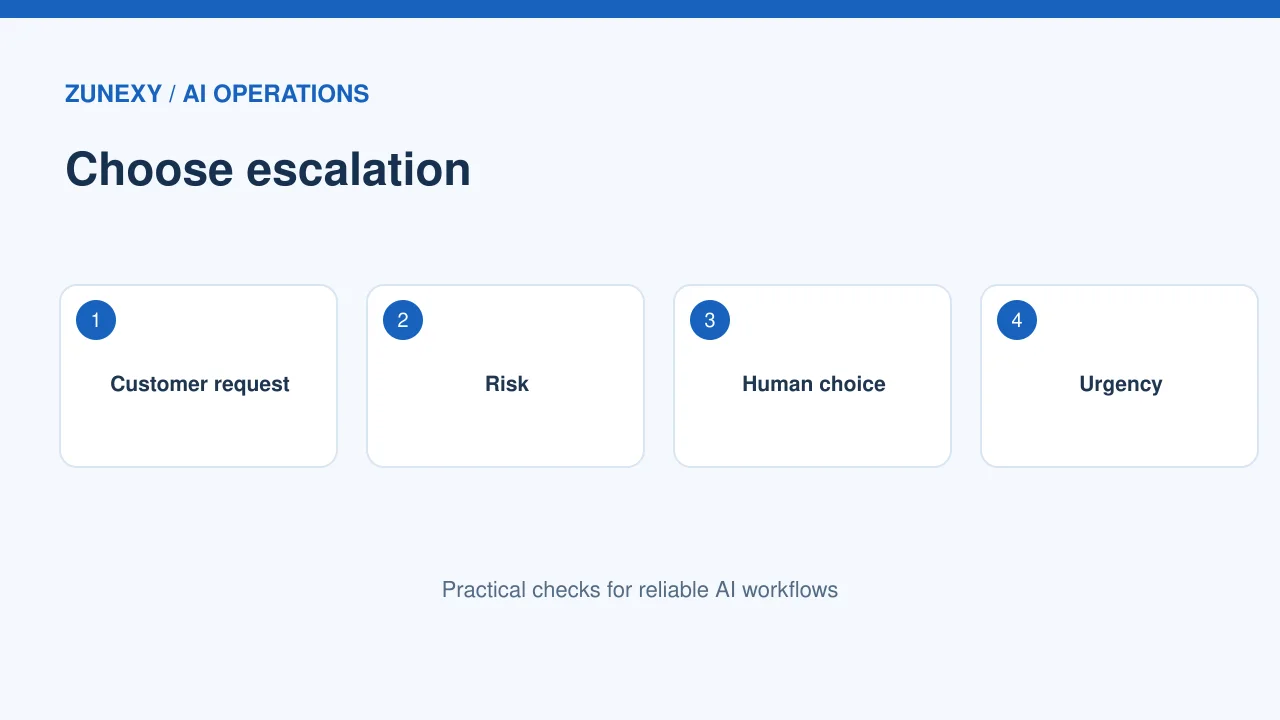
Mark the high-risk questions
An AI support assistant can answer opening hours or explain a simple setting. It should not make a promise about a refund, safety risk, or contract that only a person can approve. Make a list of issues that need a human: payment disputes, threats, private account changes, accessibility needs, and repeated failed answers. Keep the list short and testable. A clear line helps both customers and support staff.
Let the customer ask for a person
A customer should not have to type a secret phrase to reach support. Show a plain option such as Talk to a person when the channel allows it. If live support is closed, say when a reply can be expected and offer a safe request form. Avoid pretending that a bot is a human. A direct route can reduce frustration and helps the team learn where AI answers fall short.
Pass the Right Context
Send a useful short summary
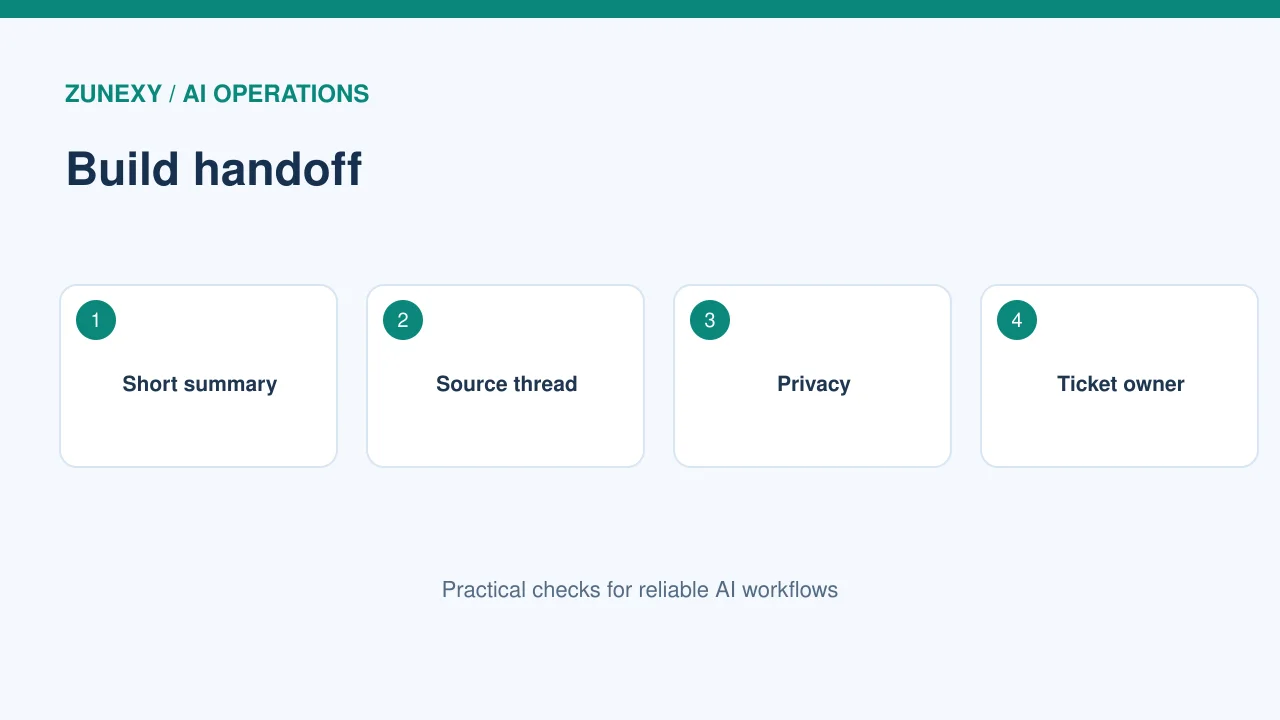
A good handoff includes the customer’s question, steps already tried, relevant product, and why the assistant stopped. It should not dump a huge chat log on the agent. Ask the AI to make a short summary, then attach the original messages through approved access if needed. A person should see that the summary came from AI and can be wrong. The first human message can confirm the key facts before acting.
Protect private details
Support chats may include names, order records, and account information. Mask payment card data and other sensitive fields before the summary where possible. Do not include passwords or security codes. Check that the destination agent is allowed to view the case. A handoff from a public chatbot to a private ticket tool needs a clear access boundary. Test it with dummy customer records first.
Design the Queue After Handoff
Choose a route based on need
A billing case belongs with a billing team. A technical outage may need an engineer. Use known fields and rules to route common requests. Let AI suggest a category only when the result is easy to check. If the tool is unsure, use a general triage queue. Do not leave unclassified cases in a hidden folder. Every case needs an owner and an expected response window.
Keep urgent requests visible
A threat to physical safety or an urgent account takeover report needs a fast path under the firm’s policy. The assistant should not invent an emergency service number for every country. Display the organization’s supported help channels and, when appropriate, advise the person to contact local emergency services. A clear urgent route matters more than a clever answer. Test these paths with the support lead.
Make Agent Experience Simple
Put the context in one screen
A human agent loses time when they must open five tools to learn why a customer was transferred. Place the reason for transfer, customer message, and last action in the ticket view where practical. Make uncertainty visible. A label such as AI suggested, not verified is better than a confident false claim. Let the agent edit the summary and record the correction for future review.
Avoid making customers repeat themselves
If the customer has already shared an order number through a secure form, the next agent should see it when policy allows. Do not demand the same details again without reason. Sometimes a fresh identity check is still needed before a sensitive account change; explain why. The goal is not zero questions. It is asking only what is needed to solve the case safely.
Test Handoff Quality
Run a small case set
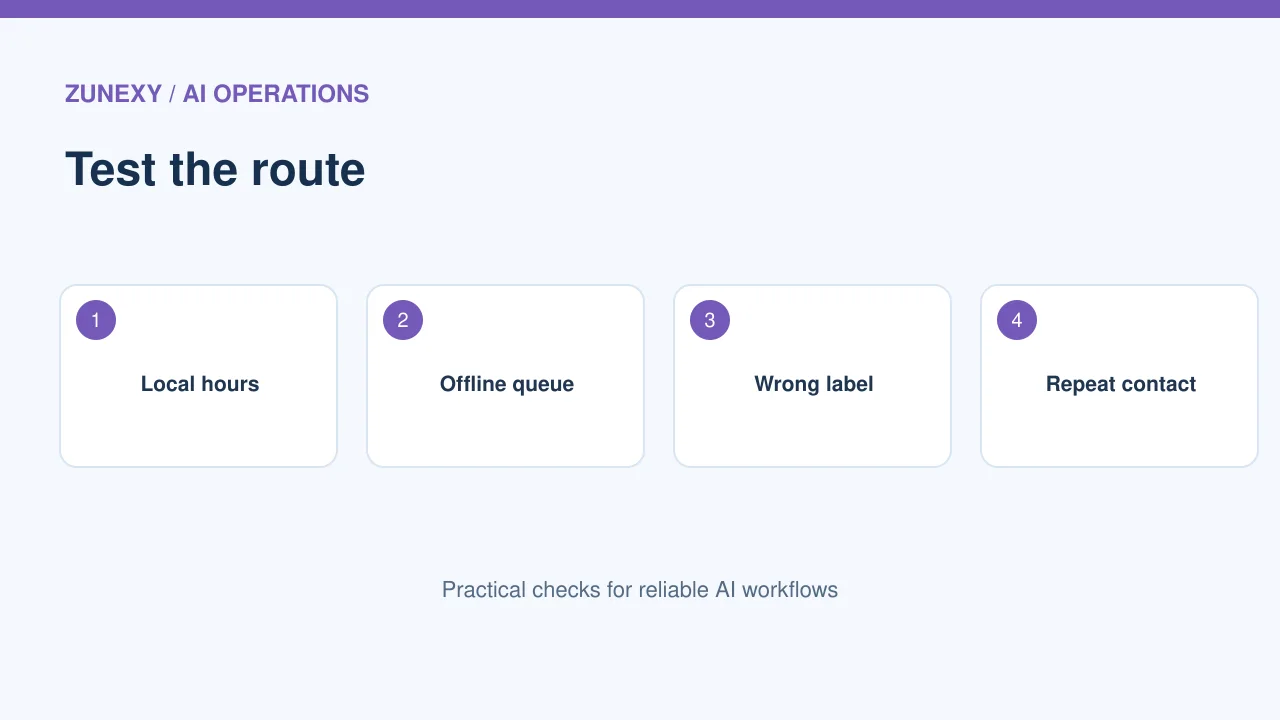
Prepare sample conversations about returns, damaged goods, lost access, and unclear instructions. Include short and long messages, more than one language, and angry but lawful complaints. Check whether the AI escalates when it should and stays with routine work when it can. A human reviewer should score both the route and the summary. Count missed escalations as a serious error.
Test the system when staff are offline
What happens on a weekend or across time zones? A bot may transfer to an empty live chat queue. Instead, offer a ticket with a realistic response window. Check that the ticket is stored, acknowledged, and assigned when staff return. Send a harmless test case before each major rollout. The handoff is only successful when a person or team actually receives the work.
Measure the Full Customer Journey
Watch resolution, not only bot deflection
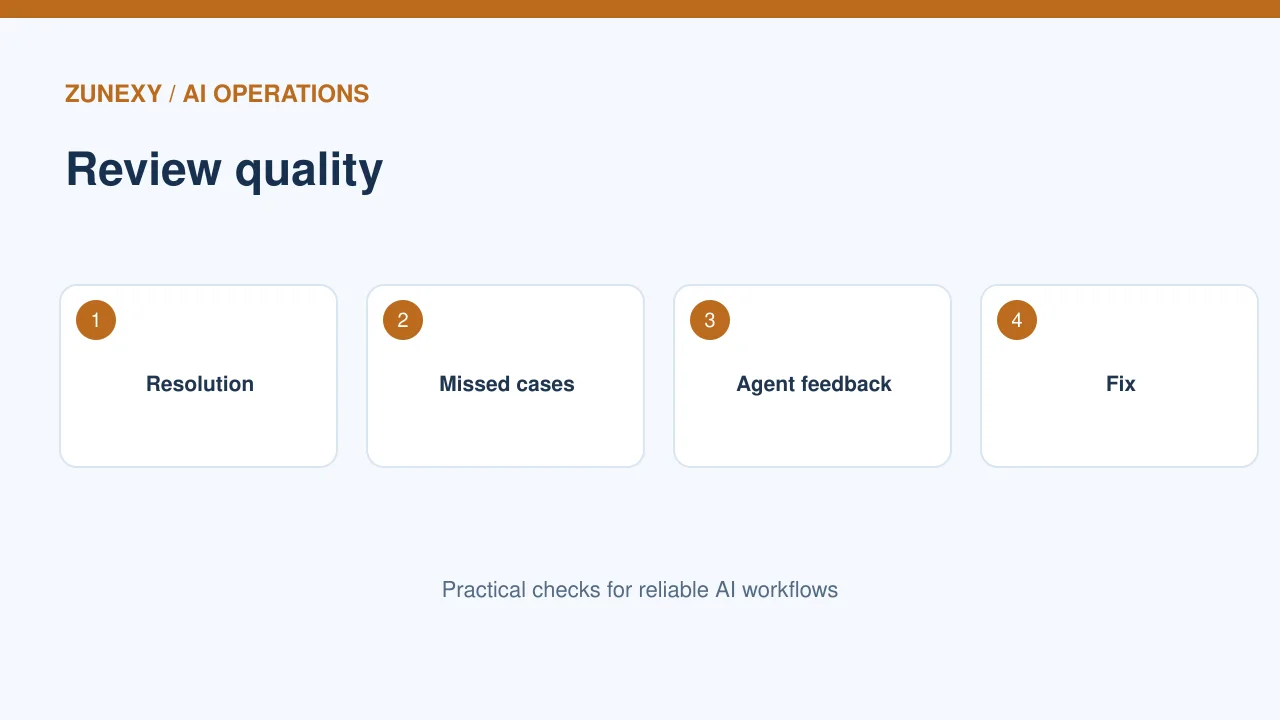
A high bot-only rate can look good while customers remain stuck. Track resolution time, repeat contacts, reopened tickets, customer satisfaction, and the share of handoffs with enough context. Ask human agents how often they must correct the AI summary. A handoff that takes one extra minute but solves the problem can be better than a fast wrong answer.
Review failures as a team
Each week, sample a small set of transfers. Sort them into wrong route, missing context, privacy issue, unclear language, and avoidable handoff. Pick the top fix. It may be a new help article, a better form, or a changed escalation rule. Do not blame agents for rejecting a bad AI suggestion. Their corrections are evidence that the system can improve.
Build a Safe Fallback
Keep a manual route
Model services and chat integrations can fail. When that happens, the customer should still see a contact path. Define the timeout before giving up on the bot. Save the user’s request once, not many duplicate tickets. Tell them what happened in simple words. The fallback should not leak system errors or internal prompts. Test a planned outage in a safe environment before launch.
Keep the customer informed
After transfer, show the next step and an honest wait estimate if one exists. Do not promise a five-minute reply unless the support team can meet it. If the case changes teams, record why and notify the customer where appropriate. A predictable process matters more than cheerful auto-replies. Global teams should use local hours and time zones in their messages.
Scale the Handoff Carefully
Adapt to each region
A global support team may use different languages, service hours, and consumer rules. Have regional agents check the escalation labels and customer messages. A phrase that sounds calm in one language may sound dismissive in another. Keep the policy core consistent while allowing local details. Do not let an AI translation override a legal or safety notice without human review.
Give one owner the full route
The chatbot owner, ticketing owner, and support manager each see only part of the journey. Name one person to check the full route every month. They should test the transfer, inspect feedback, and approve changes. Use the NIST AI Risk Management Framework as a general reminder to define roles and manage risks. A safe handoff is a service process, not just a model feature.
Final Takeaway
Make the human route easy to find, send a short and safe summary, and confirm that someone received the case. Check both customer results and agent feedback. The best handoff feels like one team continuing the same conversation.