AI Workflow Cost Guardrails in 2026: Set Budgets Without Breaking Service
AI bills can grow through retries, long prompts, and tools that run more than expected. This guide shows how to measure cost per useful task, set alerts, and control spending while keeping global team workflows reliable.
Find the Real Cost Unit
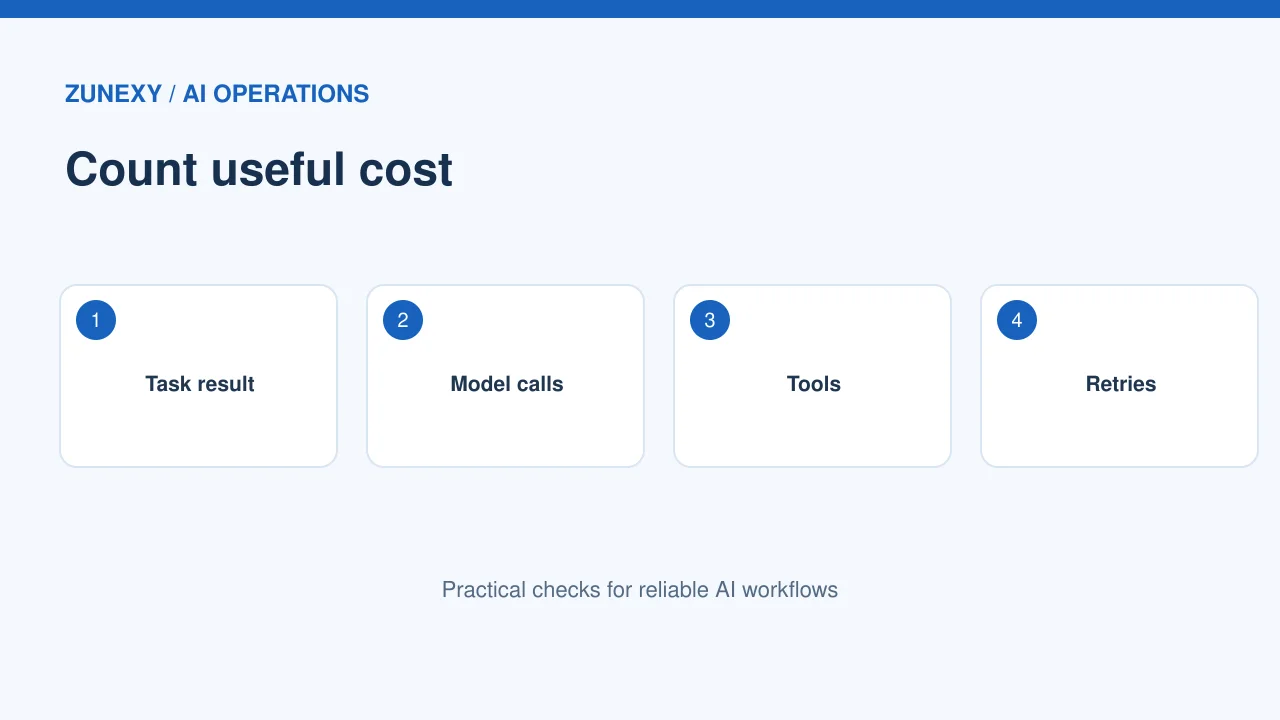
Count a useful completed task
An AI budget should begin with a business task. For a support team, that may be a resolved ticket. For a content team, it may be a reviewed draft. Count how many model calls the task needs, including retries and checks. A single request price does not tell the full story. The same task may use a short prompt one day and a large document the next. Measure a sample of real work before setting a limit.
Separate model and tool spending
A workflow may pay for model input, model output, file storage, search, image work, and outside tools. Make a simple cost map of each step. Check the provider’s billing and pricing pages, such as OpenAI API pricing documentation, for the current terms that apply to your account. Do not hard-code a price in a long-lived guide. Prices and service limits can change. Record a review date.
Use Budgets at the Right Level
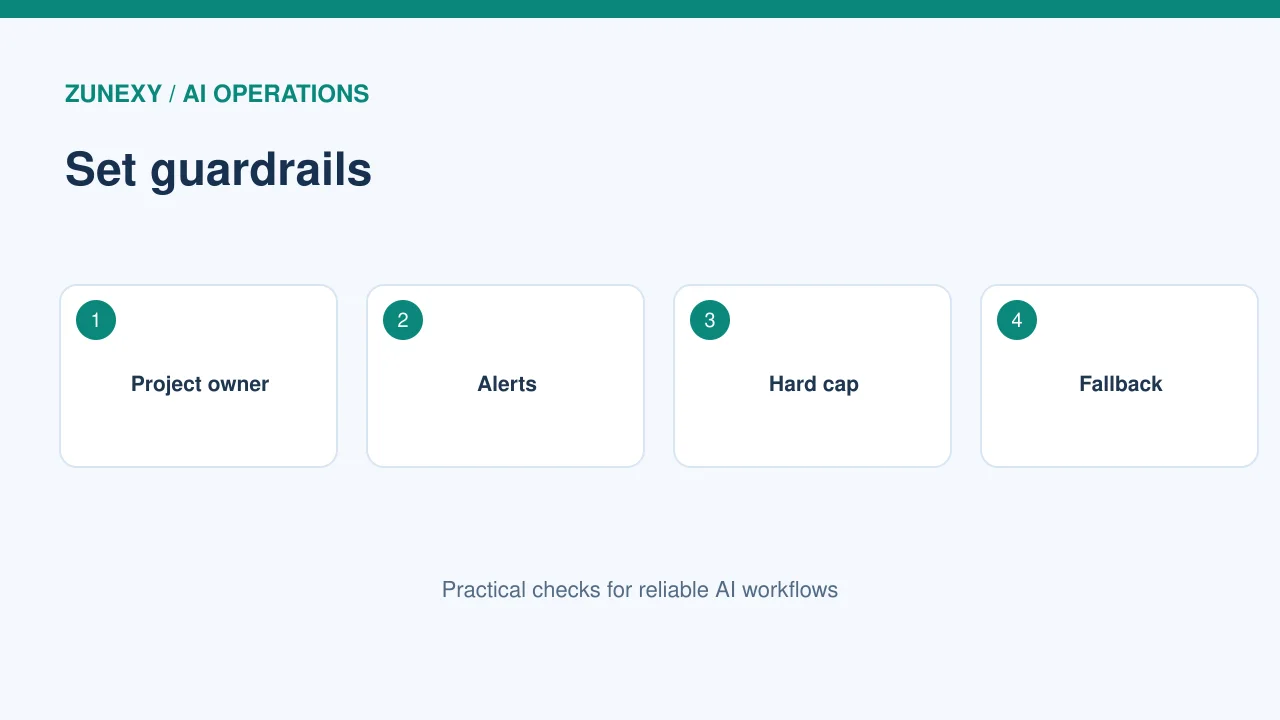
Give each project an owner
A shared account can hide which team uses the most resources. Split projects, keys, tags, or billing groups where the platform permits it. Name the person who can approve spending. A test tool should not share the same unlimited budget as a production service. Ask each owner to state the monthly goal and the cost they can accept for one useful result.
Set alerts before hard limits
A budget warning can show a problem before work stops. Try alerts at a few points in the month, based on recent usage and expected peaks. A hard limit may protect cost but also interrupt live support or an important internal task. Test how your provider handles limits. Some settings are alerts, not strict caps. Read the platform’s rules and have a separate emergency plan for vital services.
Trace High-Spend Requests
Look for retry loops
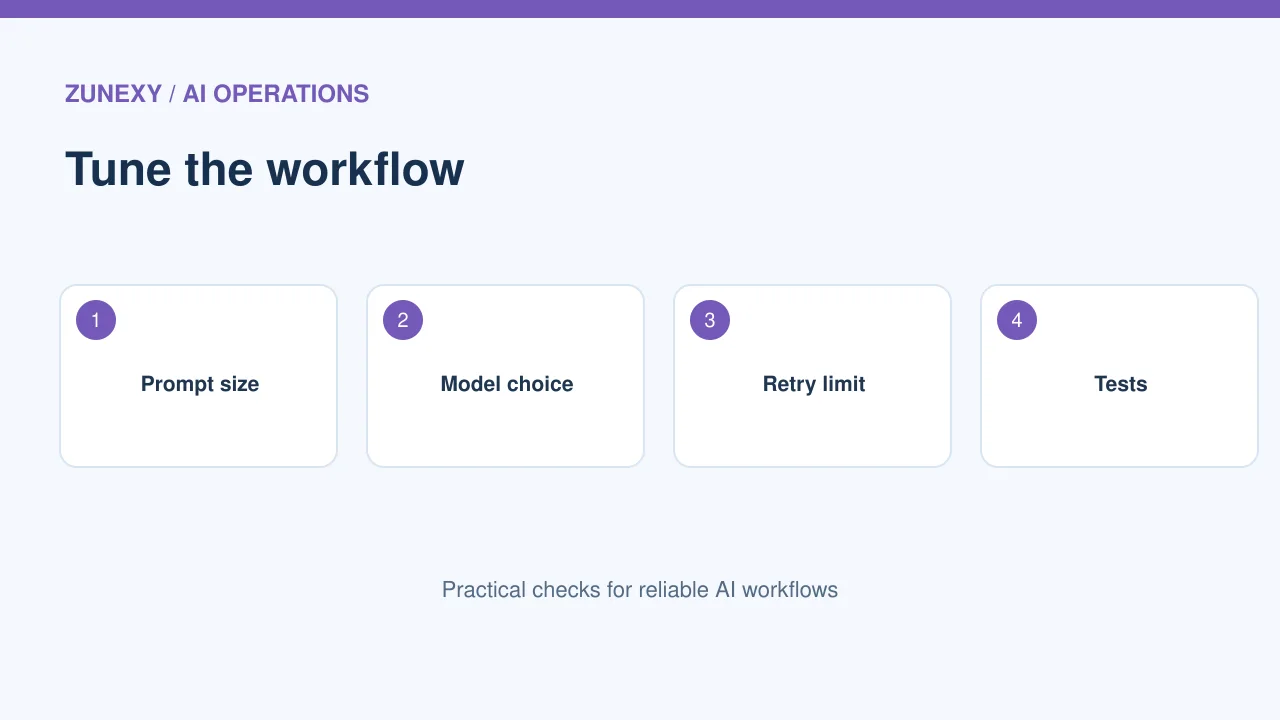
A broken connector may repeat the same model call. A file parser may fail and retry without a stop rule. Such loops can create bills without useful results. Track request IDs and the number of tries per task. Set retry limits and wait periods. If a task fails three times, route it for review rather than trying forever. Keep the original input private in the approved log store.
Measure prompt and output size
Long prompts, repeated background text, and large outputs can raise usage. Check what context a task truly needs. Reuse a short verified reference where the application allows it. Set output length based on the job. A five-line classification does not need a long essay. Test quality after each change. A smaller request that loses key facts may cost more once a person fixes it.
Choose the Right Model for Each Step
Use a simple first pass
A low-risk label or basic extraction may work with a lighter model. A complex legal or safety question may need a different process and human review. Build a small test set for each step and compare error rates, speed, and cost. Do not choose by a benchmark score alone. A model that is cheap per call may be costly if it produces many errors. Keep high-impact decisions under the firm’s policy.
Avoid a blind model switch
When a new model appears, run the same test set before moving production traffic. Check formatting, languages, refusal behavior, and tool calls. Compare costs per completed task, not just rates per input token. Start with a small share of requests if the system supports that. Keep a fallback route. Document the model version so an unexpected cost change can be traced.
Control Agent Tool Calls
Give each workflow a step cap
An agent may search, call another tool, and repeat. That can be useful, but only within clear bounds. Limit the number of external calls, time spent, and repeated plans for a task. Ask the agent to stop and send an exception when a required tool fails. Use a human approval gate before paid actions or data changes where warranted. Track each action with a task ID so costs stay visible.
Do not pay to chase uncertainty
A system may keep asking a model to improve an answer that cannot be verified. Set a rule for missing evidence. If the source cannot be found, report the gap. Do not send ten more calls and then invent a fact. This also protects quality. A useful output can say what is known, what needs a person, and what was not checked. That is often better than a costly guess.
Forecast Busy Weeks
Use actual usage patterns
Global services may peak during launches, holidays, or workday overlap. Compare several recent weeks, not one quiet afternoon. Make a low, normal, and high demand estimate. Add planned releases and new staff. Forecast calls, average cost per task, and expected retry rate. A range is more honest than one precise number. Use it to set alerts and approve extra budget before a known surge.
Plan for a spending spike
Define what happens when a budget warning fires. Can the team slow non-urgent batch jobs? Can it pause a test environment? Which service must stay online? Put these actions in order. Do not let a junior worker make an emergency cut that stops customer support. Test the controls in a sandbox. A good budget plan protects essential work as well as cash.
Review Billing Against Quality
Build one monthly view
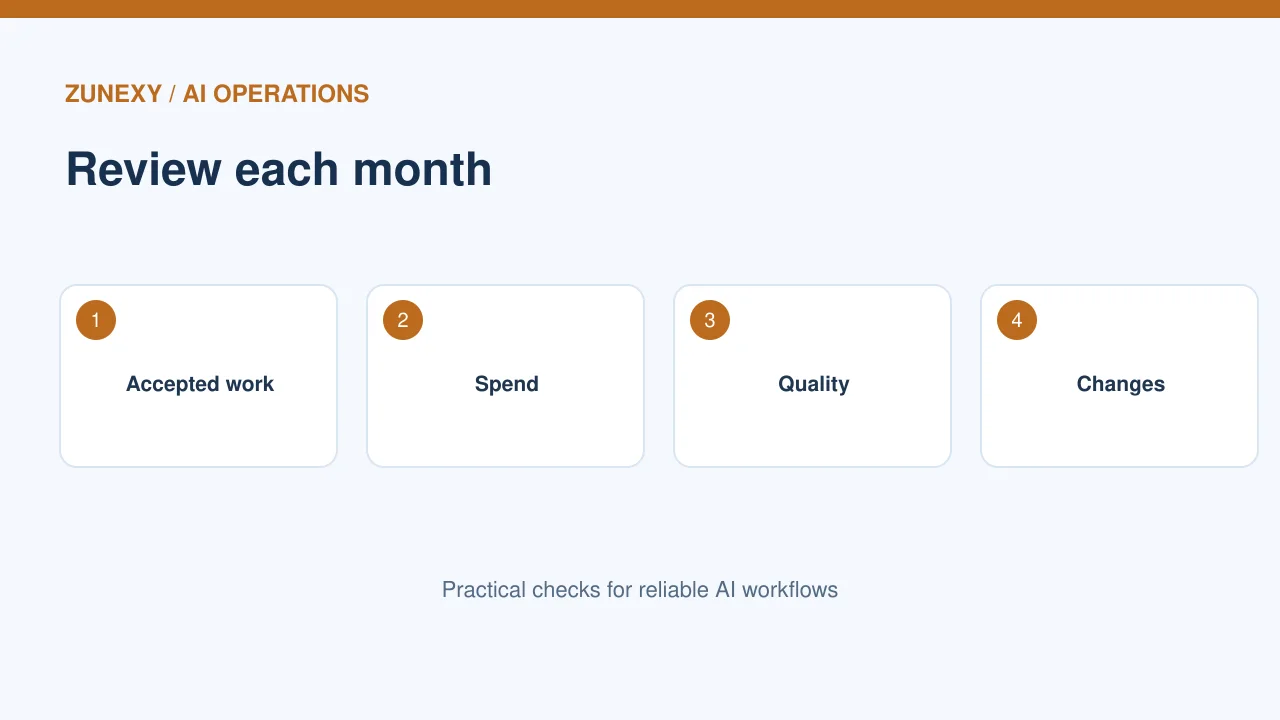
Show completed tasks, model and tool costs, human review time, failure rate, and user impact. The cheapest month may be a bad month if the team stopped useful work. Review cost per accepted result. Separate experimental work from production. Ask business owners whether outputs saved time or helped customers. Treat spending as part of service quality, not a goal on its own.
Make small fixes first
If the bill rises, check usage volume, retries, prompt size, and tool calls before replacing the whole system. Often one loop or one oversized document explains the change. Fix that step and test quality. Track the result for a week. A clear change log helps the next person understand why the budget moved. Keep a rollback option if the fix makes answers worse.
Keep the Policy Current
Review provider controls
Billing interfaces, project roles, and limit features change. Set a quarterly review for current settings and pricing. Check that old API keys and test projects are retired. Confirm each team still needs its access. Do not leave a high-limit experiment running after the pilot ends. Use provider reports as evidence, but reconcile them with the firm’s own task records.
Teach staff the basic signals
Workers do not need to learn token math. They should know that repeated failed tasks, huge pasted files, and endless retries can add cost. Give them a simple route to report a stuck workflow. Explain that accuracy still matters and that they should not cut checks to save a tiny amount. A calm cost policy helps teams build useful AI without surprise bills.
Final Takeaway
Track the cost of accepted work, set owners for each project, and cap runaway steps. Test what happens at a limit. Review quality with spending so savings do not create new problems. Small measured changes are the safest path to a predictable AI budget.