Kubernetes for AI Workloads: A Small-Team Deployment Checklist for 2026
A team may have a working AI demo on one laptop. Moving that demo into a service that people use each day is a different job. The team must handle updates, traffic spikes, secrets, logs, and failed requests. Kubernetes can help with these tasks, but it also adds work. The right first question is not “How do we move to Kubernetes?” It is “Do we need it yet?”
This guide helps teams make that call, then plan a small and safe launch. It focuses on the work around AI apps, such as a document helper, rather than training a huge model. The steps apply across cloud providers and regions.
Check if Kubernetes fits your team
Kubernetes runs containers and helps keep them available. It can restart failed app parts, spread work, and roll out new versions. It does not fix a weak AI answer, a bad data source, or a poor security plan. It also needs people who can run and support it.
The Cloud Native Computing Foundation reported in January 2026 that 82% of container users in its 2025 survey ran Kubernetes in production. That figure applies to surveyed container users, not to all businesses. The same report shows that the platform is used for more AI work. It does not mean a new team must choose it.
If you have one low-traffic app, a managed app service may be simpler. If you run several services, need strict release controls, and already have staff who know containers, Kubernetes may pay off. Ask who will be on call at night. If no one can answer, solve that gap before launch.
Make a one-page decision record
Write down expected users, peak traffic, response time needs, uptime needs, data rules, budget, and staff skills. Add the simpler options you considered. Keep the record so you can revisit the choice when demand changes. A clear “not yet” can be a sound technical decision.
Map the path of one request
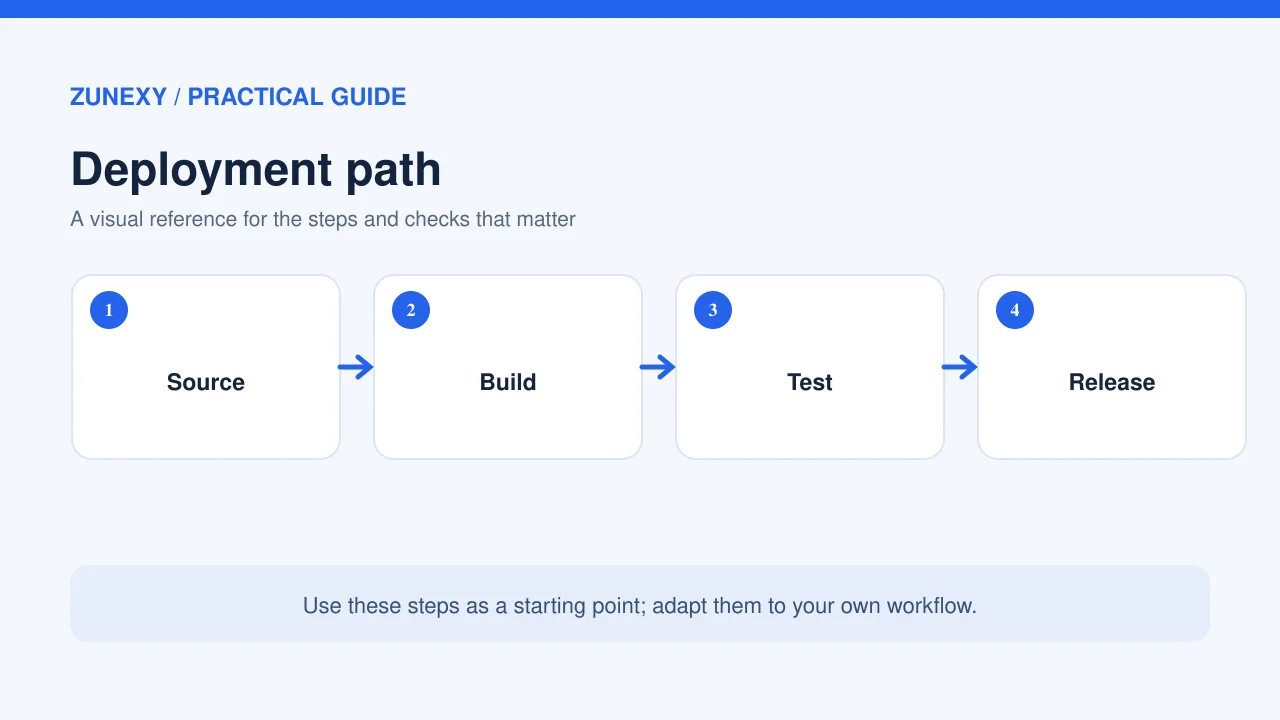
Draw what happens when a user asks a question. The request may pass through a web app, an API, a search service, a model provider, and a database. Mark which parts your team runs and which parts a vendor runs. This map will guide alerts and access controls.
For a document search app, a user submits a question. The API checks their access, retrieves only files they may view, sends a narrow request to a model, then returns an answer. If the search step fails, the app should say it cannot find reliable source text. It should not guess.
Use a test request with fake data. Follow it from the browser to the response. This simple walk shows where logs need request IDs and where private data may leak into error messages.
Build small containers first
Separate the web app from long jobs
The web API should answer quickly. Long tasks, such as reading a large document set, should run in a separate worker. That split helps keep a busy upload job from making normal pages slow. Give each service a clear job and a health check.
Use a versioned container image. Scan dependencies and pin what you deploy. Store settings outside the image. Never place API keys in source code or image layers. A managed secret service is often safer than a file passed from one person to another.
Before using Kubernetes, run the same image in a test setting. Check that it starts with no hidden local files. Test what happens when a required setting is missing. A service should fail with a clear error and should not print a secret.
Plan capacity around real traffic
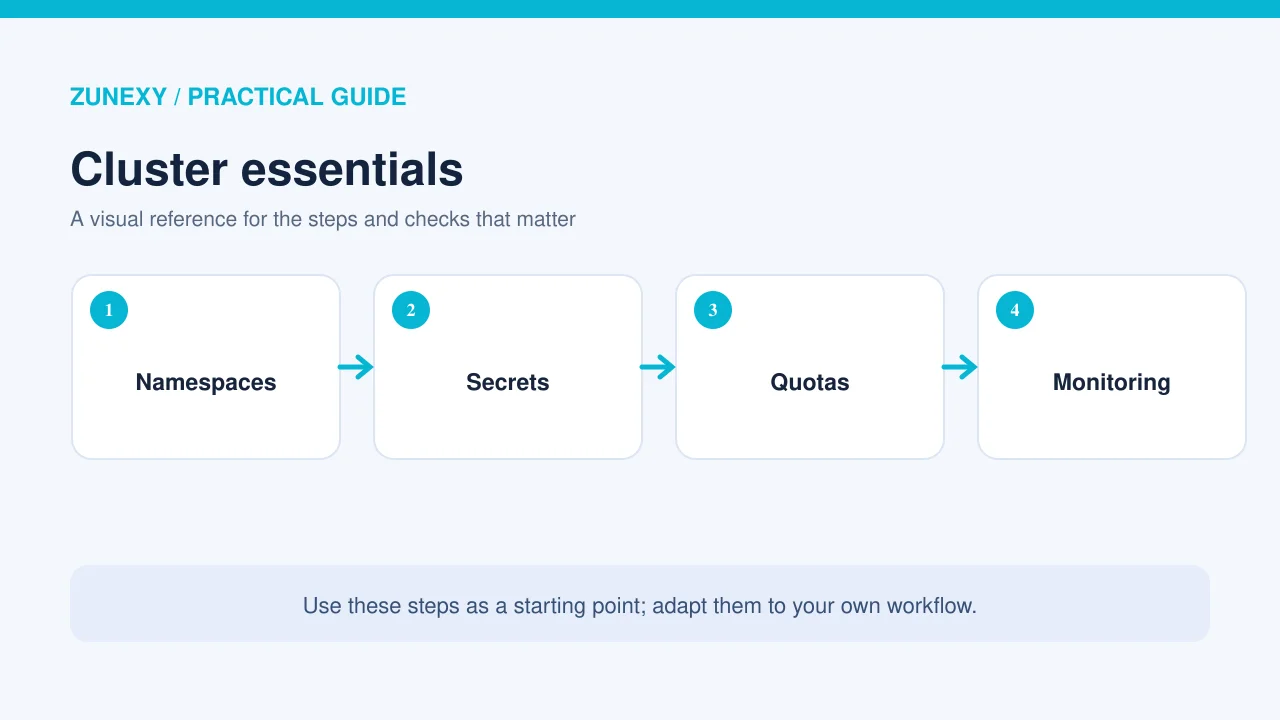
AI calls may wait on a model service or a large search. More app replicas will not solve a slow vendor call. Measure time spent in each part of a request. Look at median time and slow requests, not just the average. A few long waits can hurt users even when the average looks fine.
Start with safe resource limits for the API and worker. Then run a small load test with test data. Raise traffic in steps and watch memory, CPU, queue time, and error rates. Do not aim for the largest number of requests. Aim for steady service under the load you expect.
If you host a model on GPUs, capacity planning changes. Track memory, warm-up time, batch size, and the wait for a free device. The GPU is often the scarce part. Do not assume that more CPU nodes will help.
Set a queue limit
When a service gets more tasks than it can handle, it needs a fair way to say “try later.” A queue with no limit can hide a failure until costs rise or users wait for hours. Set a maximum wait, a retry policy, and a clear message to users. Avoid retries that send the same costly request over and over.
Keep private data out of logs
Logs are useful, but an AI request can contain a contract, health detail, or private message. Record the request ID, service name, elapsed time, outcome, and cost-related counters. Do not record the full prompt or answer by default. If you must keep samples for review, mask sensitive text and set a short retention rule.
Give services only the access they need. A public web service should not have direct rights to every database. Use network controls between parts. Test with a user who has limited rights, not just with an administrator account.
The official Kubernetes security guidance explains core controls such as workload and cluster security. Use it as a checklist, but adapt controls to your own app and hosting plan.
Use staged releases

Do not switch every user to a new model or prompt at once. Send a small share of test traffic to the change. Compare response quality, time, errors, and cost. If a result gets worse, roll back to the last known good version. Keep app code, model settings, and prompt versions in the change record.
For example, a team changes its search chunk size. The new version seems faster in a simple demo but omits details in long policy files. A set of test questions reveals the problem before the full launch. This is why release checks must test answer quality as well as app health.
Monitor the whole answer path
A green server chart does not prove the AI app works. Track failed logins, search misses, model timeouts, poor answer ratings, and delays. Keep a small dashboard that joins these signals. A support lead should be able to see whether trouble comes from missing data, a vendor outage, or your own app.
Choose a few alerts that need action. Too many alerts cause staff to ignore them. Set one for high error rates, one for slow requests, one for queue growth, and one for budget spikes. Each alert should say who is on call and what to check first.
Build a simple recovery plan
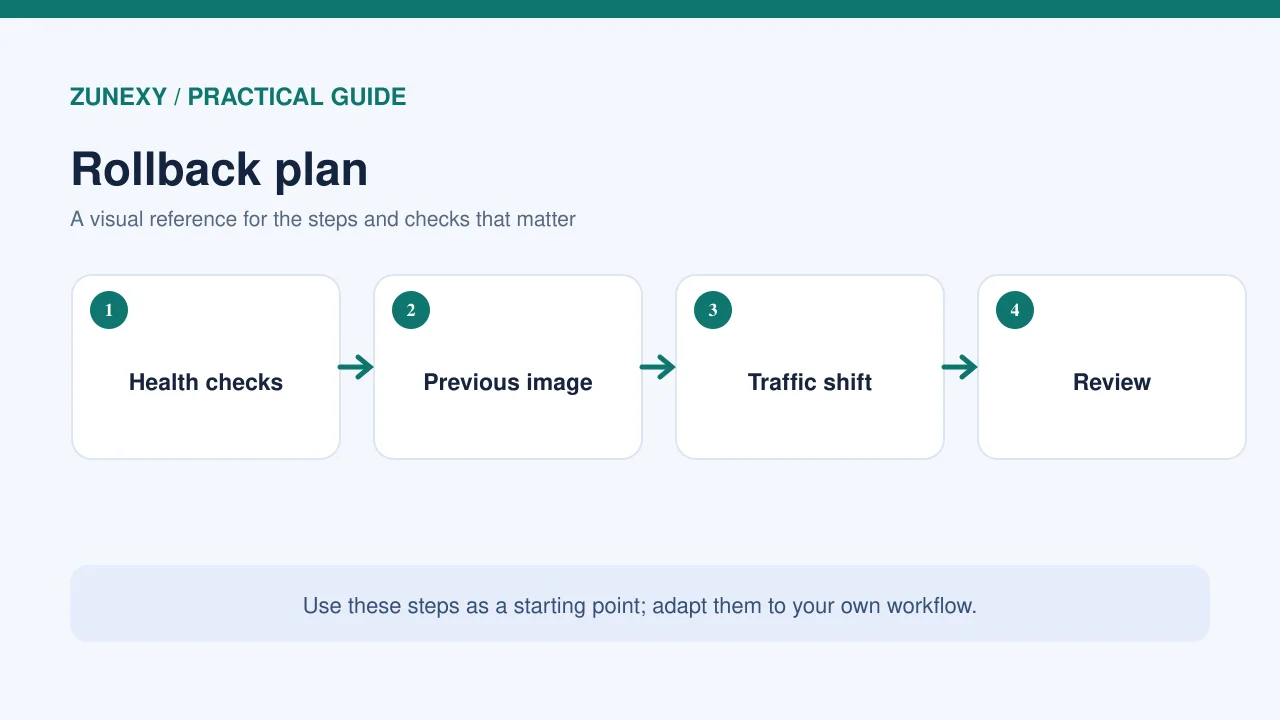
Assume a node, region, or vendor may fail. Write a plan for each case. Back up settings and data. Test a restore in a separate setting. If the model provider is down, decide whether to show a clear pause message, switch to an approved backup, or let users work without AI. Never send private data to a new provider without review.
Run a short practice drill. Turn off a test service and watch whether traffic shifts. Measure the time needed to recover. Fix the steps that caused delay. A plan that no one has tried is only a draft.
A four-week launch plan
- Week 1: Map the request path, list risks, and decide if Kubernetes is needed.
- Week 2: Build containers, secrets, health checks, and a test environment.
- Week 3: Run load, access, quality, and failure tests with safe sample data.
- Week 4: Release to a small group, check alerts, and expand only after a review.
Assign a person to each step. Give the team a go/no-go checklist before launch. If one core check fails, keep the old service running while you fix the new one.
Questions to ask before launch
Who owns an AI answer error?
The platform team owns uptime, but a product expert may own answer quality. Name both roles. Give users a way to flag an answer and get help from a person.
How will we see a cost spike?
Track requests and usage by service. Put a budget alert beside the app health alerts. A retry loop can look like growing demand until the bill arrives.
Can we leave the platform?
Keep data export and service recovery in mind. Use portable app images and documented settings where practical. Make sure you can still read your backups without the original cluster.
Final takeaway
Kubernetes is a tool for running services, not a mark of AI maturity. Start with the user need and the failure cases. If a cluster is the right fit, keep the first design small, test it with real traffic patterns, and give someone clear ownership. The goal is a reliable answer service that people can trust, not a complex diagram.