Keeping an AI Knowledge Base Accurate in 2026: A Maintenance Plan for Teams
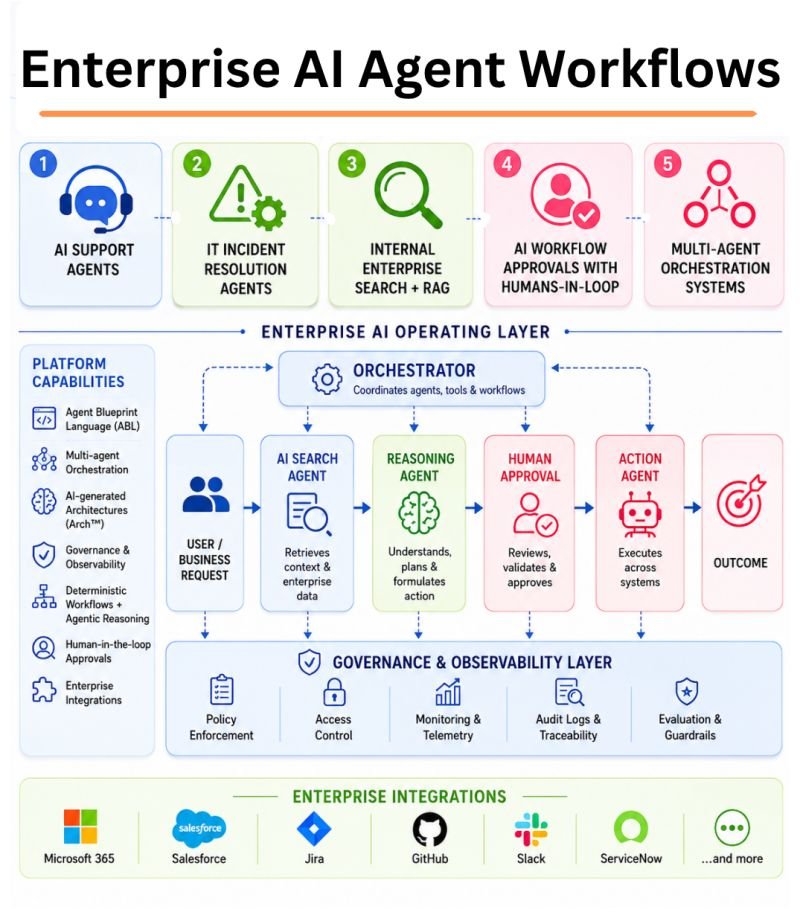
An AI assistant may answer from company documents instead of a public search. That can help staff find policies, product details, or process steps. But a knowledge base grows old. A price changes, a policy is replaced, or two teams keep different versions of one guide. An assistant can then give a fluent answer based on the wrong file. The fix is not always a bigger model. It is often better content ownership and a clear update process.
This guide focuses on keeping a business knowledge base useful after launch. It covers document owners, source dates, permissions, search tests, and what to do when the assistant cannot find a trusted answer. The aim is practical maintenance that a small team can manage.
Start With an Inventory of Trusted Sources
List the locations your assistant searches: help articles, shared folders, policy pages, manuals, and databases. For each source, name an owner, update date, audience, and the task it supports. If a document has no owner or clear purpose, review it before putting it into a production index.
A support team may have an old refund policy in a shared drive and a new policy on its website. If both are indexed without a rule, the assistant may choose the wrong one. Create one canonical location and mark the older copy as archived. Do not ask the model to infer which policy has authority from the writing style.
Set an expiry or review date
Not every article needs a monthly rewrite. A login guide may change often, while a glossary may remain stable for years. Assign a review interval based on how quickly the facts change and the harm of an error. A price page, legal policy, or safety process deserves faster checks than a historical note.
Make Source Identity Visible
Store useful metadata such as title, owner, last approved date, document type, region, and access level. If a retrieved passage supports an answer, show the reader the source title and a working link when allowed. A person should be able to confirm the claim without hunting through a folder.
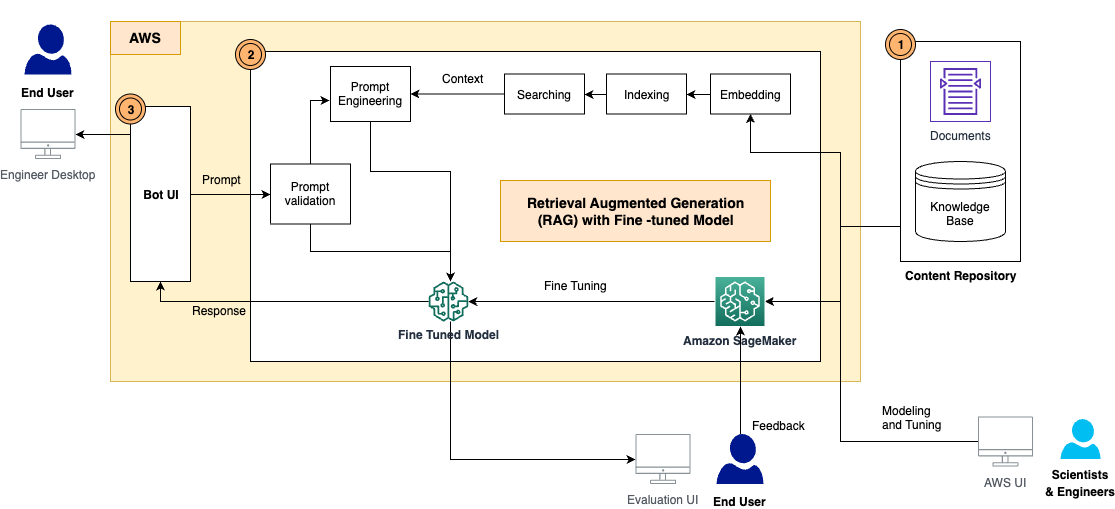
Microsoft’s RAG documentation describes how search indexes can keep source details that support citations. The technical feature matters because it lets the app connect an answer to a document. But a citation to an old document is still an old answer. The content process must keep the source current.
Give archived files a clear role
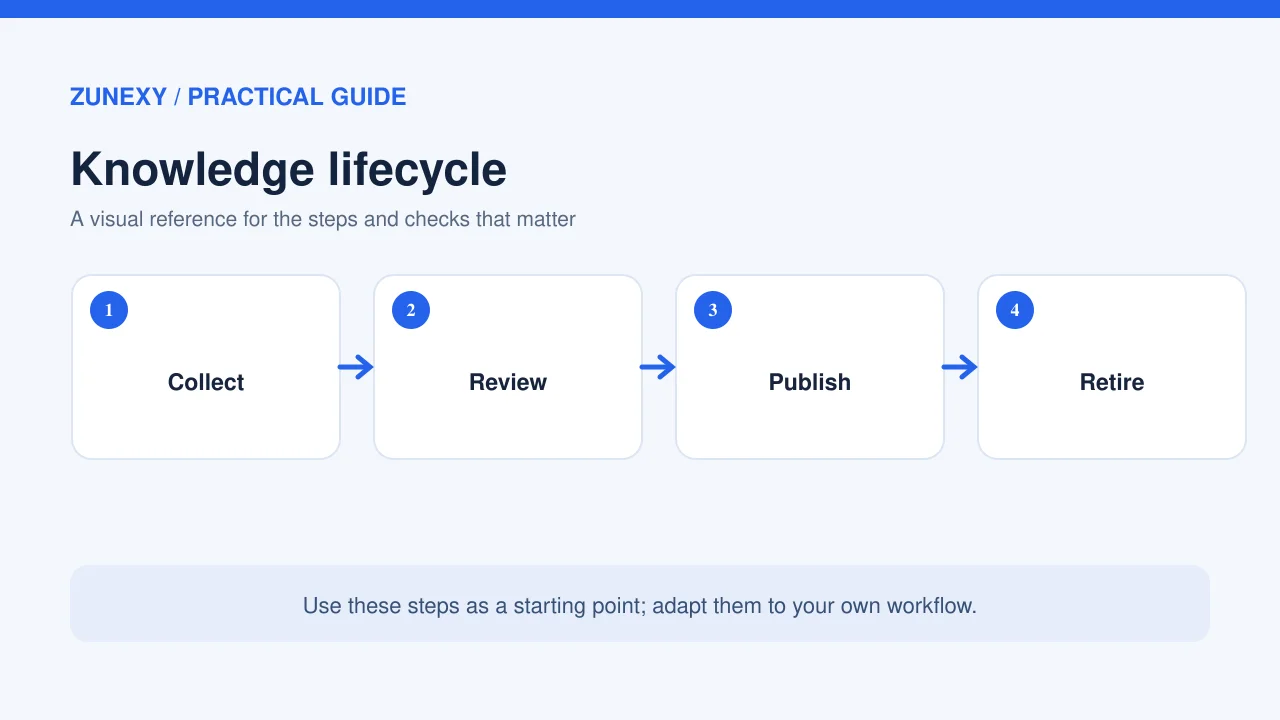
Sometimes a business needs old policies for past cases. Store them with effective dates and a clear archive label. Do not let the assistant use an older rule for a new request unless the user’s date calls for it. A request about a 2024 order may need the policy active in 2024. A request about today’s order needs today’s rule.
Manage Access at Retrieval Time
An employee in one team may be allowed to read a draft contract while another may not. The assistant should not reveal a restricted fact just because it can search the index. Apply the real user’s access rules to search results. Test permissions with dummy users in different roles. A hidden source title or quoted sentence can still leak information.
Do not rely on a prompt that says do not share private data. Use access filters and service permissions. Review how a connector syncs deleted and restricted files. If a person loses access to a folder, the assistant should stop showing that content too. A stale index is a privacy problem as well as a quality problem.
Check Search Before Checking the Answer
When an AI response is wrong, look at what the search step retrieved. Did it find the right document? Did it rank an older one first? Did it miss a key table? Fixing the response prompt may not help if the correct source was never present. Keep a small set of real employee questions and the documents that should answer them.
The Microsoft RAG evaluation guidance separates retrieval quality and how well the response follows its sources. A small team can apply this idea with manual checks: first inspect the top search hits, then compare the final answer with the approved file.
Test difficult but common questions
Include questions that use nicknames for products, old project names, and short forms that staff know. A search system may fail when employees use natural words that do not match the document title. Add helpful terms to the source or improve search settings. Do not fill the index with repeated copies of the same article just to increase matches.
Handle Conflicts and Missing Answers
When two sources disagree, the assistant should not blend them into a new policy. It can cite the conflict and direct the user to the owner. Define which source wins for each type of fact. For example, the current billing system may be authoritative for an invoice status, while the published help center is authoritative for the general billing policy.
If no source supports the answer, the assistant should say it cannot confirm the fact. Give users a clear route to ask a person or submit a correction. A short honest gap is more useful than a complete-looking invented answer. Track these gaps because they show what content the business should write next.
Create a Content Change Workflow
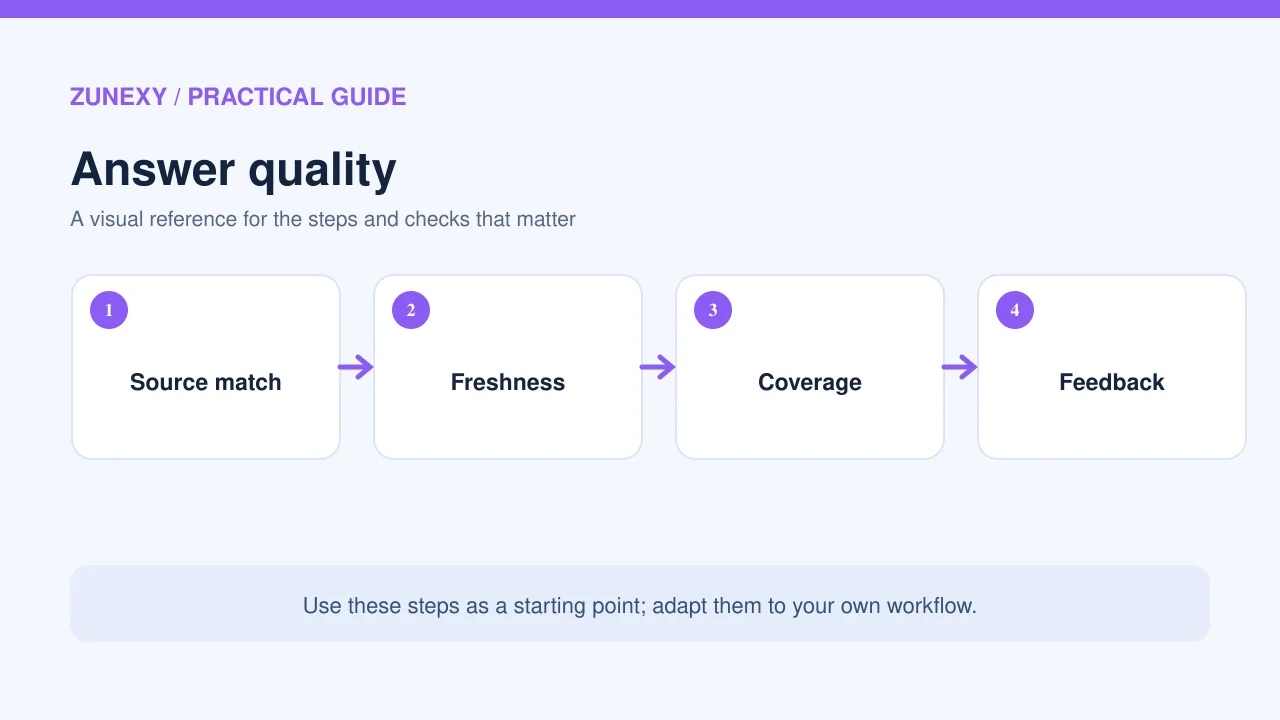
A knowledge editor can propose a change, but an owner should approve policy or high-impact content before it becomes searchable. When a document is updated, note the effective date and refresh the search index. Check that the old copy is removed or properly marked. A slow sync can leave the assistant citing the prior version for hours or days.
Keep a record of important changes. If a user reports a wrong answer, the team should be able to find which source version was used. You do not need to save every chat forever. Keep enough source and index metadata to trace a problem while respecting privacy and retention rules.
Avoid silent edits to sensitive policies
An AI tool can draft clearer wording, but policy owners must approve meaning. A small wording change can alter an exception or deadline. Show the old and new text side by side and ask a responsible person to sign off. After approval, run a few expected questions to see whether the assistant still answers correctly.
Use Freshness Carefully
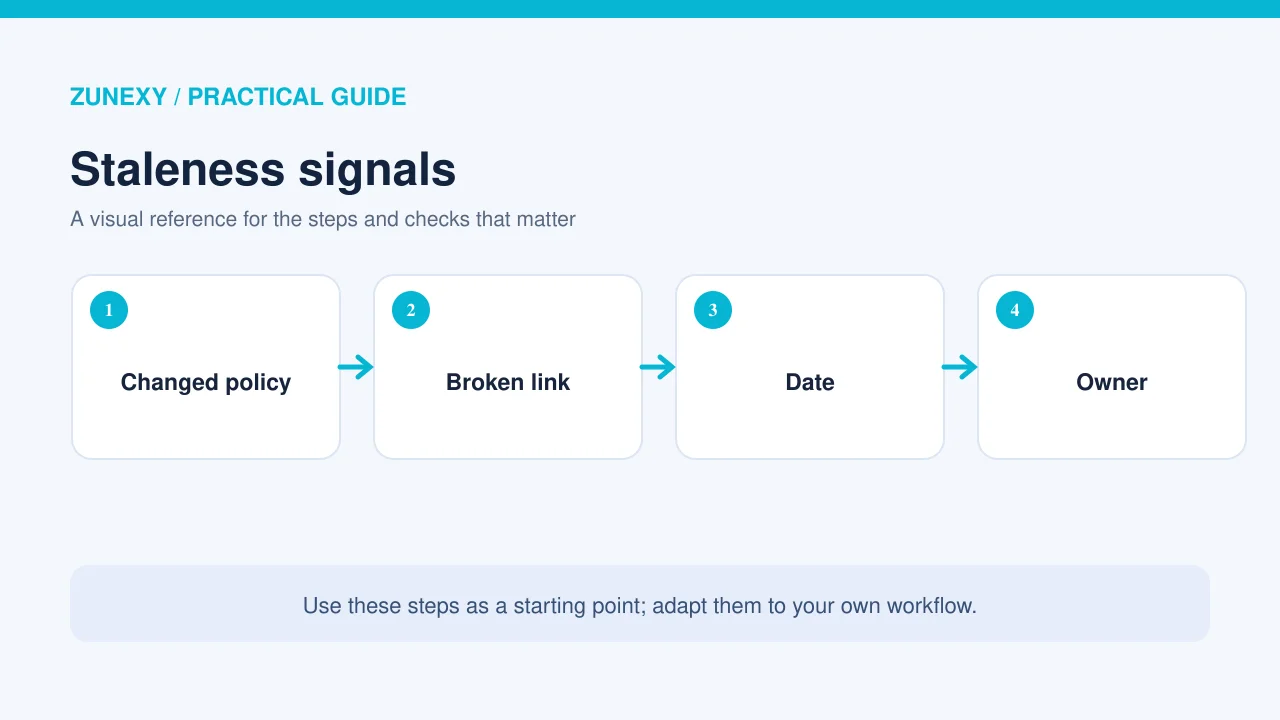
Newer does not always mean more accurate. A recent chat note may be less authoritative than a formally approved manual. Use freshness as one signal alongside approval status, source type, and effective date. Some search systems support freshness-aware ranking. Azure AI Search documentation describes this option in preview. Test its behavior before using it as a policy rule.
If users ask about past events, time filters may matter more than ranking by today’s date. Write the intent into the search query when possible. An answer about a previous contract should not silently replace the old terms with the latest version.
Measure Maintenance, Not Just Chat Quality
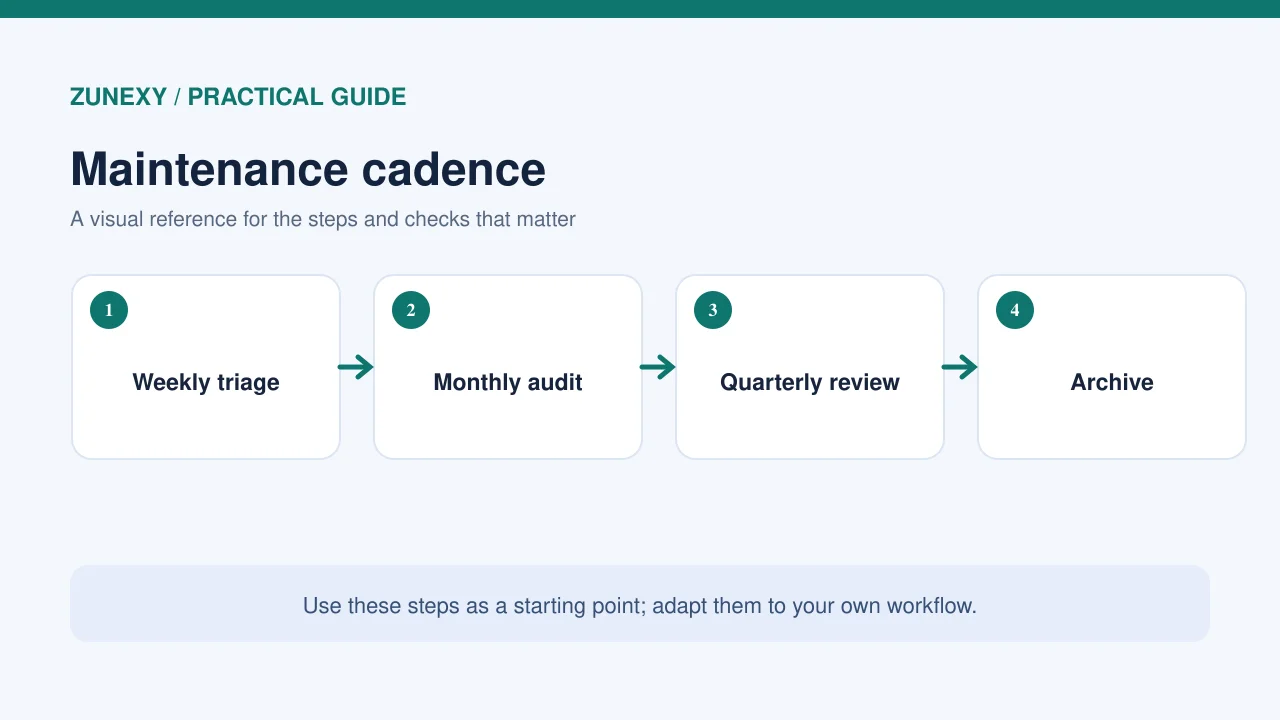
Track the share of key documents with an owner, overdue reviews, broken citations, search questions without trusted answers, and wrong answers caused by old content. These measures tell you what the content team can fix. A model quality score alone will not show an expired refund policy.
Hold a short monthly review with support, product, and operations owners. Pick the most common gaps and assign updates. If a team changes a major process, make knowledge-base updates part of the release checklist. That prevents the AI assistant from learning about the change only after a user complains.
A Knowledge Base Health Checklist
- Name an owner and approval date for each key source
- Keep current and archived policies separate
- Store source titles and working citations
- Enforce user permissions during retrieval
- Test common questions against expected sources
- Flag conflicts and unsupported answers
- Refresh the index after approved changes
- Review overdue content and broken links monthly
The checklist is small enough for a new service, yet it scales with a growing library. Start with the documents that affect money, access, or customer commitments. Those sources deserve the most careful review.
Final Takeaway
An AI knowledge base stays useful because people manage its sources. Keep one trusted version of important facts, show where answers came from, enforce permissions, and test search after updates. When the assistant cannot verify a claim, let it say so. This turns a knowledge bot into a more reliable part of everyday work.
References
Microsoft RAG concepts, Microsoft RAG evaluators, and Azure AI Search freshness guidance.