AI Email Triage in 2026: How Small Teams Can Save Time Safely
An inbox full of customer questions and long threads can slow a small team. AI may help. But a careless auto-reply can create more work. This guide shows how to combine simple filters, checked summaries, human-approved drafts, and privacy controls.
Try an inbox task on a quiet day
Choose a shared inbox with a small set of test messages. Ask the tool to sort them into billing, support and sales. Check each result by hand. Next, let it write reply drafts, but keep the Send button for a person. Count the time saved and the errors found. If the tool misses a changed date in a long thread, fix the process before using it on live mail.
Choose the mail problem first
An AI inbox tool can summarize a long thread, suggest a reply, or sort a message. That does not mean a team should automate every email. Begin with a real pain point: missed service requests, slow internal handoffs, or too much time spent reading routine updates. Count the time and errors before you change the workflow.
An example
A small design agency may get client questions, invoices, booking notes, and spam in one mailbox. The team can sort most of them without AI. It may benefit from a summary of long project threads. But not from letting a model send pricing promises on its own. The right scope saves effort while keeping control.
Keep human approval for outward messages
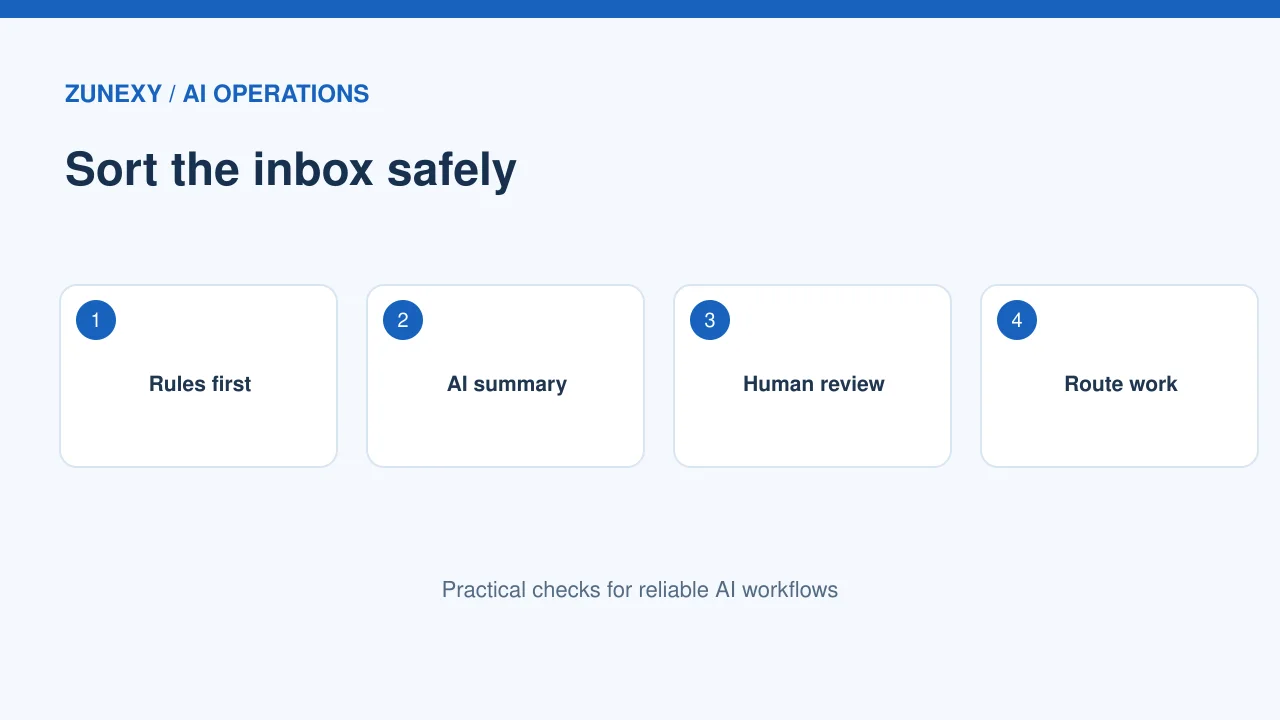
An AI draft can sound confident even when it has the wrong date, amount, or policy. Use it as a starting point. Before sending, a person should check the recipient, subject, attachments, promises, and any private information. High-risk messages need an owner with authority to approve them.
A useful test
For a refund question, the system can find the order number and draft a polite answer. The support agent should still check the refund rule and payment record. If the facts are unclear, it is better to ask a question than to send an invented solution.
Start with ordinary mail rules
Not every inbox problem needs a model. Gmail filters can label, archive, star, or forward mail based on rules. These actions are predictable and easy to review. Use them for senders, newsletters, and repeat system alerts before paying for AI processing.
An example
An email from a trusted billing address can go to a finance label. A message about an unusual contract clause may need a human. Separating clear rules from judgment work helps the team see where AI adds value. It also reduces the number of private messages sent through another service.
Test summarization against the original
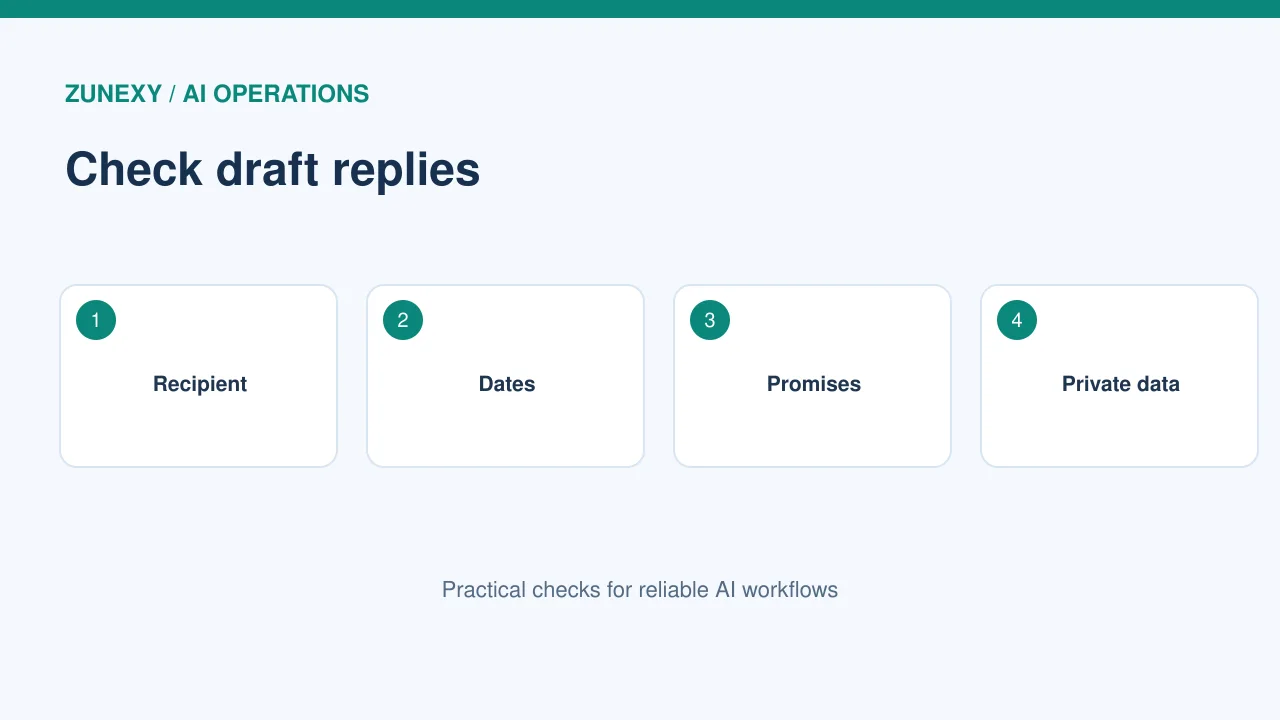
A thread summary should keep decisions, open questions, dates, and owners. It should not merge two customer requests or treat a suggestion as an agreement. Build a sample set of old threads and have a person score the results.
A useful test
A practical test includes a short exchange, a long thread with a changed deadline, a forwarded message, and a conversation where the final reply cancels an earlier plan. Ask the AI to cite which message supports a claim where the product allows it. Then compare the summary with the source.
Use categories that lead to action
A category is useful only if it changes what happens next. “Urgent,” “Needs reply,” “For review,” and “Reference” can help a small team. But define them clearly. Do not allow an AI guess to silently delete or ignore important mail.
An example
For customer support, urgent might mean a service outage or a time-bound safety issue. A marketing request that says urgent may not meet that rule. Review mistakes weekly, and let staff override labels. Keep a path for unknown messages rather than forcing every email into a familiar group.
Protect sensitive content
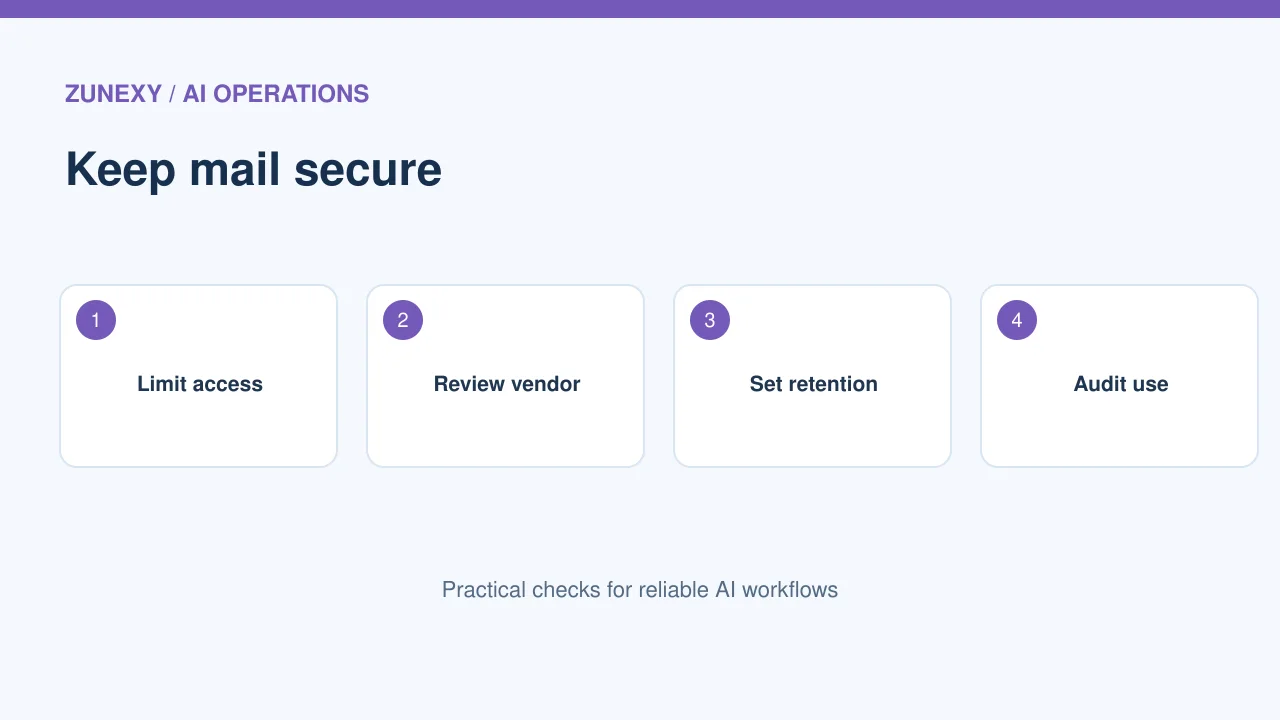
Email often contains names, addresses, contracts, and financial details. Before connecting an AI service, check its permissions, retention policy, region options, training-use terms, and admin controls. Do not assume all products have the same data practices.
A useful test
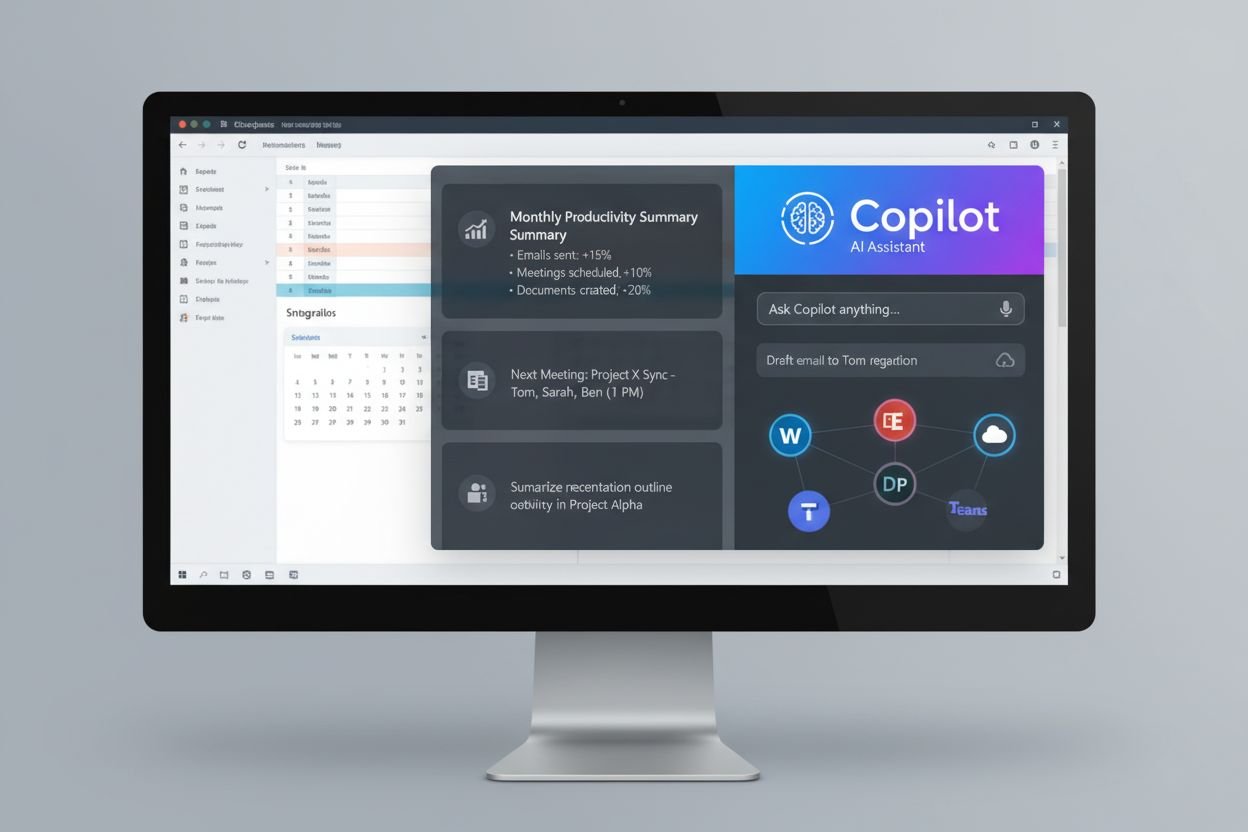
For instance, a team may use Microsoft 365 Copilot to draft or summarize messages in Outlook. The exact features and access depend on licensing and tenant settings. Check the current product documentation and the permissions a user already has. Limit outside connectors until the security owner reviews them.
Prevent wrong-recipient mistakes
Sending the right text to the wrong person can be worse than a poor summary. Keep auto-send disabled during a pilot. Make recipients visible in the review screen and ask the sender to check them. Watch for similar contact names, old distribution lists, and forwarded threads.
An example
A sales manager may type a client name that matches two contacts. The AI should not choose a recipient with confidence just because it recognizes a company. The sender needs to verify the actual address and context before the message leaves the organization.
Write prompts with boundaries
A good prompt states the task, the allowed source, the tone, and what to do when information is missing. It should not ask the model to make up an answer. For a summary, specify that dates and amounts must come from the visible thread. For a draft, say that the user will approve the final wording.
A useful test
Try this workflow: summarize the latest customer issue, list unresolved questions, and draft a response that asks only for facts still needed. Compare the result to the source. If it invents a delivery date, change the instruction and the approval rule. Do not hide that error in a polished message.
Measure more than speed
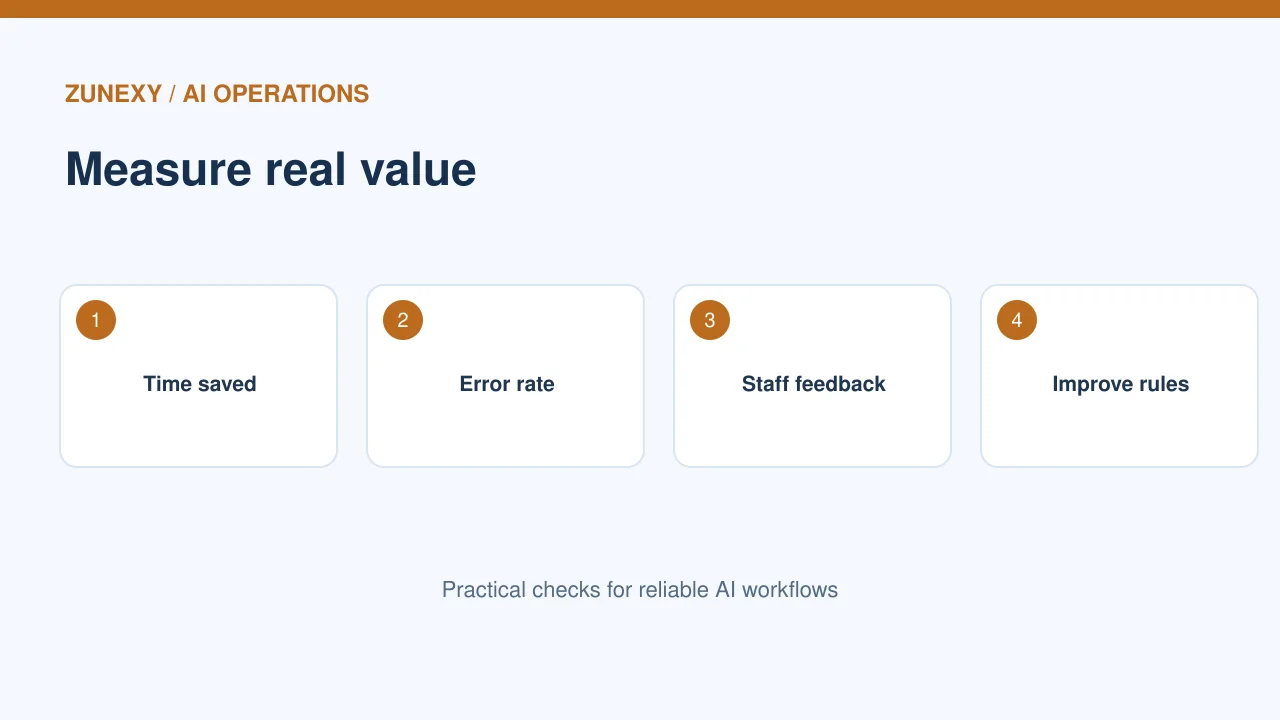
Saving five minutes is not helpful if it creates twenty minutes of corrections. Track average review time, wrong categories, missed requests, edits before send, and customer complaints. A small checked sample often tells you more than a dashboard of how many messages were processed.
An example
Use a two-week pilot with a control group or a baseline period. Ask staff whether the tool saves effort and whether it helps with hard threads. Record the cost per user or message. If a simple filter solves the problem, keep the simple filter.
Set a clear escalation rule
Some emails require a specialist. Payment disputes, legal notices, security incidents, medical requests, and private account changes should not be handled by an unreviewed generic response. Define who receives them and what the AI may do.
A useful test
If a message says a customer account has been compromised, the system can flag it and show the response steps. It should not request passwords or offer unverified recovery instructions. A trained person should take over under the organization’s security process.
Launch in small stages
First, use AI to suggest labels. Next, test thread summaries. Then allow drafts that staff must approve. Only consider limited automated actions after you have reliable test results, clear ownership, and a safe rollback.
An example
The goal is a calmer inbox, not a fully automated office. Keep a weekly sample review and a way to switch the tool off. As mail volume, staff, and policies change, update the categories and approval rules.
A safe pilot checklist
- Choose one real inbox problem and measure the baseline.
- Use ordinary filters for predictable sorting.
- Review summaries against the original email.
- Keep human approval for outgoing messages.
- Check privacy, permissions, and escalation rules.
What a good first result looks like
At the end of the pilot, the team should be able to show a few clear wins. There may be fewer missed requests, faster reviews of long threads, or fewer people handling the same mail twice. It should also know where the tool failed and how those errors were fixed. If the team cannot explain the benefit in plain terms, pause expansion and review the workflow. A high number of AI-generated replies is not a business outcome by itself.
Final advice
Give AI a small task that can be checked. Keep decisions and promises in human hands until the system proves reliable. A useful inbox process should be easy to understand, correct, and stop.