Cloud Audit Log Retention in 2026: Protect Evidence Without Storing Everything
Cloud audit logs can explain who changed a system and when. They can also add cost and privacy risk. This guide shows how to choose useful events, protect them from changes, and test the log path in a global cloud setup.
Decide Why Logs Are Needed
Write down the question first
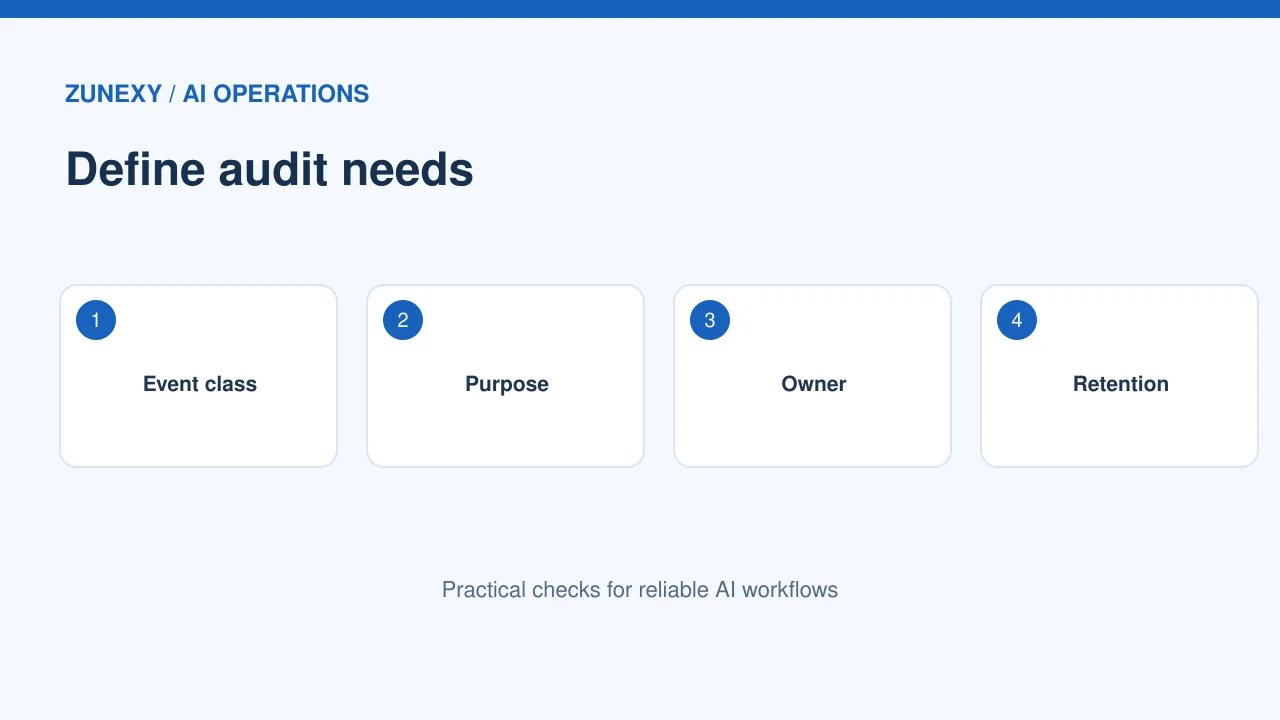
Before buying more storage, ask what a log must prove. A security team may need to see who changed an admin role. Finance may need a record of a billing setting. An app owner may need failed sign-in events for a support case. These needs are not all the same. Write the event, owner, and response time for each. This keeps the team from storing huge files with no clear use.
Separate event types
Cloud platforms create admin activity, data access, system, and app logs. An admin change may be recorded by default while data access needs a separate setting. Check the provider’s terms rather than assuming all activity is present. The Google Cloud audit logging guidance explains why routing and retention need deliberate settings. Start by testing one known event and finding it in the log viewer.
Map the Log Route
Follow an event end to end
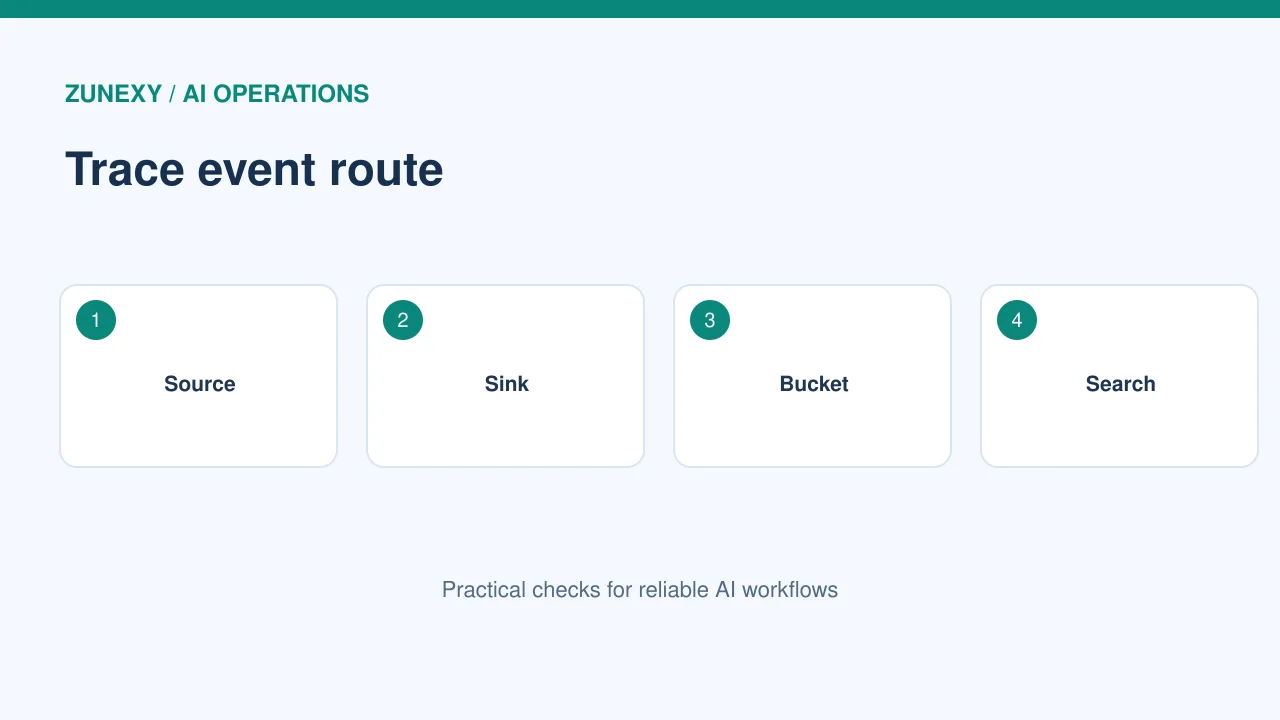
Draw the path from the source service to the collector, route, storage bucket, and search tool. Add who can change each step. A missing sink rule may mean an event never reaches the long-term store. A network error may create a gap too. Make a harmless test change and find the same event at each step. Record the event ID and time. Keep the route map short enough to update after a change.
Check service regions
A global team may use cloud regions in more than one country. Logging can cross boundaries if a central store lives elsewhere. Ask which logs include personal data, IP addresses, or file names. Check the region rules that apply to the business and the provider’s storage settings. Do not assume every log is safe to move. Give privacy and security owners a chance to review the design before turning on broad collection.
Set Clear Retention Rules
Keep useful logs for an agreed period
A longer history may help an investigation but adds cost and privacy duties. Define retention by event class. A low-risk debug message may need days, while high-risk admin events may need much longer under company policy. Local rules can differ, so get legal or compliance advice when required. Do not claim one global number is correct for every firm. Set a date to revisit each class and remove data when the approved period ends.
Test the actual deletion date
A label that says ninety days is not enough. Create a sample log, note its timestamp, and check the storage rule. Some systems apply retention to the bucket, while exports to another store use a separate policy. Check for copies in dashboards, archives, and incident tickets. If an exception or legal hold applies, record who approved it. Avoid a system where old data stays forever simply because nobody owns cleanup.
Protect Logs Against Changes
Separate write and delete rights
The account that writes new logs should not have broad power to erase old ones. Use role controls so security viewers can search without changing retention. Keep high-risk admin rights for a small group and monitor their use. If the platform supports locked retention, test the setting in a disposable bucket first. A lock can be hard or impossible to undo. The Cloud Logging bucket guide describes retention and lock behavior for that service.
Avoid locking the wrong data
Do not turn on a permanent lock without a written period and approval. A mistaken period can make storage costly or break privacy duties. Create a small trial with test events. Review the lock effect, cost, deletion limits, and legal needs. Only then apply it to the chosen production log store. Keep the change ticket and approval record. This is a case where a slow decision is safer than a rushed setting.
Keep Sensitive Data Out
Stop accidental secret logging
Apps may print passwords, tokens, or private customer fields when error handling is poor. Review sample logs before they go into a shared search tool. Mask or omit sensitive fields at the source where possible. Give developers clear rules for safe error messages. Do not solve a data leak by giving more people permission to see it. If a secret appears in logs, follow the firm’s incident steps and rotate it when needed.
Limit who can search
A support engineer may need status codes but not private account details. Give each role the smallest useful view. Keep an access record for log searches where the platform offers it. Review old accounts and third-party integrations. A contractor who finished a project should not retain broad search rights. Test the viewer role with a sample account so the restriction works as written.

Measure Coverage and Reliability
Send a known test event
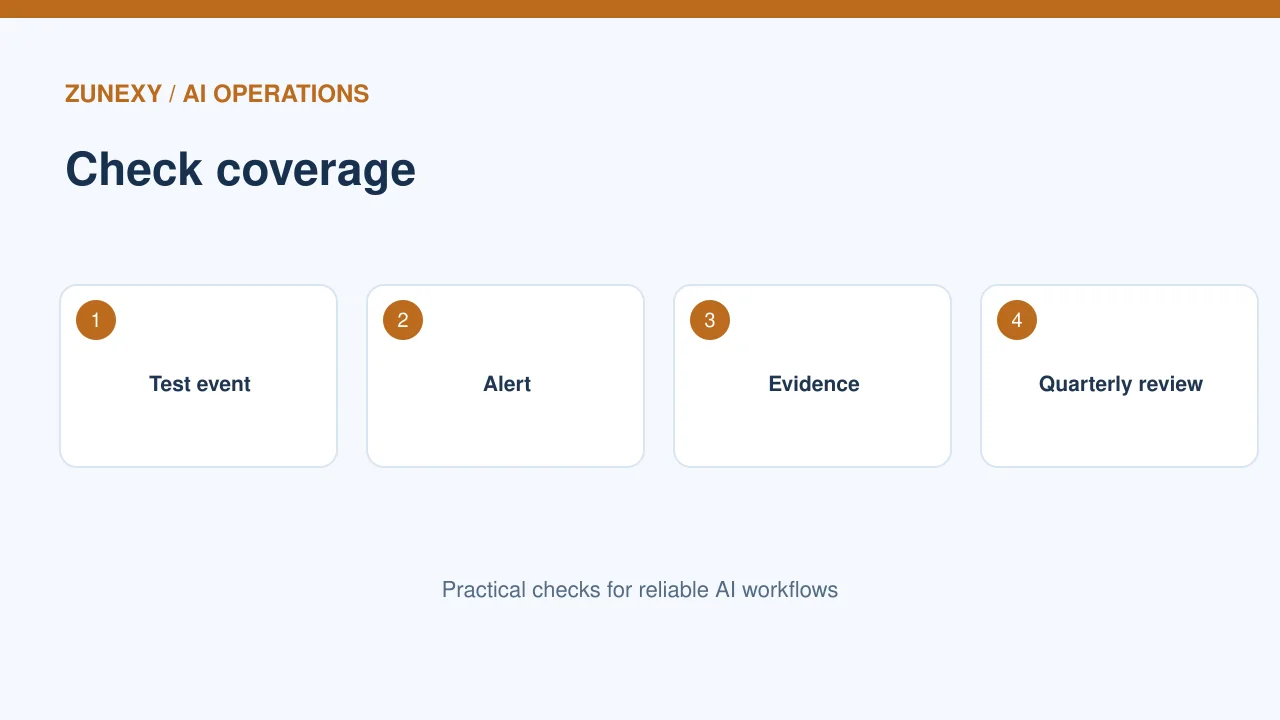
At least once a month, create a low-risk event such as a test config update in a sandbox. Confirm it appears in the main store with the correct time and identity. If it does not, check the service setting, routing, permissions, and quotas in that order. A dashboard with no alerts may mean the stream is broken. A basic heartbeat test is a cheap way to spot that problem.
Watch costs without losing proof
Costs can rise with noisy app logs, long retention, and repeated exports. Measure volume by source and event class. Remove needless debug messages before shrinking security history. Use filters carefully and test that they do not drop admin changes or access failures. A storage estimate should state daily volume, retention period, and search usage. Recheck it after a major release.
Make the Logs Useful During an Incident
Write search examples
In a quiet week, ask the security team to find a recent admin change and a failed sign-in. Save the search steps without private customer data. A new responder should be able to follow them. Include the time format and how to switch between regions. Check export options for evidence, but avoid putting private logs in an unsecured spreadsheet. Test the process with dummy events.
Explain gaps in the record
Some providers do not log every read or keep every event by default. Record these limits in the runbook. If an investigation begins, tell decision makers what the data can show and what it cannot. Do not turn a missing event into proof that nothing happened. Compare with device, network, and application sources when allowed. Clear limits make a report more trustworthy.
Review the Design Each Quarter
Check owners and changes
Cloud accounts grow fast. New services, regions, and vendors can create gaps in the log map. Once a quarter, compare the service inventory with current sources. Make sure each high-risk system has a logging owner, retention rule, and tested route. Review who can change bucket settings. If a new app has no owner, pause its high-risk use until someone accepts responsibility.
Start with a one-page decision
A practical log plan can fit on one page: what to record, why, where it goes, who can see it, when it expires, and how to test it. Keep the page linked to a change record. Use the next monthly test to check the design. This helps both a small startup and a global team avoid silent gaps and avoid paying to store data they do not need.
Final Takeaway
Start with a clear question, route the right events, set a justified retention period, and test access and deletion controls. Review vendor-specific rules before using a permanent retention lock. A well-run log store is one the team can search and trust when it matters.