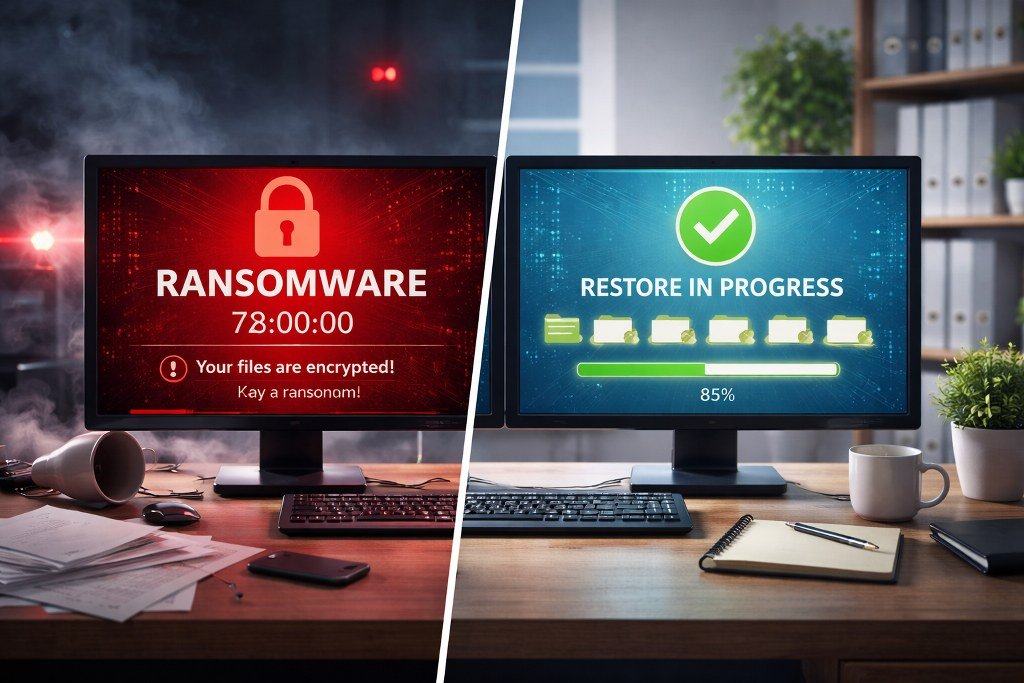
Ransomware Backup Restore Drills in 2026: A Step-by-Step Team Plan
A backup only helps when a team can restore it. This guide shows how to test recovery safely, measure downtime, and find missing steps before a real incident. It suits small and large teams across countries and cloud platforms.
Pick One Service to Restore
Find the real recovery need
A backup is a copy of data. Recovery is getting the work service back in use. These are not the same test. Start with one service, such as the booking database or order system. Ask the owner what would happen if it were unavailable for a day. Write down the work that must resume first. A busy retailer may need orders and stock counts before old marketing reports. This simple order helps the restore team act under pressure.
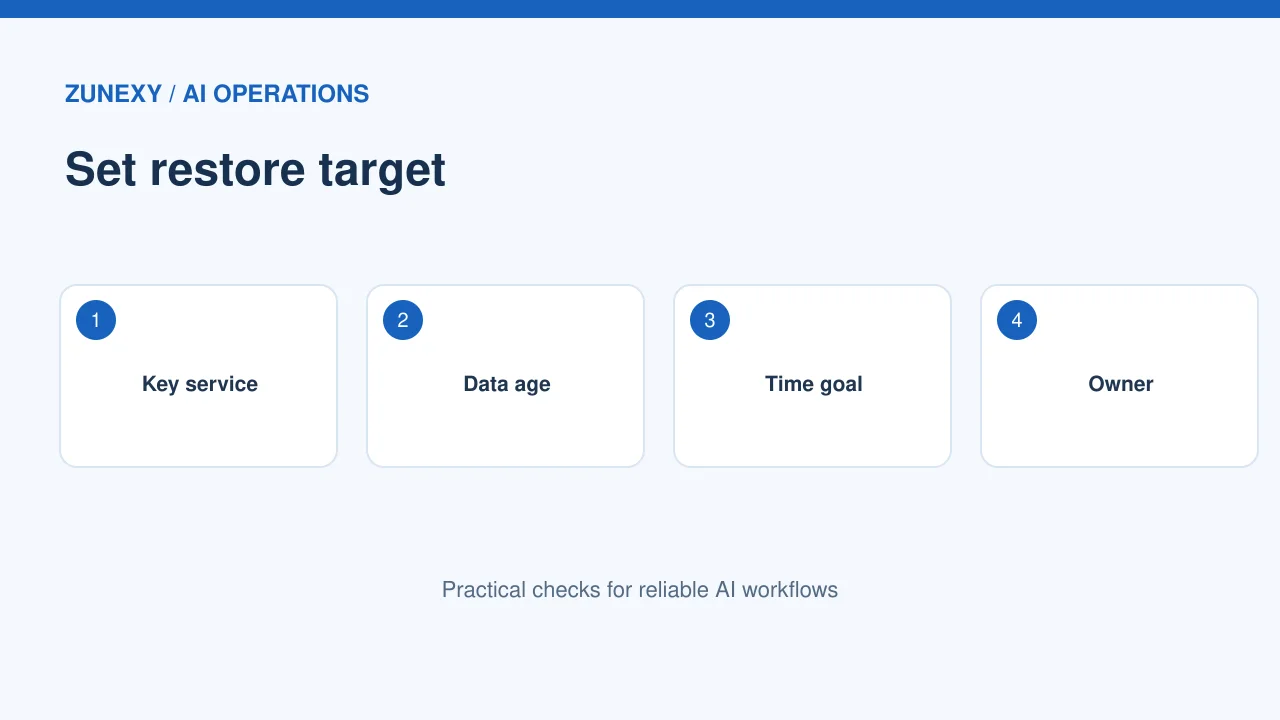
Set two recovery targets
Set a target for how long the service can stay offline and how much recent data loss the team could accept. These are planning goals, not guarantees. A service that takes five hours to rebuild cannot meet a one-hour target without changes. Check the backup schedule against the data-loss goal. Ask a business owner to approve the tradeoff. Do not let the IT team choose it alone.
Check That Backup Copies Are Safe
Keep a separated copy
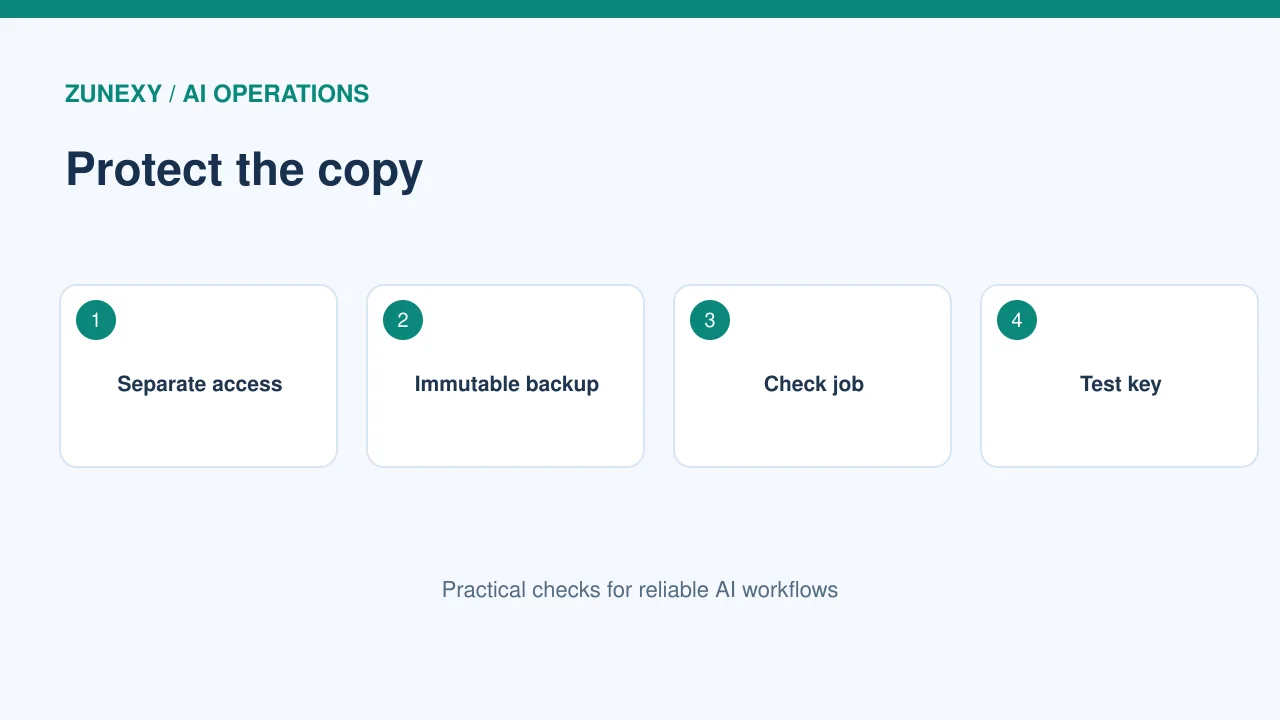
If ransomware reaches live systems and all connected backups, restoring may be hard. Use storage that the normal staff account cannot erase. Where possible, keep an offline, immutable, or separately managed copy. Check that the backup admin account is not the same as the day-to-day app account. The CISA ransomware guide calls for regular backup tests. Treat that as a routine task, not a once-a-year promise.
Protect backup access
Backup tools often have broad power. Limit who can change retention rules or delete snapshots. Use strong authentication and a separate approval path for risky actions. Set alerts for stopped backup jobs, a sudden drop in backup size, or mass deletion attempts. A failed overnight job should create a visible ticket. Check the ticket queue each morning. A perfect schedule on paper is of little use if nobody notices failed copies.
Design a Safe Practice Area
Restore away from production
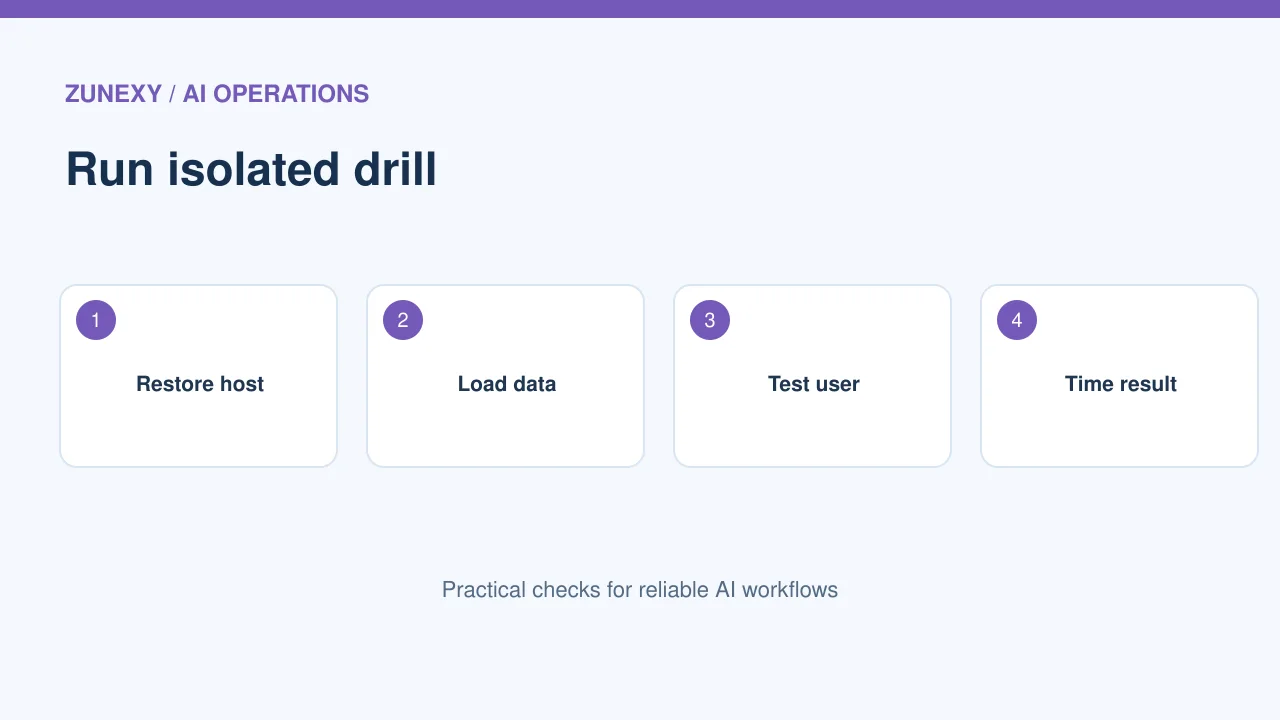
Do not run a recovery drill by wiping a live server. Use an isolated test account, network, or lab. Copy only the data the drill needs. Remove or mask private customer details where practical. Give the team a written boundary: no live payment actions, no messages to customers, and no changes to production records. Set a clear start and stop time. If the test environment touches a real service, require change approval.
Select a known point in time
Pick one backup from a normal day and another from before a planned test change. The second copy helps show whether the team can choose a safe restore point. Record the time and version of each source. If the system depends on a key store, app configuration, or schema version, include it in the test. Data files alone may not rebuild the service. Check these hidden parts before declaring success.
Run the Restore in Measured Steps
Watch each dependency
Start a clock when the restore is approved. Rebuild the service with fresh infrastructure or the approved recovery path. Restore secrets through a secure method. Then load the data and start the app. Record every wait, error, and manual step. A slow external license check can matter as much as a large data file. Ask one person to keep the timeline while the engineers work. Do not change the plan silently during the drill.
Test the work users do
A server can show a green light while the service is still unusable. Have a business tester sign in with a test account, read a record, create a harmless sample order, and verify a report. Use dummy transactions that cannot reach a real bank or customer. Check role access and timestamps. Compare a small known data sample with the source. Mark the restore complete only after these tests pass.
Check for Unsafe Data
Avoid bringing the problem back
A copy may contain files or settings that were already altered. A recovery plan needs a way to choose a clean point and inspect the restored system. Use approved security tools and incident evidence. If a real ransomware event is underway, follow the incident lead’s direction; the practice drill is not a substitute for investigation. Do not reconnect a restored host to the main network until it passes the security checks in the response plan.
Record evidence clearly
Save the backup ID, restore start time, end time, checks run, and final decision. Keep sensitive keys and passwords out of the test report. Store the report where the recovery team can find it during an outage. For a global firm, use one time standard in the timeline and note the local time zone. This prevents confusion when teams hand off work between regions.
Find the Gaps After the Drill
Compare goals with results
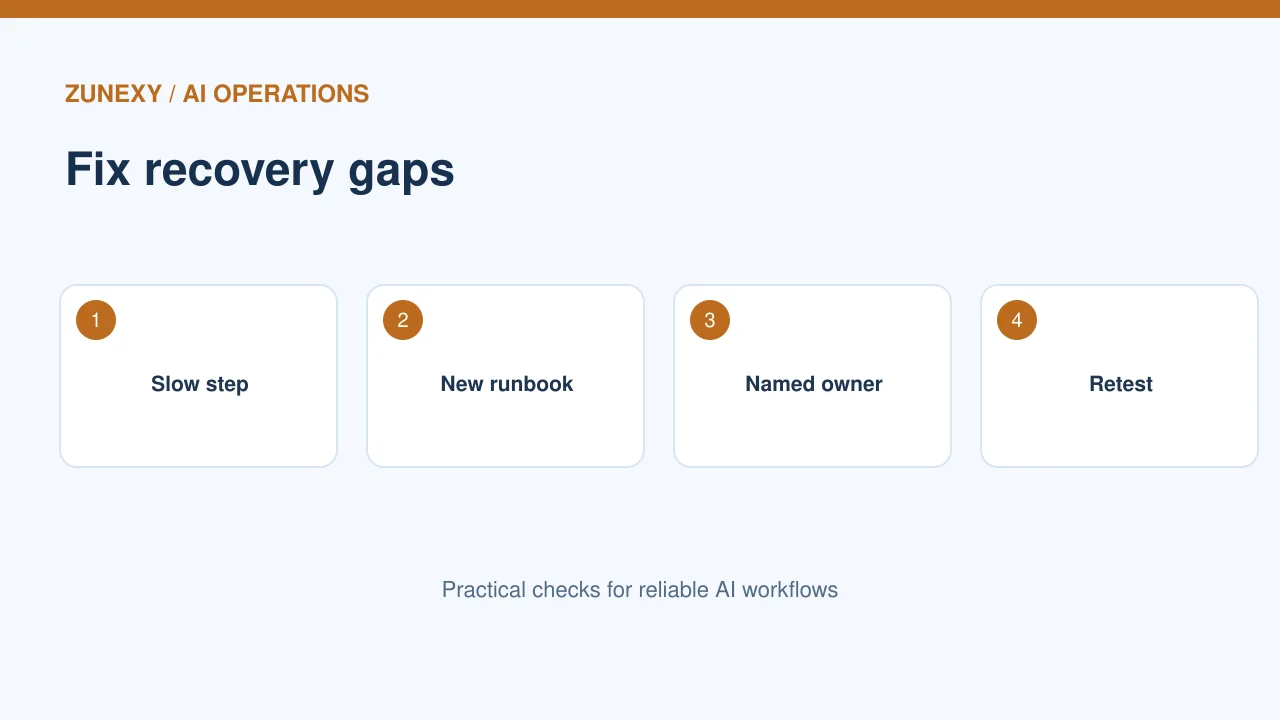
If the service took six hours to restore and the approved target was two, the drill found a real gap. Do not rewrite the result to make the chart look better. Break down the delay: waiting for access, fetching files, rebuilding hosts, loading data, and user checks. Find the largest delay first. A prepared runbook or a tested template may cut more time than buying a faster disk.
Give each fix an owner
Turn findings into small tasks. One person updates the configuration backup. Another tests an emergency account. A third writes the database check. Set dates and rerun the failed step. The next drill should confirm that each fix changed the result. Do not create an endless wish list with no owner. Review the top risks with business leaders so they understand what downtime remains possible.
Make Drills Repeatable
Rotate staff roles
A drill that works only when one expert is present is fragile. Let a second engineer follow the runbook while the expert observes. Ask them to report unclear words and missing credentials. Keep emergency contact details current. Rotate the business tester too. This can show whether the restore checks are clear enough for the actual team, not just the person who wrote them.
Vary the failure once the basics work
Start with a single database. On a later drill, simulate loss of the application server or the main region. For another, test whether the team can restore only one deleted file without rolling back all records. Do not combine every scenario in the first session. Each drill should answer a specific question. Review the outcome and adapt the next test.
Keep Recovery Plans Current
Tie reviews to changes
New apps, storage moves, and changed retention settings can make old steps wrong. Review recovery notes after a large release or a new service integration. Confirm the backup account still works, the data path is correct, and the test environment remains available. A quarterly drill may suit a key service; a lower-risk archive may need a different cycle. Set frequency based on impact and change rate.
Know the limit of the test
A successful lab restore does not prove that a real attack will be easy. Real events bring unknown system damage, staff pressure, and outside duties. Still, a safe drill gives strong evidence that copies are usable and that people know the steps. Keep that evidence honest. The goal is confidence based on a test, not a claim that downtime is impossible.
Final Takeaway
Choose a vital service, use an isolated restore area, and test the work a real user needs. Log the result, fix the main gap, and run the drill again. See CISA recovery advice for broader defensive context.