AI Translation Quality Checks in 2026: Make Global Product Guides Clear and Accurate
AI can draft a help page in many languages, but readers still need safe, clear steps. A fluent sentence may name the wrong button or change a warning. This guide gives teams a practical review path for translated product docs.
Choose the documents that matter
Why it matters
Product teams may need help pages, setup steps and release notes in many languages. AI can draft translations fast, but the cost of a wrong line varies. A menu label is not the same as a safety warning.
A practical review
List content types and mark impact. Put legal promises, safety steps and payment text in a high-review lane. Start a test with an ordinary help article before translating a whole site.
Write a plain source
Why it matters
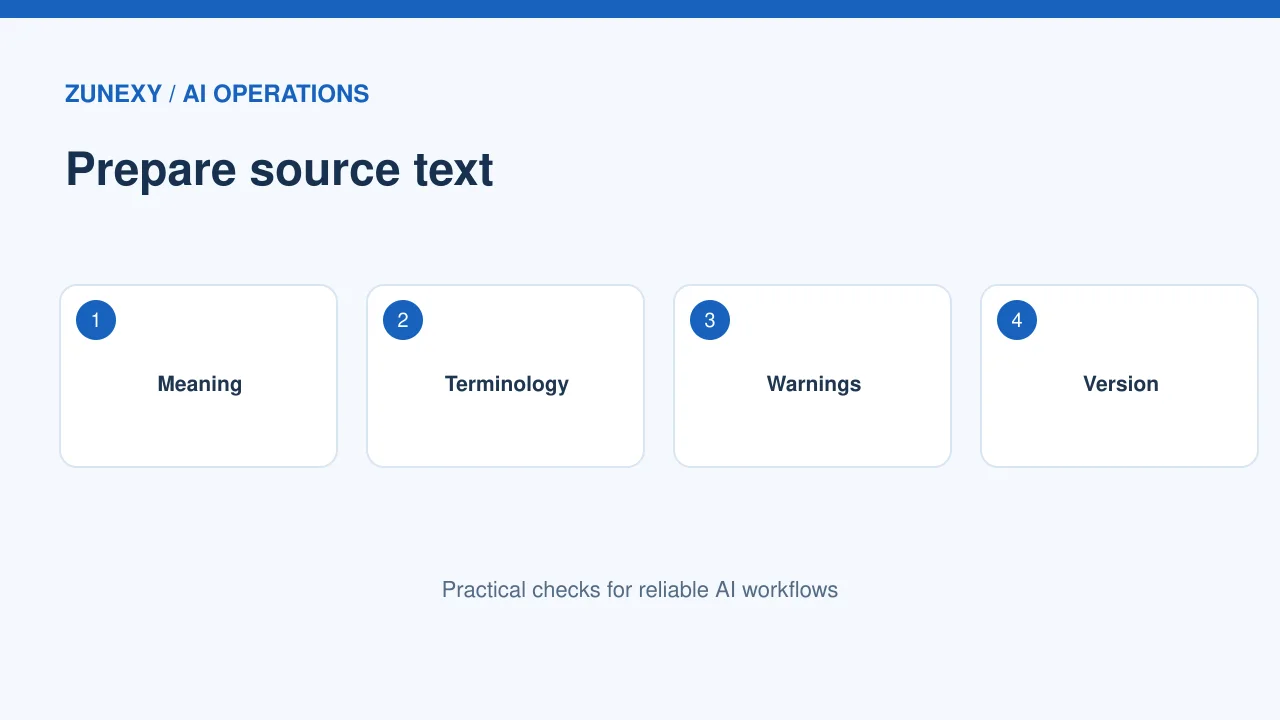
Translation works better when the original text is clear. A vague sentence can become even more vague in another language. Remove slang, unclear pronouns and hidden assumptions before it reaches the tool.
A practical review
For example, replace ‘this will handle it’ with the exact action and object. Use short steps with one verb each. Give images captions when the text refers to what users must click.
Keep terms consistent
Why it matters
A product may call a feature Workspace on every screen. If one page translates it and another leaves it in English, users may not find the right button. Create a short glossary for names and key actions.
A practical review
For each term, note the preferred form, meaning and where it appears. Give this list to both AI tools and human reviewers. Revise it when product labels change. A glossary should not become a long textbook.
Protect the meaning of instructions
Why it matters
A translation can sound fluent but change a step. Words like before, after, only and never matter. Numbers, file paths and button labels also need care.
A practical review
Give reviewers a list of critical details to check in every article. Ask them to follow the steps in the localized interface. If the screen differs from the English version, the words may be right but the guide still fails.
Use human post-editing
Why it matters
The [ISO 18587:2017 standard](https://www.iso.org/standard/62970.html) covers full human post-editing of machine translation output. It is useful context for teams building a review process, though this article is not a certification guide.
A practical review
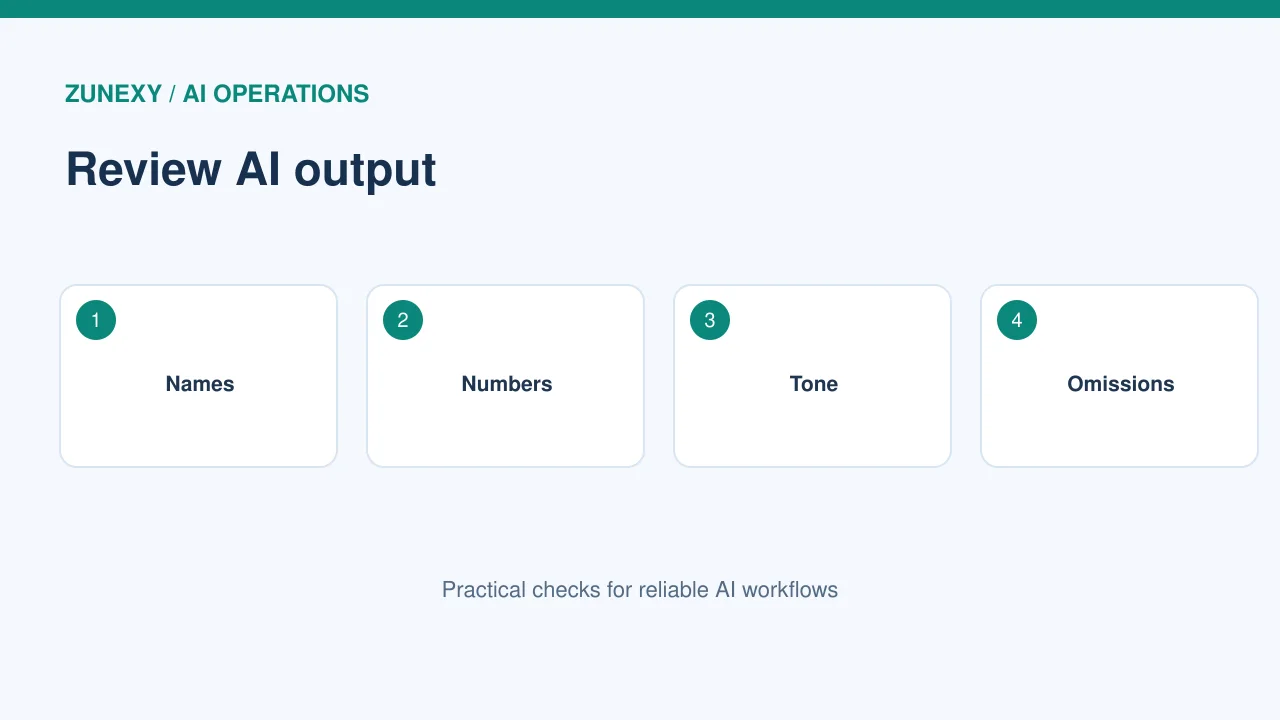
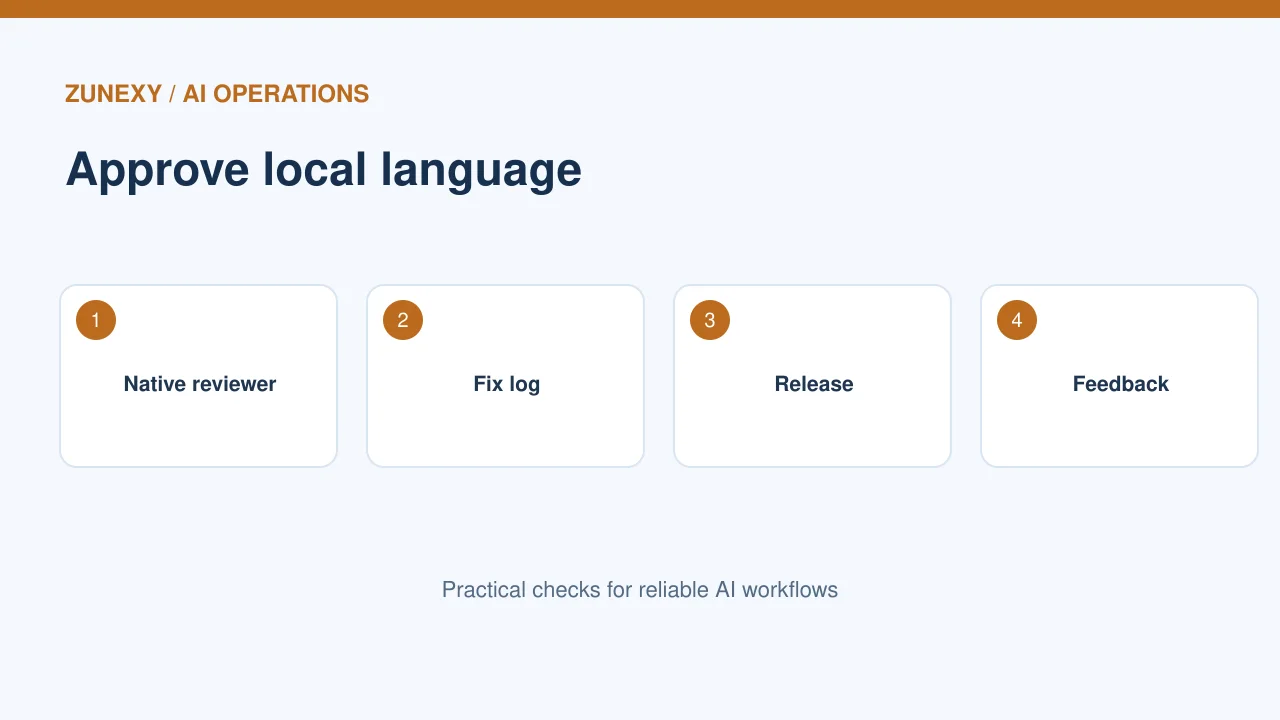
Assign a fluent reviewer for each target language. They should check the meaning, local tone, terms, links and task steps. A reader who knows only the source language cannot fully judge the result.
Test the hardest content
Why it matters
Not every sentence needs the same time. Focus extra checks on warnings, dates, prices, settings and text that users may act on. Add examples where similar words mean different things in different regions.
A practical review
Build a test set of twenty hard strings from real docs. Include a sentence with two negative words, a short button label and a long troubleshooting step. Review each new translation tool or model on this set.
Check layout and direction
Why it matters
Text may expand or shrink after translation. It can break buttons, tables and small cards. Right-to-left languages may need a different layout. A great sentence is not enough if the page hides it.
A practical review
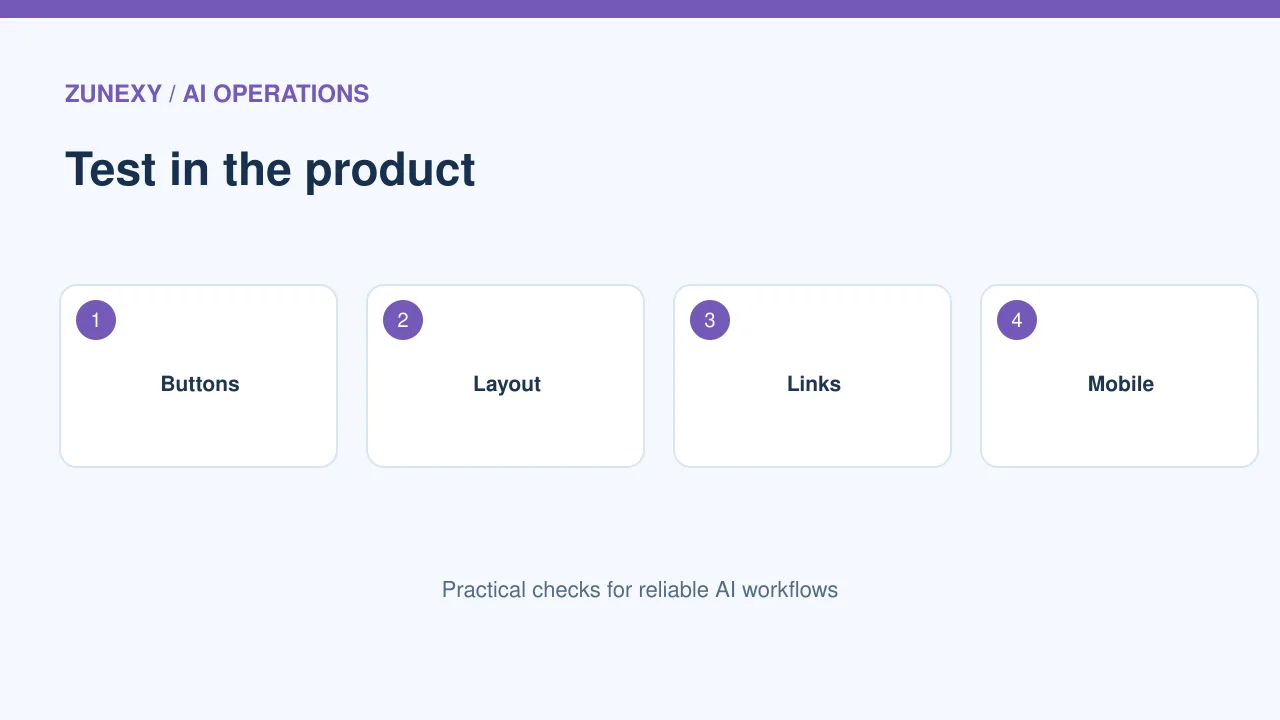
Open each page on a narrow phone screen. Check headings, links, table labels, screenshots and text flow. Ask a local reviewer whether navigation feels natural. Keep screenshots in sync with the product version.
Handle regional variation
Why it matters
A language may be used across many countries, but words for a form, date or product differ. Do not treat one version as perfect for every region. Decide whether the audience needs broad language or local terms.
A practical review
Write a short style note for dates, units, currencies and formal tone. Do not convert a price without a valid local source. If a guide is global, label country-specific rules rather than hiding them in general advice.
Keep translation and SEO aligned
Why it matters
A good localized page needs its own clear title and useful search terms. Word-for-word keywords may sound unnatural. Do not create many near-identical pages just to target regions.
A practical review
For multilingual sites, [Google Search Central](https://developers.google.com/search/docs/specialty/international/localized-versions) explains how `hreflang` can signal language and region variants. Use the correct page links and check reciprocal annotations. This helps users reach the right language version.
Review updates after launch
Why it matters
A product doc can change weekly. If the English guide changes but its translations stay old, users may follow wrong steps. Build a change log that tells reviewers which sections changed.
A practical review
Mark a source version on every localized page. Recheck changed sections first, then nearby context. Test the links and screenshots after a release. Avoid silently treating the old translation as current.
Measure real user outcomes
Why it matters
Machine scores may help spot unusual text, but users care whether the guide solves a problem. Track support follow-ups, failed steps and feedback from readers. A clear test can show where translation is weak.
A practical review
Ask bilingual testers to complete a setup task from the localized guide without using the source page. Record where they stop. Fix those steps and repeat. Useful docs are the goal, not a high score on a language model dashboard.
Use a two-pass review when the risk is high
First pass: words and tone
Let a fluent reviewer read the page as a normal user. They should flag text that sounds odd, unclear labels and any line that may be read in two ways. Compare it with the source meaning, not just its word order. A short local phrase may work better than a direct translation. Keep the product’s actual button labels exact.
Second pass: task and safety
Give the page to a tester who knows the product but has not seen the translation draft. Ask them to follow the steps on a test account. Watch where they pause or choose the wrong screen. This check can find errors that a grammar review misses. For high-impact instructions, have a specialist check warnings, limits and the final result.
Plan for images and audio
Do not forget other content
A screenshot can contain English labels after the surrounding page has been translated. A video may need captions or a text guide. Check those parts in the same review. If the interface is not available in the reader’s language, explain what labels they should see rather than pretending the local version exists.
Track each version
Keep one simple list of source pages, target languages, review dates and owners. When a release changes a step, mark the affected pages. Do not ask a model to rewrite every guide from scratch. Review the changed meaning and test the new path.
Release check for each language
- Review meaning and key terms.
- Test steps in the live interface.
- Check numbers, warnings and links.
- Inspect mobile and text direction.
- Set a source version and review owner.
- Collect reader feedback after release.
Good global docs are not just translated words. They help people finish a task with no hidden change in meaning.