AI Meeting Notes in 2026: What Teams Should Check Before Choosing a Tool
An AI meeting note tool can turn a call into a short record of what people said, what they agreed to do, and what remains open. That sounds simple. In practice, a good record needs more than a clean summary. It needs consent, clear owners, useful search, and a way to correct mistakes. This guide is for teams that work across time zones and want a safe, practical way to test meeting assistants.
The key choice is not which app writes the longest summary. It is which workflow gives people a record they can trust. Many tools can record a call or use the transcript that a meeting platform makes. They differ in how they join calls, where data goes, how long it stays, and whether a user can verify each action item.
Start With the Work, Not the Product
First write down what your team loses after each call. A sales group may forget the next step and due date. A product team may lose the reason behind a design choice. A support team may need a short handoff but should not store private customer details in another system. These are different jobs. One note template cannot solve all three well.
Choose one small test
Use one type of meeting for the first two weeks. Pick a weekly planning call, for example. Ask people to write down the three facts that a helpful note must capture: decisions, owners, and deadlines. Leave out broad goals such as making everyone more productive. Those goals are hard to measure and can hide poor output.
Keep the trial group small and tell people what the test does. A note tool may capture names, voices, screen shares, and details that were never meant to leave the call. The team should know when it is on, who can access the result, and how to ask for a correction. A clear notice matters more than a hidden automation.
Five Checks That Matter in a Global Team
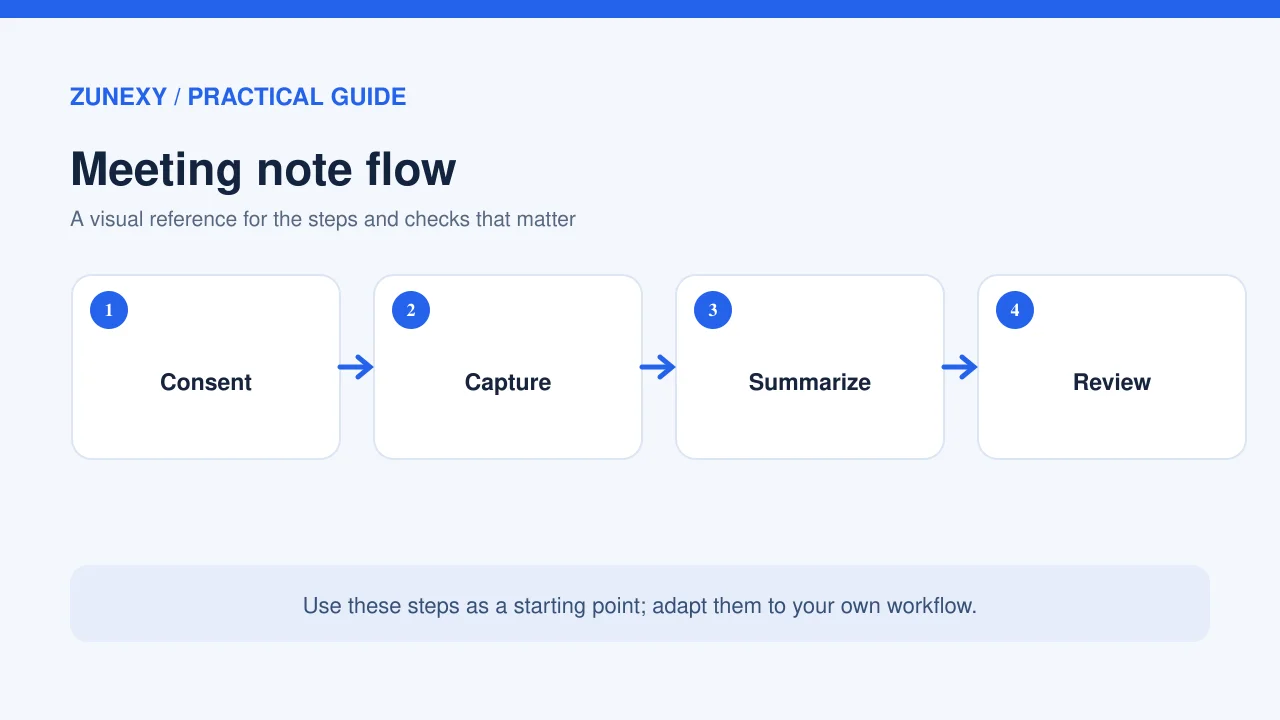
1. Consent and recording controls
Meeting laws and workplace rules vary by place. Some settings may need consent from each person before a recording starts. A company should ask its legal or privacy lead to set the policy, especially for calls with clients or people in more than one country. The tool should make recording status easy to see. It should also allow a host to pause or stop capture.
A useful default is to keep an AI assistant out of sensitive calls unless a host has a good reason to include it. Staff reviews, health matters, contract terms, and private customer records need special care. Do not assume a calendar invite alone gives consent.
2. The path taken by meeting data
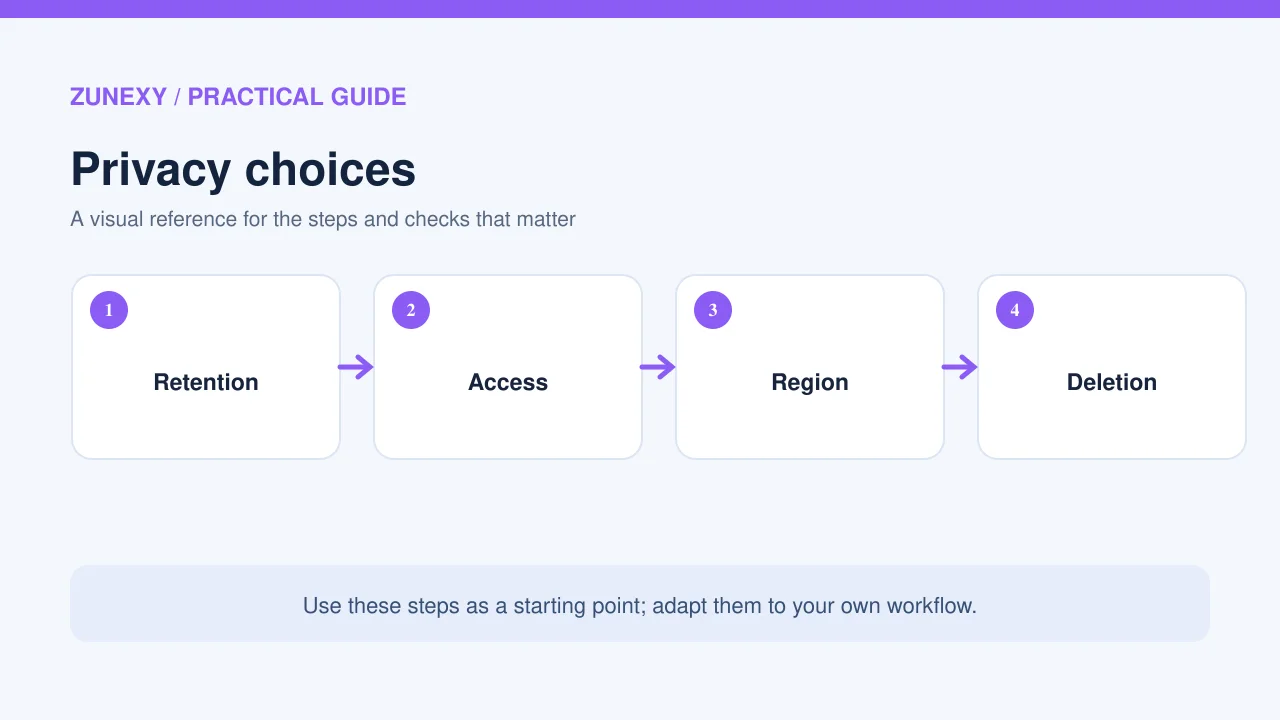
Check whether the app uses a bot in the call, reads captions through an integration, or imports a file after the meeting. Each path has a different risk. Ask where the audio and transcript are stored, who processes them, and whether they may be used to train a model. Also check retention and deletion. A claim that data is secure is not enough without a clear policy.
For teams in many regions, ask if the vendor offers data location choices and a signed data processing agreement. The right answer depends on the work and local rules. Write the result in a small vendor record so the next person does not need to repeat the same checks.
3. Accuracy when people speak naturally
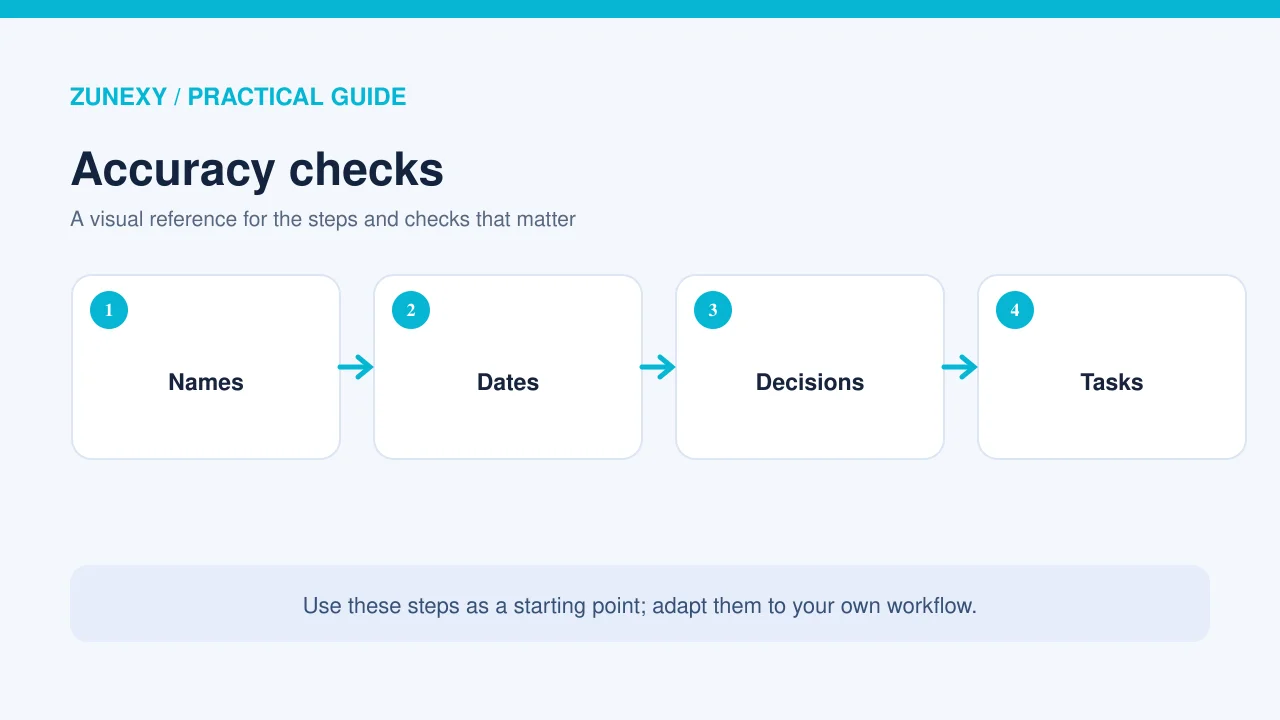
A meeting may mix accents, languages, product names, and short phrases such as that one or next Friday. These are easy to misread. Test the product with a real, consented sample rather than a polished demo. Look for wrong names, missed negatives, and dates that seem firm even when the group only discussed an idea.
An accurate transcript is not always an accurate summary. Someone may say they could ship on Friday, while the AI writes that the team will ship on Friday. That change is small in words but large in meaning. Ask reviewers to compare claims with the source transcript before any note becomes the official record.
4. Owners and clear follow-up
The best action item has a task, one owner, and a date or next check. If the owner is unclear, the note should say so. A system that invents an owner may create more work than it saves. Test if people can edit action items before they flow into a task board or CRM. Human review is essential when tasks can trigger messages or changes in other systems.
5. Search and access after the call
A note has little value if no one can find it later. Test search by client, project, decision, and date. Check how permissions work if an employee leaves or moves to another team. A link shared with everyone may be quick, yet it can leak confidential facts. Prefer role-based access, an audit trail, and a simple export path.
A Practical Two-Week Trial
In week one, collect a small set of meetings with the right notice and permission. Have one person take manual notes too. Use the same note template for both. At the end of each call, ask the host to mark which decisions and tasks are correct. Record the time taken to review each AI note. The goal is to measure saved work after checking, not just the speed of raw output.
In week two, let the team use the notes in its normal flow. Watch if people open them before the next meeting, if owners act on tasks, and if anyone finds a wrong claim. Count both errors and fixes. A tool that gets most words right may still miss the one deadline that matters. That should weigh heavily in the decision.
Simple scorecard
- Decision accuracy compared with the transcript
- Action items with the right owner and date
- Minutes spent reviewing and fixing each note
- Share of notes people can find one week later
- Privacy and access checks passed before wider use
Score each measure on the same small scale. Keep any failed privacy check as a stop sign, even if the app saves time. Price can come next. One plan may charge per user, while another limits hours, storage, or advanced features. Compare the cost at your real meeting volume and include the time a human spends on review.
Common Errors and How to Prevent Them
Treating an AI summary as an official decision
Make the meeting owner approve the final note before it goes to a shared record. Label a raw draft as unreviewed. If people disagree about a decision, link to the source with the right access settings or ask the participants to confirm it in writing.
Sending every note to every tool
It may seem efficient to connect the meeting app to chat, a task board, a CRM, and cloud storage at once. Each link moves data and makes access harder to track. Begin with one destination. Expand only after the team sees a clear need and knows how to revoke access.
Using one language score for all calls
Test the languages and accents your actual team uses. A vendor may support many languages but perform unevenly in mixed-language calls. Use local reviewers who know the domain terms. Keep a list of key product and client names, then see if the system handles them better over time.
Security Questions to Ask the Vendor
Request a current security overview, details of encryption in transit and at rest, user access options, data retention, sub-processors, and incident handling. Ask whether administrators can disable public sharing and remove old meeting records in bulk. If the product can join calls as a bot, ask who authorizes that join and what happens when a meeting is marked private.
A small firm may not have a large security team. It can still use a short review form and keep the vendor’s written answers. No vendor promise replaces a test of the controls in the plan you intend to buy. Check the features in that plan, since some admin tools may be sold only at a higher tier.
What Changed in AI Tool Risk Guidance
AI tools that can read content and take actions need extra checks. OWASP’s 2026 guidance on language model and agentic systems highlights the need to manage access, untrusted instructions, and sensitive data. A meeting assistant that only drafts notes has a narrower role than one that can create tasks or send messages on its own. Give any automation only the permissions it needs and keep approval before high-impact actions.
NIST’s AI Risk Management Framework also offers a useful way to think about the full life of an AI feature: assign responsibility, understand the setting, measure results, and manage risk. For a meeting tool, this means checking the real workflow after launch, not just signing off on the vendor once.
The Decision: Keep, Change, or Stop
At the end of the trial, review the evidence with people who use the notes and people who manage privacy. Keep the tool if it saves meaningful time after review, captures important tasks, and meets the team’s rules. Change the setup if the notes are useful but the sharing or template is wrong. Stop the trial if the product invents key decisions, stores data in ways the team cannot accept, or makes people less willing to speak openly.
AI meeting notes can help a global team remember its work. They are most useful as a first draft with a named reviewer. Start small, test real calls with consent, and put accuracy and privacy ahead of novelty. That is a sound choice even as products and prices change.
Sources and Further Reading
OWASP GenAI Security Project: 2026 risks and controls. NIST AI Risk Management Framework. These references guide risk checks; they do not endorse a specific meeting-notes product.