AI System Inventory in 2026: A Simple Governance Guide for Small Teams
Before a company can manage AI risk, it needs to know where AI is used. An AI system inventory turns scattered tools and experiments into a useful map of owners, data, decisions and review dates. You can start without a large compliance team.
Start an AI inventory with one team
Ask a support lead to name each AI tool the team uses this week. For each one, write who owns it, what data it sees and what it does. A reply draft tool may be low risk if a person checks every message. A tool that can close or delete tickets needs more care. This short list is a good start before the whole company joins in.
Why an inventory comes first
What to record
A company may use AI in support tickets, reports, hiring, code review and daily writing. Without a shared list, no one knows who owns each tool or what data goes into it. An AI system inventory is a simple record of actual use, not a catalog of every product on the market.
How it works
The [NIST AI Risk Management Framework](https://airc.nist.gov/airmf-resources/playbook/govern/) includes inventory work within governance. A small team can begin in a spreadsheet. The goal is to see where AI makes a decision, gives advice or changes a workflow.
Set a clear boundary
What to record
Decide what belongs on the list. Include AI features in tools the company already pays for, custom models, API services and staff-built bots. Mark experiments separately from live processes. Do not count a simple filter as a model just because a vendor calls it intelligent.
How it works
Ask department leads about tools used in real work. Walk through one normal day with support, finance and operations. Staff may mention an AI feature hidden in a common app that a software purchase list would miss. Record it without blaming the person who found a useful shortcut.
Record practical fields
What to record
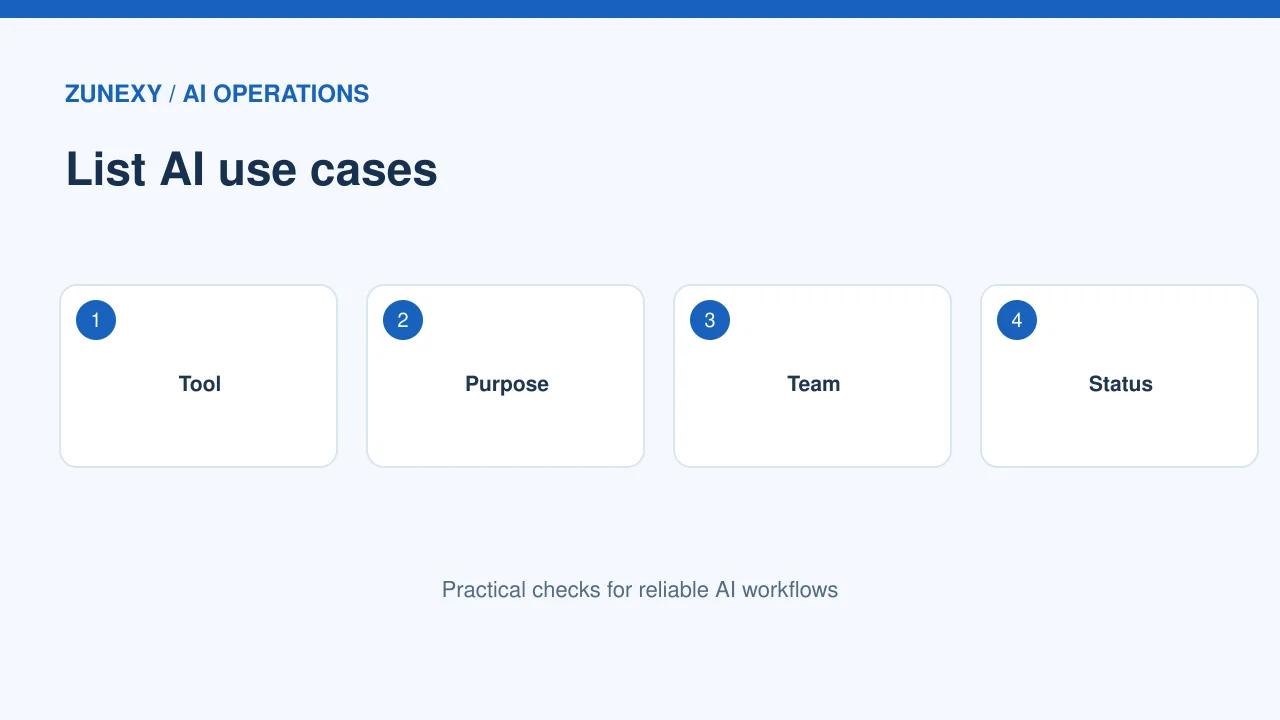
For each system, note its name, purpose, owner, vendor, status, users, data types, output use, main risks and next review date. Include a link to its approval or purchase record. Keep the sheet short enough that owners will update it.
How it works
A support reply assistant entry might say it drafts text from customer tickets, a human sends each reply, and sensitive payment details must not be pasted into prompts. That one row tells a reviewer more than a generic label like productivity AI.
Find the real owner
What to record
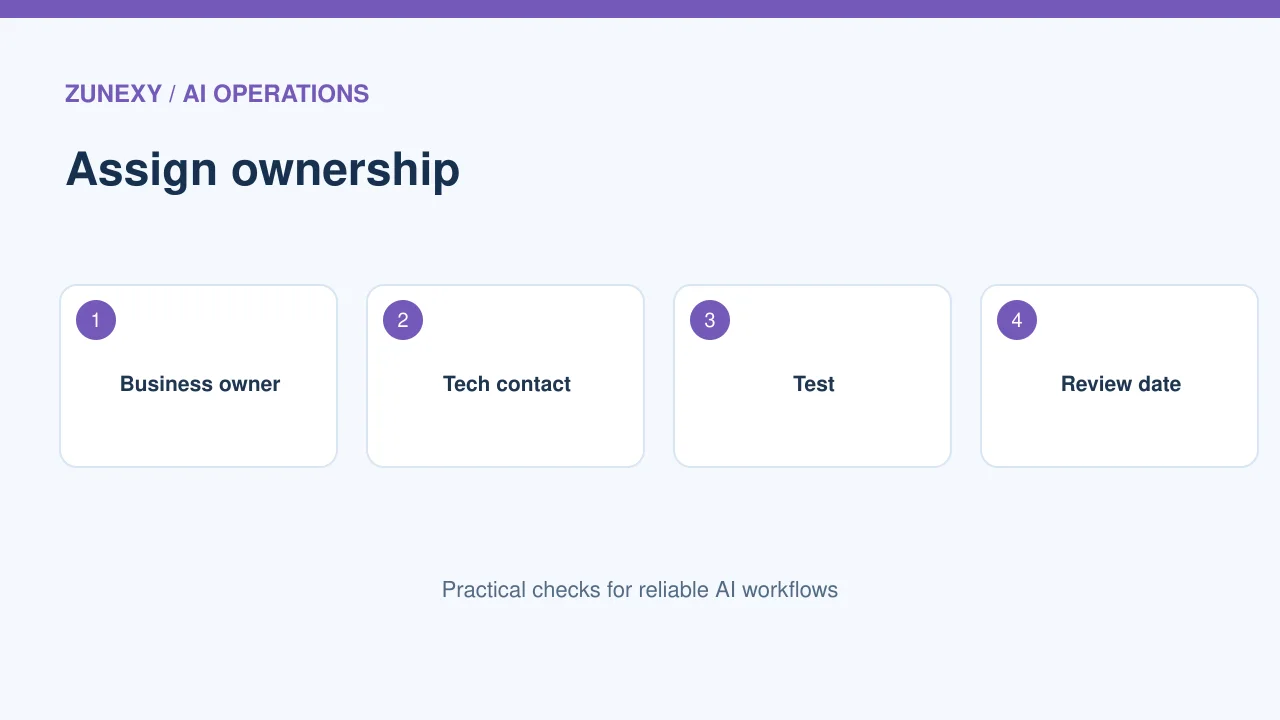
The person who bought a tool may not manage its daily use. Name a business owner who can explain the need and a technical contact who can handle access or incidents. If nobody will own it, do not treat the system as approved for live data.
How it works
An owner should know how to stop use, where data moves and what to do if output becomes unreliable. Set a review date that matches risk. A low-risk note helper may need a light check. A system shaping sensitive decisions needs closer attention.
Map data and people
What to record
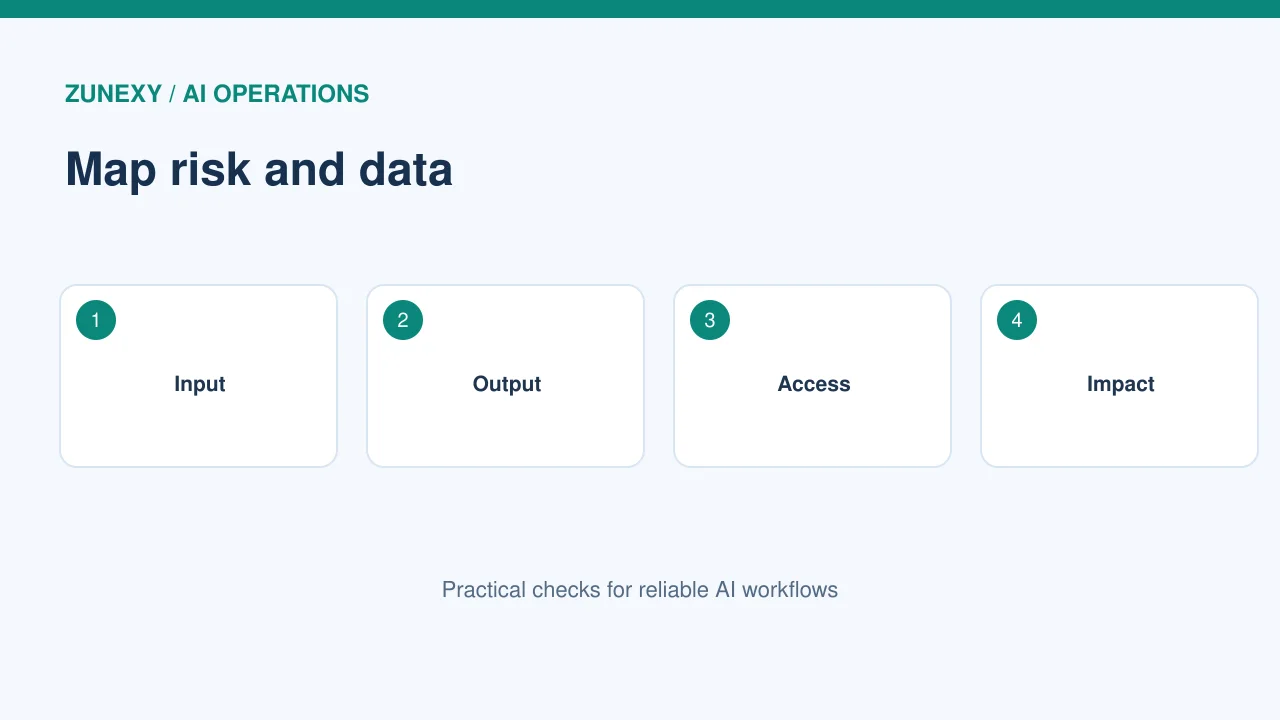
Write which information reaches the model and who receives its output. Include files, chat history, customer text and data returned by plugins. A tool can seem harmless until it is connected to an internal drive.
How it works
Take one real example with details removed. Trace it from input to output. Does the vendor keep a copy? Does the result reach a public channel? Is a human reviewing it? Mark unknowns openly. An honest unknown is a task, while a guessed safe answer hides risk.
Classify the use case
What to record
Make a small risk scale based on impact. A tool that suggests meeting titles is different from one that could send messages, change records or affect jobs. Do not give every tool the same review process. Match effort to what could go wrong.
How it works
For each use case, ask who could be harmed by a false answer, a leak or an unavailable service. Then set controls: human approval, limited access, stronger testing or a ban on certain data. Record why the risk level was chosen.
Check vendor claims
What to record
A sales page may promise privacy or enterprise safety. But terms and controls vary by product and plan. Review the vendor’s current policy and contract. Ask what training use, retention, deletion and administrative controls apply to your account.
How it works
If two teams use different plans of the same service, their data settings may differ. Note that in separate entries where it changes risk. Revisit the record after a contract renewal or feature launch. A vendor name alone is not enough evidence.
Review outputs and failure paths
What to record
List the main ways the system can fail: wrong fact, biased ranking, missing context, prompt injection, private data exposure or downtime. Choose one practical test for each high-impact failure. Keep expected results in a short test record.
How it works
For a document summary bot, plant a harmless conflicting instruction in a test document. Confirm the bot does not turn it into an operational command. For a reply tool, ask it about an unsupported policy and check whether it admits uncertainty instead of inventing a rule.
Avoid a one-time spreadsheet
What to record
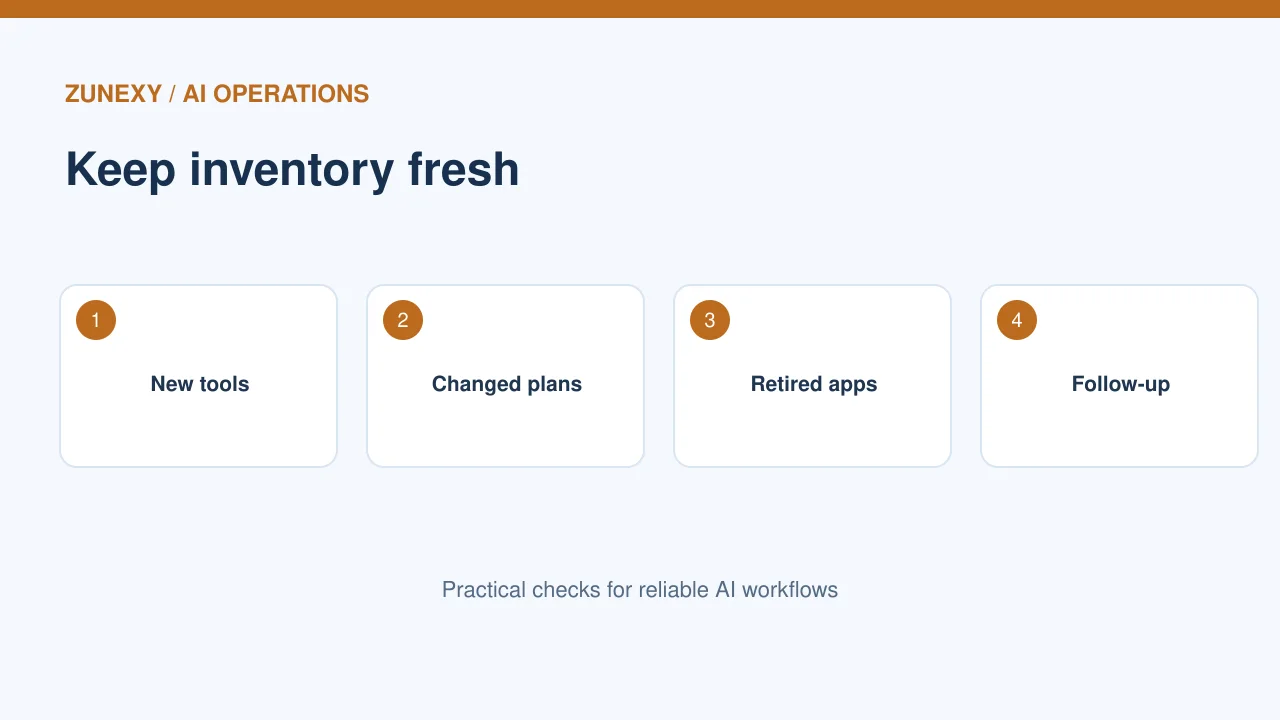
An inventory grows stale as soon as staff add an app or a vendor releases a new feature. Tie updates to purchasing, security review and team onboarding. Make it easy to submit a new tool for review.
How it works
Add one form with five questions: purpose, owner, data, users and expected benefit. Review new entries at a fixed time each week. Send owners a short quarterly check for changed use or access. Archive retired tools but keep the reason and end date.
Measure coverage
What to record
Do not claim success because the sheet has many rows. Compare it with software spending, single sign-on app lists and team interviews. Count entries with missing owners, unknown data locations and overdue reviews. Those gaps guide the next week’s work.
How it works
If a team has 18 known AI uses and five lack owners, that is a clear cleanup task. It is not a reason to inflate an arbitrary compliance score. Track whether the missing fields are being resolved and whether controls work in practice.
Use the inventory for decisions
What to record
A good inventory helps a team spot duplicate tools, risky data paths and areas needing training. It also helps during an outage: owners know which work depends on the service. Keep it available to the people who maintain it, with access limits for sensitive details.
How it works
Start with five real uses, confirm the owners, and expand across teams. The list should become a living map of AI work. If updating it takes longer than using it, cut fields and improve the process rather than abandoning visibility.
What not to store in the inventory
Keep secrets elsewhere
Do not put API keys, passwords, full customer prompts or raw personal records in the sheet. Link to approved secure records when needed. A governance list may have broad access. So it should describe data categories and controls, not become another store of sensitive material.
Limit detail to decisions
A page of technical configuration can go out of date fast. Keep the inventory focused on ownership and impact. Put detailed model settings in versioned engineering documents that teams already maintain. Reviewers can follow the link when a deeper check is needed.
Starter inventory fields
- System, purpose and team owner.
- Vendor, model or connected service.
- Data type, access and output destination.
- Human review and main failure risks.
- Approval status and next review date.
- Link to a test or decision record.
Keep the first version plain and accurate. A list that people maintain is more valuable than a large framework that nobody checks.