AI Workflow Audit Logs in 2026: Track Tool Actions Without Exposing Private Data
When an AI agent can change a file, send a message or update a ticket, teams need more than a success alert. They need to know which action happened, who asked for it and how it was approved. This guide shows a practical way to log AI tool use without saving every private prompt.
Follow one action from start to finish
A worker asks an AI helper to update a ticket. The helper calls a tool, and the tool changes the record. A useful audit trail links the request, approval, action and result with one ID. If the wrong ticket changes, staff can find what happened. Keep the event details, but do not copy a full private chat into every log.
Why AI action logs matter
The control
An AI assistant may suggest text, search files or call a tool that changes a record. When something goes wrong, a normal app log may not show which request led to the action. An audit trail gives staff a way to reconstruct important events.
Practical example
A support assistant might draft a reply and then ask a ticket system to close a case. The record should show which user asked, what tool action was proposed, who approved it and what happened. It does not need to store every private sentence forever.
List the actions worth logging
The control
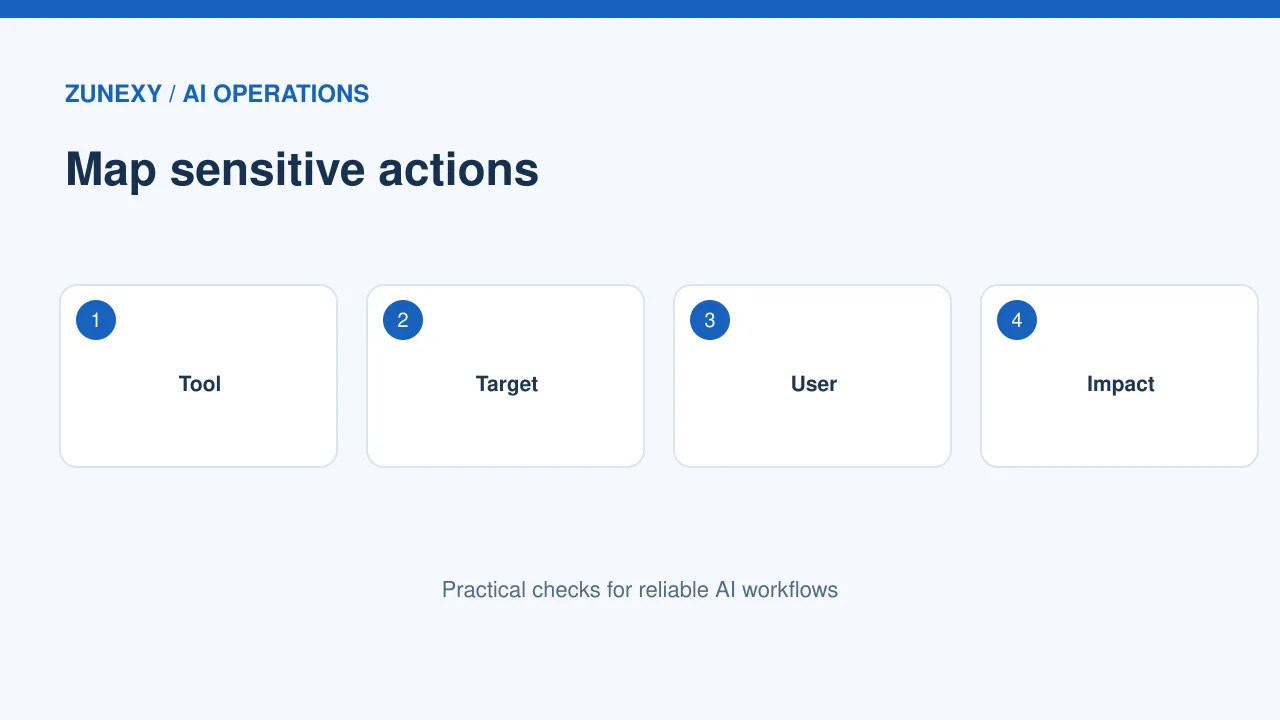
Start with actions that change data, send messages, move money, change access or trigger a process. Read-only search may need less detail. Decide what a reviewer must know to answer who, what, when and which system.
Practical example
Make a table of tool calls and classify impact. For a calendar helper, viewing availability is different from canceling a meeting. Log the second with an action ID and result. Keep low-impact telemetry light so important events are easy to find.
Separate prompts from events
The control
Raw prompts often contain private or sensitive information. An audit record can usually keep event metadata: user or service identity, purpose, model version, tool name, action type, decision, timestamp and result. Store raw inputs only where justified.
Practical example
A team can use a request ID to connect application logs without copying customer records into every store. If a prompt must be saved for quality review, set a limited access policy and deletion period. Do not assume every log is safe to share with all engineers.
Track identity across steps
The control
AI systems often act through service accounts or connectors. If every tool call appears to come from one generic bot, staff cannot tell which person or workflow initiated it. Preserve the requesting identity and the automation’s own role.
Practical example
For example, an employee requests a report edit. The model suggests a change. A restricted connector applies it after approval. The audit trail should tie all three events to one request while showing the distinct human and service identities.
Capture approval decisions
The control
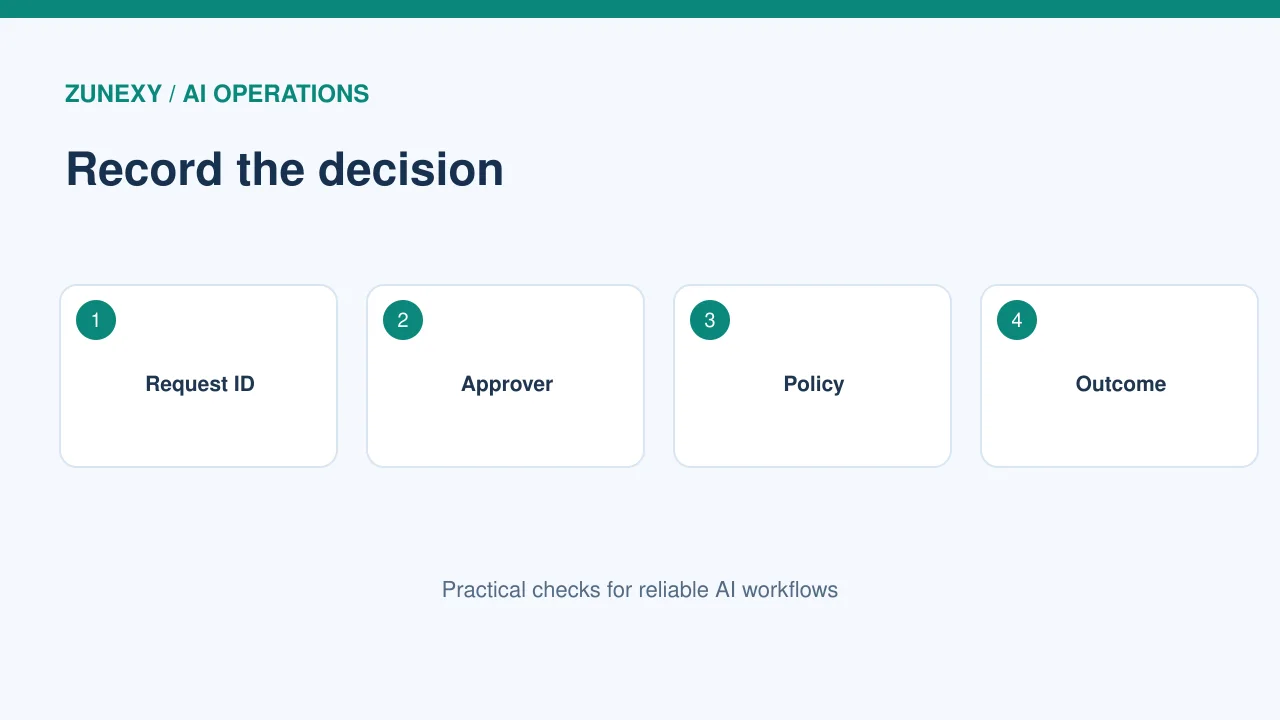
For high-impact actions, log the approval prompt, approver, decision and policy version. Record denial as well as approval. If a system allows automatic actions under a rule, note which rule applied and what limits it used.
Practical example
A finance bot may draft a vendor email but never send it without a person. The approval record should show the final recipient and action summary that the person saw. If the model changes the message after approval, the earlier approval should not silently apply.
Make log entries useful
The control
Use stable event names and fields. Give each action a unique ID, UTC timestamp, application name, outcome and error code when needed. Include enough context for support without leaking secrets. Use plain terms that non-engineers can understand.
Practical example
A useful event might say a document was shared with a named internal group after approval. An unhelpful event says ‘AI task succeeded’. The latter cannot answer whether the right document or audience was involved.
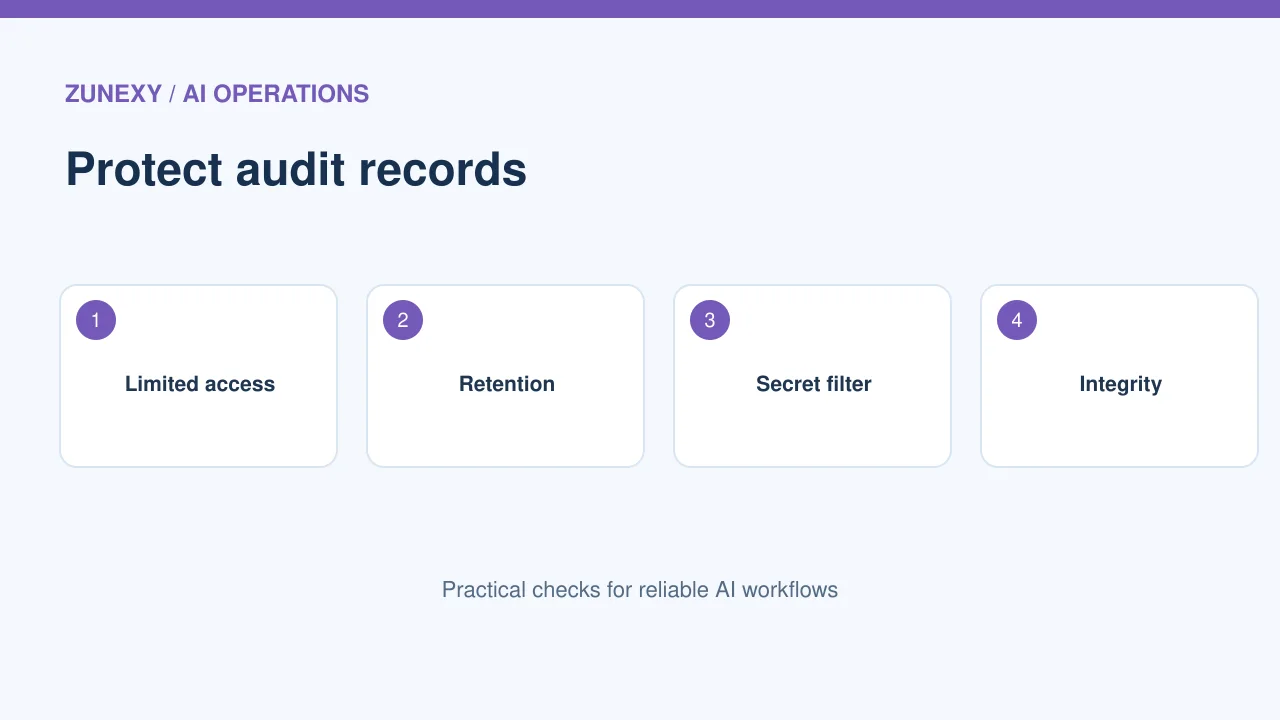
Protect the audit trail
The control
Logs may contain user IDs, customer references and security events. Restrict access, encrypt where appropriate and monitor who reads or changes the records. Keep production logs separate from test data. Prevent ordinary app roles from rewriting past events.
Practical example
Set retention based on legal needs and actual investigation value. More storage is not always better. An old log with private material adds risk. Set a deletion process and test that logs are removed when their retention period ends.
Test a failed tool call
The control
Success-only logging hides half the story. Trigger a safe test action that lacks permission, then check whether the rejection, reason and request ID appear. Test a timeout and an approval denial too.
Practical example
If the system retries, log each attempt under one parent request. Otherwise a reviewer may mistake three retries for three human decisions. Check that the dashboard can follow the chain from initial request to final status.
Handle model and prompt changes
The control
When output changes, investigators need to know which model and workflow version ran. Keep a version identifier, not a copy of every large prompt template in each event. Link to an approved versioned record.
Practical example
After a model update, send the same harmless test request and compare action plans. If it proposes a new tool call, the audit trace should make the difference visible. This helps distinguish model behavior from a changed connector or policy.
Build a simple review rhythm
The control
An audit trail is useful only if someone reviews it. Each week, check denied actions, exceptions and unexpected tool use. Each month, sample approved high-impact actions and confirm the recorded human decision matches the change.
Practical example
Assign an owner for the review and a place to record findings. Track actions taken, not just counts. If a bot repeatedly tries an action it cannot perform, improve the workflow or permissions instead of treating the alerts as background noise.
Prepare for incidents
The control
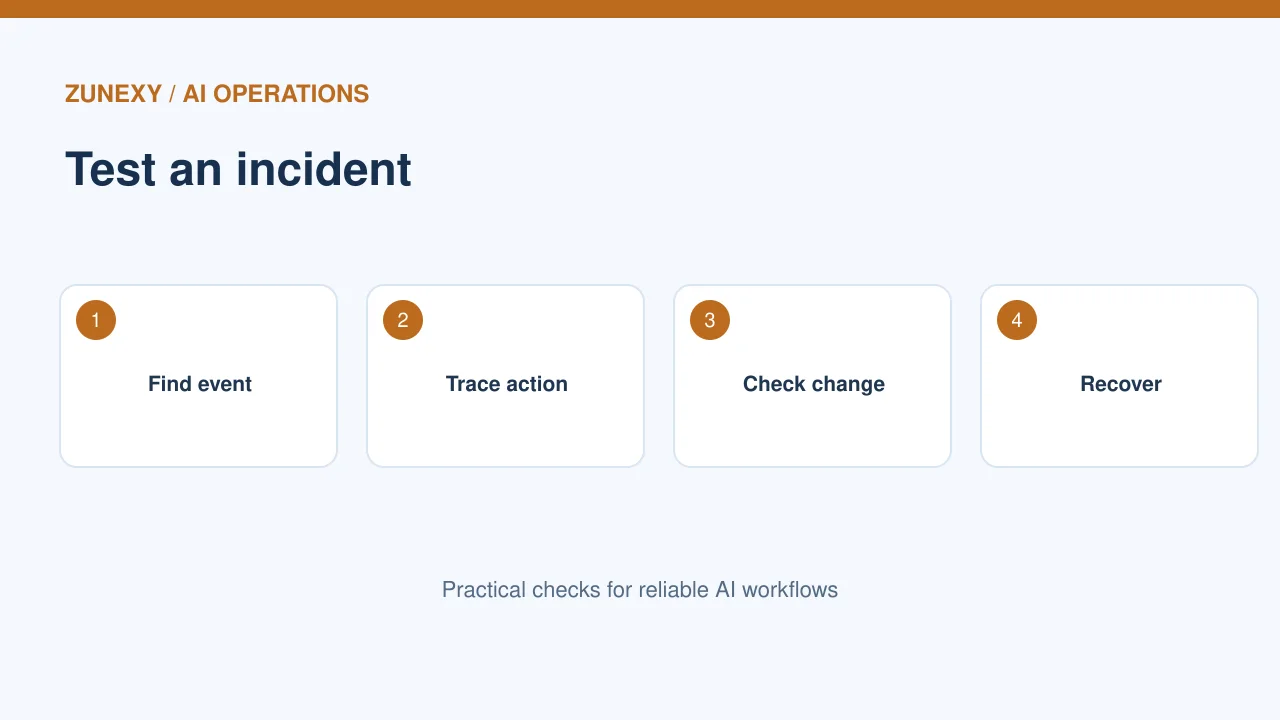
Write a short response plan before an error occurs. Staff should know how to pause a connector, find an action ID, identify changed records and contact the owner. Practice with a test record, not customer data.
Practical example
If a tool wrongly updates a ticket, the team should be able to find the original request, approval state, exact record and recovery steps. A good trail reduces guessing. It does not replace access control, backups or human oversight.
Keep logs aligned with purpose
The control
Do not collect private conversations just because storage is cheap. Choose fields that answer real investigation questions. Explain logging to users when it affects them. Review the design whenever the assistant gains a new tool or more authority.
Practical example
Start with one workflow and verify that staff can reconstruct a safe test. Expand when the format works. A compact, protected and reviewed event trail is more useful than an enormous archive nobody can interpret.
Check the trail with a real reviewer
Run a short reconstruction exercise
Give a colleague only a request ID from a test event. Ask them to find what the assistant tried, which connector ran, whether a person approved it and whether the target changed. Time the exercise. If they must search five systems by hand, improve links between records and dashboards.
Fix unclear fields before scaling
Ask the reviewer which details were missing and which fields were noise. Some teams need a ticket ID; others need a document revision. Choose references that fit the work. A useful schema should support both daily support questions and a rare incident without turning logs into a copy of all user data.
Minimal audit event fields
- Request ID and timestamp.
- Requester and service identity.
- Model, workflow and policy versions.
- Tool, action, target reference and outcome.
- Approval identity and decision if required.
- Error or retry reference when relevant.
For broader risk management, the [NIST AI RMF](https://airc.nist.gov/airmf-resources/airmf/5-sec-core/) offers a useful governance frame. Keep each log field tied to a real question an operator or reviewer needs to answer.