Cloud Carbon Tracking for AI Workloads in 2026: Measure Impact Without Guesswork
Teams now ask how much energy and carbon their AI tools may use. Cloud reports can help, but the figures are estimates and methods differ. This guide shows how to set a clear scope, read provider data and make useful changes while keeping service quality in view.
Start with the workload
What the number means
A team may run AI in a cloud notebook, a model API or a GPU server. These paths use different hardware and services. A broad data-center estimate will not tell you which app caused a change. Set a clear boundary around the work you want to study.
A useful action
Pick one service, such as a search assistant. Record the cloud account, region, runtime, storage and normal monthly traffic. Note what the model does and how often people use it. This baseline helps you compare months without guessing.
Read provider reports carefully
What the number means
Cloud providers offer carbon reports, but they use models and estimates rather than a meter on each app. The report may group services, regions or accounts. It may also update past results when its method changes.
A useful action
The [Google Cloud Carbon Footprint methodology](https://docs.cloud.google.com/carbon-footprint/docs/methodology) explains that changes in inputs or methods can change reported figures. Save the report date and method with your results. Do not compare two reports as if they used the same rules without checking.
Know the two electricity views
What the number means
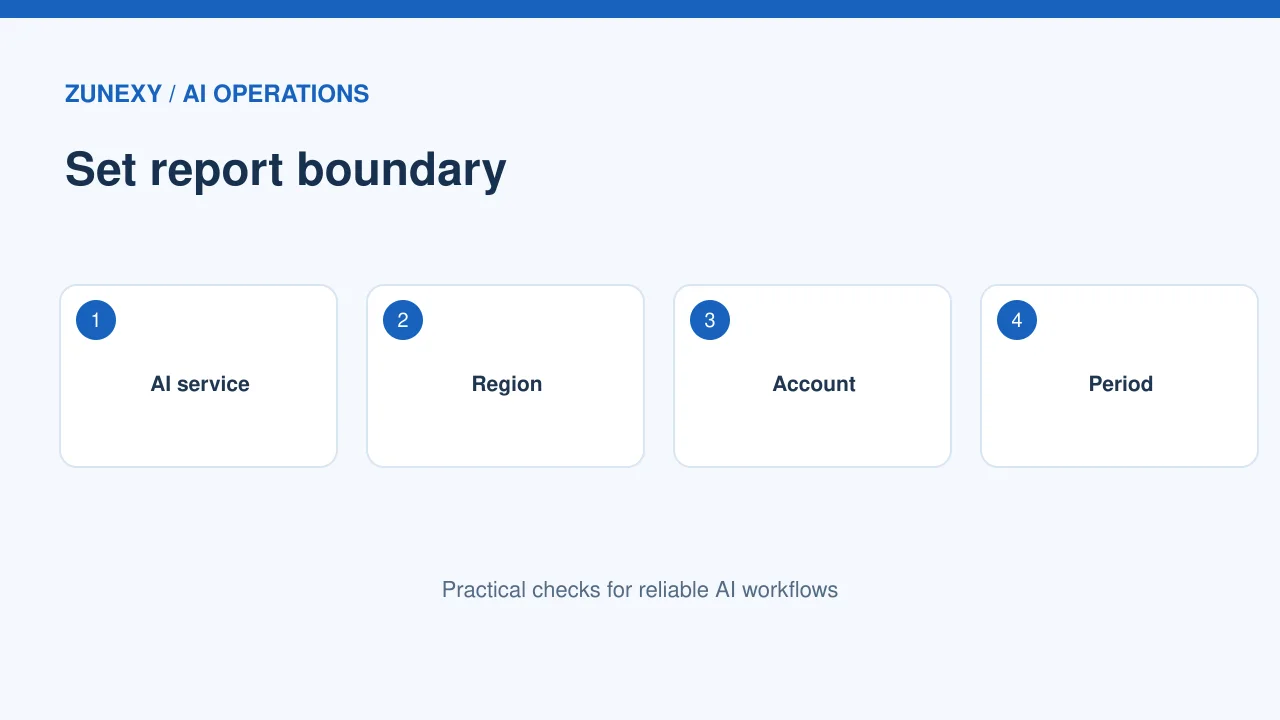
Location-based figures use a measure tied to the power mix in a place. Market-based figures reflect certain purchase and contract choices. The values can differ. Neither should be called the one true physical footprint without context.
A useful action
The [GHG Protocol Scope 2 Guidance](https://ghgprotocol.org/sites/default/files/GHG%20Protocol%20Scope%202%20Guidance.pdf) explains these two methods. Use the same method when comparing periods. If a report shows both, label them clearly rather than mixing the numbers in one trend.
Link emissions to useful output
What the number means
A monthly total may rise because more people use a service. It may also rise because the app runs inefficiently. Track both total impact and the work completed, such as valid reports or helpful answers.
A useful action
For a support AI, count useful completed cases, not just model tokens. If traffic doubles while emissions rise by less, the service may be more efficient per case. Still note the rise in the total. Both views matter for a fair report.
Measure idle resources
What the number means
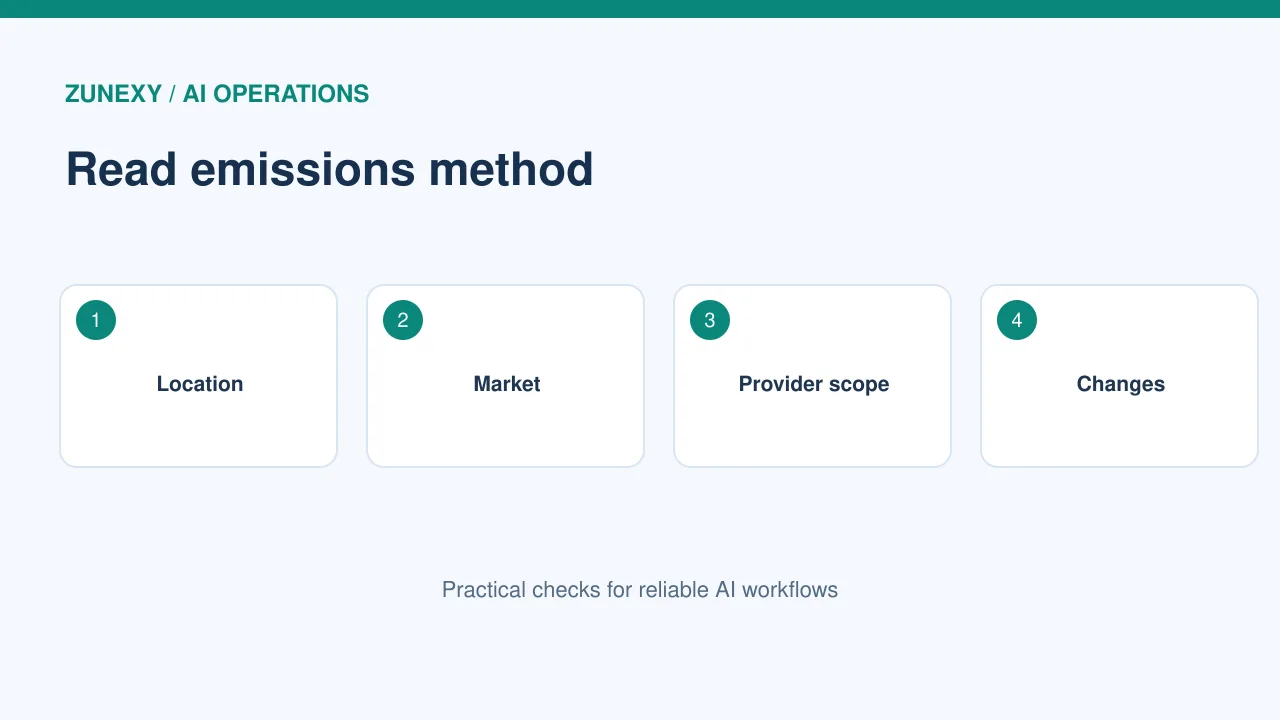
A GPU can cost money and use energy while waiting for work. A model that runs only during office hours may not need the same setup as a 24-hour service. Turning off idle workers can help, but a cold start may hurt users.
A useful action
Check utilization and request logs over a normal week. Find long idle periods and short peak windows. Run a trial with a smaller warm pool or scheduled shutdown for noncritical jobs. Measure user wait and failed jobs before keeping the change.
Compare models by the task
What the number means
A smaller model may use less compute but give weaker answers. A large model may be needed for some complex work. Judge the choice with a real set of questions and a clear quality measure.
A useful action
Run each model on the same safe test set. Record useful results, error types, response time and compute use. If a smaller model needs repeated prompts or human fixes, its lower per-call energy may not save effort overall.
Keep storage and traffic in view
What the number means
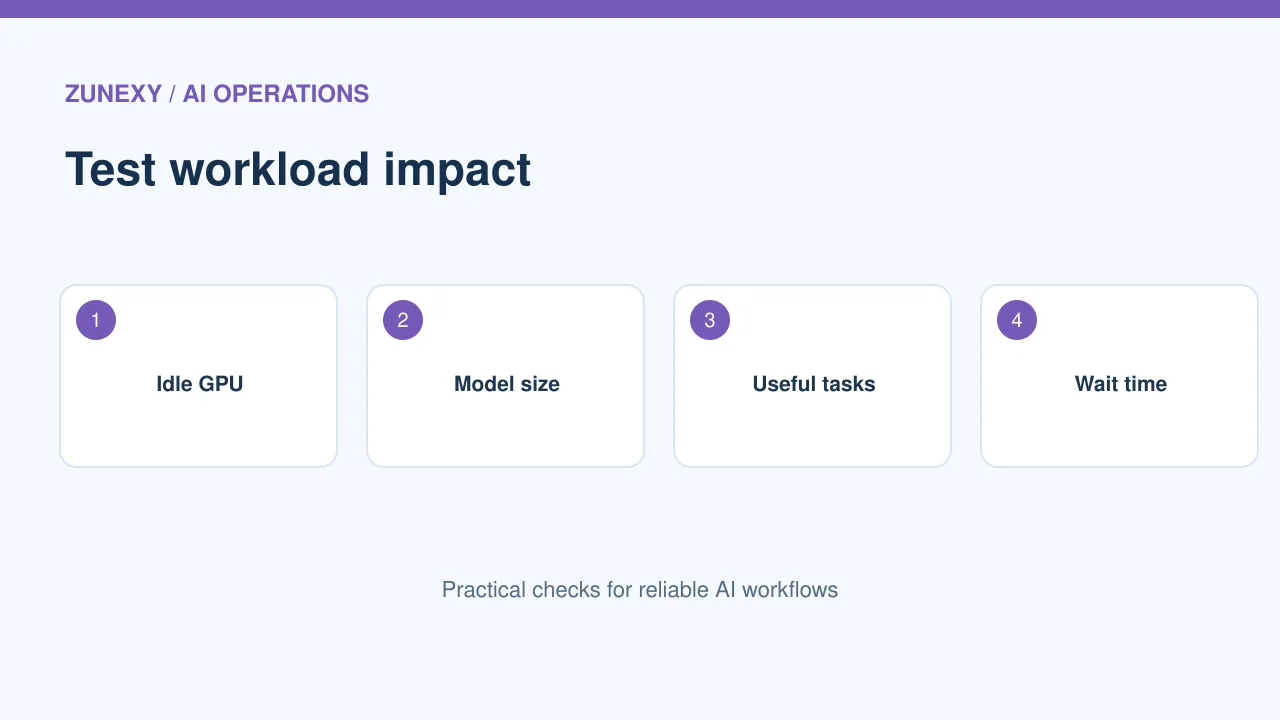
AI apps also move files, save embeddings and write logs. These parts may matter when the model itself is efficient. A serverless tool still uses hardware somewhere. Do not assume that managed services have zero impact.
A useful action
Map input files, search index, model calls, logs and backups. Look for duplicate data and idle storage. Remove only copies that are no longer needed. Keep privacy, backup and audit rules intact.
Use the provider tool that fits
What the number means
The [AWS Customer Carbon Footprint Tool](https://docs.aws.amazon.com/ccft/latest/releasenotes/what-is-ccftrn.html) includes both market-based and location-based views in recent reporting. [Microsoft’s Emissions Impact Dashboard](https://learn.microsoft.com/en-us/industry/well-architected/sustainability/emissions-impact-dashboard-overview) supports cloud-emissions estimates for its services.
A useful action
Check what each tool covers in your account. Note the time window, included services and any reporting delay. If a service is missing, mark the gap. Avoid filling it with an invented precise number.
Avoid false precision
What the number means
Carbon figures have uncertainty. A chart that says 12.347 kilograms may look exact even when the underlying model is broad. Use a clear unit, a sensible number of digits and a note about the method.
A useful action
When you share a team report, write what was measured and what was estimated. If the provider changes its method, add a note to the trend. This helps readers judge the result without turning a useful estimate into a promise.
Make one change at a time
What the number means
Reducing model size, moving regions and changing the schedule all at once makes results hard to explain. Choose a change with a clear hypothesis. Test it against the same workload and quality goal.
A useful action
For example, pause a noncritical overnight batch until morning, then compare cost and usage over similar weeks. Watch job completion and service health. Keep the change only if it meets the business need.
Build a repeatable report
What the number means
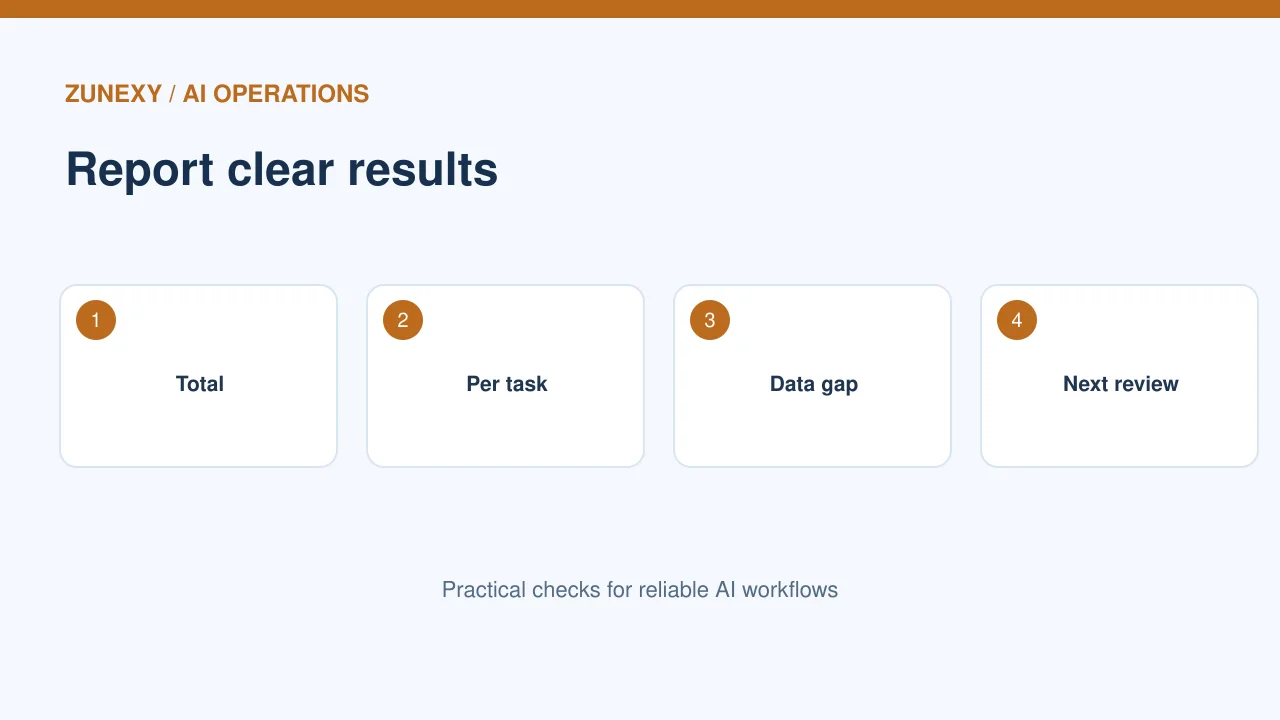
A good report names the workload, period, data source, method and key change. It includes totals and useful output. Give a person ownership and a date for the next review.
A useful action
Keep a one-page note with the monthly chart and two or three actions. The team should be able to say what changed and why. Clear reporting supports better decisions than a large scorecard no one trusts.
Keep business growth in the picture
Do not compare unlike months
A new product launch may bring many more AI requests. If the total estimate rises, that does not show the app became less efficient by itself. Compare the same kind of work and use a clear time window. A model update, new region or shift in user tasks can also change the result. Record each major change beside the chart.
Talk about the trade-offs
A plan to cut runtime may add a long wait for users. Moving a workload may affect data rules or uptime. Ask the service owner whether the proposed saving is worth those costs. Keep user experience, privacy and the total estimated impact in one decision note. A good sustainability plan should also be a good service plan.
For teams with more than one cloud account, make sure costs and reports use the same account map. If one account is left out, the trend can look better than it is. Keep the method clear and consistent from month to month.
Monthly reporting checklist
- Workload, provider and time period.
- Location-based or market-based method.
- Services and data gaps.
- Total estimate and useful work done.
- Change tested and any quality impact.
- Owner and next review date.
The aim is a sound trend that guides action. Keep the limits clear, make one test at a time and avoid claiming more precision than the data allows.