Vector Database Backup and Restore in 2026: Keep AI Search Working After Failure
A search assistant can lose its memory when a vector index fails. Good backups protect more than stored numbers. They help restore source links, access rules and search quality. This guide shows how to plan and test recovery for a real AI search tool.
What a vector index really holds
The risk
A search-based AI helper stores text or other records and a numeric map of their meaning. The map helps it find related items. It may also store source IDs, access rules and fields used to filter results. A backup must preserve what the app needs to search, not just one set of numbers.
Hands-on check
If the source file is safe but the search index is lost, a team may build it again. That can take time and money. If the source has changed, the new index may not match what users saw before. Decide what must be saved and what can be rebuilt.
Name the recovery goal
The risk
How long can the search tool be down? How much recent data could the team afford to lose? These are two different questions. A nightly backup may be fine for a static help site but too old for a live case tool.
Hands-on check
Write a time goal and a data-loss goal in plain terms. For example, a help tool might need search back within four hours and accept one day of changes. These are sample targets, not a rule for every business. Set yours from actual user need.
List every moving part
The risk
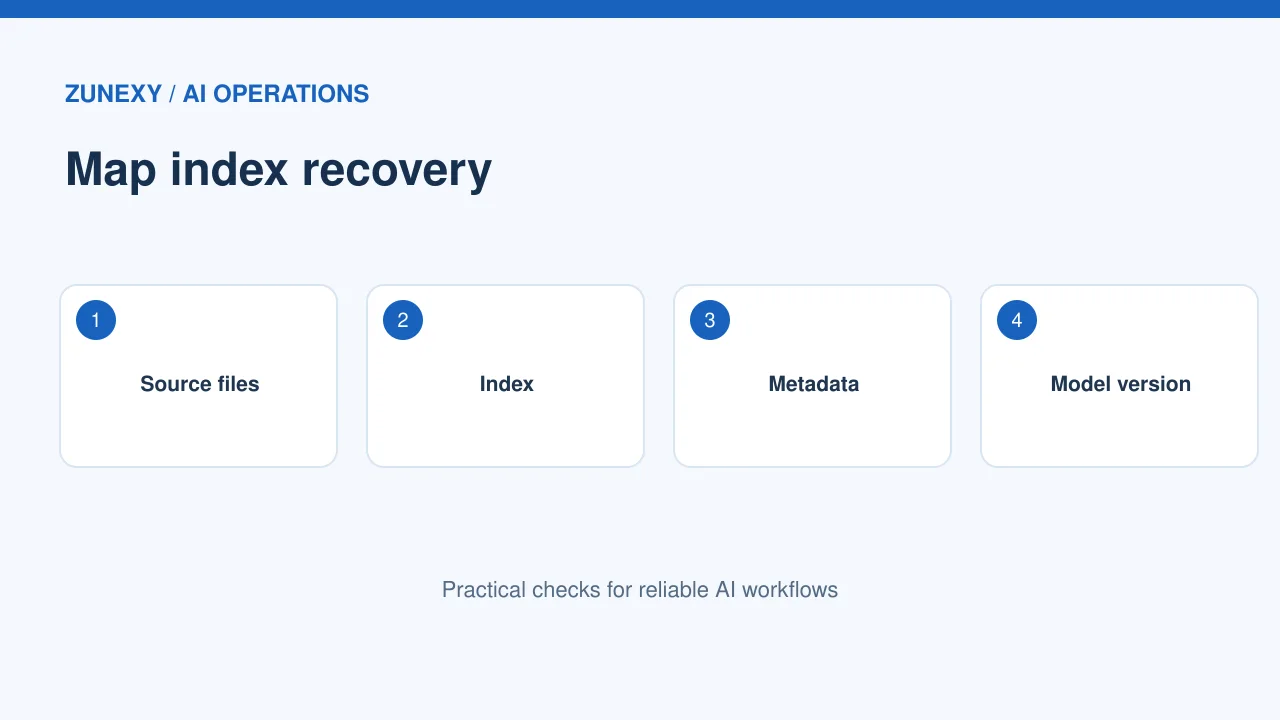
A vector search setup may depend on a source store, index files, metadata, model used to create embeddings, search settings and app code. A copy of the index alone may not restore the full service.
Hands-on check
Make a small recovery map. Record index name, source location, embedding model version, key settings and access policy. Keep credentials in an approved secret store. A new team member should be able to find the map without guessing where the system lives.
Choose between rebuild and snapshot
The risk
Rebuilding from source can work when data is small and the embedding model is known. A snapshot can save time for a large index. Neither path is safe until tested. The snapshot may use a tool-specific format or need a matching platform version.
Hands-on check
The [Qdrant snapshot guide](https://qdrant.tech/documentation/snapshots/) explains export and recovery options for collections. Check your own engine’s current instructions. Do not assume a snapshot made on one setup can be restored into any hosted service.

Preserve metadata and access rules
The risk
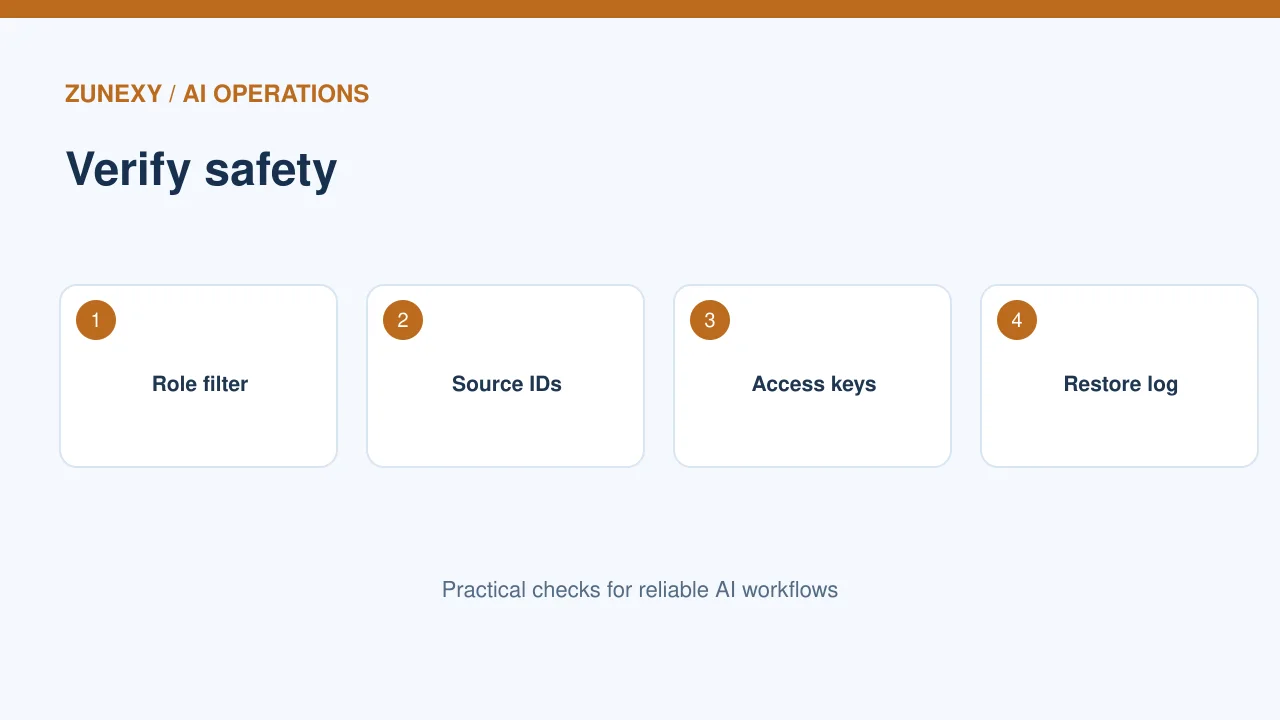
A search result may need fields such as team, document date and source ID. Filters can keep users from seeing records outside their role. If those fields vanish on restore, the service may return the wrong content or reveal private material.
Hands-on check
Create a test collection with two users and data they should not share. Back it up, restore to a test environment and run both searches. The results should keep their original access limits. Make this part of the recovery test, not a later security check.
Keep the source of truth
The risk
Many systems create embeddings from files in another store. Keep a clear rule for which copy owns the data. If an article is removed from the source, the index should not keep serving it by mistake.
Hands-on check
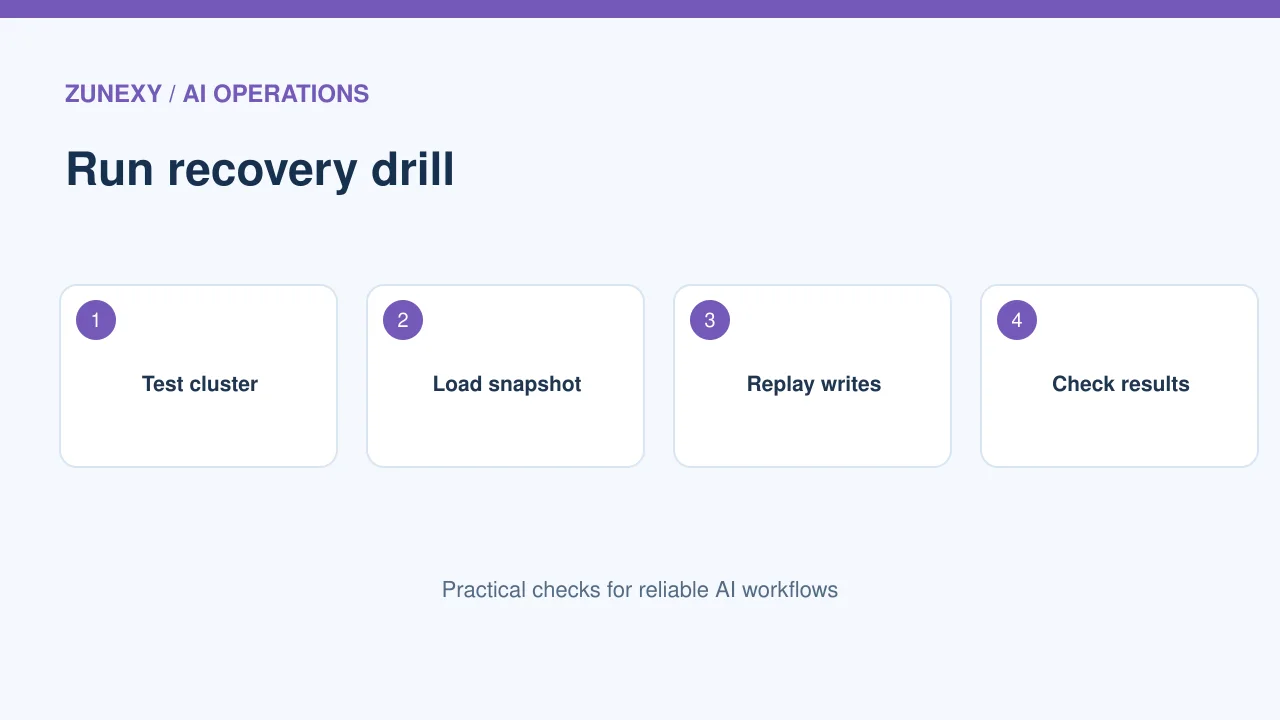
For a policy search bot, store a source document ID and revision for each search item. When a file changes, update the matching index entry. After a restore, compare versions and replay the updates that happened after the backup.
Test restore without hurting live search
The risk
A backup file is only a promise until someone restores it. Use a separate test collection or isolated cluster. Check disk space, credentials and service versions first. Some recovery paths need extra temporary space.
Hands-on check
The [Qdrant migration and recovery guide](https://qdrant.tech/documentation/migration-recovery-options/) notes restore space needs for its snapshot approach. Your engine may differ. Run a small restore first, then one at the expected data size. Time the process from start to a working search.
Check the quality of the restored index
The risk
A restored collection can be online but still give poor answers. Run a fixed set of questions and compare source IDs, top results and access filters. If the embedding model changed, results may shift even when all files exist.
Hands-on check
Use ten to twenty real, redacted questions from normal work. Save expected source documents, not just exact answer wording. After recovery, flag missing sources and wrong access. A clear test can catch an index that is present but not fit for users.
Protect backup copies
The risk
Snapshots may hold sensitive metadata and content. Encrypt them, limit who can download them and set a retention rule. Do not keep test copies on a public file share. Record each restore attempt and who approved it.
Hands-on check
For a small team, grant backup rights to a few service roles. Keep restore rights even narrower. Test that a normal app user cannot fetch a snapshot. Check the backup policy when data rules or user groups change.
Plan the return to service
The risk
After a restore, the app must point to the right collection and catch up on new records. A rushed switch can send some users to old data while others see new data. Write down the cutover steps.
Hands-on check
Pause new writes if needed, apply missed updates, run the quality checks, then shift traffic. Keep a rollback path to the previous index. Tell users if results may be stale during recovery. A plain status note is better than silent errors.
Review the plan every few months
The risk
Data grows, models change and staff leave. A restore that took half an hour last year may take much longer today. Keep one named owner and a test date. Check provider settings after each major upgrade.
Hands-on check
A quarterly check can verify backup completion, restore permissions, sample result quality and recovery time. Save the outcome in a short note. If the goal was missed, adjust the plan or the backup schedule before the next incident.
Keep a small drill log
Record each test
Write the date, backup ID, person who ran the drill, data size and time to a healthy search. Note every manual fix. If the restore works only because one engineer knows a secret command, put that step in the approved runbook. Re-run the test after a major engine or model update.
Know when a rebuild is better
A fresh rebuild can be safer if a snapshot may contain damaged records or stale access rules. Compare the cost and time of both paths with the same sample data. Keep the source files and model settings needed for a rebuild. A backup plan should not depend on one untested copy.
Recovery test sheet
- Source and index versions match.
- Backups can be found and read by approved staff.
- Restore finishes within the planned time.
- Access filters work after recovery.
- Sample searches return the right sources.
- New changes can be replayed safely.
Make recovery a routine test, not a hope. The best plan is one the team can run on a bad day with clear steps and proof that search still works.