Cloud Data Transfer Costs for AI Apps in 2026: Find Hidden Egress Fees
An AI app can have a low model bill and a high network bill. Files, search results and logs move between services each time someone asks a question. This guide shows how to map that traffic, check billing and cut waste without harming data safety or answer quality.
Where AI data traffic begins
What to know
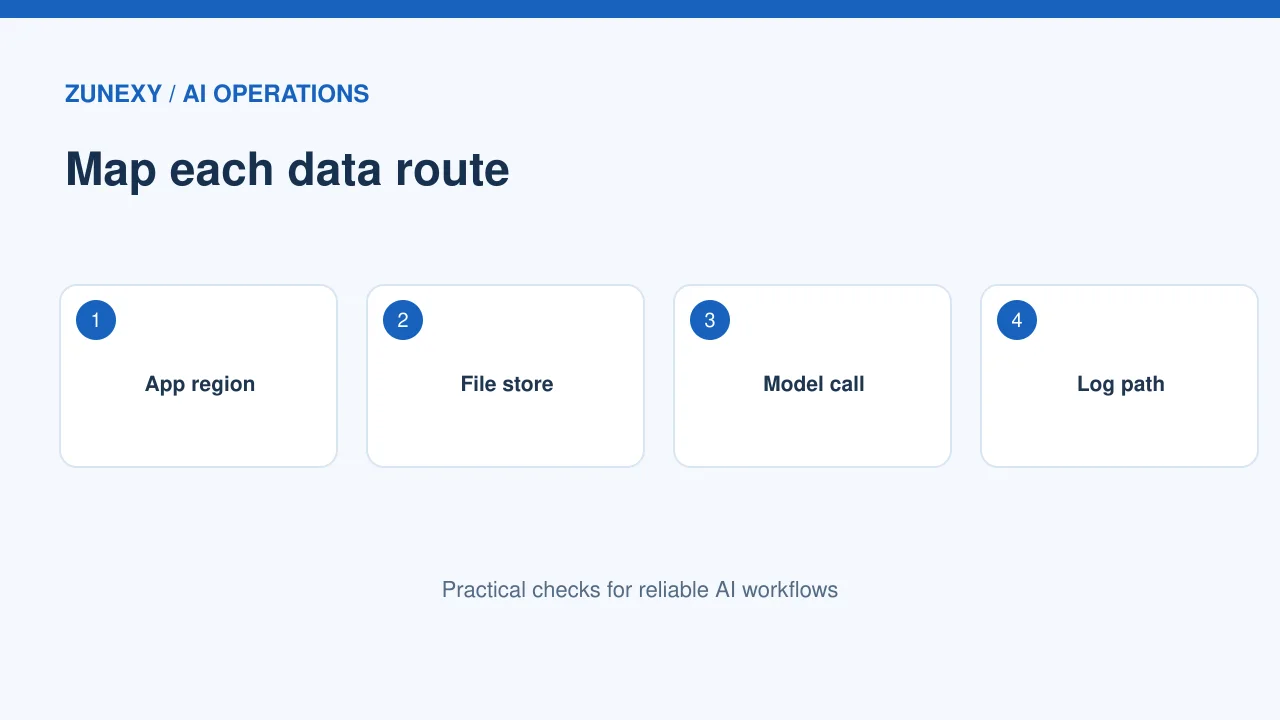
A chat or search app sends more than a prompt. It may read files from object storage, fetch text from a search index, call a model endpoint and write logs. Each step can cross a network boundary. Some paths cost money even when the model call itself is cheap.
Try it on your system
Draw one request as arrows. Mark where the user, app, files, search service, model and logs run. Add the region or provider next to each box. This simple map helps you find paths to measure before changing a cloud setting.
Know the difference between transfer and processing
What to know
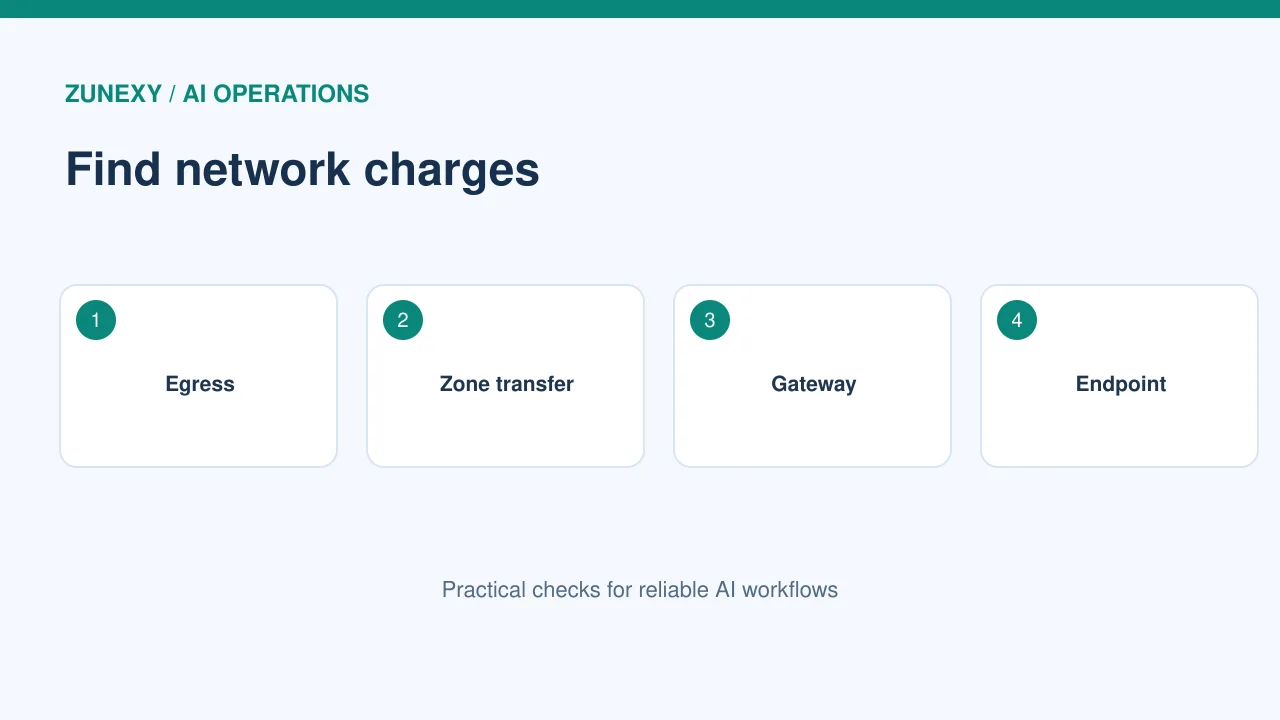
Cloud bills may list data leaving a region, data crossing zones, network gateway processing and internet traffic as separate items. A request can touch more than one line. Do not assume that every gigabyte has one flat rate.
Try it on your system
The [AWS VPC guidance](https://docs.aws.amazon.com/vpc/latest/userguide/nat-gateway-pricing.html) describes NAT gateway hourly and data processing charges. The [AWS Well-Architected Framework](https://docs.aws.amazon.com/wellarchitected/latest/cost-optimization-pillar/cost_data_transfer_implement_services.html) also discusses private endpoints and transfer cost. Read the terms for your region and service before estimating a price.
Look at a real AI question
What to know
Suppose a support worker asks an internal AI tool to summarize a long case. The app pulls several documents from storage, reads notes from a search index and sends selected text to a model. The answer may be just a few lines. The network work behind it can be much larger than the reply.
Try it on your system
Run this test with safe sample data. Record request count, input size, fetched file size and response size. Then compare the network billing line over a quiet test window. Do not send private tickets to a new service just to run the test.
Check region placement
What to know
A storage bucket in one region and a model service in another may cause data to cross a priced link. Yet moving everything into one region can affect resilience, data rules and service availability. A cost change is not always a safe design change.
Try it on your system
List the regions for primary storage, model inference, search, backup and logs. Ask which flows cross a region line. Check data policy before moving a service. A small saving is not worth breaking a legal or client requirement.
Review network gateways
What to know
A workload in a private network may use a NAT gateway to reach a public service endpoint. The gateway can add hourly and processed-data costs. A team may overlook this bill because the traffic appears under networking, not AI.
Try it on your system
Check gateway metrics and routing tables. Find out which services use the path. Where the cloud provider offers an appropriate private endpoint, compare the full cost and access controls. Do not remove a gateway before confirming every task still has a needed route.
Trim files before model calls
What to know
A common waste is fetching a full document when the question needs one section. A search step can select the best passages, though it may miss context if tuned too tightly. The goal is to send enough evidence for a sound answer with less needless transfer.
Try it on your system
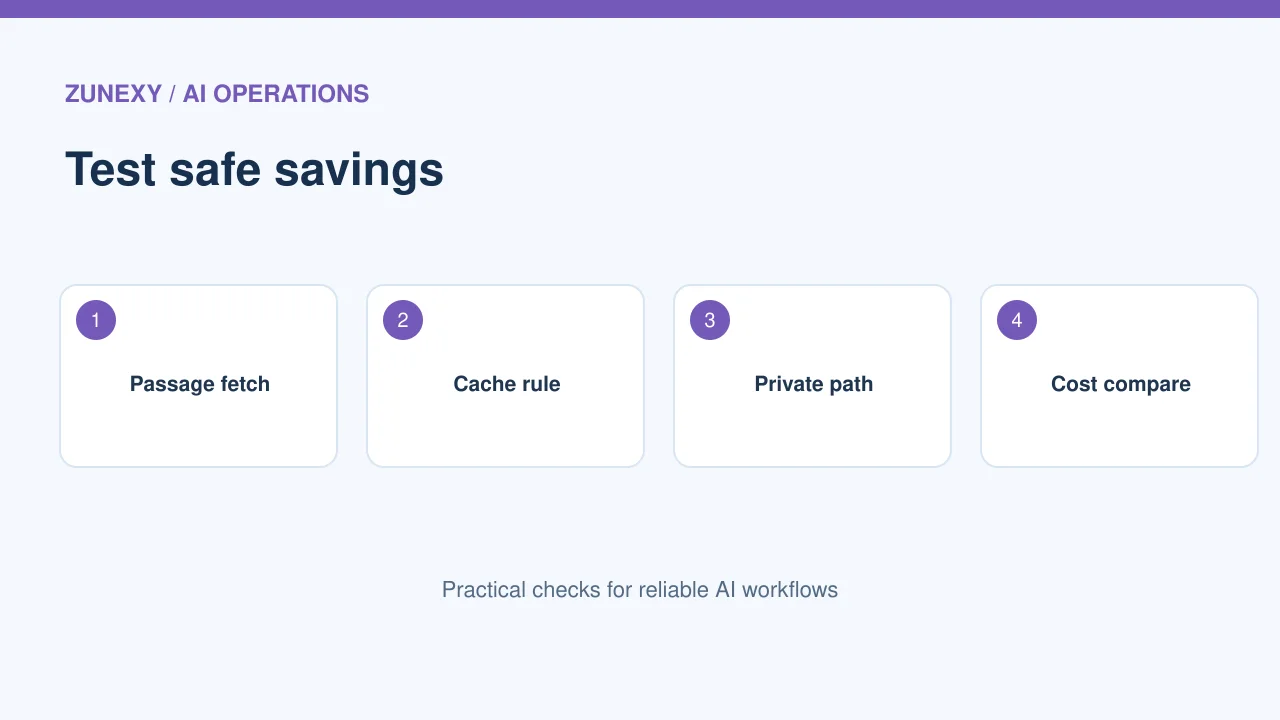
Start with ten real, redacted questions. Compare full-file retrieval with a smaller passage set. Check answer quality and source coverage before counting savings. If the short path loses key context, improve search rather than cutting text further.
Cache with care
What to know
Some facts stay the same for many requests, such as a public product manual. A short cache can stop the app from fetching the same data again. But personal answers, live stock and security settings may change quickly.
Try it on your system
Decide which results are safe to reuse and for how long. Tie cached entries to document versions. If a file changes, clear the old entry. Never serve one user’s private context to another user through a shared cache.
Watch logs and backups
What to know
A model response can create traces, metrics and audit records. Those records may move between regions or providers. Backups and copies can add transfer and storage costs. Cutting all logs is not a sound fix because support and security still need evidence.
Try it on your system
Group logs by purpose. Keep useful error and action records, set sensible retention and avoid writing raw private prompts without need. Check whether export tools send copies to another region. Review restore needs before reducing backup copies.
Measure cost per useful request
What to know
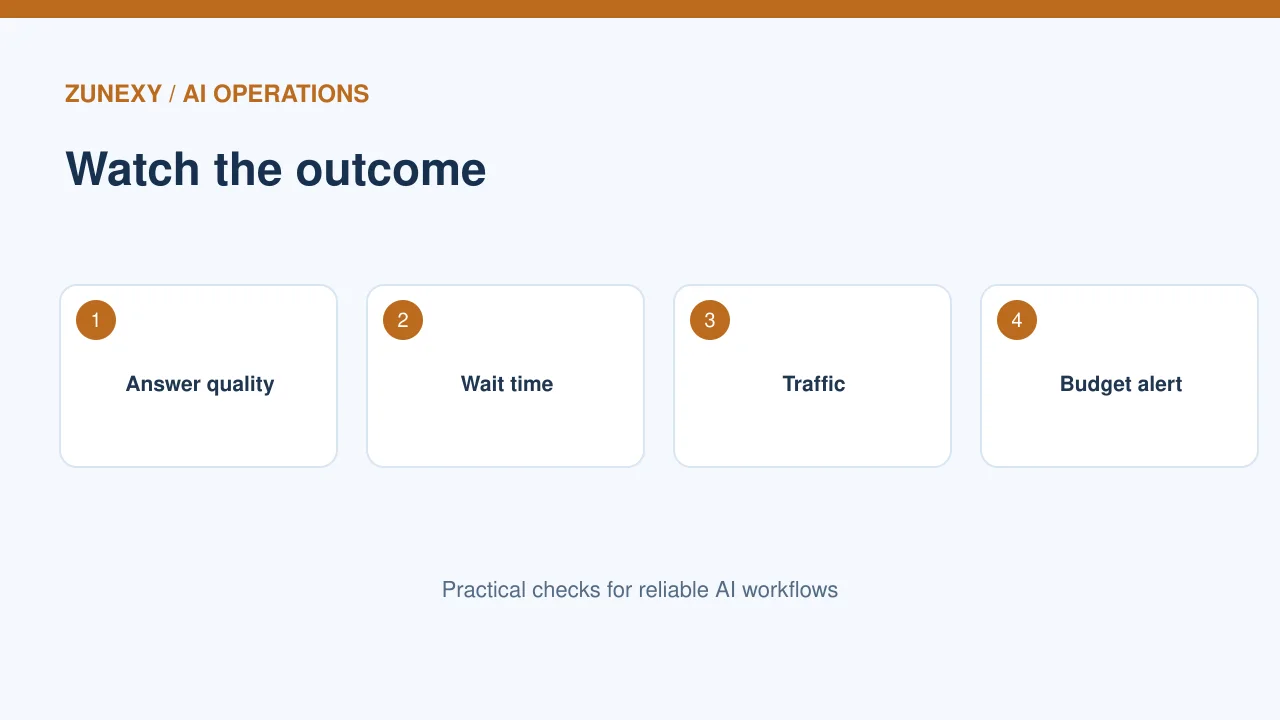
Cost per gigabyte is only one clue. A change that saves traffic but makes answers wrong can cost more in staff time. Track useful completed requests, network transfer, model tokens, error rate and wait time together.
Try it on your system
The [Google Cloud AI and ML cost guidance](https://docs.cloud.google.com/architecture/framework/perspectives/ai-ml/cost-optimization) recommends ongoing monitoring and business-aligned measures. For a trial, compare two weeks with the same workload. Explain any traffic change before claiming a gain.
Set a small spending alert
What to know
A sudden rise in network charges can come from a new feature, retry loop or misrouted service. Put a budget alert near the normal range. Link it to an owner who knows the app. Alerts that nobody reads do not protect a budget.
Try it on your system
If transfer grows sharply, check which service changed and whether the app had more users. Look for repeated fetches and failed retries. Fix the cause, then verify that the cost line falls without hurting app quality.
Review the full trade-off
What to know
Moving a model, storage service or gateway can change speed, privacy, uptime and cost. Write down each effect. A tiny network bill is not a reason for a large rebuild. Start with a low-risk change such as better file selection or a safe cache.
Try it on your system
Keep a short before-and-after record: region map, request pattern, service health and total cost. Review it with both an engineer and the person who owns the workflow. The best result is not the lowest network number. It is a reliable answer at a fair total cost.
One change to avoid
Do not disable the guardrails
A low network bill may look good if someone turns off secure access checks, required backups or useful logs. That is not a real saving. Keep the business need in view. If a private route costs more but cuts exposure, compare the risk and support work as well as the bill.
Write down the decision
For each change, note the old route, new route, test date, owner and result. Add a rollback plan. A simple record helps the next engineer tell a planned cost change from an accidental routing mistake.
Quick review checklist
- Draw each data path and region.
- Check transfer, gateway and endpoint bill lines.
- Test with safe sample questions.
- Compare cost with answer quality.
- Keep privacy and recovery needs in view.
- Assign an owner to monthly reviews.
Network costs become easier to manage when each route has a clear purpose. Measure one app first, change one path at a time and keep proof of the result.