AI Document Redaction in 2026: A Safe Review Workflow for Teams
AI can help find names, account numbers and other private details in a document. It cannot promise to catch every risk. This guide shows how to test redaction, review mistakes and share a file that keeps useful facts without exposing people.
Set the reason for redaction
What can fail
A team may need to share a report with a vendor or use notes in an AI tool. Redaction hides details the receiver should not see. The first step is to name the task and the data that can safely remain.
Practical check
For a support trend report, the team may need issue types and dates, not names or full account numbers. Write a short rule before touching the file. Do not remove facts needed to answer the business question.
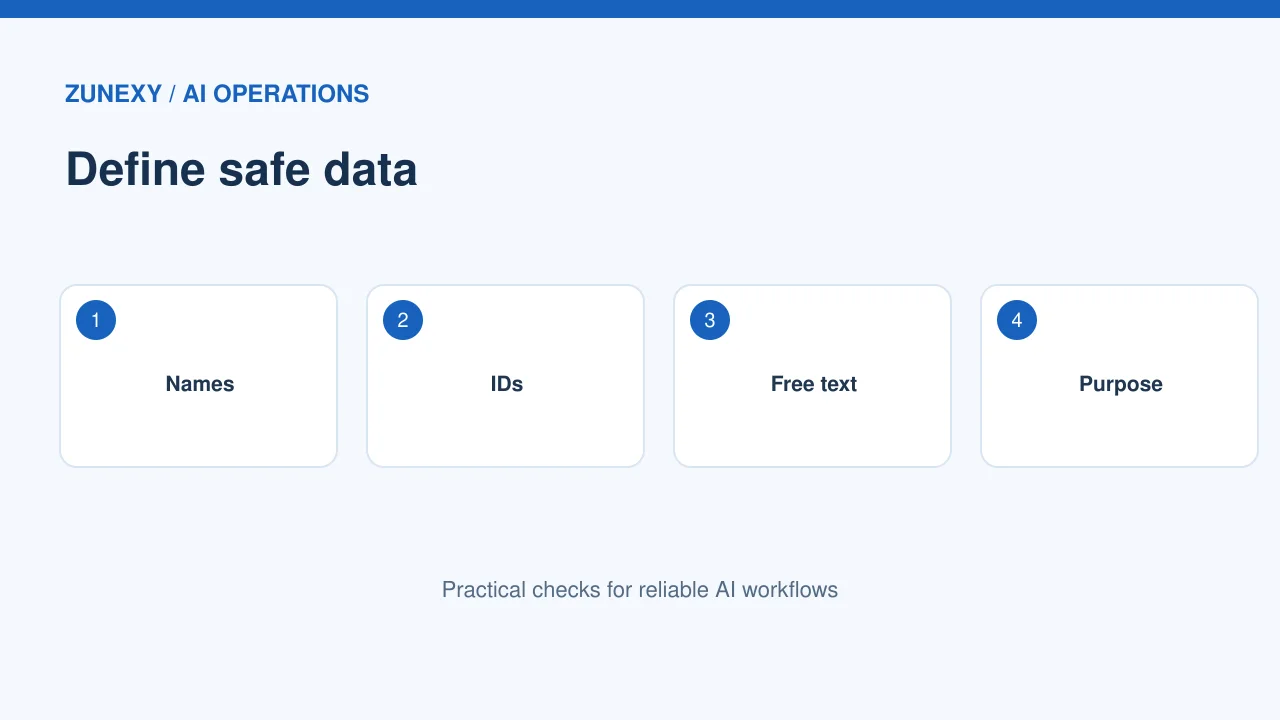
Know what to look for
What can fail
Names, addresses, phone numbers and IDs are common targets. Free text can also reveal a person through a rare job title, place or event. A tool that catches a phone pattern may still miss a unique detail in a story.
Practical check
Make a sample list of data types in your documents. Include local phone and address formats for the countries you serve. Add internal project names and customer codes if those should stay private.
Treat AI detectors as helpers
What can fail
Some services can find likely personal details in text and replace them. They can help scan a large set, but a detector may miss a detail or mark a harmless word as private.
Practical check
The [Google Cloud Sensitive Data Protection guide](https://docs.cloud.google.com/sensitive-data-protection/docs/concepts-de-identification) notes that built-in detectors are not perfectly accurate. Plan for both missed findings and false alarms. A human check is still needed for sensitive work.
Start on a safe sample
What can fail
Do not upload private data to an unapproved tool just to see whether it can hide private data. Use fake test records that look like your real forms. Confirm the vendor’s data terms and access controls before any real transfer.
Practical check
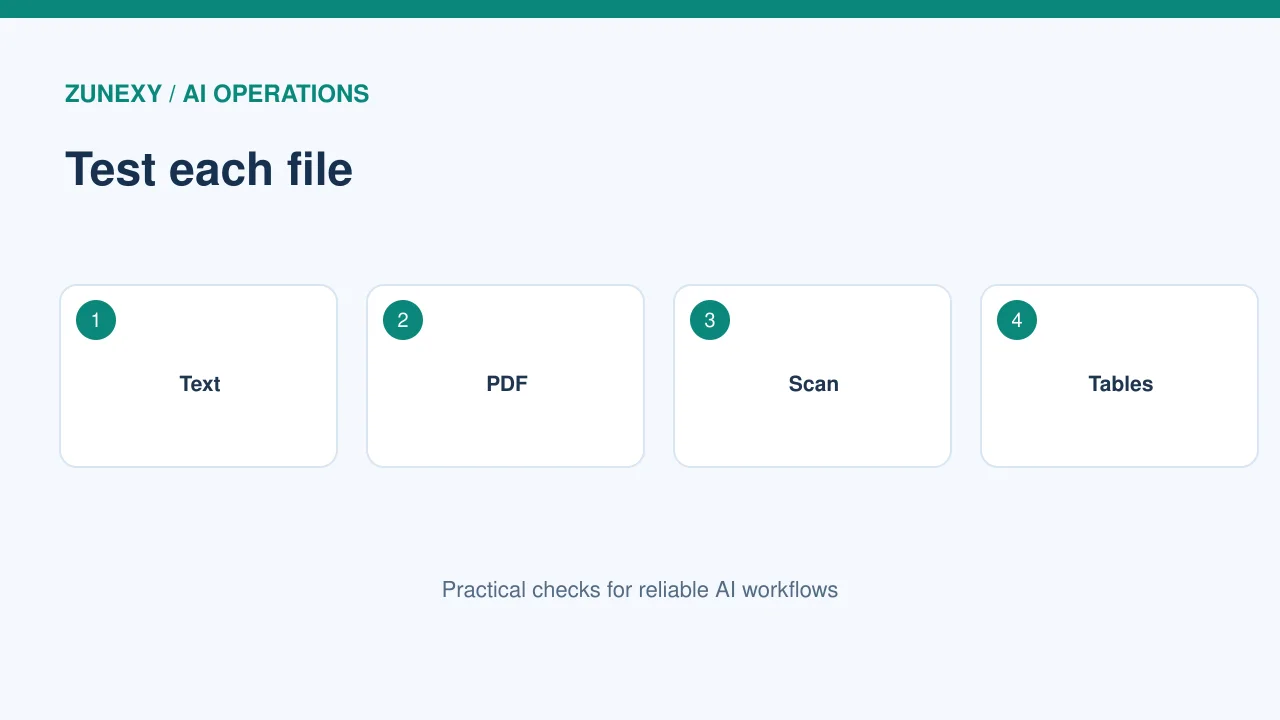
Build ten sample pages with names, phone formats, IDs and a few details in tables. Include a scanned page and an image if your files have them. A tool that works on plain text may fail on a scan.
Check the shape of the file
What can fail
Redaction in a PDF is not always the same as drawing a black box over words. The hidden text may still be selectable or present in a layer, note or file history. A screenshot also may contain readable details in its image.
Practical check
Open the exported file in another viewer. Try selecting text under the redacted area. Search for a removed name. Check metadata, comments and attachments. If the content remains, the export is not safe to share.
Review false positives
What can fail
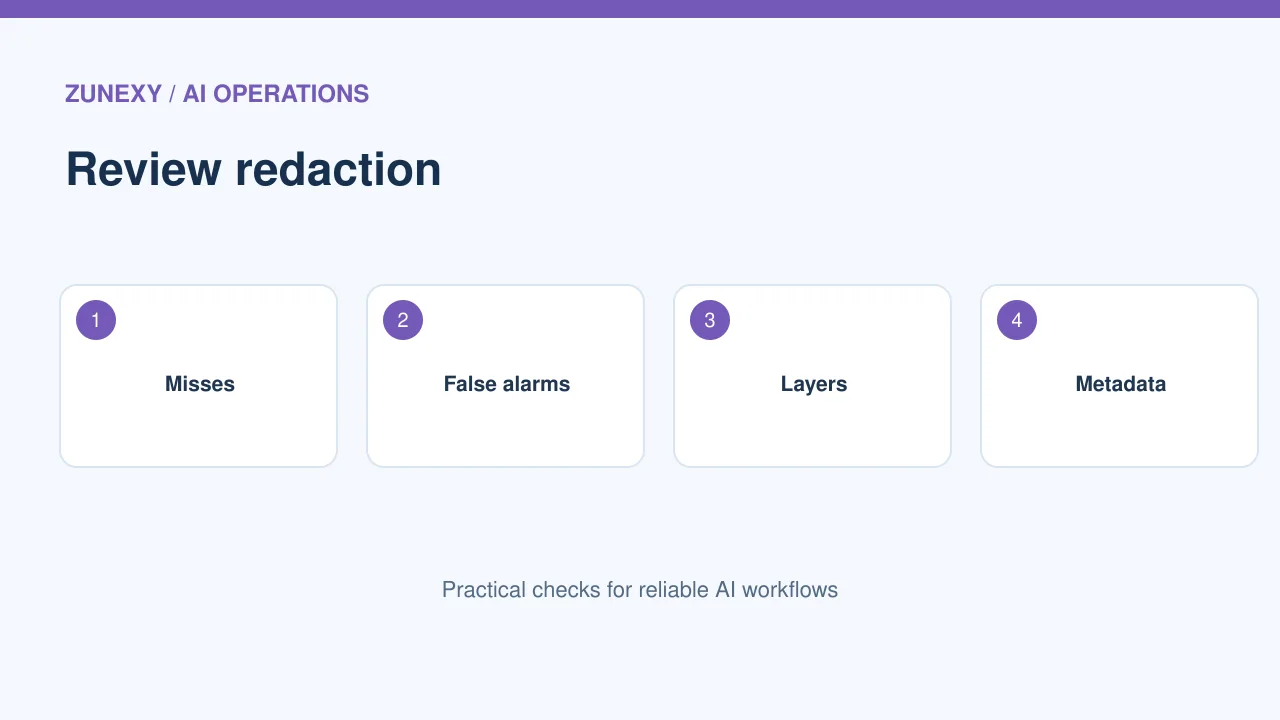
A model may remove a product name, office location or code that the report needs. Too much redaction can make the file useless. Review a few pages from every common document type.
Practical check
Compare the output with the approved source in a secure workspace. Ask whether the key meaning still works. If a rule deletes all dates, for example, a trend report may no longer show when the issue started.
Check the missed cases
What can fail
A detector may handle common identifiers but miss a rare address format or person named in a sentence. Look at the parts it did not mark. Use a second human pass for high-risk files.
Practical check
Give a reviewer a checklist based on the real source types. Ask them to search for likely names, codes and linked details. Keep a record of what was fixed. Do not treat a green tool status as proof of privacy.
Understand de-identification limits
What can fail
Replacing names with codes does not always make records anonymous. If another table maps the codes back to people, the data can still be linked. A rare mix of facts can also reveal identity.
Practical check
The [NIST de-identification guidance](https://www.nist.gov/publications/de-identifying-government-datasets-techniques-and-governance) discusses governance and testing for re-identification risk. Match the method to the task and seek qualified privacy advice for sensitive data. Do not promise zero risk.
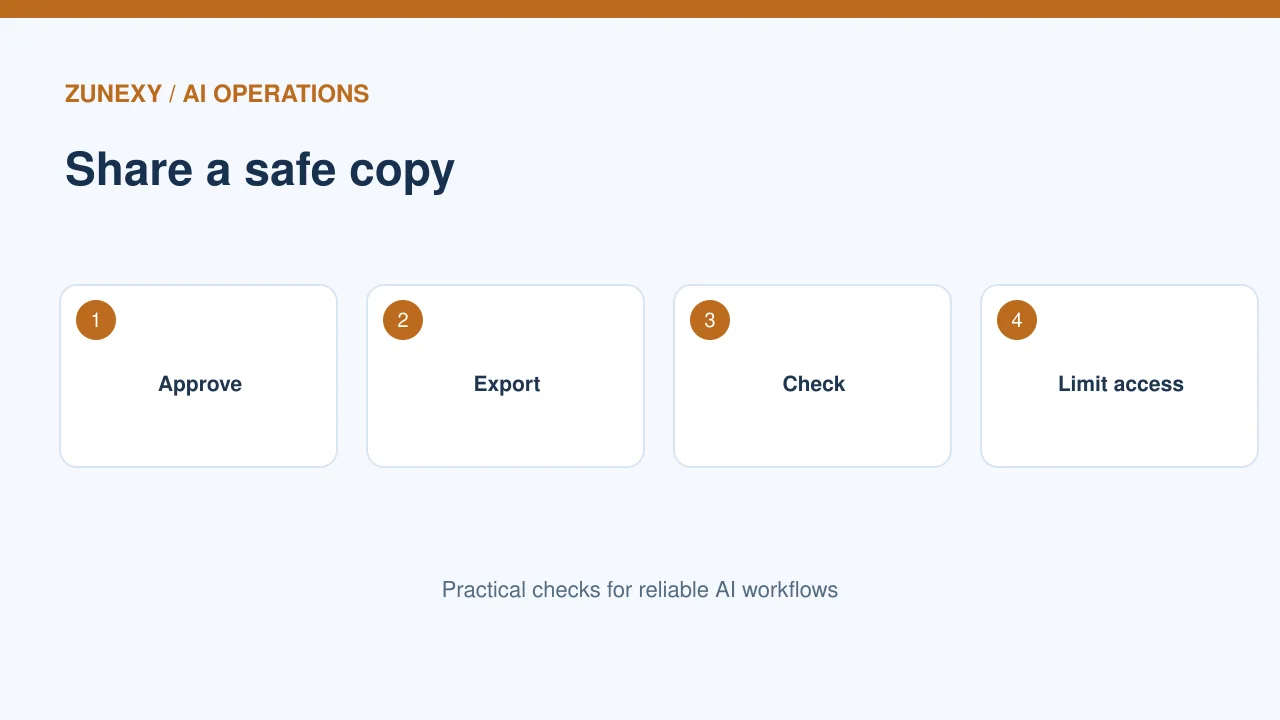
Keep a clean source and output
What can fail
An approved editor may need the full file. A vendor may need only a redacted copy. Store the source and safe output separately with clear access rights. Give each version a date and owner.
Practical check
Use a file name that says it is a redacted export. Link to the source record in a secure system. Avoid keeping temporary copies in chat attachments or public folders. Check retention and deletion after the work ends.
Test the full workflow
What can fail
A team may redact a file safely, then paste its unedited text into a chat. Review where the data moves after export. One safe tool does not protect the entire process.
Practical check
Run a rehearsal from file creation to final recipient. Check upload, review, export and sharing steps. Give staff a clear stop point when the content looks wrong. Keep an incident route if a private file reaches the wrong person.
Make the process repeatable
What can fail
A simple checklist and sample test set help new staff work safely. Update them when document formats change. Keep a named reviewer for any output with high privacy impact.
Practical check
Measure missed details, false alarms and time spent on review. If errors stay high, adjust the rules or choose a safer process. A good redaction workflow protects people while leaving the document useful for its real task.
Compare text, PDF and image files
Plain text is not the whole job
A tool may do well on a simple text note. It may struggle with a PDF that has two columns, a table, a small footer or a picture of an ID. Test each file type your team uses. If a scan needs text recognition, confirm that the words were read correctly before the redaction step. A missed line in a poor scan can leave a private number in view.
Keep people in the right part of the process
For a low-risk training handout, one reviewer may be enough. A legal, health or finance record may need a specialist and a second check. Set these rules before staff feel rushed. If the tool marks a phrase but the reviewer cannot tell whether it is private, stop and ask the data owner. Do not guess based on a model’s confidence score.
Also test copy and paste from the final file. A viewer can hide text on screen while another app still reads it. If that happens, rebuild the safe export in a tool meant for true redaction.
Before sending a redacted file
- Confirm the recipient needs this copy.
- Check text, tables, images and scans.
- Test that hidden text cannot be selected.
- Remove unsafe metadata and notes.
- Review missed and extra redactions.
- Share through an approved route.
Keep the result useful, but do not trade privacy for speed. A small test set and a second review are worth the time when real people could be exposed.