
Cloud Data Residency for AI Apps in 2026: Regions, Backups and Failover
A region setting does not tell the full story of where an AI app handles data. This guide helps global teams map storage, processing, logs, backups, and failover. It also shows how to test a design without making claims that a vendor cannot support.
Trace one file before choosing a region
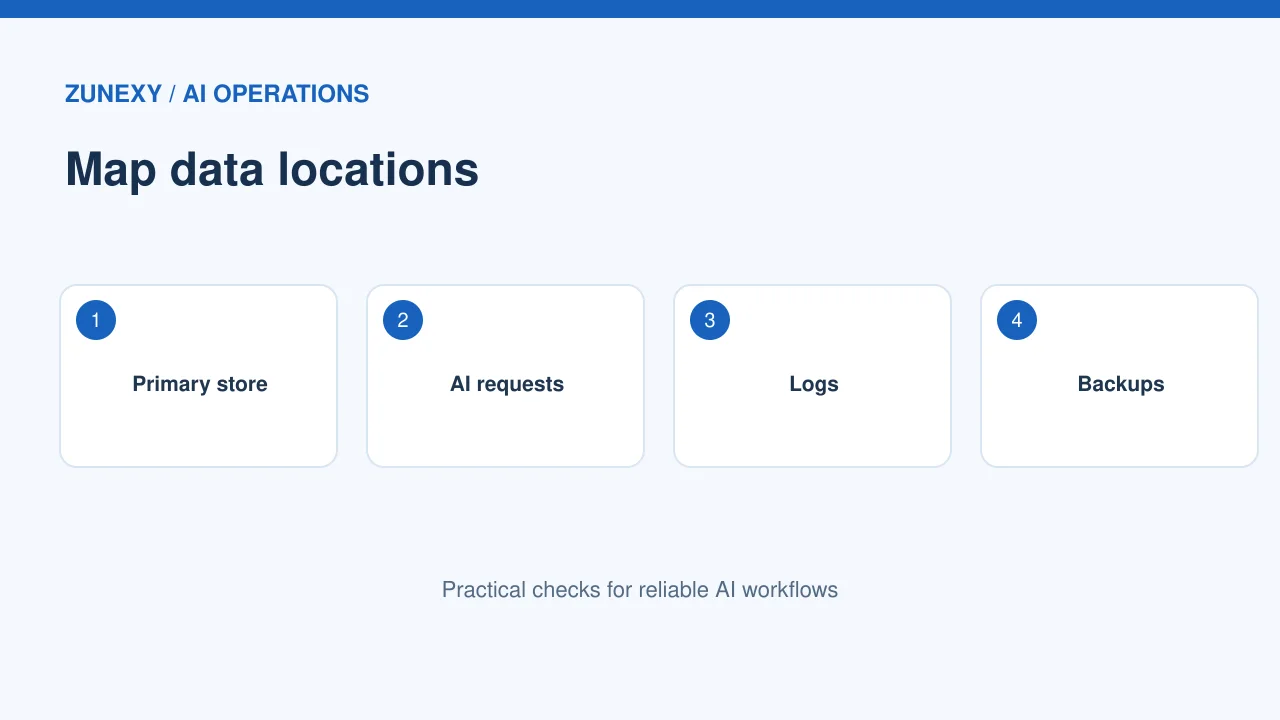
Suppose a team stores a client file in a chosen cloud region. Its AI tool reads the file, makes a summary and saves a log. The file may stay in one place while parts of the work run elsewhere. Draw each step on a page: upload, model call, log, backup and restore. Then check what the vendor says for each step. One region setting is not the whole map.
Start with the data, not the map
A cloud region is a useful choice. But it is not the same as a complete data residency plan. Data can appear in databases, backups, logs, support tickets, analytics tools, and AI prompts. First find out what information your service handles and why its location matters.
A practical scenario
A small software company may keep customer files in one region while its error reports go to a service elsewhere. The main database setting looks correct. But the full flow is more complex. Draw a simple map of each data type and the service that handles it. That will reveal the decisions you actually need to make.
Define what residency means for your team
Data residency often refers to where information is stored. Data processing can happen in another location, and support access can be governed by different terms. Some rules focus on storage, some on transfers, and others on access or sector needs. Do not use one word to cover all of these.
A design check
Write a short requirement for each important dataset. It may say that customer files must rest in a named country, that prompts cannot leave a set geography, or that only approved staff may access records. Have the legal or compliance owner confirm the wording. This article is a technical planning guide, not a legal judgment.
Check region options by service
Cloud vendors offer many regions. But not every service or feature is in every place. The AWS Regions guide says a region choice should consider service availability and latency. Check the exact products you use before you design the full system.
A practical scenario
For a team building a search app, the compute region, object storage, managed database, and AI model service may not have identical choices. Record the region and allowed feature for each part. If one part is missing, compare a local alternative, a change in design, or a different provider. Do not promise residency based on one dashboard selector.
Read the service-specific terms

Terms can differ by product and data type. Google Cloud Assured Workloads explains the distinction between customer data, service data, and the resources covered by location controls. Its guidance also notes that some services are outside a given resource-location constraint.
A design check
Ask four questions: Where is customer data stored at rest? Where is it processed? Where can operational metadata go? What remote access or support paths exist? The written answer matters more than a general claim that a cloud is regional.
Pay attention to AI inference routes
AI services may send a request to another region within a chosen geography when using capacity or routing features. For example, Amazon Bedrock documents geographic cross-region inference. Its guidance says prompts and outputs may travel to a destination region within the chosen geography.
A practical scenario
A business might accept processing within a broad region group but not across a national border. Those are different requirements. Check the endpoint, inference profile, logging settings, and model availability. If a feature moves a request in ways your policy does not allow, select a more limited option or another service.
Design backups before you need them
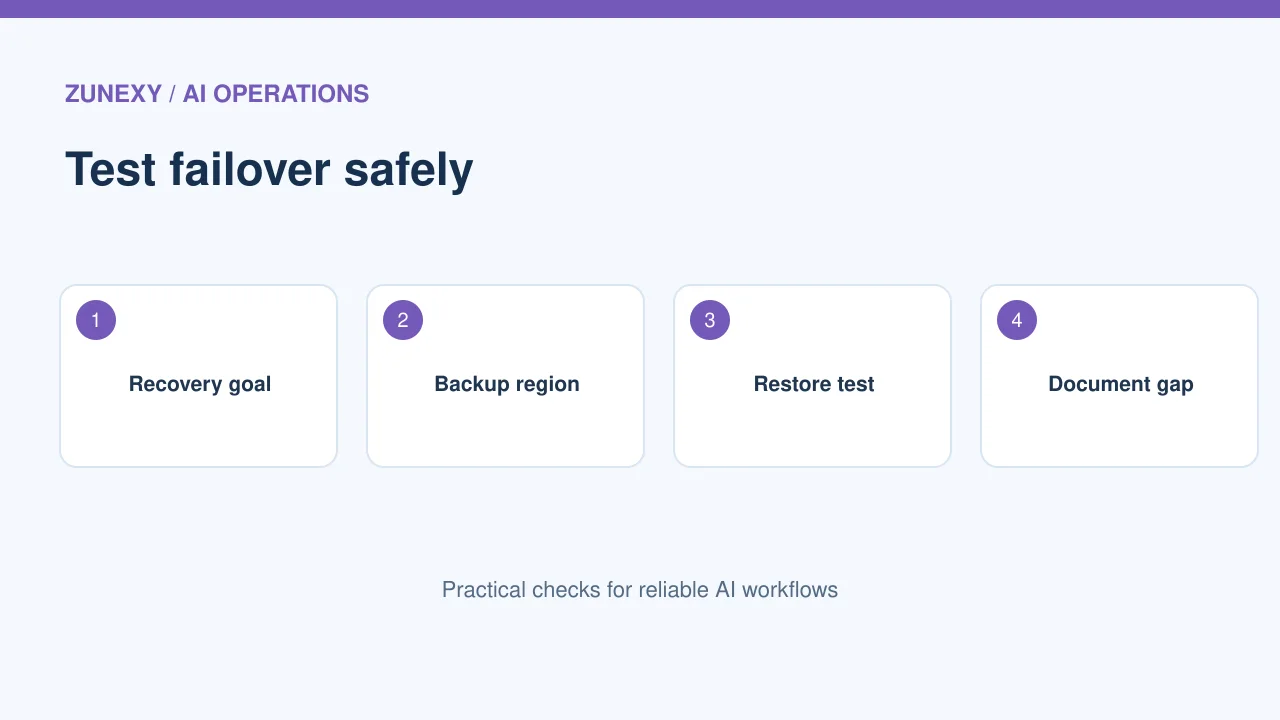
Backups protect against deletion and faults. But their location must fit the policy. A cross-region backup may improve recovery while crossing a boundary you promised to respect. A same-region copy may stay local but share the same regional outage risk. There is no single right answer.
A design check
Choose a recovery target and list the threats you need to handle. Test a restore, not just a backup job. If a second region is permitted, document which data can go there. If it is not, plan for local redundancy, offline copies, and a realistic recovery time.
Keep logs and telemetry in scope
System logs can contain names, IP addresses, document identifiers, prompts, and snippets of user data. A team may focus on its main database and forget the monitoring pipeline. Review application logs, traces, analytics, crash reports, and support records.
A practical scenario
For an AI app, avoid sending full prompts to every observability service. Redact or sample where practical. Check the data location of each logging provider, its retention period, and who can query the records. Less copied data can mean lower cost and fewer privacy problems.
Test regional endpoints
Some cloud services offer endpoints with a narrower processing boundary. Google Cloud regional endpoint documentation explains why a team might use them for in-transit locality. It also warns that support is limited to certain services.
A design check
Test the actual endpoint in a safe environment. Check DNS, certificates, authentication, failover, and error handling. A region setting in a resource configuration does not prove every request takes the intended route. Keep the test result with your architecture notes.
Use a clear decision table
For each workload, write down its business purpose, required geography, chosen services, backup plan, performance need, and owner. Mark any gap. Avoid hiding uncertainty in a green status label. The owner should be able to show where a key piece of data goes and why.
A practical scenario
When a new feature launches, review only the changed path first. A chatbot may add an external translation API or a document extractor. That small change can create a new data flow. A short review before deployment saves a bigger review after a complaint.
Balance latency with compliance
A region close to users may reduce network delay. But it may not offer all the required services. A distant region may be acceptable for a batch report but frustrating for a live assistant. Measure realistic request times from the places your users work.
A design check
Use a small test with normal and peak traffic. Measure network time, service response time, and retries. If the fastest option conflicts with a firm data rule, the rule must guide the design. Improve caching or data transfer instead of quietly changing geography.
Review the plan every quarter
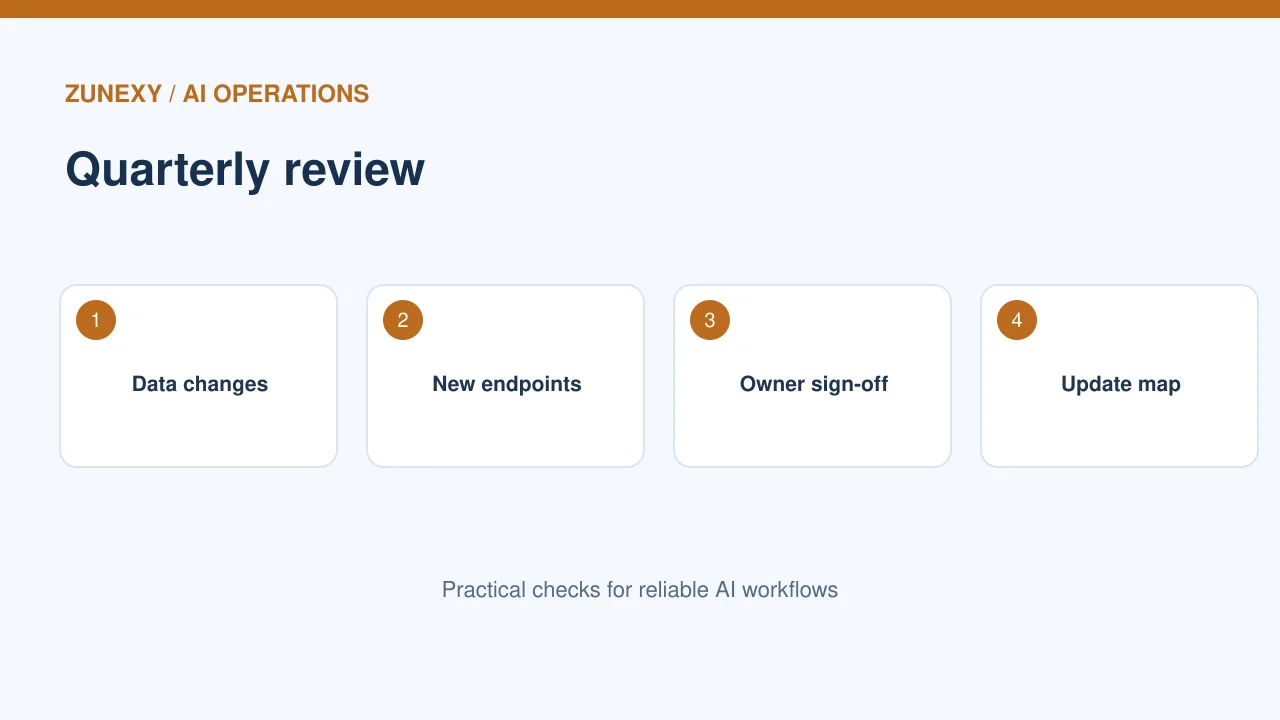
Cloud services, model routes, and vendor terms can change. Put a review date next to each system. Ask whether the data categories, processing paths, contracts, and region controls are still correct. Keep a record of any approved exception and when it expires.
A practical scenario
A practical first week is simple: map the three most sensitive data flows, read the product-specific location terms, and check the restore path. Then test one endpoint. This is more useful than claiming a system is fully compliant just because it runs in a named cloud region.
Cloud location checklist
- List each data type and its required geography.
- Check region support for every service.
- Review AI inference, logs and metadata.
- Confirm backup and restore locations.
- Test endpoints and document exceptions.
Final thought
Start with the data path and the people responsible for it. A good design is one that can be explained, tested, and changed as services evolve.