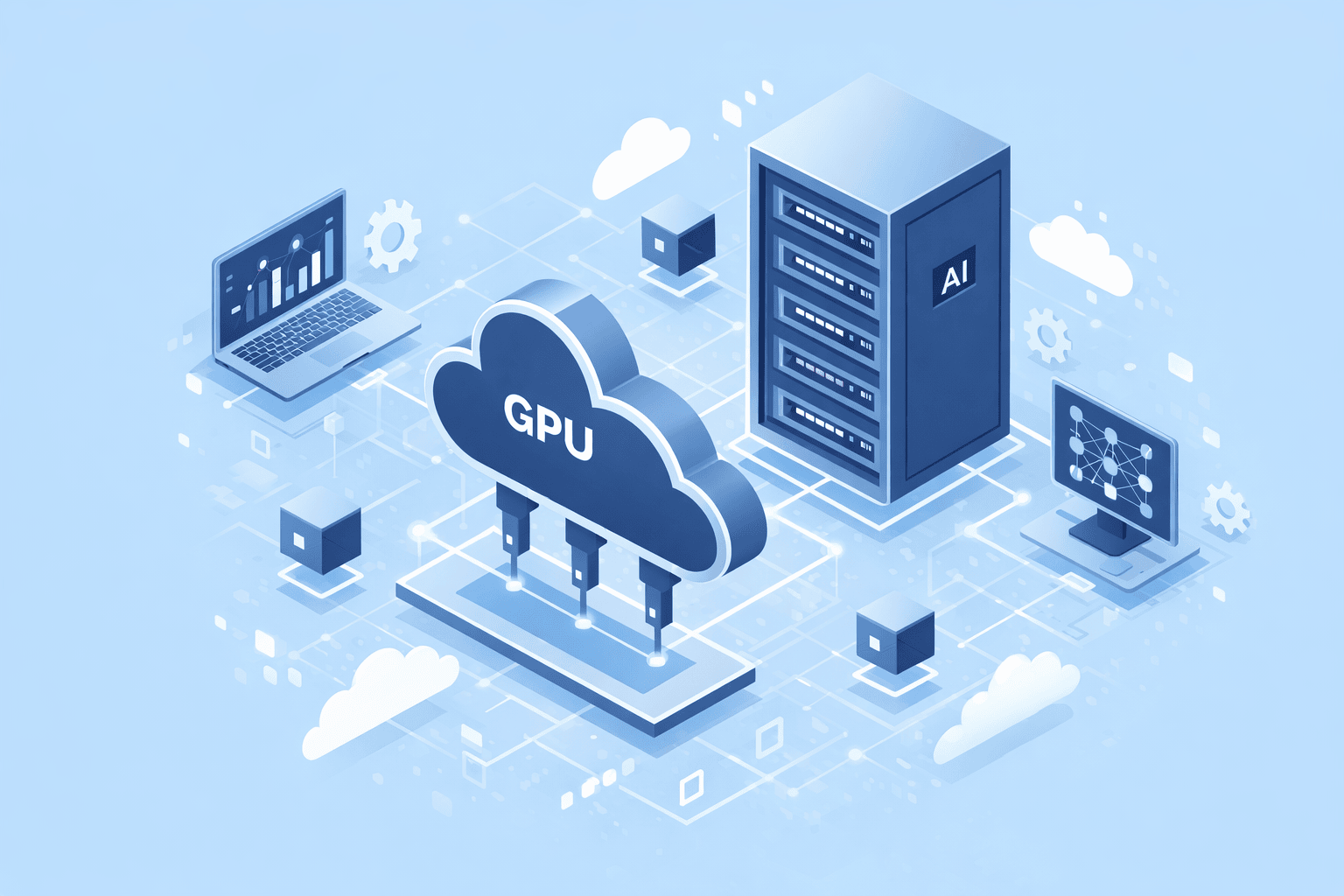
Serverless AI Applications in 2026: When They Work and When They Do Not
A small AI app may receive ten requests in an hour and then a hundred in one minute. Keeping a large server on all day can waste money. A serverless platform can start work when requests arrive and scale capacity with demand. That sounds ideal, yet AI workloads can be slow to start, expensive to run, and hard to fit into short execution limits. The useful choice depends on the model, traffic, data, and time users can wait.
This guide helps small teams decide when a serverless AI application makes sense. It covers short tasks, background jobs, model hosting, and the common mistakes that cause slow replies or surprise bills. It is a practical planning guide, not a claim that one cloud service fits every system.
Begin With the Shape of the Work
Write down what each request does. An app that sends a short prompt to an external model API may need only a thin service to check the user, fetch a document, and return an answer. An app that hosts a large model itself may need a GPU, time to load weights, and enough memory for several requests. These are very different workloads.
Measure three things: how often requests arrive, how long each takes, and how fast the first response must be. Do not use the average alone. A busy hour may drive the user experience and the bill. Record the longest normal request and the most common input size. Keep test data free of personal details.
Separate interactive and background work
A chat response needs a quick start and useful feedback. A batch of document summaries may run later. The first task may fit a short-lived service with streaming. The second may be better as a queue-driven job. Putting a large batch inside a web request can lead to timeouts and repeated work when the client retries.
What Serverless Really Manages
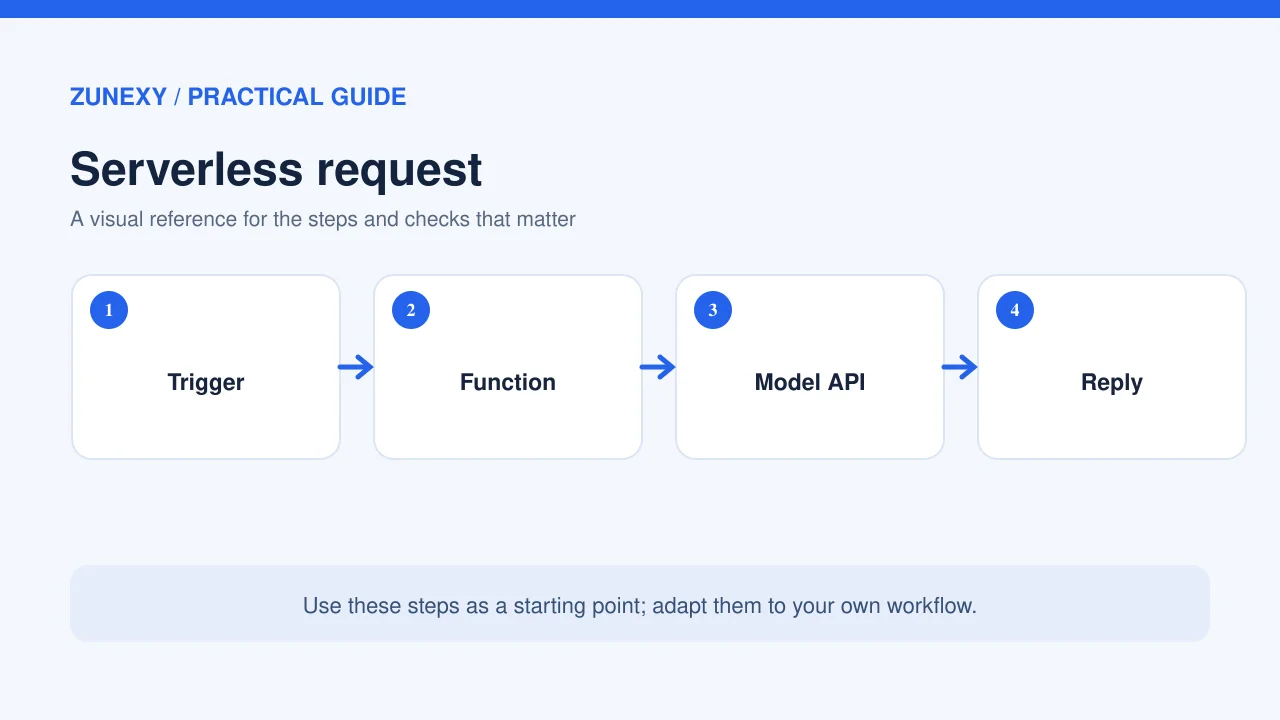
A managed platform can handle much of the infrastructure, scaling and instance lifecycle. It does not decide the right limits for the app. Your team still owns data access, code, model choice, budgets, retries, and user-facing errors. An app that scales to many instances can also create many model API calls in a short time.
Google Cloud Run supports container services and jobs, including AI workloads. AWS Lambda guidance discusses timeouts, execution reuse, and load tests. The details vary between products and plans. Compare current limits with your real workload before you make an architecture decision.
Understand Cold Starts
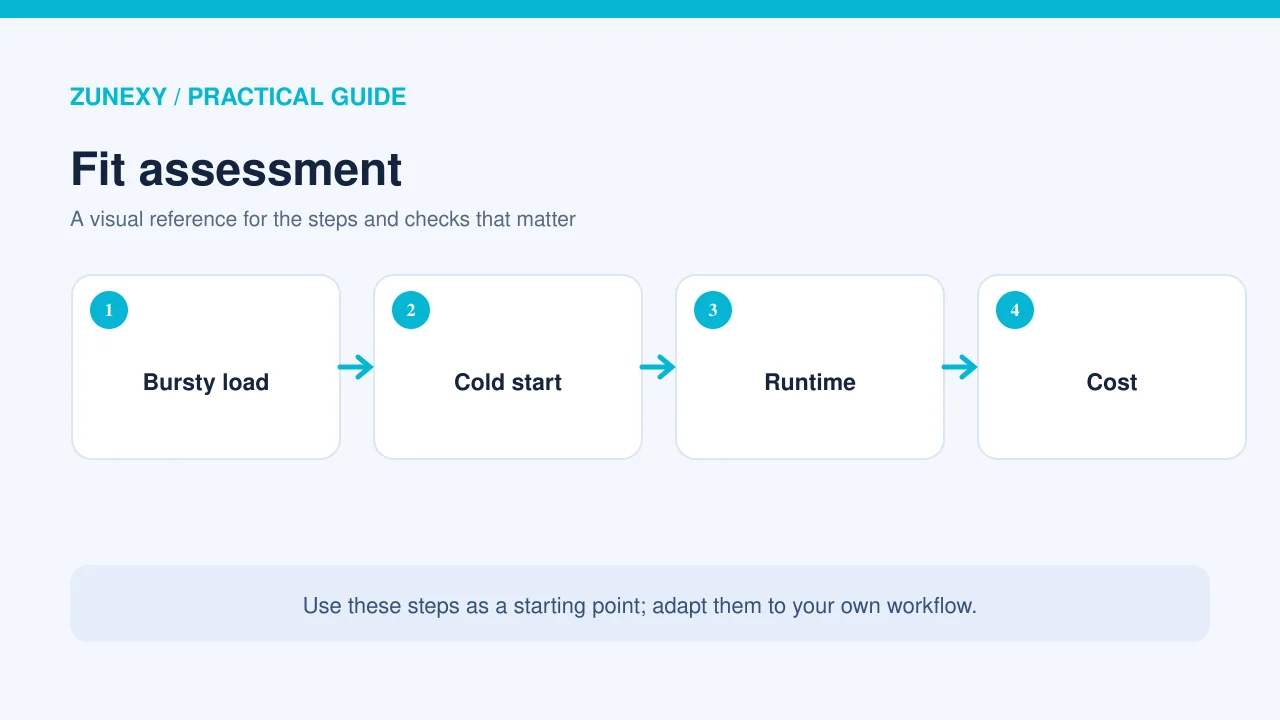
A platform may start a fresh instance when demand arrives. That start can take time. Loading a large AI model can add much more delay. The user may see a long pause before the first word appears. Test the first request after idle time, not only a series of warm requests. A fast median latency can hide a poor first-use experience.
There are ways to reduce delays. Keep the application image small, reuse safe connections, load only what the service needs, and use warm capacity if the business case supports it. Each option has a cost. Always test the change rather than assuming it will help every workload.
Model size changes the decision
A large self-hosted model can need substantial GPU memory and time to load. A small model may start more easily but may not solve the user’s task well enough. If a service calls a managed model endpoint, it moves some model-hosting work to that provider but still faces network delay and API limits. Test quality and latency together.
Choose a Hosting Pattern
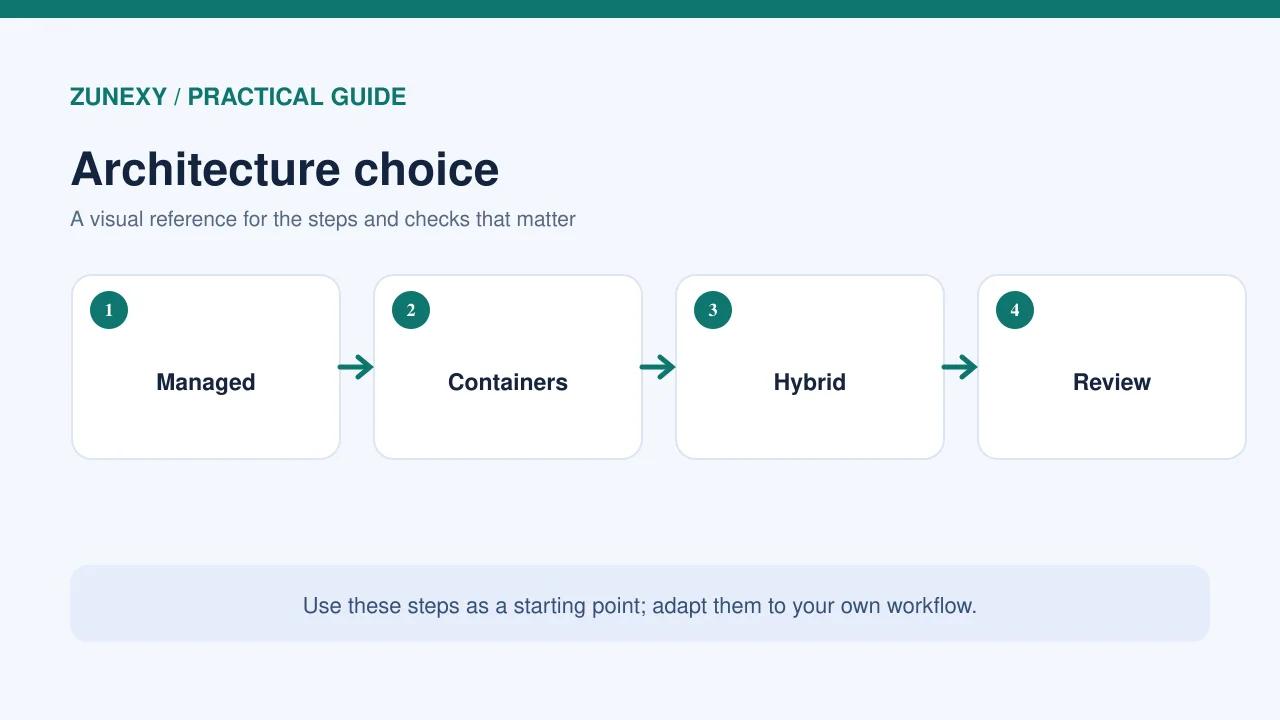
For a lightweight text assistant, a serverless API can handle login, request checks, retrieval, and calls to an external model. For occasional image processing, an event-driven job may work well. For a steady high-volume inference service, a reserved or continuously running environment may provide better control of latency and cost. Compare the same real request mix across patterns.
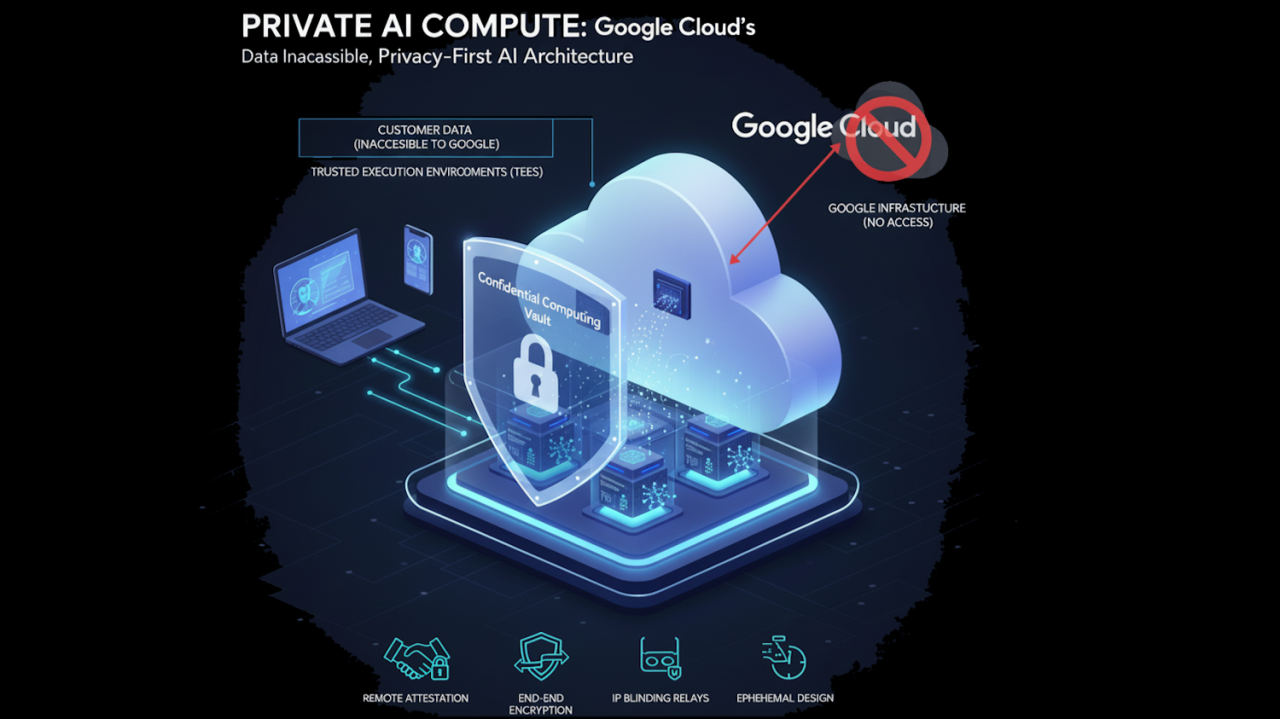
Cloud Run GPU inference guidance documents options for running models in container services. GPU availability, billing, and supported hardware can change. Check the current region, quotas, and instance startup path. A product page showing a GPU feature does not mean it will be cheap or available for your project.
Keep Requests From Becoming an Uncontrolled Queue
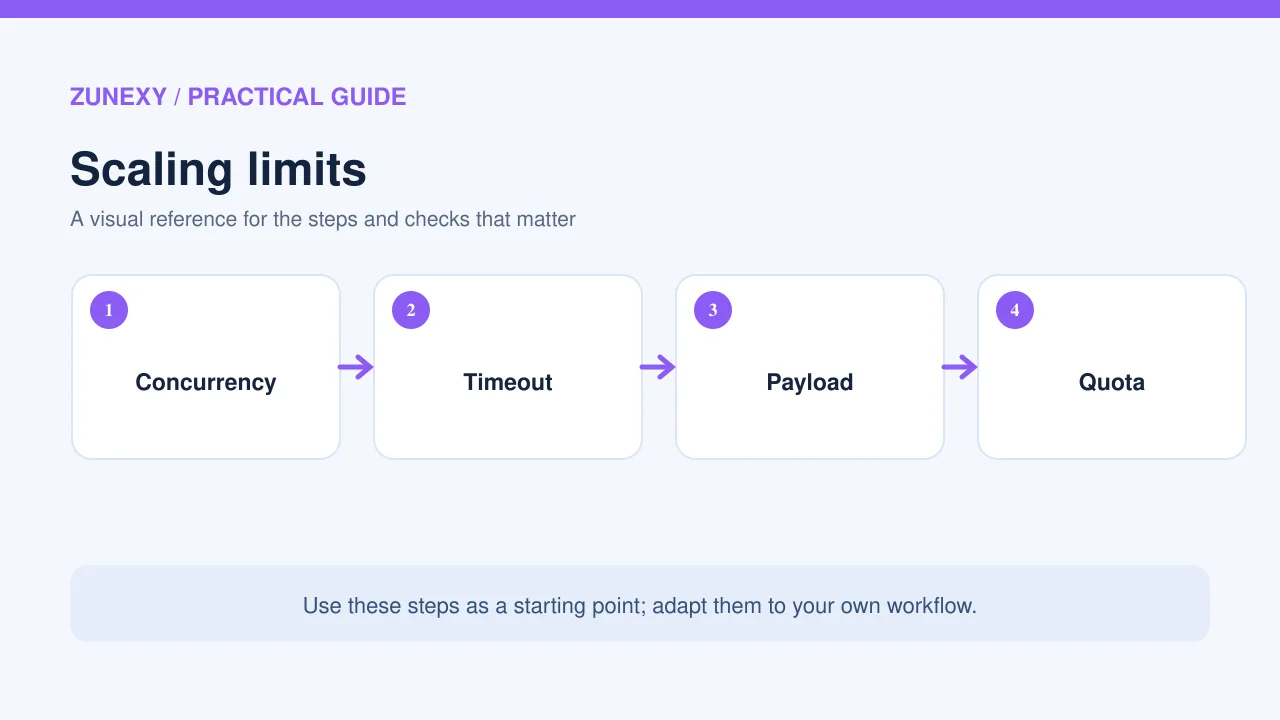
Set limits on concurrent work and time spent per request. When more work arrives than the system can handle, use a queue and give users a clear status. A queue should have a way to retry temporary failures, stop hopeless tasks, and avoid processing the same job twice. Store an idempotency key for important writes so a retry cannot create duplicate records.
Imagine a service that generates a report from twenty files. If the browser disconnects after ten files, a blind retry may process the first ten again. A job record can track which files are done and which remain. The user sees progress while the worker finishes safely. This is usually a better design than asking one web request to wait for the whole report.
Set failure rules before launch
Decide when to retry, how often, and when to ask a person for help. A temporary model timeout may deserve a bounded retry. A permission failure does not. Never remove access checks to make a failed job pass. Give the user a plain message that says what happened and whether any part of the work was saved.
Protect Data in Temporary Environments
Serverless does not mean stateless by default. A running instance may hold files or data in memory between calls, and a platform may reuse an execution environment. Do not rely on local disk for important permanent records. Put source and result files in approved storage, protect them with scoped access, and remove temporary copies when no longer needed.
Keep API keys outside the application code and user prompts. Use a secret manager and short-lived service identity when possible. Restrict which data a function can read. A text summarizer should not have permission to change billing records. Treat model input and retrieved documents as untrusted text even if they come through a cloud function.
Work Out the Full Cost
Look beyond the price per request. Include instance time, CPU or GPU use, memory, data transfer, storage, model tokens, logs, and queue operations. Compare at low, normal, and peak volume. A serverless design may save idle cost but become costly when every request loads the same large model or triggers too much work.
Use a cost-per-successful-task measure. If a cheap setup times out on many requests, the price per attempted call is misleading. Add retries and human correction time. A slightly higher compute cost can be fair if it completes work reliably and avoids repeated processing.
Build alerts before bills grow
Set a budget threshold and usage alerts. Rate-limit abusive requests. Cap per-user work where the service needs it. Watch both cloud execution counts and model API usage. A sudden increase may be genuine demand, a retry loop, or misuse. The team should know how to pause expensive optional work without taking down the whole site.
Test a Small Pilot
Run tests at three levels: an idle first request, a normal busy period, and a short peak. Measure time to first result, total task time, error rate, retries, and cost. Include large but valid inputs. Ask real users whether waiting is acceptable. A job that takes thirty seconds may be fine for a report with progress feedback and awful for a simple chat reply.
Test a provider outage and a network timeout too. Show what happens when the model returns an error after the application has already saved partial output. Make sure logs let a responder identify the job without exposing the user’s full prompt or private document.
A Serverless AI Decision Checklist
- Measure request rate, duration and peak demand
- Separate web requests from long background jobs
- Test cold starts after idle time
- Check model memory and regional GPU limits
- Use queues and idempotency for retries
- Protect secrets and source data
- Budget for model tokens and compute
- Load-test the real user journey
- Keep a clear fallback for timeouts
If your app spends most of its life idle and uses a managed model endpoint, serverless may be a strong fit. If it needs a large model hot all day or very low latency at steady scale, compare with a persistent service. The right answer comes from measured traffic and task quality, not from a single cloud trend.
Common Mistakes
Do not treat scale-to-zero as a guarantee of low cost. Do not put long jobs in a short web request. Do not assume every cold start is brief. Do not give each function a broad admin key. And do not launch without a limit on retries and spend. These mistakes can turn a simple app into an unreliable or costly one.
Final Takeaway
Serverless AI works best when the workload is clear, bounded, and tested. Start with the user’s wait time, then decide whether the model runs inside the service or behind an API. Keep long work in jobs, manage retries, and measure true cost per successful result. That is the practical path to a system that can grow without losing control.
Sources
Google Cloud AI inference documentation and AWS Lambda best practices.