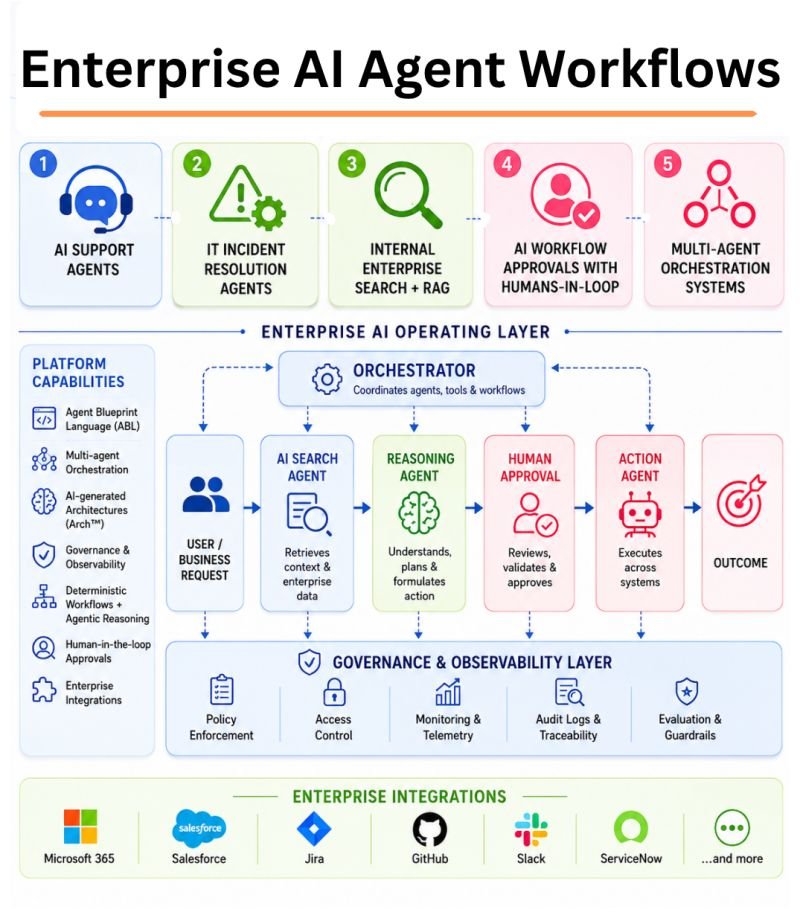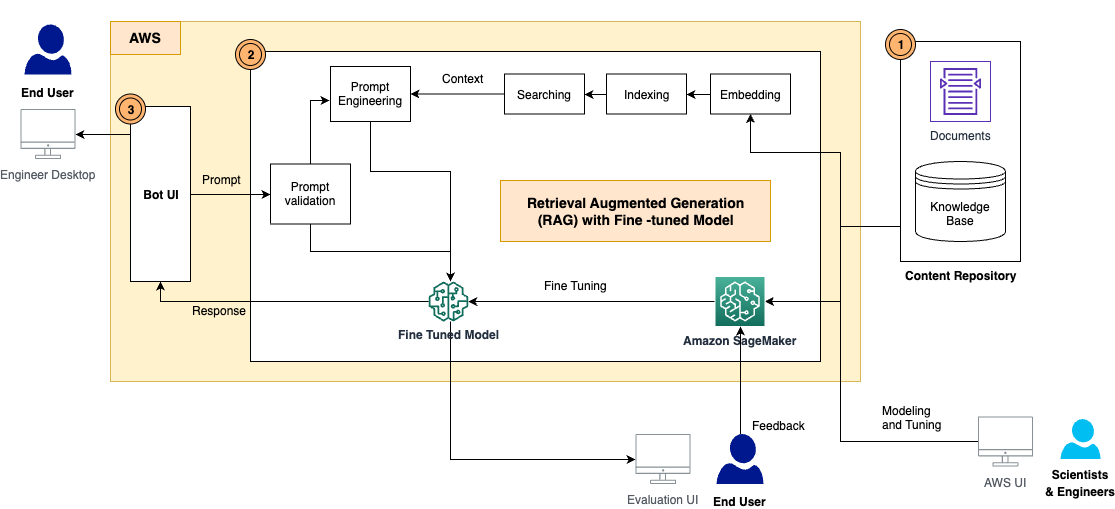
Human Approval in AI Automation: How to Design a Safe Review Step
An AI assistant may be good at drafting a message, finding a record, or suggesting a change. The risk rises when it sends the message or changes the record on its own. A human approval step can keep the useful speed of AI while giving a person control over actions that matter. But a vague button that says approve is not much protection. People need to see the exact action, know the risk, and have time to check it.
This guide focuses on one part of business automation: where to pause an AI workflow, what to show the reviewer, and how to make the final action safe. It is meant for teams that use AI with email, support, finance, HR, or internal tools. It does not assume a large compliance department.
Start With the Actions, Not the Model
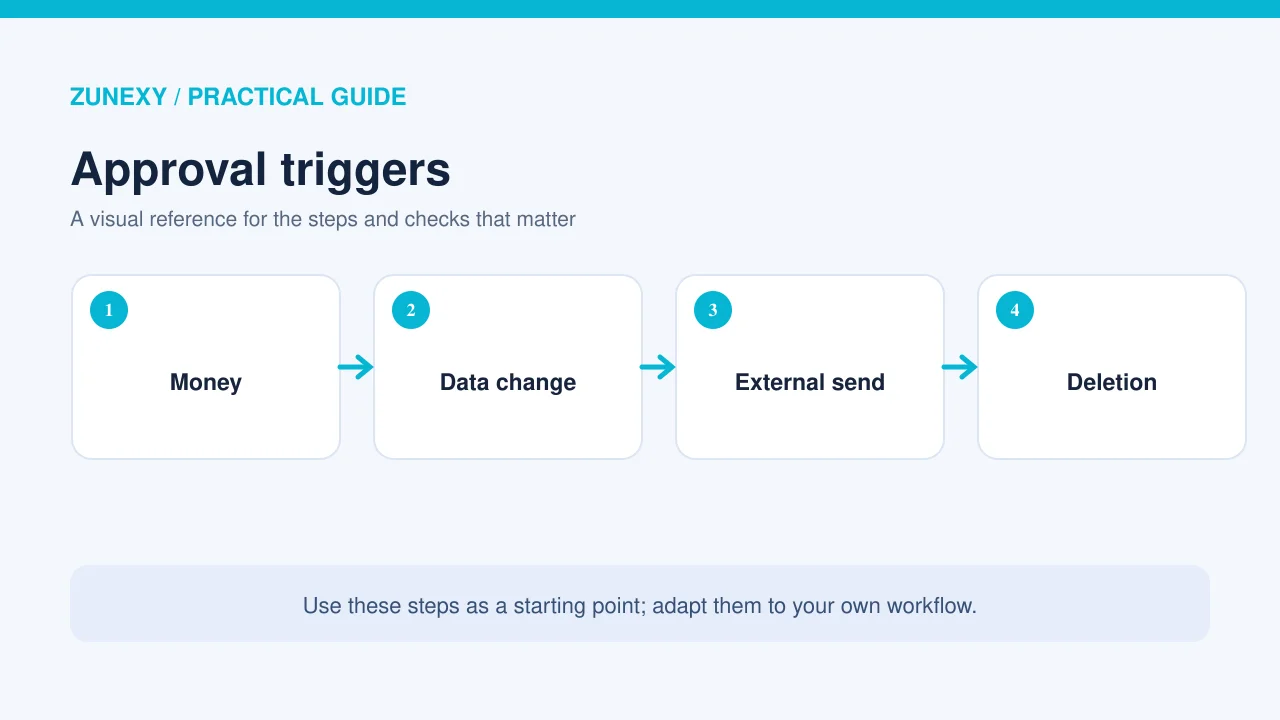
List each action the AI can request. Reading a public page is usually lower risk than emailing a customer. Drafting a refund is different from paying it. A ticket label may be easy to reverse, while deleting an account can be hard to undo. Give each tool action a risk level based on who or what it affects.
An approval rule should depend on the action, not just a confidence score from the AI. A model may be very confident about the wrong recipient. For a small team, it is often safest to begin with approval for every external message and every write to a financial or personal record. Later, after tests, the team can decide whether some low-risk actions may run without review.
Use a clear risk ladder
Low-risk examples may include drafting a private note or reading a public document. Medium-risk work might be proposing a status update in an internal task. High-risk actions include sending data outside the company, changing access rights, paying money, or deleting records. Treat these examples as a starting point. Your business may have reasons to rank a task differently.
Put the Pause at the Last Safe Moment
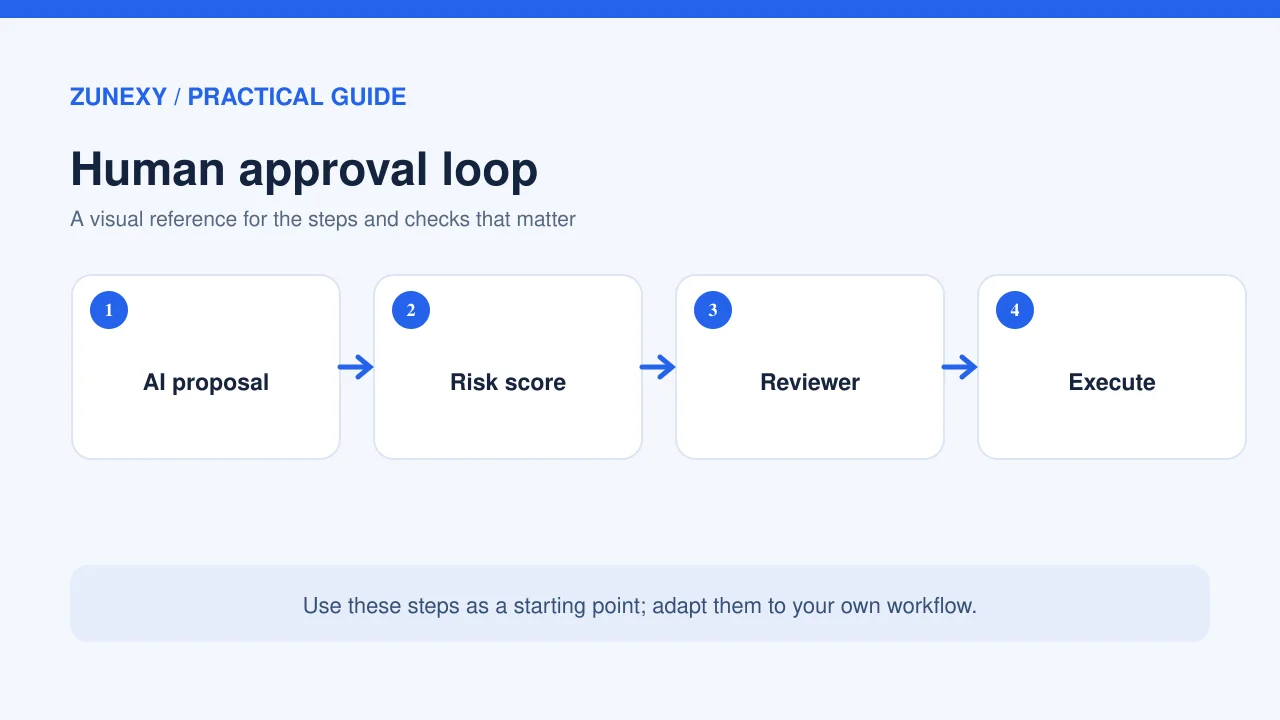
A human should review the completed proposed action before the tool executes it. If approval comes before the AI knows the recipient or content, it cannot give informed consent. Pause after the tool arguments are ready but before the message, payment, or file change happens. Then require the tool to execute exactly the approved action.
OpenAI’s guardrails and human review documentation describes pausing a run for approval on sensitive actions. The Google Cloud agent design guide also describes human-in-the-loop patterns for final approval and judgment. The shared lesson is that review belongs inside the workflow, not in a separate chat after the action has already taken place.
Show the Reviewer What Will Happen
For an email, show the recipient address, subject, full body, and attachments. For a CRM change, show the customer and fields before and after. For a refund, show the order, amount, currency, and reason. Use simple labels. Highlight unfamiliar recipients and large changes. The reviewer should not need to inspect model logs to understand the proposal.
Give the person three useful choices: approve, reject, and edit or return for changes. If they edit the action, the system should treat the edited version as the approved one. Avoid an interface that hides important fields below a collapsed menu. A person cannot catch an error they cannot see.
Keep source facts close to the decision
If a proposed refund is based on a policy, show the relevant policy excerpt and order status. If an AI drafts a contract note, show the clause and source document. Do not flood the reviewer with long model reasoning. Provide the facts needed to verify the action and a link to the trusted record with the right access controls.
Prevent a Changed Action After Approval
A system may prepare an action, wait for approval, then run later. During the wait, the target record can change. That creates a risk: the person approved one state, but the system acts on another. Save a stable action payload and a record version when possible. Before execution, recheck permission and whether the target still matches the approved state.
For example, a manager approves a refund of 25 units in the account’s currency. Before the tool runs, another worker processes the same refund. The system must check for that result and avoid sending a second payment. Use an idempotency key and the order system’s state, not the AI’s memory, to prevent duplicates.
Set an expiry time
Approval should not stay valid forever. A stock adjustment approved today may be wrong next week. Set an expiry based on the action and make old requests return for review. If the action fails, do not automatically retry without checking whether it already completed. Timeouts are especially tricky because a write may succeed even when the app never receives the response.
Choose the Right Reviewer
The person who can approve a task should have the same business authority they would need without AI. A support worker may approve a routine reply but not a large refund. A team lead may approve a customer credit within a limit. The workflow should check the reviewer’s role through the real identity system, not assume that whoever clicks a shared link is authorized.
Give each request a clear owner and a backup reviewer. If no one responds, the action should remain paused or expire; it should not silently pass because the deadline ended. For urgent tasks, provide an escalation route. Keep access rules visible so people know why a request came to them.
Make Rejection Useful
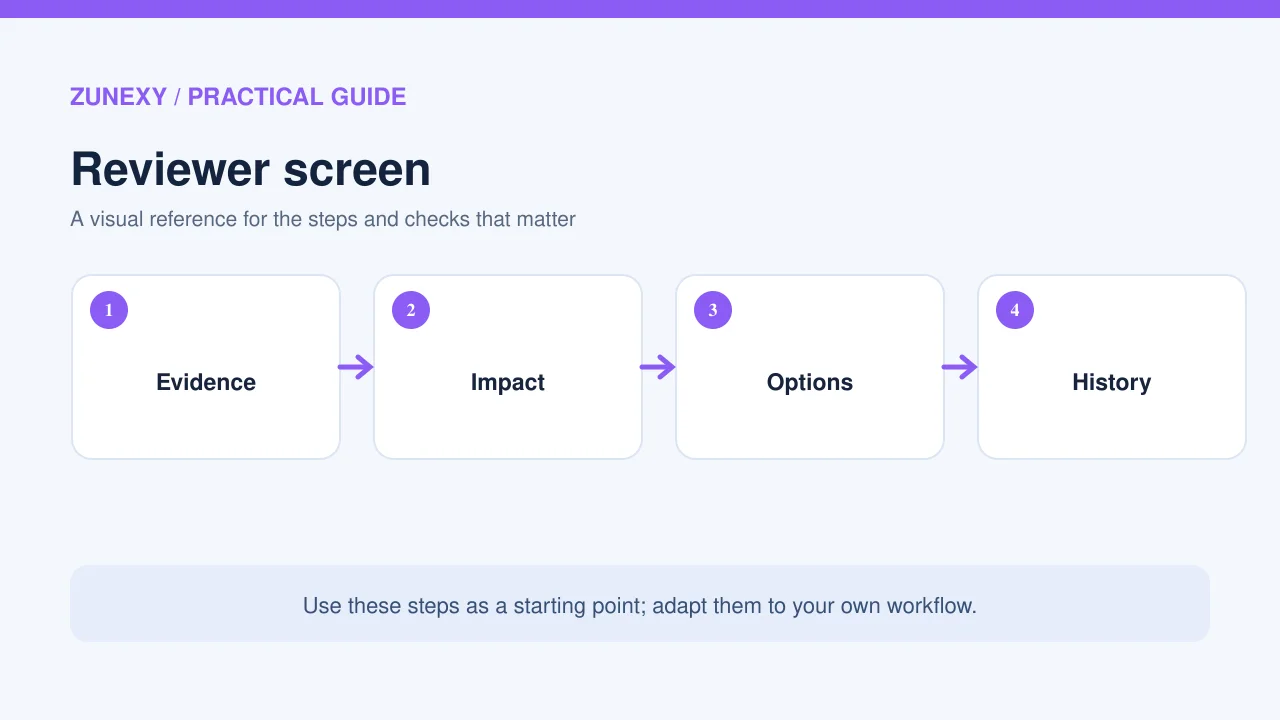
When a reviewer rejects a proposal, let them choose a short reason such as wrong facts, wrong recipient, missing evidence, outside policy, or no longer needed. Those reasons can help improve prompts and tools. Do not use rejection as a punishment for a user or a model. A correct refusal is part of a safe workflow.
If the reviewer sends the request back for edits, keep the earlier version and the new version separate. The AI should not quietly resubmit the same action with slightly different words until it gets approved. Set a limit on retries and route repeated failures to a person.
Build an Audit Trail Without Overcollecting
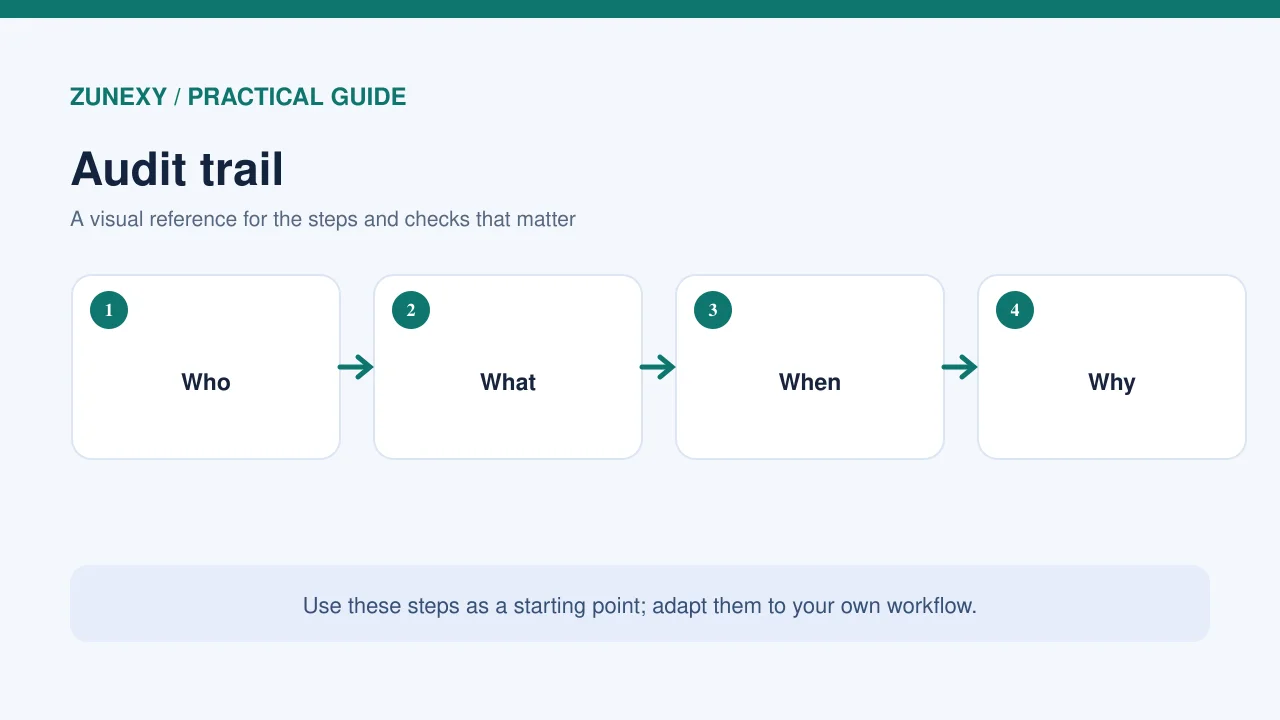
Record who requested the action, the target, the approved payload, the reviewer, the time, and the outcome. Protect that record and keep it only as long as policy requires. Avoid copying private documents into multiple logs. It should be possible to answer what changed and who approved it without opening every chat transcript.
The NIST AI Risk Management Framework calls for defined and documented human oversight. A small team can apply this by naming decision owners, keeping approval rules, and checking that those rules work. An audit log is useful evidence, but it does not fix a weak approval screen.
Test the Approval Flow With Realistic Cases
Use a staging system and dummy records. First test a correct action and ensure the tool waits. Then test a wrong recipient, a changed amount, an expired approval, and a person who lacks permission. Check the actual downstream result. An interface that says rejected while a background worker still sends the action has failed.
Try closing the browser during review. Try approving the same request twice. Try a temporary tool outage after approval. The system should show the true state and avoid duplicates. Give reviewers a way to report an unexpected action, and make sure the support team can pause the connector while it investigates.
Avoid Approval Fatigue
If staff must approve hundreds of harmless actions each day, they may click without reading. Start by reducing the number of actions the AI can take. Group only truly related low-risk items for review. Keep high-impact actions separate and explicit. Use clear summaries and highlight what changed rather than making people compare two long documents by eye.
Measure the share of approvals that are rejected or edited, time to review, and mistakes caught before execution. If every request passes in one second, find out whether the screen is useful. The goal is not zero human involvement. It is to spend human attention where it prevents harm.
A Safe Approval Checklist
- Classify actions by business impact
- Pause before a sensitive tool executes
- Show the exact target, payload and key source facts
- Verify reviewer authority
- Bind approval to the action and record version
- Expire old requests and prevent duplicate writes
- Record approvals and rejections securely
- Test wrong-recipient and timeout cases
- Review approval fatigue and error trends
This is a practical baseline, not a guarantee that every risk is removed. High-risk systems may need two-person approval, legal review, or specialized controls. The workflow should match the consequence of the action. A note to an internal team and a payment to a customer should not use identical rules.
Final Takeaway
Human approval works when it is specific, timely, and enforced by code. Show the person what the AI plans to do, check their authority, and make sure the tool runs only the approved action. Keep records and test awkward cases such as duplicate clicks and changed data. A clear pause can turn a risky automation into a manageable business process.
References
OpenAI guardrails and approval guide, Google Cloud agent patterns, and NIST AI RMF Core.